





FloatViewer
1 like
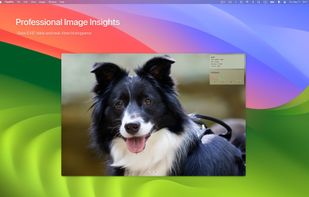
A high-performance, borderless floating image viewer with built-in OCR and color analysis tools for macOS.

Cost / License
- Pay once or Subscription
- Proprietary
Application typeApplication types
Platforms
- Mac


Features
FloatViewer News & Activities
Highlights All activities
Recent activities
- tapfunapp updated FloatViewer
- tapfunapp updated FloatViewer
- POX updated FloatViewer
- POX updated FloatViewer
- tapfunapp liked FloatViewer
- tapfunapp added FloatViewer
 tapfunapp added FloatViewer as alternative to Preview, qView, XnView MP and ImageGlass

FloatViewer information
Developed by
 Tapfun Information Technology Co., Ltd.
 Licensing
Proprietary and Commercial product.Pricing
One time purchase that costs up to $30, and / or subscription ranging between $2 and $15 per month.Alternatives
7 alternatives listedBadge
Get an embeddable badge for FloatViewerSupported Languages


No comments or reviews, maybe you want to be first?
