




GitSyncMarks
3 likes
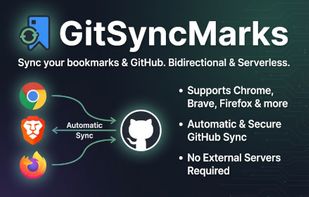
Browser extension for bidirectional bookmark sync with GitHub. Per-file storage (one JSON file per bookmark), three-way merge, auto-sync, multiple profiles. Works on Chrome and Firefox. Add bookmarks via Git, CLI, or GitHub Actions. No server — syncs directly via the GitHub API.

Cost / License
- Free
- Open Source (MIT)
Platforms
- Google Chrome
- Mozilla Firefox
- GitHub
- GitLab
- Git


Features
GitSyncMarks News & Activities
Highlights All activities
Recent activities
- canering liked GitSyncMarks
- peytona88 liked GitSyncMarks
- d0dg3r added GitSyncMarks
- d0dg3r liked GitSyncMarks
 d0dg3r added GitSyncMarks as alternative to Raindrop.io, Floccus, Pinboard and EverSync

GitSyncMarks information
Developed by
 d0dg3r
 Licensing
Open Source (MIT) and Free product.Written in
Alternatives
4 alternatives listedBadge
Get an embeddable badge for GitSyncMarksSupported Languages

AlternativeTo Categories
Web Browsers, DevelopmentGitHub repository
- 38 Stars
- 3 Forks
- 0 Open Issues
- Updated


No comments or reviews, maybe you want to be first?