Germany
 EU
EU



+8
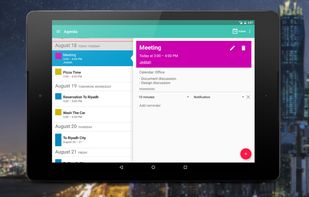


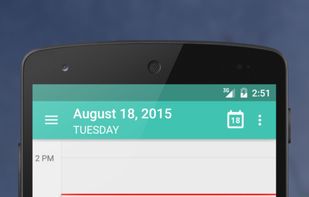
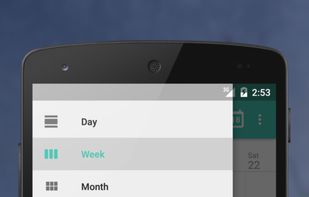
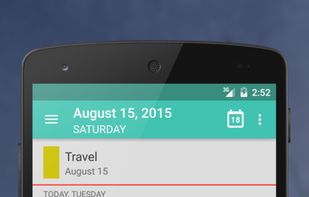
Google Calendar is described as 'Manage events efficiently with device syncing, Gmail integration, event reminders, and shareable schedules on a user-friendly interface with dark mode' and is a leading Calendar app in the office & productivity category. There are more than 100 alternatives to Google Calendar for a variety of platforms, including Web-based, iPhone, Android, iPad and Mac apps. The best Google Calendar alternative is Etar, which is both free and Open Source. Other great apps like Google Calendar are Proton Calendar, Fossify Calendar, Calendar Lock PEA and Tuta Calendar.
GermanyEU
 Switzerland

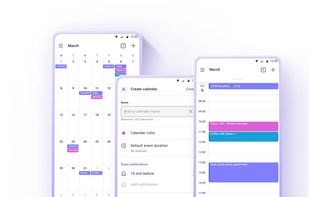
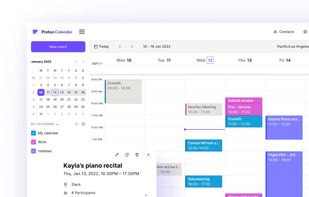


Your privacy-aware, open-source calendar with intuitive design and multi-platform syncing.
 India
India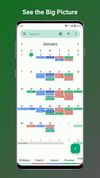
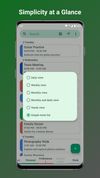
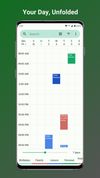


Calendar encryption: View calendars and stores them encrypted on your device or in the cloud.
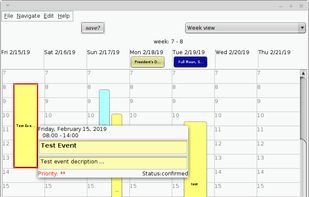
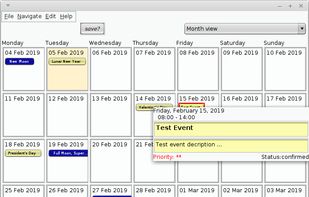
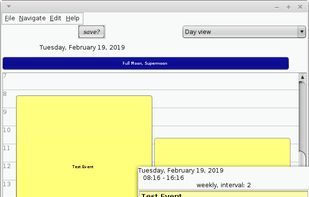


Tuta Calendar offers secure event organization with end-to-end encryption and no ads or tracking. Enjoy multi-device sync, multiple calendar views, and offline access. Fully compliant with strict German data protection laws. Manage recurring events, unlimited calendars, and seamlessly integrate with Tuta Mail.
GermanyEU



A simple calendar with optional CalDAV synchronization. You can easily create recurring events and setup reminders, it can also display week numbers.
 Israel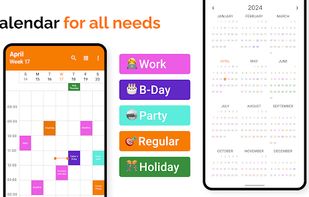
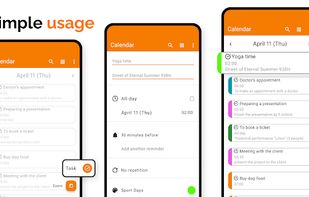


Calendar interface for CalDAV enabling cross-device event sync, web-based editing, recurring events, Nextcloud Contacts integration, WebCal subscriptions, attendee invites, color coding, event notifications, privacy-focused hosting, and import/export support.
GermanyEU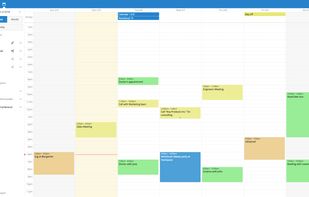


Simplify scheduling with natural language input, major platform sync, vibrant color-coded views, personalized writing style recognition, task and conference call integration, and customizable widgets for comprehensive calendar management.
 United States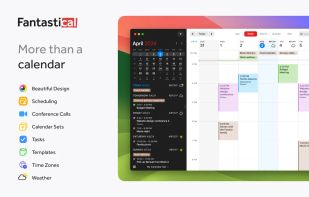
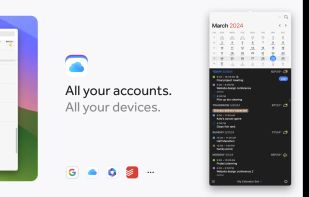
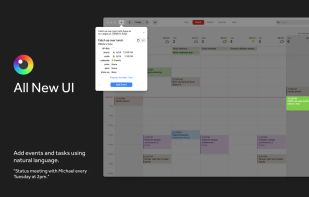
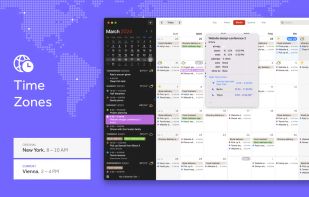

A privacy-first calendar that works offline and looks beautiful. Connect to iCloud — or don't. Your schedule, your choice.
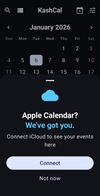
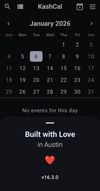
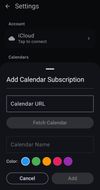


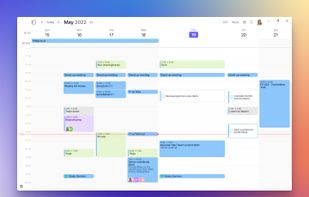
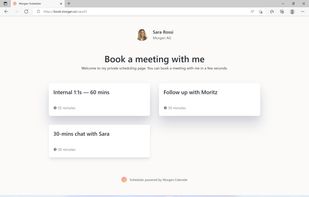
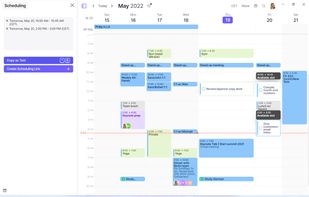
Brings together calendars, to-dos, productivity apps, and schedulers in one platform. Integrates with major services like Google Calendar, iCloud, Todoist, and video conferencing tools such as Zoom. Offers native scheduling similar to Calendly, enhancing time management efficiency.
Switzerland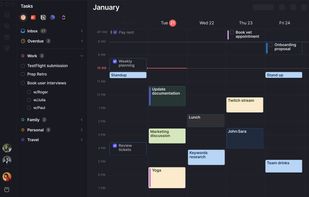


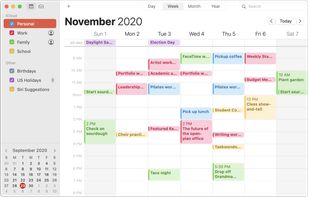
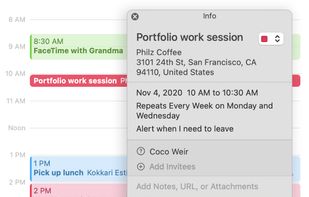
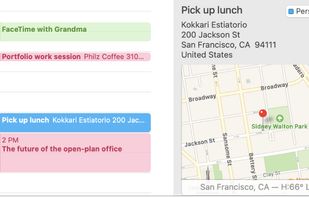
Keep track of your busy schedule and share it with others using Calendar. Create separate calendars — one for home, another for school, a third for work, and so on. See all your calendars in a single window or choose to see only the calendars you want.
United States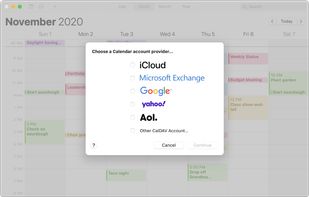


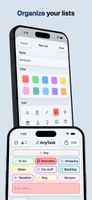
Create and sort tasks using colors, icons, subtasks, and photos. Set reminders, use recurring schedules, and sync with iCloud across iPhone, iPad, and Mac. Share any list in real time via iCloud, collaborate without accounts, and access Calendar view or widgets.
United States