Copy text from images or any digital documents (including handwritten text).
Grab Text from Anywhere on Your Mac
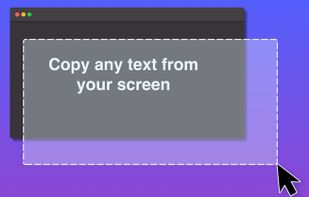
Extract non-selectable text from photos, PDFs, screenshots, presentations, online videos, app windows, and more. Simply capture the area with text, and you can copy and paste the content.
Extremely Fast with Advanced OCR
Open Grab2Text and your Mac cursor will be in selection mode, which allows you to capture text. The app will recognize the text within a second and then you can copy it to the clipboard.
It Can Read & Extract QR Codes Too
No need to take the time to scan a QR code with your phone. Grab2Text helps you to extract any QR codes so you can copy the text or URL within the QR code right away.
- Clipboard History: Grab2Text can keep the history of your last 10 extracted texts. Just copy and paste any of them as you want.
- Customization: Under Grab2Text Settings, you can enable the “Remove line breaks” option and the app will remove any line break that is recognized.
- Keyboard Shortcut: Open Grab2Text by pressing Command + Shift + 2 (by default). You can also set up your preferred shortcut keys to open the app.




 POX added Grab2Text as alternative to TextGlance


