Snip tool is a screen capture tool that lets you capture one or more selected areas on your desktop and save it with optional annotations.
Cost / License
- Free
- Proprietary
Application typeApplication types
Platforms
- Windows
 Germany
 EU
EU




+6
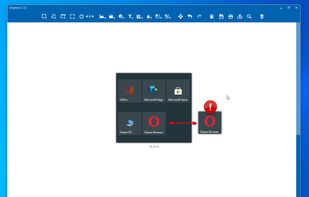


Greenshot is described as 'Efficient screenshot tool providing OCR, exports to Office apps, supports image editing and sharing, occupying minimal space with 32 languages' and is a leading screenshot capture tool in the photos & graphics category. There are more than 100 alternatives to Greenshot for a variety of platforms, including Windows, Mac, Web-based, Linux and Google Chrome apps. The best Greenshot alternative is ShareX, which is both free and Open Source. Other great apps like Greenshot are Flameshot, PicPick, Lightshot and Snagit.
Snip tool is a screen capture tool that lets you capture one or more selected areas on your desktop and save it with optional annotations.
GermanyEU
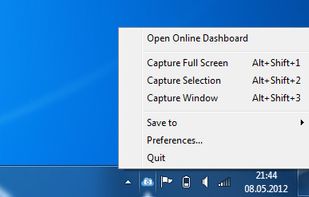
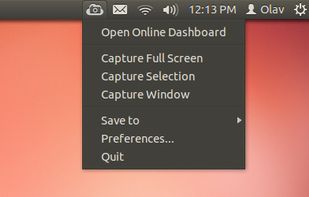
ScreenCloud is an easy to use screenshot sharing application. Take a screenshot using one of the 3 hotkeys or simply click the ScreenCloud tray icon. You can choose where you want to save your screenshot.

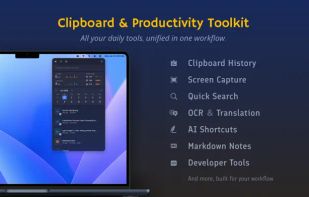
Frset is an all-in-one macOS productivity app combining clipboard management, screenshots, OCR, translation, AI shortcuts, and useful utilities in one place.
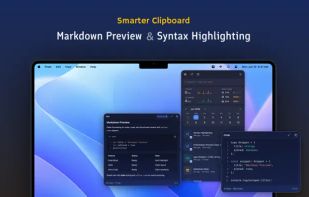
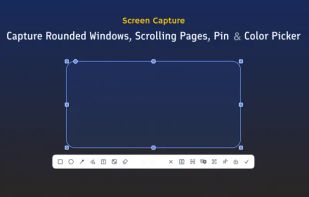
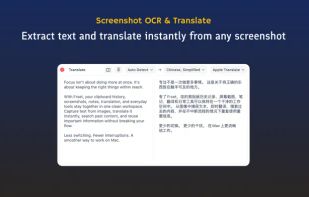


Screenshot Remote enables a seamless and secure way to capture and manage screenshots across multiple platforms and devices. Users can take screenshots on remote computers using their phone, tablet, or another computer via a local network connection or Wi-Fi.
 United States
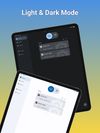
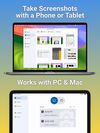

Capture and balance screenshots instantly with auto background colors, sensitive info redaction, text selection, custom shortcuts, social media sizing, history, presets, and compressed images in a native macOS app, supporting annotations and sharing.
 Singapore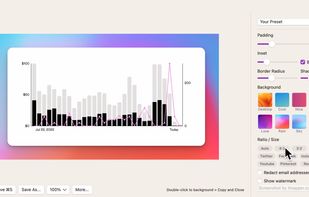


Swappy is a Wayland screenshot editing tool featuring brushes, text, shapes, arrows, and blur. Images can be saved locally or copied directly to the clipboard.
 FranceEU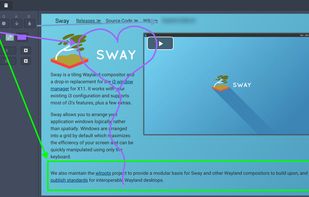


Easy Screen Capture and Annotation lets you capture and annotate any part of the screen. The main goal of the product is to speed up the capture and editing process saving you valuable time by automating repetitive tasks.
United States
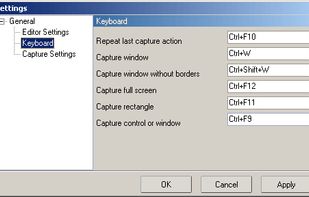


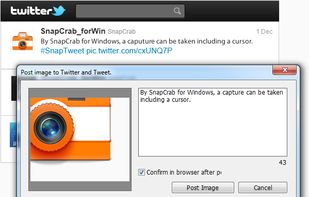
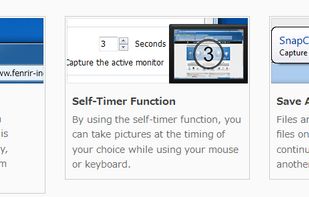
SnapCrab is a photo capture software that can capture any part of your screen. Files are saved in PNG format. Capture the whole screen, specified windows or areas, or wherever you like. With SnapCrab you can directly post captured images to Twitter, or save them to Evernote.
United States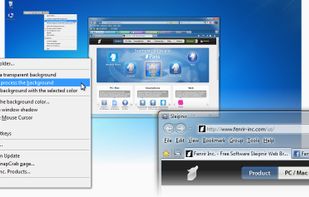


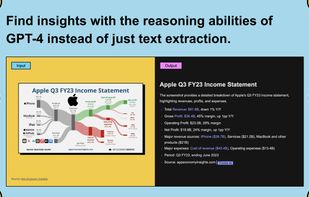
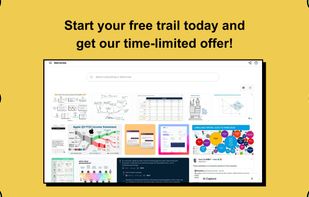
Trickle helps you summarize and organize screenshots, extracting insights for easy search and query. Transform visual chaos into an intelligent archive, allowing you to screenshot anything and effortlessly retrieve and utilize its contents later.


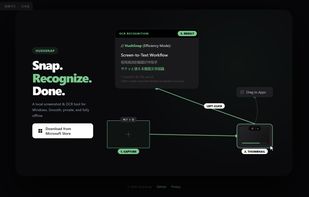
A lightweight, privacy-focused Windows tool for offline OCR and screen capture with seamless drag-and-drop workflow.


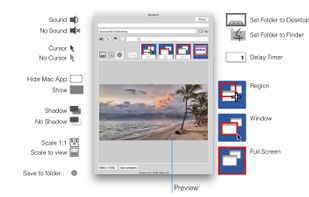
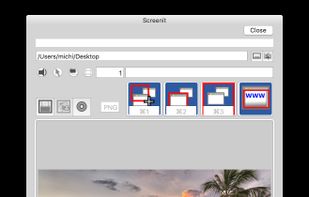
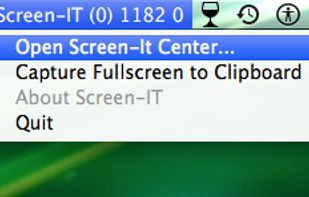
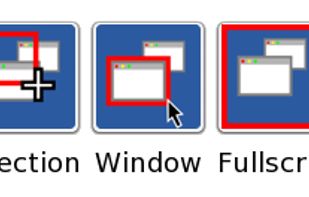


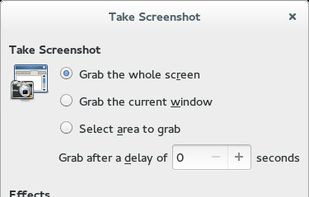
GNOME Screenshot is a utility used in the GNOME desktop environment for taking screenshots. It was part of the GNOME Utilities (gnome-utils) package, but was split into its own package for the 3.3.1 version in 2011.
United States