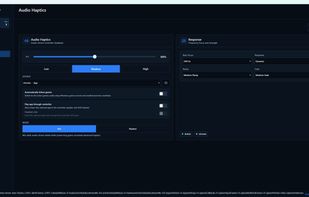
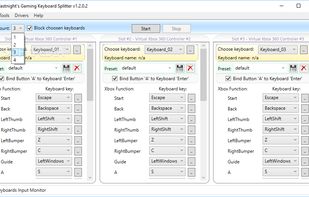
Gaming Keyboard Splitter creates up to 4 virtual xbox 360 controllers and feeds them via one or more keyboards.
Cost / License
- Free
- Open Source
Application type
Platforms
- Windows
 Bulgaria
 EU
EU




Joystick Mapper is described as 'Application that allows you to configure your joysticks or gamepads to simulate keyboard keys/mouse movement/mouse click/mouse scroll, so you can control any app or game using them, even the ones without built-in support' and is an app in the gaming software category. There are more than 10 alternatives to Joystick Mapper for a variety of platforms, including Windows, Mac, Linux, Web-based and Android apps. The best Joystick Mapper alternative is AntiMicroX, which is both free and Open Source. Other great apps like Joystick Mapper are Xpadder, reWASD, JoyToKey and X360ce.
Gaming Keyboard Splitter creates up to 4 virtual xbox 360 controllers and feeds them via one or more keyboards.
BulgariaEU
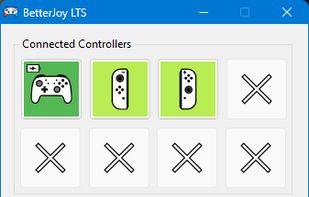
Allows the Nintendo Switch Pro Controller, Joycons, and Switch SNES controller to be used with Cemu using Cemuhook, Citra, Dolphin, Yuzu, and system-wide with generic XInput support.


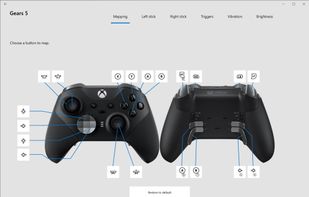
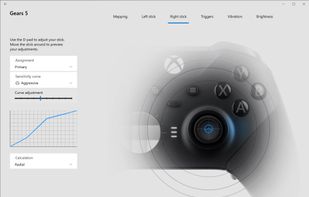
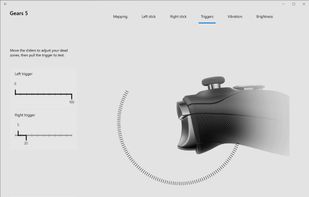
The Xbox Accessories app gives you more ways to play when paired with an Xbox Wireless Controller, an Xbox Elite Wireless Controller, or an Xbox Adaptive Controller. Create and edit controller profiles by remapping buttons, swapping sticks and triggers, and configuring...
 United States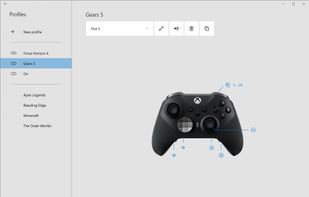

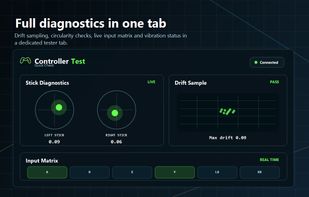
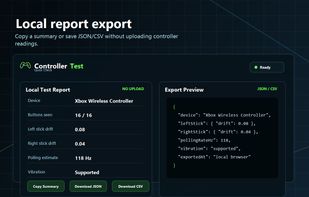
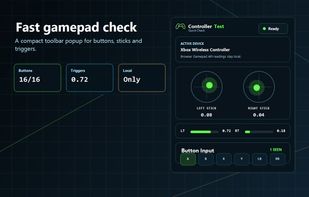
Free browser-based controller tester for checking gamepad buttons, analog sticks, triggers, drift, deadzone, polling-rate estimates, vibration support, and local export reports.
United States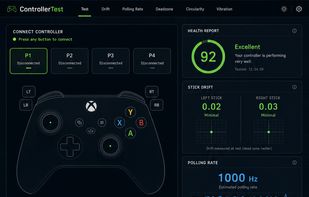


It's a simple GUI tool to create/modify gamepad mappings for games that use SDL2 Game Controller API. Created to be an alternative to Steam Bigpicture gamepad configurator.
 Singapore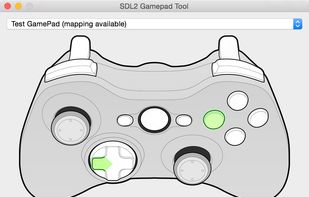


Enjoyable is an application for Mac OS X which allows you to use controller inputs like a mouse or keyboard.
United States


Enjoy is a utility that lets USB joysticks and gamepads work with programs that normally expect keyboard input. Each gamepad button can be set to simulate a particular key. For example, the "Fire" button can be set to spacebar, and in any game where the spacebar is...


A native macOS application that maps Xbox and DualSense controller inputs to keyboard shortcuts, mouse movements, and scroll, magnify, pan actions. Features an on-screen keyboard and full DualSense touchpad support.
United States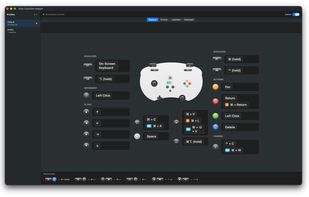
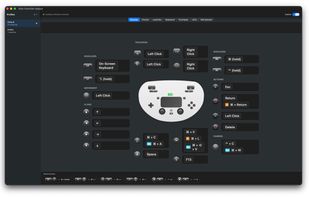
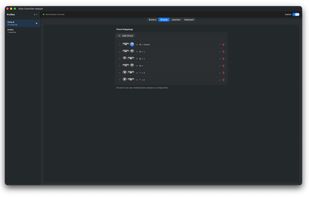
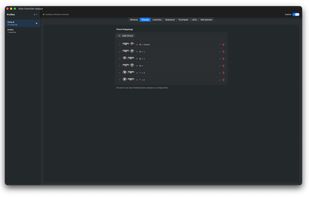


Available exclusively on the Mac App Store. GamePad Companion 3.1 is a utility that makes it easy to configure your GamePads (controllers, joysticks, etc..) to play your favorite OSX games. You can configure your controller to work as your mouse cursor and buttons, or to map to...


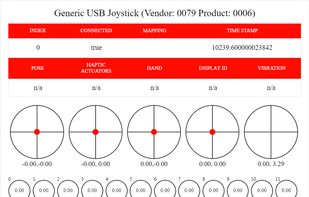
This online gamepad test is an easy-to-use application that lets the users test game controllers, PC gamepads, Joysticks and similar devices for any malfunctions. Moreover, it comprehensively monitors the status of your device on a real-time basis.

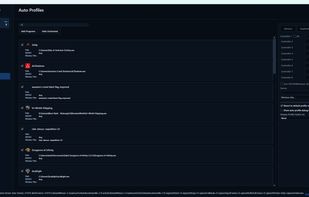
Modern remapping, virtual controllers, PlayStation audio, adaptive triggers, advanced haptics, and controller-aware automation in one low-latency Windows app.