



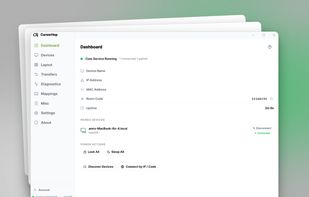
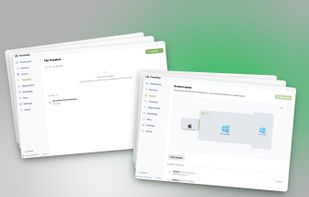
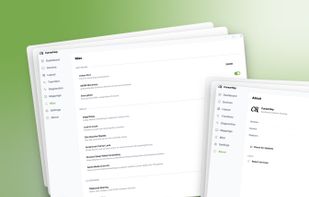
Cross-platform KVM software to share one mouse, keyboard, and clipboard across multiple Windows and macOS computers over your local network.
Cost / License
- Freemium
- Proprietary
Application typeApplication types
Platforms
- Mac
- Windows
- Global



+1


Logitech Options is described as 'Customisation of Logitech mouse or keyboard settings, device information, additional functionality such as sharing input devices over multiple computers' and is an app in the os & utilities category. There are more than 10 alternatives to Logitech Options for a variety of platforms, including Windows, Mac, Linux, Flathub and FreeBSD apps. The best Logitech Options alternative is Synergy. It's not free, so if you're looking for a free alternative, you could try Input Leap or Barrier. Other great apps like Logitech Options are OpenLogi, Mouse without Borders, Logi Options+ and Solaar.
Cross-platform KVM software to share one mouse, keyboard, and clipboard across multiple Windows and macOS computers over your local network.

GiMeSpace KVMShare Pro is one of the very few real KVM software sollutions that not only shares mouse and keyboard but really allows you to share video in the form of windows on the screen of connected computers while using minimal bandwidth.
 Netherlands
 EU
EU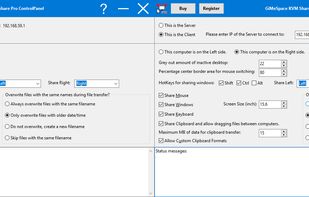


The Apple Universal Control allow you to control multiple Apple devices, such as an iMac, MacBook, and iPad, all with the same keyboard and mouse.


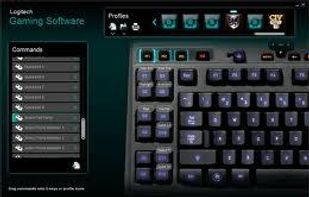
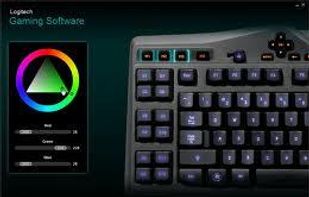
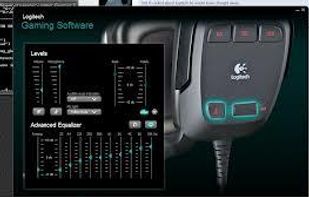
Logitech Gaming Software lets you customize Logitech G gaming mice, keyboards and headsets.


Logitech SetPoint™ software lets you customize your mouse buttons, keyboard F-keys, and hot keys.


Add devices to your Unifying receiver.
This software will allow you to add or remove compatible mice, keyboards and other devices to your unifying receiver.
The tiny receiver stays plugged in.
 Switzerland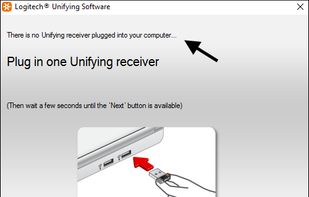
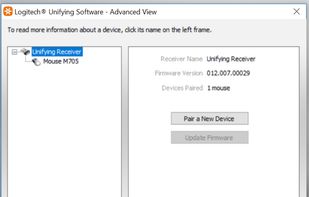
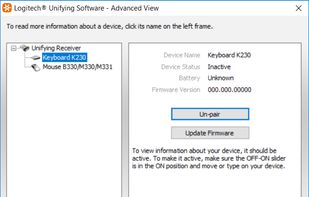


Logitech’s Unifying technology is awesome. Plug the USB receiver in the computer, power on your keyboard or mouse and it is ready for use! Well, the devices themselves do work, but software to attach new devices to a single receiver (or detach bound devices) is only available...

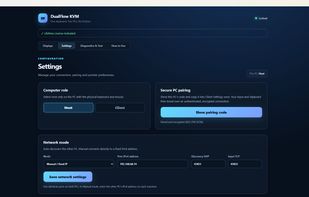
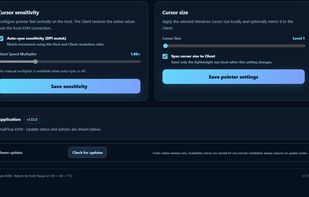
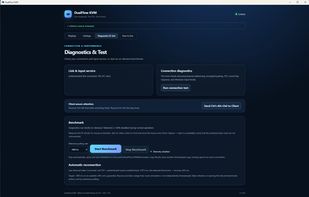
DualFlow KVM is a lightweight, native software KVM designed specifically for two-PC setups running Windows 11 x64. Built with Rust and Tauri, it allows seamless keyboard and mouse movement across machines over a trusted local network with zero cloud relay.
 Norway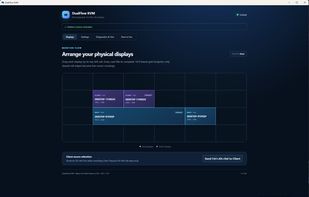


 United States


