Screen capture in real time and send instantly to any destination: clipboard, file, graphic editor, studio, e-mail, web, Windows Instant Messenger, ICQ, printer/fax.
Cost / License
- Paid
- Proprietary
Application type
Platforms
- Windows


Loom is described as 'Easy and free screen recorder for Mac, Windows, and Chromebooks. Record your camera and screen with audio directly from your Chrome browser and share the video with your team, friends, and family' and is a Screen Recorder in the video & movies category. There are more than 100 alternatives to Loom for a variety of platforms, including Windows, Mac, Web-based, Linux and Google Chrome apps. The best Loom alternative is OBS Studio, which is both free and Open Source. Other great apps like Loom are ShareX, OpenScreen, Recordly and GPU Screen Recorder.
Screen capture in real time and send instantly to any destination: clipboard, file, graphic editor, studio, e-mail, web, Windows Instant Messenger, ICQ, printer/fax.


informUp screen capture is a free screen capture software for you to easily take screenshots.


Vov Screen Recorder is handy tool to record the computer screen, i.e., record the ongoing activities on the screen. Using Vov Screen Recorder, you can record your screen to create a how-to video to demonstrate working of a program, compile a products demo video for some client...
 Türkiye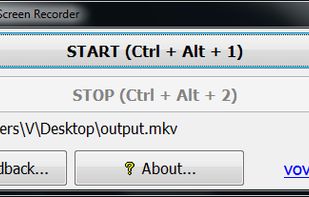


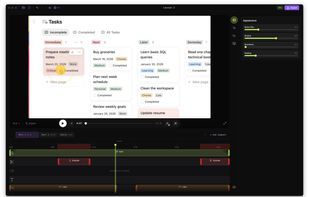
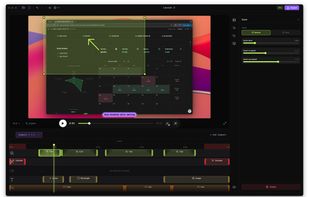
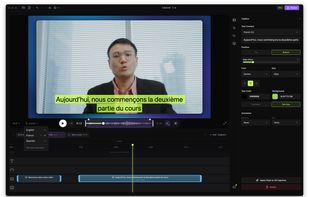
Native screen recorder for Mac and Windows with auto-zoom, segment recording, multilingual captions, and a one-time license.
 Serbia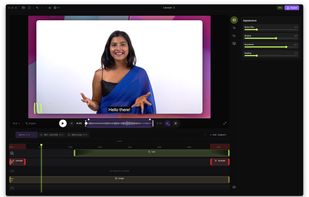


High performance screen recording software for Windows. Real-time screen & sound capture into H.264/AAC encoded high frame rate HD video with low CPU usage.
 China
China


 United States


Captures high-quality video from your PC with smooth recording up to 50 frames per second, unique Background Mode for uninterrupted capture when videos are hidden, customizable settings, and compatibility with streaming sources and scheduled sessions.
United States


321Soft Screen Video Recorder is designed to record your computer screen (full screen or a fixed area) into AVI video file for further purposes like editing, burning DVD, making slide show movie, etc.


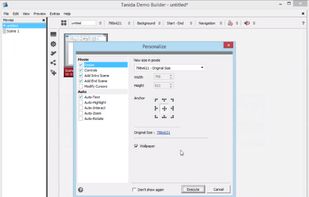
Demo Builder is a powerful Flash-based screencasting tool that allows you to create eye-catching and professionally-looking interactive presentations that do not require any programming skills.
 Japan
Japan