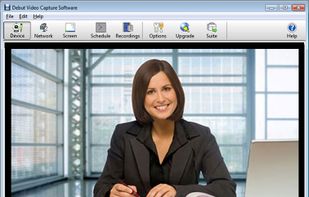
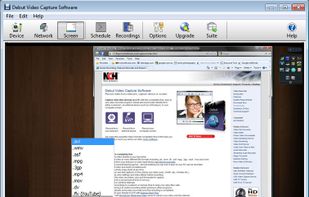
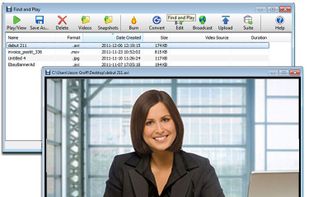
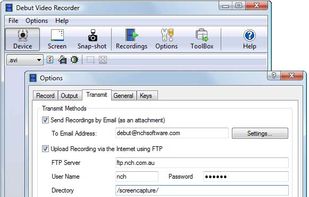
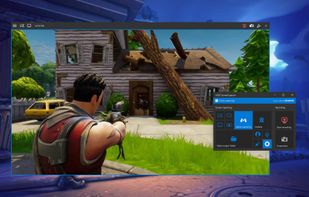
Debut is a screen capture and video recording software that records videos from your screen, webcam or other video devices.
Cost / License
- Freemium
- Proprietary
Application typeApplication types
Platforms
- Mac
- Windows
 Australia



+3


OpenScreen is described as 'Free, open-source screen recording with manual zoom, motion blur, cropping, custom backgrounds, no watermarks, no subscriptions, and commercial use allowed' and is a popular Screen Recorder in the video & movies category. There are more than 50 alternatives to OpenScreen for a variety of platforms, including Mac, Windows, Web-based, Linux and Google Chrome apps. The best OpenScreen alternative is OBS Studio, which is both free and Open Source. Other great apps like OpenScreen are Recordly, N-Studio, SimpleScreenRecorder and Screenity.
Debut is a screen capture and video recording software that records videos from your screen, webcam or other video devices.
Australia
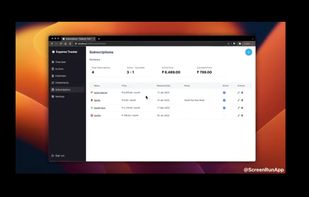
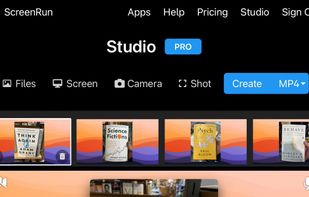
A screen recorder comes with automated editing. Automatically track cursor movement, apply dynamic zoom and click effects, add a pleasant background, and generate a professional-looking video/gif that is ready to use.
 China
China


ScreenMix - Screen Recorder provides an easy, uncomplicated way of recording your desktop's screen and webcam sessions. Excellent for games and video stream recording, product demos, tutorials, webcam chats, and more!.
 Ukraine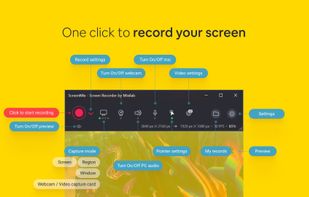
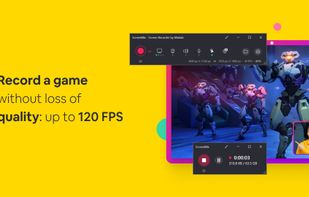





Record full screen or customized areas with webcam options. Annotate in real time, highlight cursor actions, and record both system and voiceover audio. Ideal for creating instructional videos, webinars, and presentations. Free for personal use, compatible with PCs.
 Cyprus
 EU
EU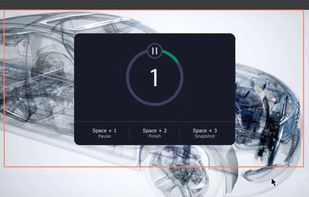


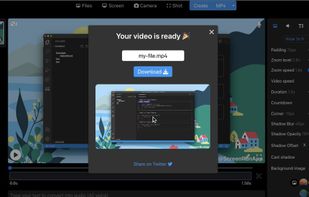
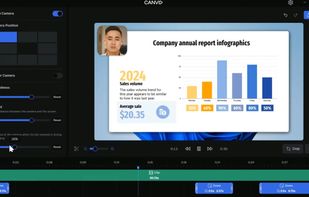
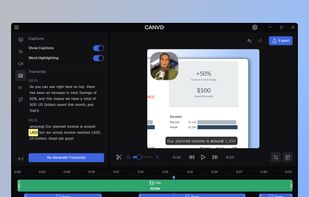
AI-powered Canvid offers easy recording and exporting in formats like MP4 and GIF, with features including zoom, enhanced audio, and automatic captions, making it perfect for tutorials, demos, and professional presentations, supporting up to 4K resolution with intuitive design.
 United States
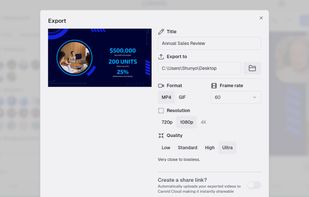


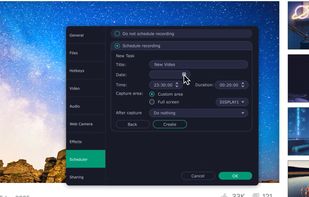
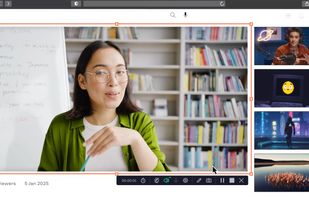
Versatile screen recording and live streaming tool, broadcasting to over 30 platforms. Enhances streams with stickers, templates, and images. Supports lectures and games, offers scheduled recording and operates as a virtual camera for meetings.
China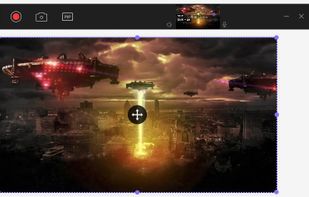
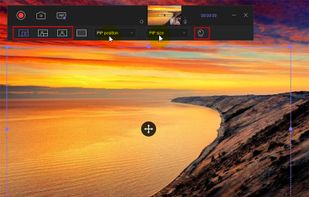



Native macOS screen recording and editing with auto-zoom following every action, built-in editor for quick trims, super-fast Metal-accelerated 4K export, no subscription, customizable backgrounds, movable camera overlay, shadow effects, and AI-driven features.
 Canada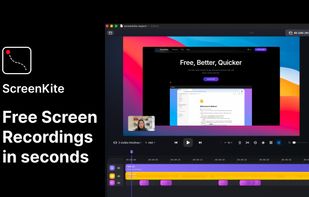


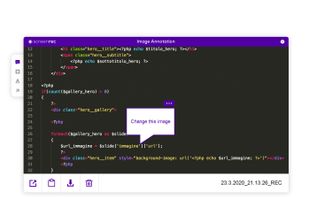
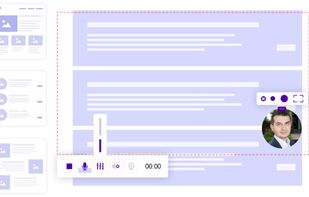
ScreenRec is a free screen recorder for Windows, Linux, and Mac with webcam, microphone, and system audio capture. Record without a watermark or time limit, store videos in free cloud storage, and share instantly with private links.
 BulgariaEU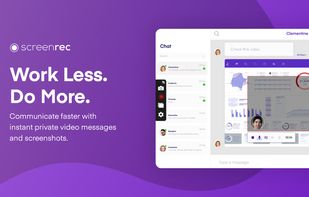


VSDC Free Screen Recorder is an easy-to-use lightweight screen recorder software that lets you capture your PC screen and save it in the MP4 format. It lets you capture the entire desktop screen, a selected area or even a videogame window of any resolution.
United States


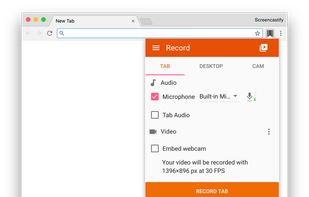
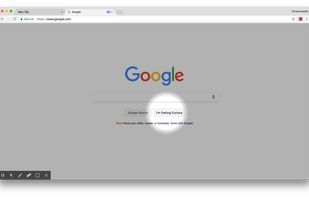
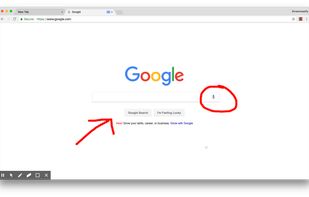
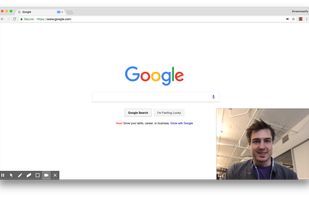
A Chrome extension for capturing, editing and sharing screencasts. Save recordings automatically to your Google Drive or publish directly to YouTube.
United States