PDF Merge Tool is a simple, fast and easy tool for merging PDF files. It runs on the .NET framework v2 and uses the PDFSharp library.
Cost / License
- Free
- Open Source
Alerts
- Discontinued
Platforms
- Windows


PDFill is described as 'With PDFill you can create, fill, delete and submit PDF form fields; insert new formatted text, check, image, hyperlink, whiteout, highlight, drawing, comment and annotation anywhere in the document; save, print or email the filled and password-protected PDF; save and resume' and is a PDF Editor in the office & productivity category. There are more than 100 alternatives to PDFill for a variety of platforms, including Windows, Web-based, Mac, Linux and Android apps. The best PDFill alternative is PDF Arranger, which is both free and Open Source. Other great apps like PDFill are PDF-XChange Editor, Stirling PDF, PDF24 Creator and PDFsam Basic.
PDF Merge Tool is a simple, fast and easy tool for merging PDF files. It runs on the .NET framework v2 and uses the PDFSharp library.

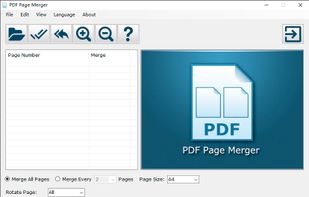
PDF Page Merger is a Windows software tool which combines 2 or more PDF pages into one page of a single PDF file. It allows you to set the page amount on the merged page, so you can merge every 2, 4 or more pages into one page in a single PDF file.



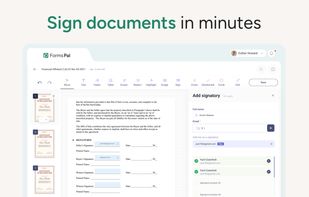
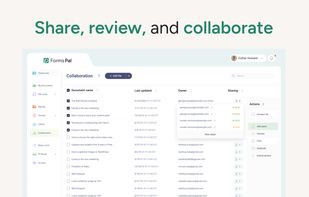
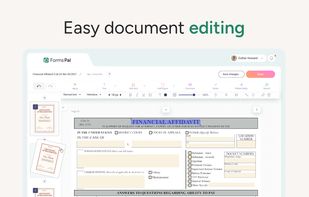
FormsPal is an online PDF platform for creating, editing, converting, signing, and managing PDFs and forms. It combines fillable templates, PDF tools, e-signatures, and collaboration features in one organized workspace.
 United States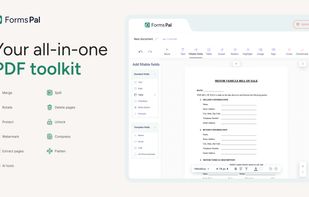


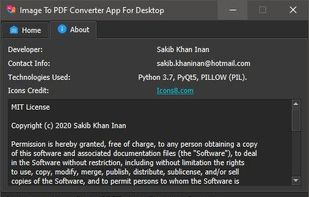
This is an "Image to PDF Converter" (open source) software build for Windows which converts image files to PDF(Portable Document Format) files quickly.



PDFs Split & Merge is a lightweight application for your Mac. It helps you Split, Merge and Unlock PDF files within seconds and it's all offline. We respect your privacy.
 India
India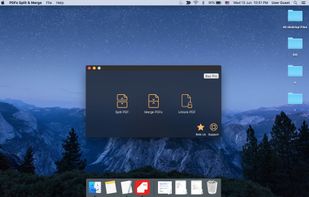
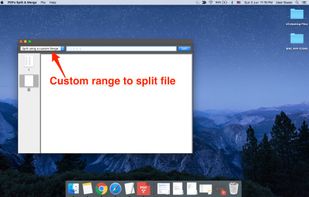
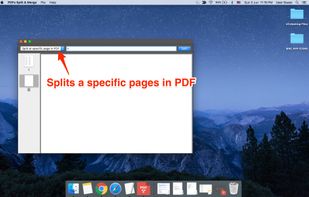
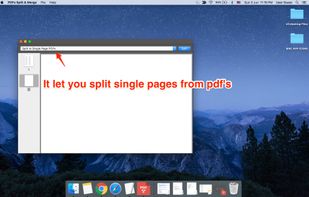


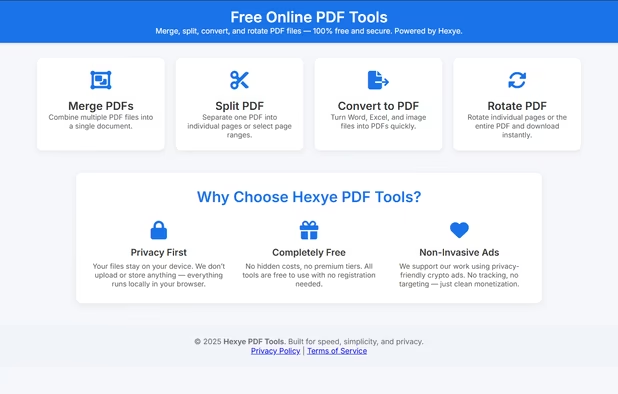
Hexye PDF Tools is a fast, privacy-focused online suite for editing PDFs — split, rotate, merge, and more — directly in your browser without uploading files.
 Italy
Italy EU
EU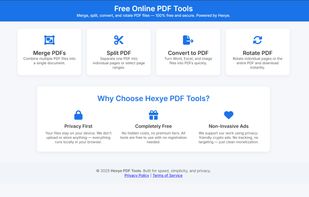


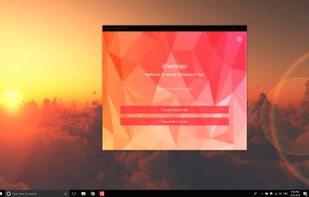
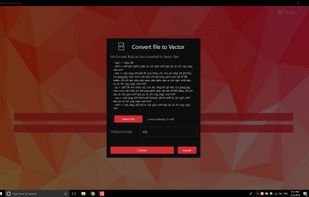
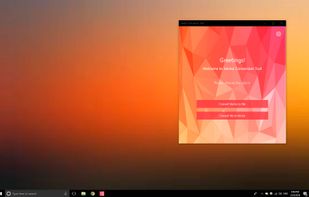
💥 Easily converts SVG, AI, CDR, PS, WMF, and other vector files to PNG, PDF, PS, EPS, and back.

FormForge turns any PDF into a fillable AcroForm in your browser. 7 field types, AI field detection, signatures, CSV batch. Free, no account, nothing uploaded.
 GermanyEU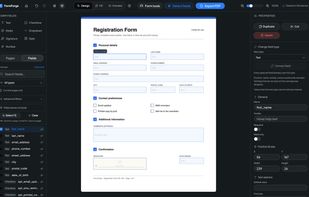
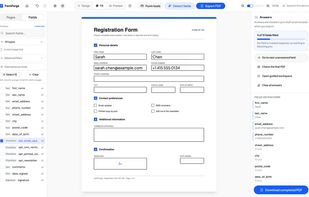



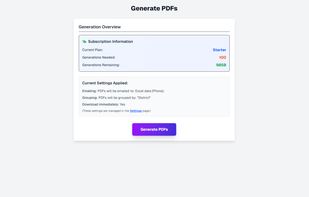
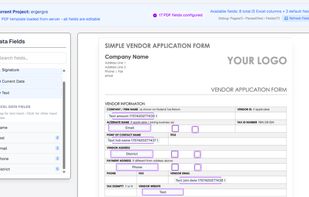
Automate PDF form filling from Excel data. Upload your spreadsheet, drag-and-drop columns onto PDF form fields using our visual builder, and generate professional documents instantly in bulk.
 Israel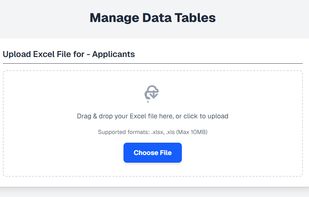


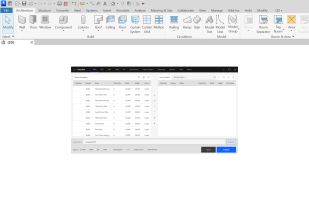
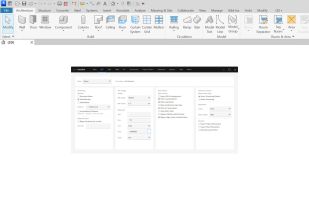
Automate Revit sheet-set publishing — batch-export sheets to PDF, DWG, DWF and IFC with reusable configs and smart, parameter-driven filenames.


This desktop app reads and writes PDF documents. It was created for a small copy shop in Germany. Features of this application are:
GermanyEU