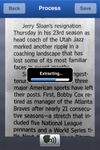
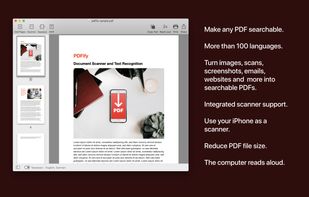
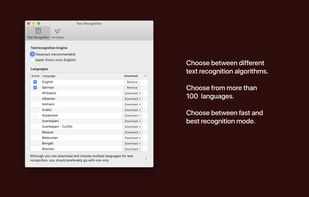
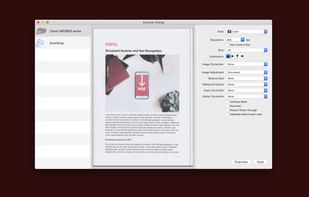
PDF creation with text recognition and scanner support. Features email and webpage import to PDF. Reduce file size by optimizing PDF.
Cost / License
- Freemium
- Proprietary
Platforms
- Mac
- iPhone
 Germany
 EU
EU




PDFpen is described as 'Versatile PDF editing toolkit for macOS. Markup, edit, OCR, fill forms, and export to Word. Store in cloud services for collaboration' and is a PDF Editor in the office & productivity category. There are more than 50 alternatives to PDFpen for a variety of platforms, including Windows, Mac, iPhone, iPad and Web-based apps. The best PDFpen alternative is Foxit PDF Reader. It's not free, so if you're looking for a free alternative, you could try Foxit PDF Reader or PDF-XChange Editor. Other great apps like PDFpen are ABBYY FineReader PDF, Master PDF Editor, Skim and Preview.
PDF creation with text recognition and scanner support. Features email and webpage import to PDF. Reduce file size by optimizing PDF.
GermanyEU
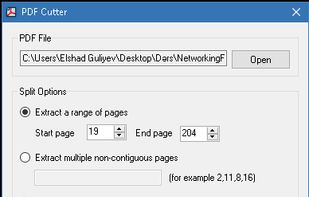
PDF Cutter is a free PDF document splitting software, it can help you to quickly split PDF files. Software supports three splitting methods, you can choose according to your requirements, simple and easy to use.


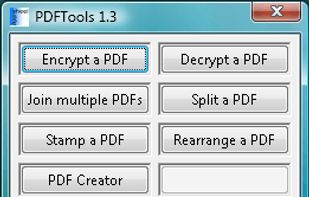
PDFTools is a PDF management application. It can encrypt, decrypt, join, split, stamp, create and rearrange a PDF file.


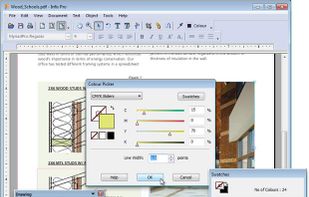
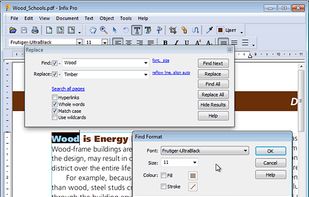
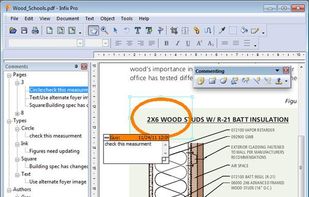
Infix PDF editor lets you open, edit and save PDF files. It’s easy and quick – you can change text, fonts, images and more. And, unlike other PDF editors, it works like normal word processing software, so it’s really easy to use.




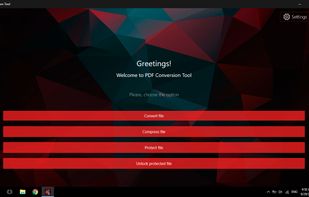
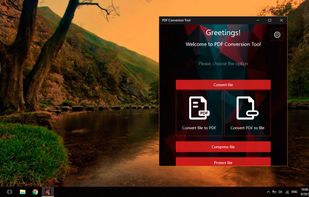
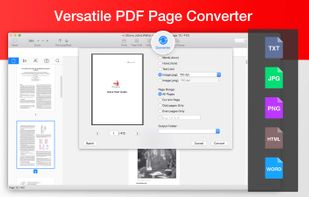
PDF Conversion Tool allows you to easily and quickly convert almost any file into PDF format and back. Easily converts PDF file to Microsoft Word format (doc, docx) and to almost any images format (png, jpg, gif, etc.).
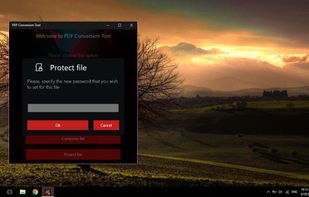
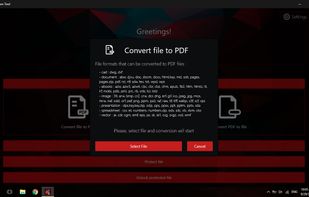


PDF Converter Elite is a software package for Windows that lets users convert their PDF documents into Word, Excel, PowerPoint and also create, manage and edit PDFs anytime.
 Canada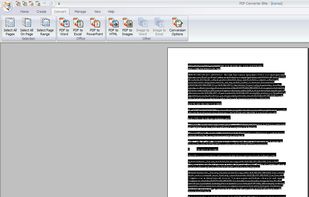


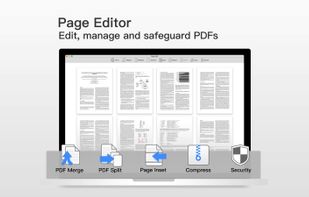
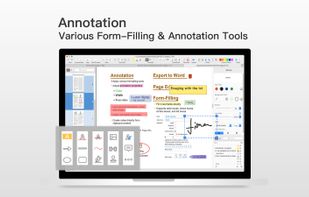
PDF Professional is a feature-rich PDF solution for reading, annotating, form-filling, editing, signing, converting PDFs on your Mac, iPhone and iPad.
 United States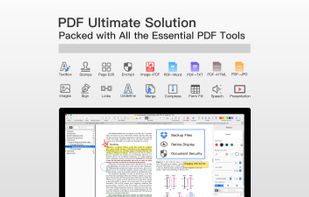


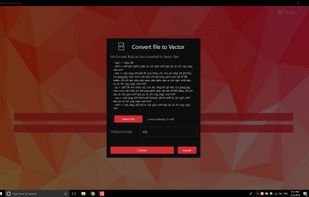
💥 Easily converts SVG, AI, CDR, PS, WMF, and other vector files to PNG, PDF, PS, EPS, and back.


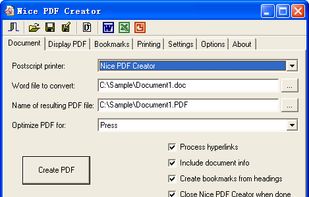
Nice PDF Creator allows you to create PDF documents just by clicking a button from within Microsoft Word, Excel, and PowerPoint on all versions of Microsoft Windows.

PoDoFoBrowser is a graphical browser and editor for the object structure of PDF files.


In combination with your iOS device's built-in camera, ZoomReader lets you magnify and read printed text by first taking a picture of an object like a book or menu, then converts the image into text using state-of-the-art Optical Character Recognition (OCR) technology.