

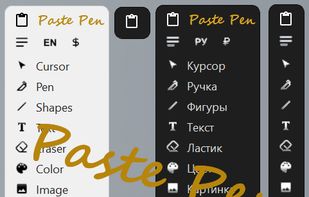
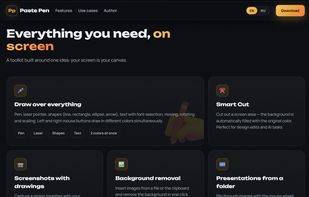
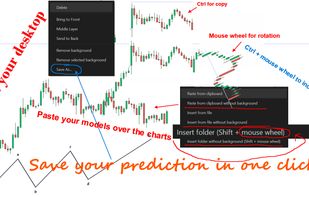
Tool for drawing on screen, screenshots and inserting images. Perfectly suited for AI coding interactions, Presentations and Trading with charts overlay.
Cost / License
- Free
- Open Source (MIT)
Application type
Platforms
- Windows
 Russia




+1


P


ppInk is described as 'A fork from gInk, with many extra features (shape drawings, text,...)' and is a screenshot capture tool in the photos & graphics category. There are more than 10 alternatives to ppInk for Windows, Mac, Linux, PortableApps.com and Ubuntu. The best ppInk alternative is Epic Pen, which is free. Other great apps like ppInk are RePen, ZoomIt, gInk and Screen Marker and Recorder.
Tool for drawing on screen, screenshots and inserting images. Perfectly suited for AI coding interactions, Presentations and Trading with charts overlay.
Russia
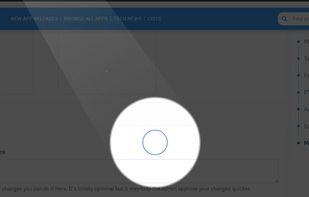
Lightweight screen annotation tool for Windows. Draw on your screen over any application with fading ink, spotlight mode, laser pointer, and shapes. Perfect for presentations, teaching, and streaming.
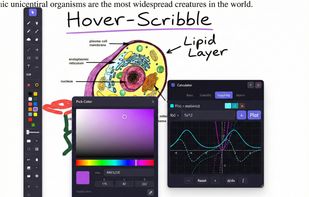
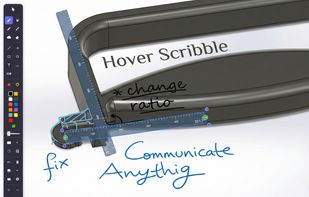
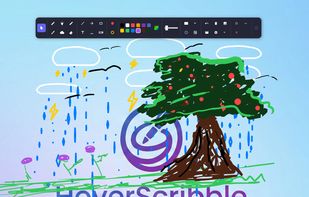
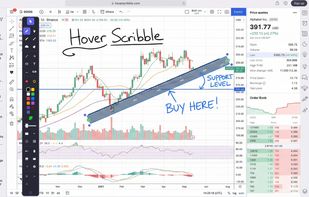


Screen annotation software which allows drawing directly on the screen. It is an open source and multiplatform (all systems that support Python) alternative to tools such as Epic Pen.
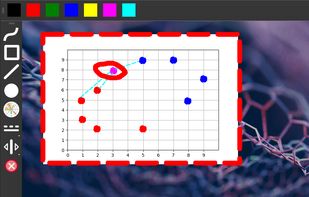

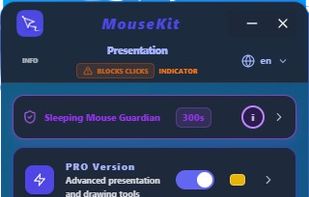
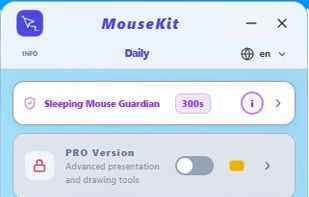
MouseKit turns your mouse cursor into a presentation, on-screen drawing, and cursor-tracking tool — all in one, for Windows.
 Serbia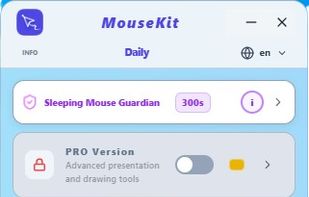
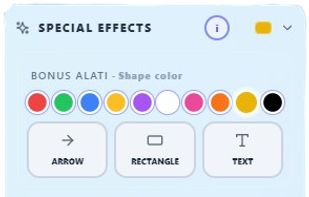


Turn every screen share into a polished presentation. Cursaura adds beautiful cursor highlights, click effects, zoom, annotations, keystroke display, and focus tools directly on your screen — perfect for demos, tutorials, livestreams, online courses, and remote meetings.