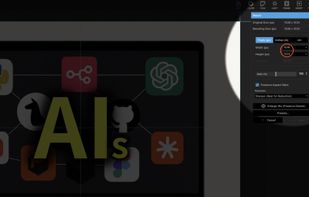
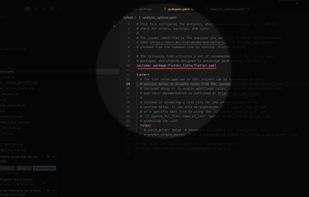
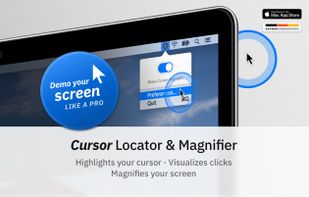
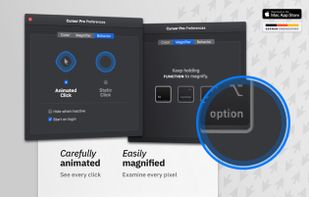
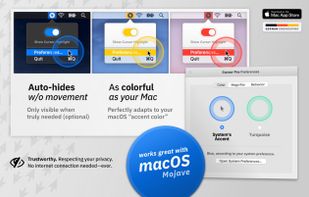
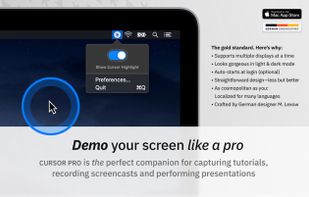
Highlights your mouse pointer, visualizes clicks and magnifies certain areas of your screen.
Cost / License
- Paid
- Proprietary
Application type
Platforms
- Mac
 Germany
 EU
EU



+1


Presentify is described as 'A macOS menu bar app that helps you give better presentations, online classes, or video tutorials by letting you annotate any screen, highlight your cursor, and more' and is a cursor highlighter in the office & productivity category. There are more than 10 alternatives to Presentify for Mac, Windows, Linux and Linux Mobile. The best Presentify alternative is OpenBoard Whiteboard, which is both free and Open Source. Other great apps like Presentify are SHARA, EpicPencil, RePen and Epic Pen.
Highlights your mouse pointer, visualizes clicks and magnifies certain areas of your screen.
GermanyEU
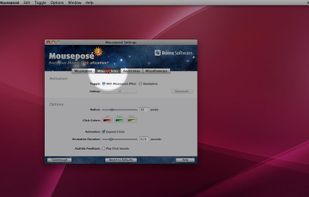
Mouseposé is the indispensible mouse pointer highlighting tool (aka "virtual laserpointer") for everyone doing demos at tradeshows, presentations and trainings, or those individuals with huge and high resolution displays.
GermanyEU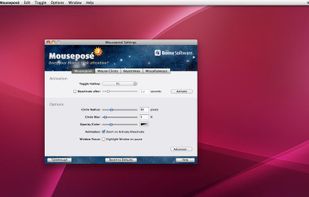
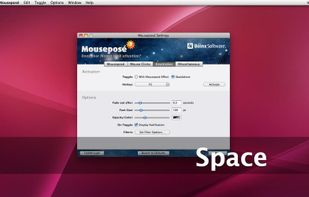


OmniDazzle is a set of fun and useful enhancements that help you highlight certain areas of your screen, create special effects, and track the location of your mouse pointer. Each plug-in can be configured to suit your own particular preferences: change colors, make objects...
 United States


Menu bar presentation overlay for macOS — draw, zoom, highlight and record on any screen, and control it all from your iPhone.
 Türkiye



Lightweight screen annotation tool for Windows. Draw on your screen over any application with fading ink, spotlight mode, laser pointer, and shapes. Perfect for presentations, teaching, and streaming.
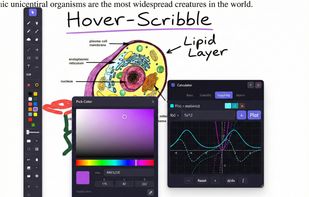
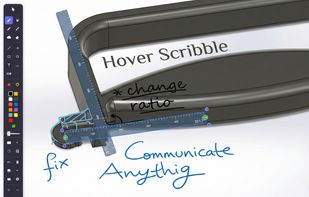
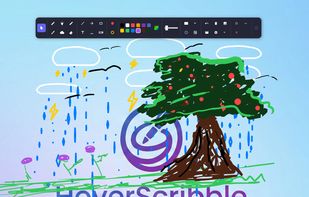
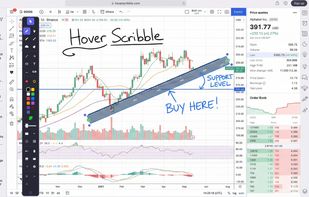


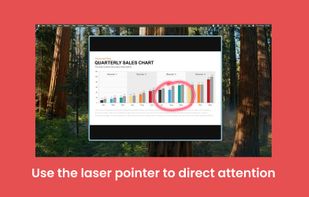
A menu bar utility that lets you highlight your cursor, point at stuff with a laser or a spotlight effect, and annotate your screen. Useful when presenting content while you are sharing your screen or recording a video.
 ItalyEU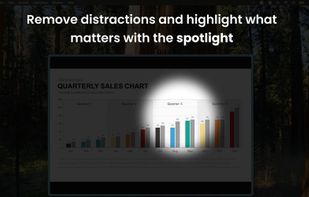
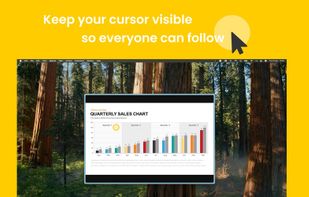
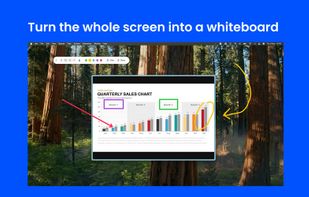


bananotate is a powerful application that allows you to edit and annotate your screen live. Zoom in, highlight, draw shapes, add text, capture your screen, create mock UI, and much more.


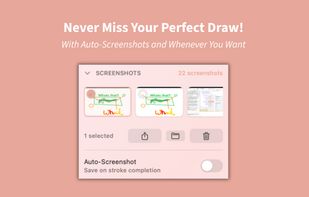
SketchMouse turns your Mac screen into a live annotation canvas for presentations, demos, and teaching. Spotlight dims your entire screen except where your cursor is — so your audience can only look where you're pointing.
 AustriaEU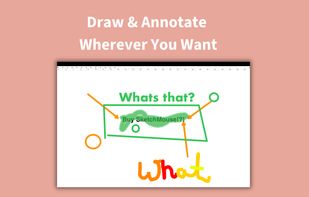
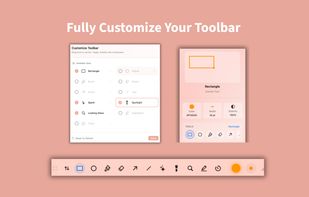



A live screen effect layer for macOS that adds real-time zoom, cursor spotlight/highlight, and freehand drawing directly on your screen.