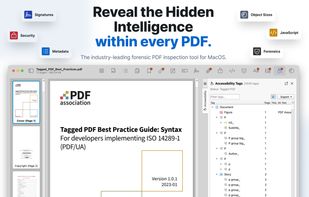
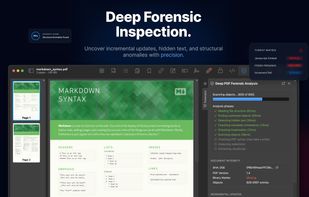
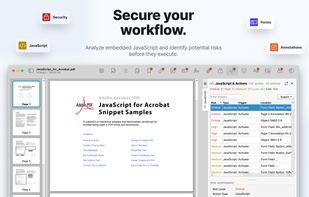
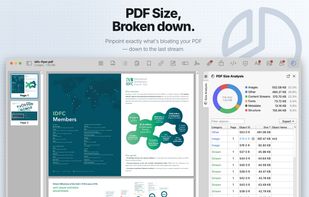
PDF Auditor is a native macOS application designed for developers, QA engineers, and security analysts who need to see "under the hood" of a PDF file.
Cost / License
- Freemium
- Proprietary
Application typeApplication types
Platforms
- Mac



+9


Preview is described as 'Native macOS tool for viewing, annotating, and editing images and PDFs, offers cropping, resizing, markup tools, page rearrangement, and export to multiple formats' and is a very popular PDF Reader in the photos & graphics category. There are more than 100 alternatives to Preview for a variety of platforms, including Windows, Mac, Linux, Android and iPhone apps. The best Preview alternative is SumatraPDF, which is both free and Open Source. Other great apps like Preview are Okular, IrfanView, XnView MP and ImageGlass.
PDF Auditor is a native macOS application designed for developers, QA engineers, and security analysts who need to see "under the hood" of a PDF file.

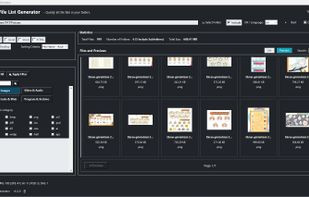
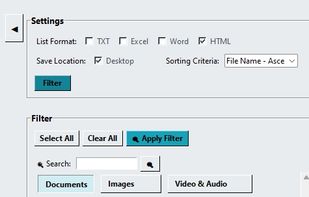
ListeKolay is a free and open-source desktop utility that allows users to quickly list and filter the contents of any folder.
 Türkiye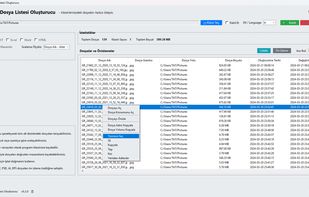


Unlock password-protected PDFs with device biometrics, store credentials locally using AES-256 encryption, sign or fill forms, annotate, merge, split documents, search contents, convert pages to images, compress, auto-label files, no tracking, fully offline access.
 India
India
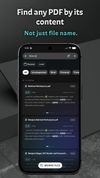

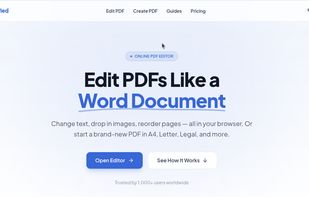
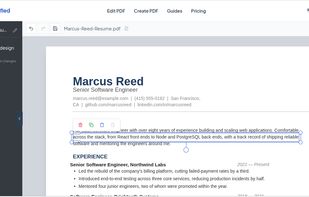
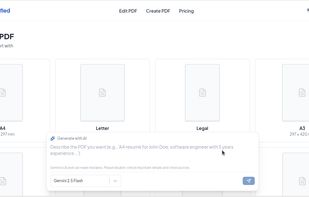
PDFSimplified is an online PDF editor. Edit text in PDF files, create PDFs from scratch or from a prompt, and edit or translate pages with AI.


A free-floating 2D Canvas for processing multiple PDF files simultaneously.
 Italy
Italy EU
EU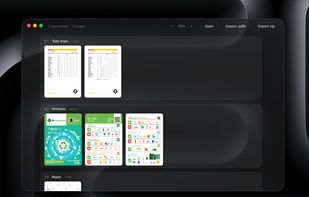


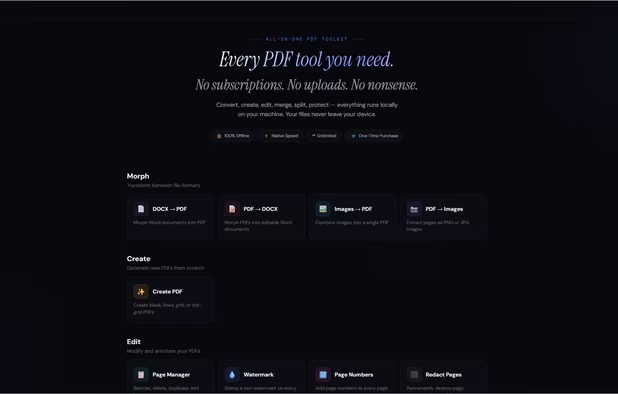
Stop overpaying for PDF tools.
Every PDF tool you need. One price. Forever.
15 tools. Runs on your machine. Never touches a server. No subscriptions. No uploads. No nonsense.
? 100% offline · ? Windows, Mac & Linux · ? One-time purchase · ? Free updates fore.
 United States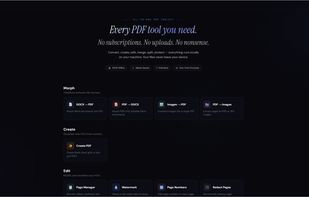


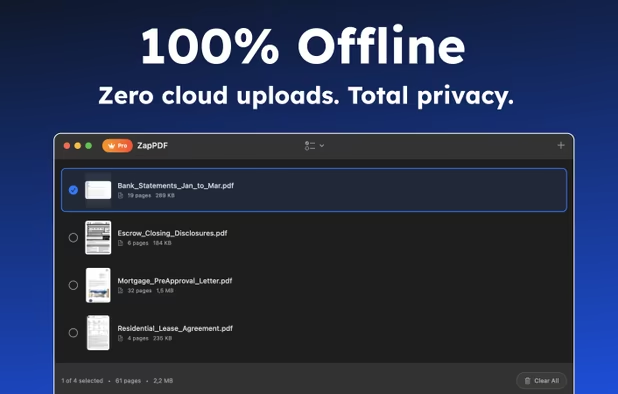
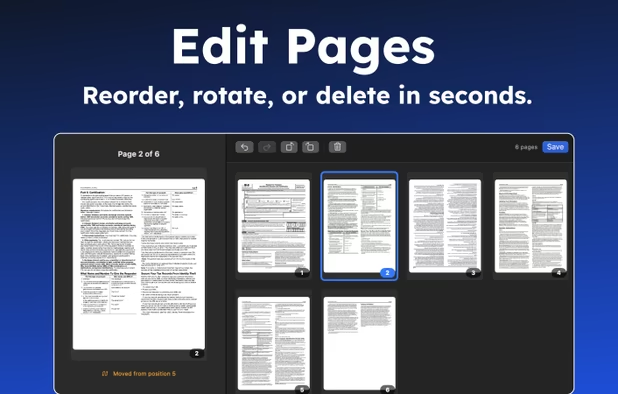
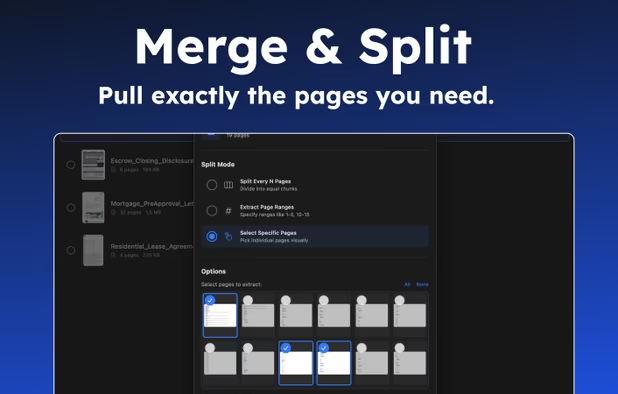
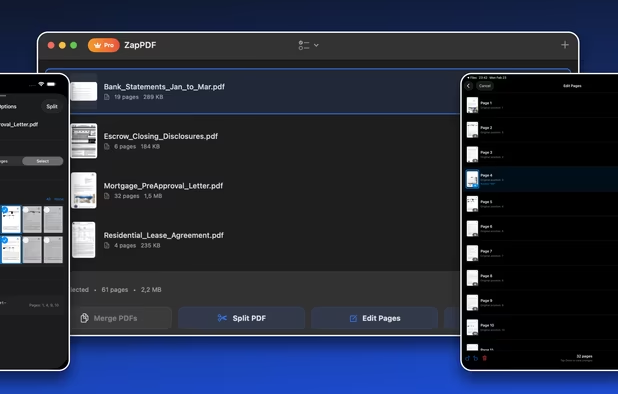
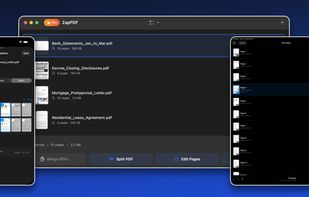
ZapPDF is the ultimate privacy-first PDF utility. Whether you are dealing with sensitive financial documents, legal forms, or heavy study materials, ZapPDF gives you the power to manage them instantly—without ever uploading your private files to a random cloud server.
Türkiye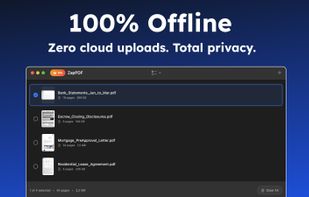
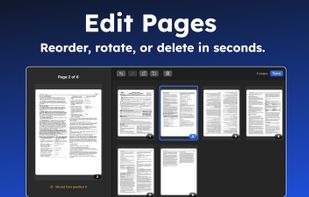
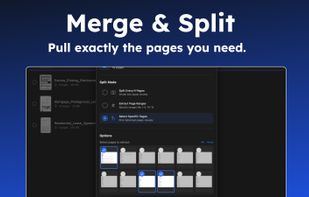


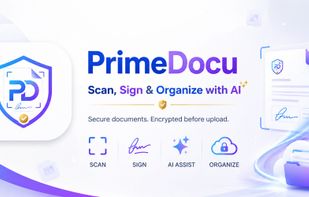
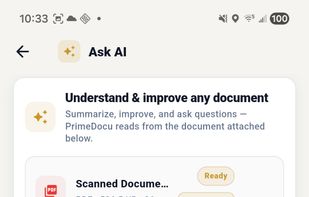
AI document assistant for web, iOS and Android with scanning, PDF signing, OCR, conversion, translations and reminders. Features device-based AES-256 encryption, end-to-end privacy, no watermarks, and secure zero-knowledge storage for sensitive files.


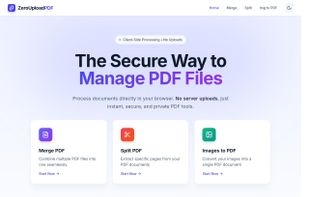
A privacy-first PDF tool suite that processes files entirely in your browser. Merge, split, and convert PDFs without ever uploading them to a server.


Turn your phone into a powerful document scanner with CamScan — the fast, secure, and easy-to-use app to scan, edit, sign, and share anything, anywhere.
 Uzbekistan




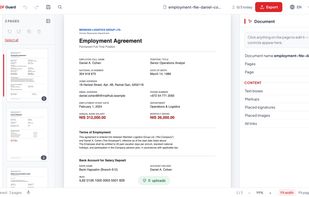
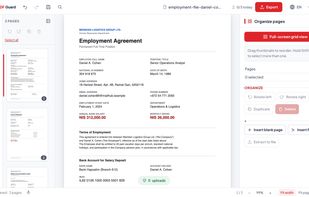
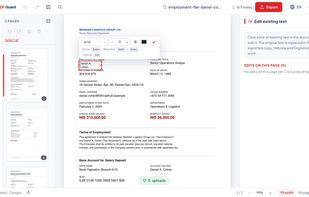
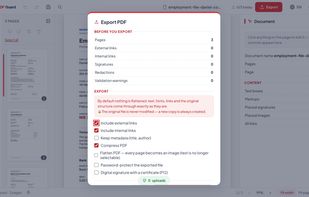
PDF Guard is a PDF editor that runs inside the browser tab and processes documents on your own device instead of uploading them. Files are read from disk into the tab's memory, handled by engines that run locally - pdf.


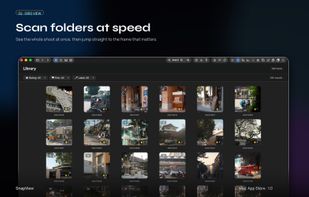
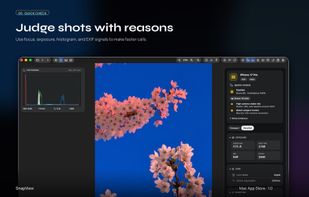
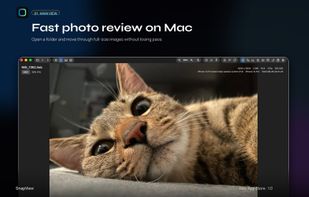
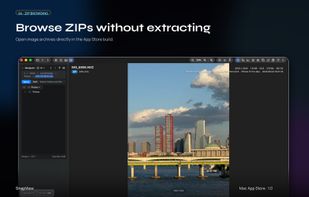
SnapView is a fast, intuitive image viewer for macOS, built to make photo viewing and comparison feel easy.
 South Korea