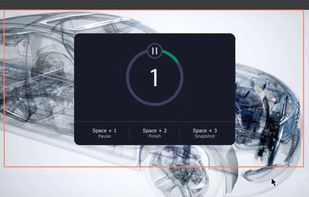
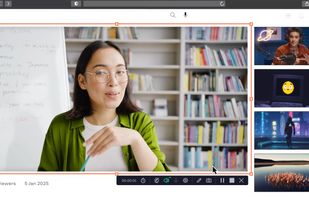
An open-source menu bar application for creating screen and camera time lapses without excessive file sizes.
Cost / License
- Free
- Open Source (MIT)
Application type
Platforms
- Mac
- Homebrew
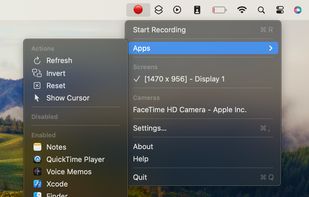

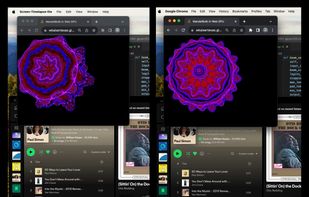


ScreenMix - Screen Recorder is described as 'Provides an easy, uncomplicated way of recording your desktop's screen and webcam sessions. Excellent for games and video stream recording, product demos, tutorials, webcam chats, and more!' and is a Screen Recorder in the video & movies category. There are more than 100 alternatives to ScreenMix - Screen Recorder for a variety of platforms, including Windows, Mac, Linux, Web-based and Google Chrome apps. The best ScreenMix - Screen Recorder alternative is OBS Studio, which is both free and Open Source. Other great apps like ScreenMix - Screen Recorder are ShareX, OpenScreen, Recordly and GPU Screen Recorder.
An open-source menu bar application for creating screen and camera time lapses without excessive file sizes.

Record Go: Screen Recorder is a user-friendly and practical application for screen capture. No matter whether it is to record tutorials, courses, demonstrations, meetings, games, film/TV series, or videos, Record Go: Screen Recorder could always save your time and offer great...
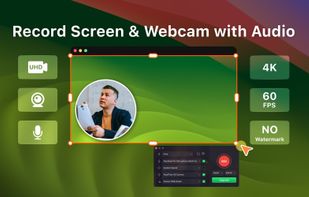
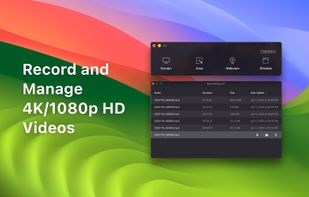

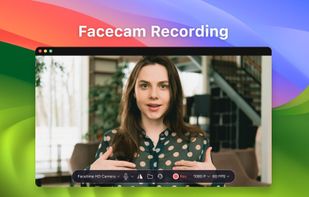


Powerful Windows software for screen recording that allows you to accurately and easily record any activity on your screen.
 Germany
 EU
EU
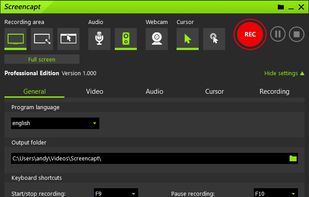
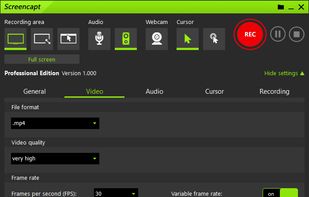
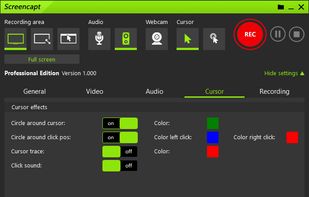


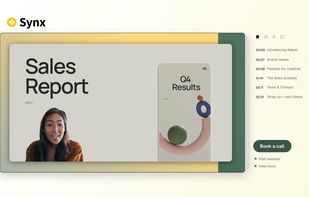
Turns screen recordings into branded, shareable videos with composite, multi-layout recording, background removal, auto-chapters, analytics, captions, comments, call-to-actions, permissions, fast app workflow, HD export, and multi-language support.
 United Kingdom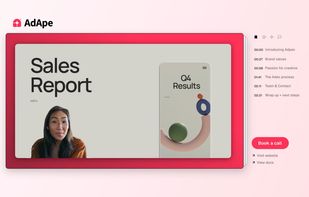




Capture screenshots or record videos with Ashampoo Snap’s efficient tools. Enjoy easy editing, multi-display support, OCR for 180 languages, and instant sharing capabilities. Revamp your projects with video cutting, annotations, and custom capture options.
GermanyEU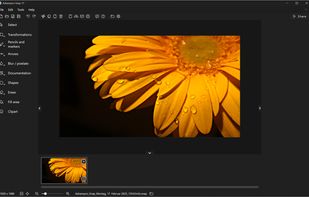

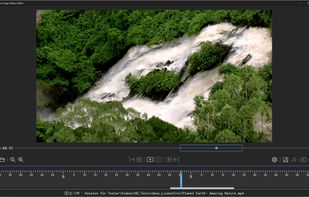


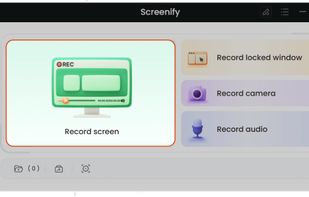
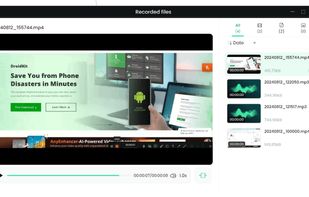
Screenify is free software for capturing screen, audio, webcam, and mic on Windows and Mac. It supports 4K at 60fps, offers noise reduction, and customizable settings. Export in various formats including MP4, GIF, MOV. No limits on duration or ads, ensuring professional videos.
 China
China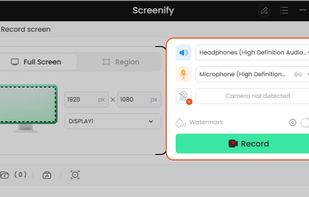
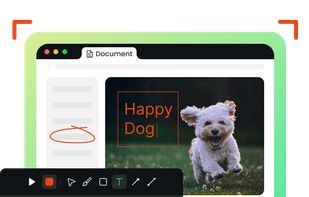


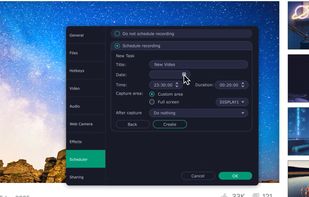
Enables screen video, audio, and webcam capture with support for system sounds, microphone input, annotation tools, zoom, custom watermarks, automated scheduling, screenshot upload, adjustable quality, region selection, and support for over 45 languages.
 CyprusEU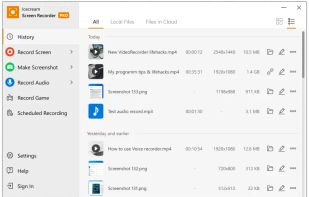
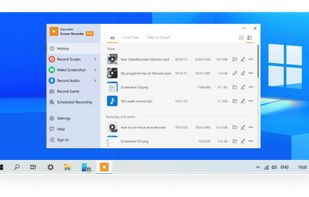
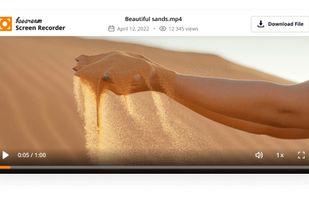


VSDC Free Screen Recorder is an easy-to-use lightweight screen recorder software that lets you capture your PC screen and save it in the MP4 format. It lets you capture the entire desktop screen, a selected area or even a videogame window of any resolution.
 United States
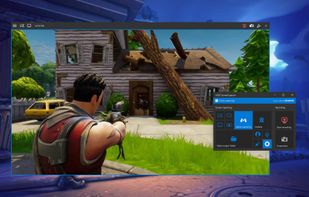


Peek is a simple screen recorder that allows you to record your screen as gif or mp4, capture a screenshot as jpg, and annotate your recordings with drawing, text, arrows, and highlights.
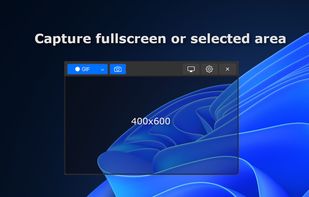

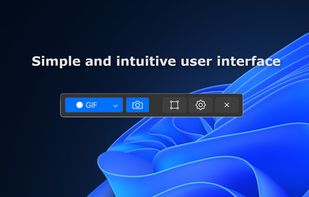


Versatile screen recording and live streaming tool, broadcasting to over 30 platforms. Enhances streams with stickers, templates, and images. Supports lectures and games, offers scheduled recording and operates as a virtual camera for meetings.
China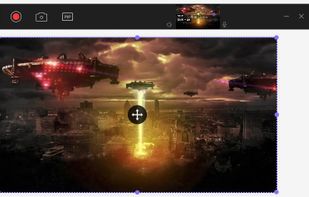
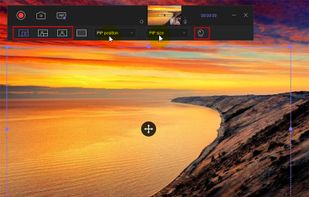

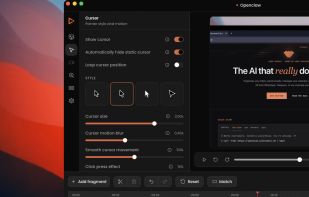
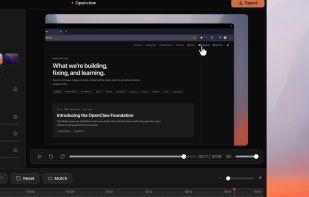
Capptivo is a free, open-source desktop screen recorder and editor. It is a local-first alternative to Screen Studio and Cursorful.
 Morocco
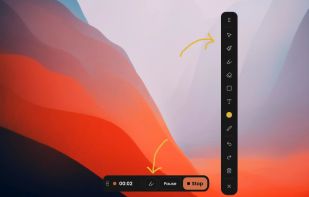


Record full screen or customized areas with webcam options. Annotate in real time, highlight cursor actions, and record both system and voiceover audio. Ideal for creating instructional videos, webinars, and presentations. Free for personal use, compatible with PCs.
CyprusEU