


Screentik - Screenshot Capture Tool
Like
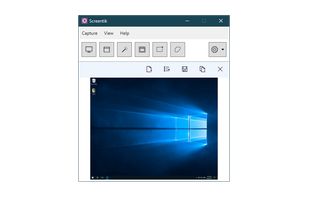
A lightweight yet powerful screen capture tool that allows you to easily capture anything on the screen including windows, objects, full screen, rectangular and freehand regions.

Cost / License
- Pay once
- Proprietary
Application type
Platforms
- Windows


Features
Screentik - Screenshot Capture Tool News & Activities
Highlights All activities
Recent activities
- Clarus added Screentik - Screenshot Capture Tool as alternative to Clarus
 muhammadfarag added Screentik - Screenshot Capture Tool as alternative to BandiCamera
 Deminimis added Screentik - Screenshot Capture Tool as alternative to MiniSnip
- wamab86615 added Screentik - Screenshot Capture Tool as alternative to screensh


Screentik - Screenshot Capture Tool information
Developed by
UnknownLicensing
Proprietary and Commercial product.Pricing
One time purchase (perpetual license) that costs $10.Alternatives
20 alternatives listedBadge
Get an embeddable badge for Screentik - Screenshot Capture ToolSupported Languages


No comments or reviews, maybe you want to be first?
