

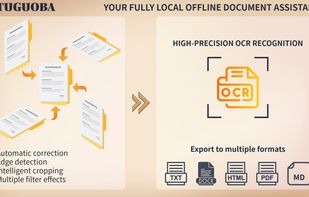
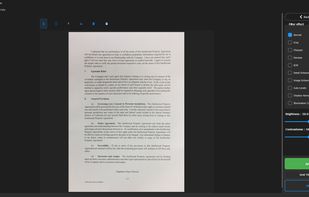
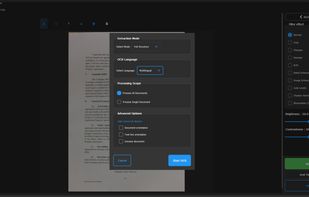
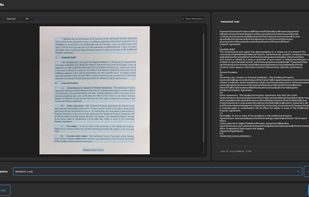
Turn your paper documents into digital files. Auto-detect edges, correct perspective, enhance images, extract text with OCR, and export as PDF or images.
Cost / License
- Paid
- Proprietary
Application type
Platforms
- Mac
- Windows
- Global



+1


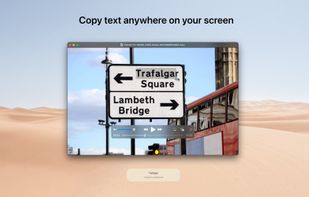
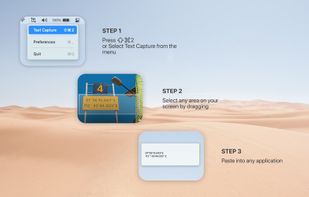
TextSniper is described as 'Super useful app to quickly capture unselectable text. Use it to capture and recognize text from presentations, trainings, screencasts,images, pictures, webpages, video tutorials, photos, PDFs etc. Literally from anywhere on your mac's screen' and is an app in the office & productivity category. There are more than 50 alternatives to TextSniper for a variety of platforms, including Mac, Windows, Android, iPhone and iPad apps. The best TextSniper alternative is OSS Document Scanner, which is both free and Open Source. Other great apps like TextSniper are MakeACopy, Snagit, NormCap and Shottr.
Turn your paper documents into digital files. Auto-detect edges, correct perspective, enhance images, extract text with OCR, and export as PDF or images.

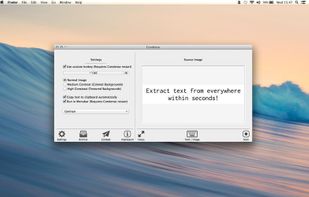
Typing out has come to a end. Say ‚Hello‘ to Condense. Your easy to use optical character recognition (OCR) application.


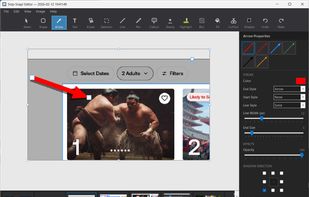
Snip-Snap! is a lightweight, privacy-focused screenshot utility for Windows 10/11. Capture regions, windows, or full screens with pixel-perfect precision using a built-in magnifier. Features a powerful editor with annotations (arrows, text, shapes, highlighters), quick styles...
 United States


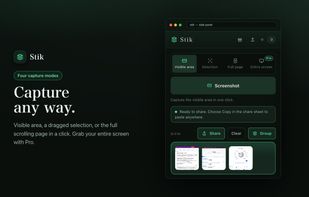
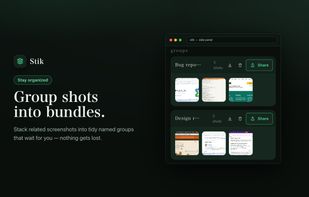
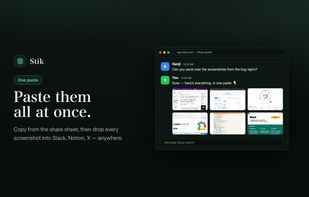
Stik is a Chrome & Brave side-panel extension that captures visible, full-page, or screen-area screenshots, bundles them into groups, and pastes many images into Slack, Notion, and X in a single paste.
 Japan
Japan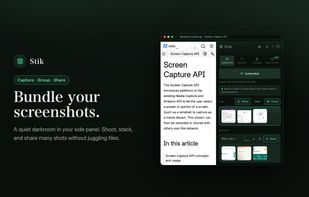


Do you often find yourself retyping text that's stuck inside an image? Have you ever spent hours trying to find something where you know you sent someone a screenshot of it a while back?

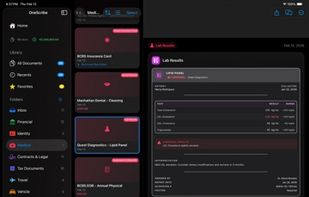
Private document scanner with on-device AI. Turns receipts, contracts, and records into structured data — no cloud, no subscription.
United States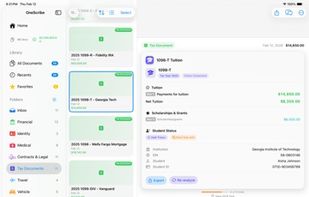
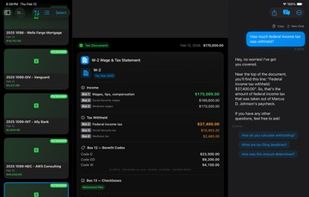
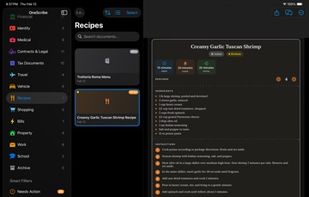


Turn your phone into a powerful document scanner with CamScan — the fast, secure, and easy-to-use app to scan, edit, sign, and share anything, anywhere.
 Uzbekistan






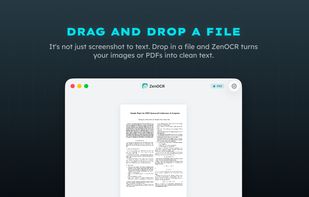
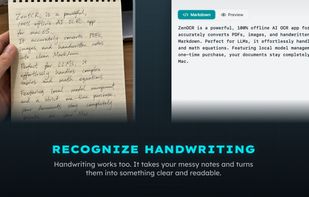
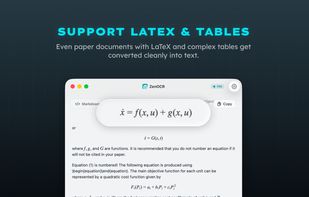
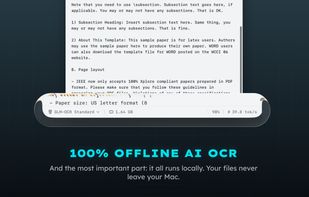
ZenOCR is a menu bar OCR app for macOS. Trigger it with a global shortcut to capture any part of the screen, or drag an image or PDF onto it, and it extracts the text instantly. It can convert PDFs to Markdown while preserving tables and math (LaTeX), which makes it handy for...


AI-powered screenshot utility for region, window, and full-screen capture, featuring background removal, optical character recognition, image enhancement, annotation, watermark, and signature tools. Supports creatives, professionals, and content sharing workflows.
 China
China


AI document assistant for web, iOS and Android with scanning, PDF signing, OCR, conversion, translations and reminders. Features device-based AES-256 encryption, end-to-end privacy, no watermarks, and secure zero-knowledge storage for sensitive files.


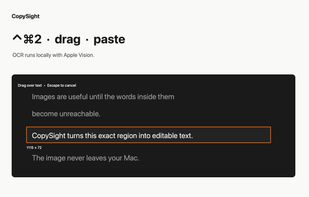
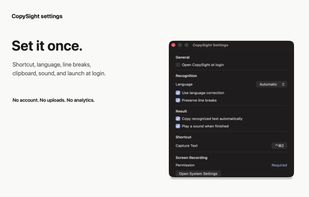
CopySight is a free, native macOS utility that turns text inside images, video frames, locked PDFs, remote desktops, and other non-selectable content into text you can paste. Press Control-Command-2, drag over a screen region, and CopySight recognizes it locally with Apple's...
 Spain
Spain EU
EU