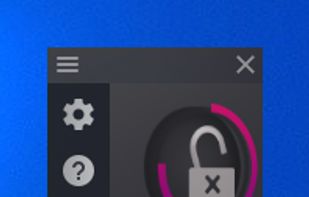
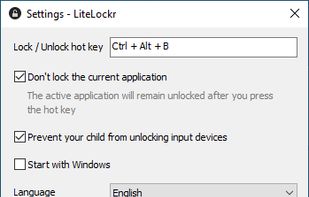
LiteLockr is easy to use and allows you to restrict input devices, so that your child can only use the programs you want them to.
Cost / License
- Free
- Open Source (GPL-3.0)
Platforms
- Windows





T


Toddler Keys is described as 'Keyboard and or mouse blocker (preventing Babies using them ! )' and is an app. There are eight alternatives to Toddler Keys for Windows. The best Toddler Keys alternative is LiteLockr, which is both free and Open Source. Other great apps like Toddler Keys are KeyFreeze, BlueLife KeyFreeze, KidKeyLock and Keyboard and Mouse Locker.
LiteLockr is easy to use and allows you to restrict input devices, so that your child can only use the programs you want them to.

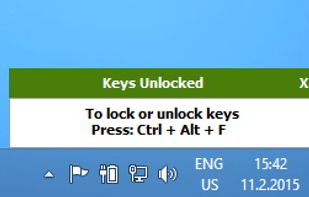
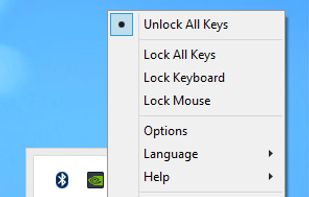
FREE Windows application that blocks your keyboard and mouse without “locking” the screen.You can block keyboard and Mouse separately or together.




 Cyprus
 EU
EU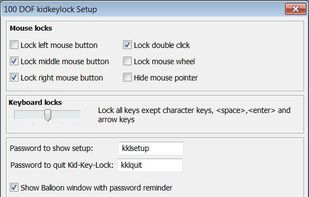


Keyboard and Mouse Locker is a portable tool that locks your Keyboard and Mouse in an easy and practical way!

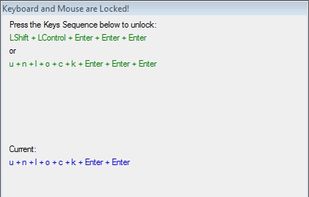

Keyboard Blocker is a lightweight Windows utility that completely blocks keyboard input while running in the background.
 Russia
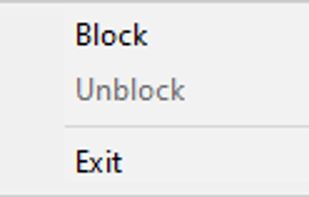



MouseAxisLocker is a small Windows software utility, which easily locks the mouse axis and limits the cursor to move in a horizontal, vertical or 45 degree diagonal mode as long as hotkeys are pressed.
 China
China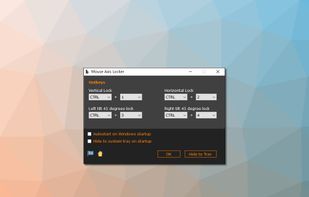


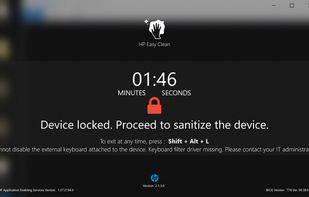
Exclusive to modern HP devices, HP Easy Clean blocks inputs from keyboard, trackpad, mouse, touchscreen, and other input devices temporarily to let you easily disinfect your device without having to turn off or risking accidental clicks.
 United States