





WhimFiles
Like
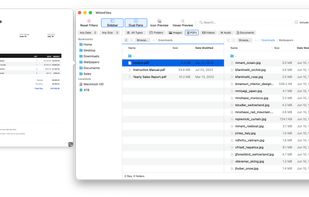
Fast, native Mac file manager built around real-time filtering, with dual-pane browsing, tabs, previews, and fuzzy folder search.

Cost / License
- Pay once
- Proprietary
Application type
 EU
EUPlatforms
- Mac


Features
WhimFiles News & Activities
Highlights All activities
Recent activities
- WhimByte added WhimFiles
 WhimByte added WhimFiles as alternative to Path Finder, ForkLift, Finder and Commander One

WhimFiles information
Developed by
 WhimByte
 Licensing
Proprietary and Commercial product.Pricing
One time purchase (perpetual license) that costs $20.Alternatives
5 alternatives listedBadge
Get an embeddable badge for WhimFilesSupported Languages


No comments or reviews, maybe you want to be first?