


WinWarden
2 likes
Automatically control how to display a window.
Features:
- Move, maximize, minimize, restore, enable, disable, hide, show, ontop, bottom, alwaysontop, clip, transparent, transparent color, move relative to another window, stick to the edge of the screen, center, run a program. -.

Cost / License
- Free
- Proprietary
Application type
Platforms
- Windows

Features
WinWarden News & Activities
Highlights All activities
Recent activities
No activities found.
WinWarden information
Developed by
UnknownLicensing
Proprietary and Free product.Alternatives
37 alternatives listedBadge
Get an embeddable badge for WinWardenSupported Languages


Comments and Reviews
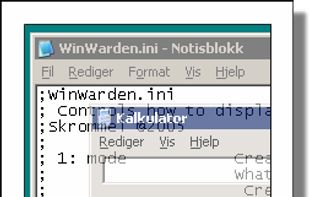
Requires Auto Hotkey v.1. It will offer to install. Threw my desktop centering off, but restart fixed. I see the placement options, but don't know how to trigger the window to do it.. grrr Apparently, you have to manually edit the configuration file.