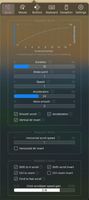
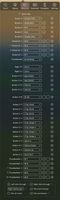
SteerMouse is a utility that lets you freely customize buttons, wheels and cursor speed. Both USB and Bluetooth mice are supported.
Cost / License
- Paid
- Proprietary
Platforms
- Mac
 Japan
Japan
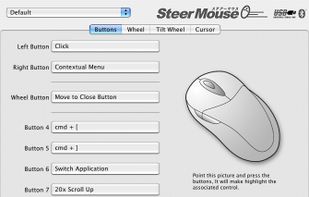

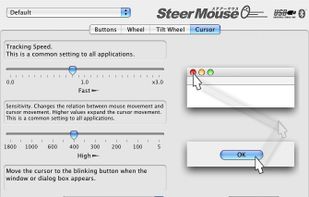


X-Mouse Button Control is not available for Mac but there are some alternatives that runs on macOS with similar functionality. The best Mac alternative is SteerMouse. It's not free, so if you're looking for a free alternative, you could try LinearMouse or USB Overdrive. If that doesn't suit you, our users have ranked more than 25 alternatives to X-Mouse Button Control and seven of them are available for Mac so hopefully you can find a suitable replacement. Other interesting Mac alternatives to X-Mouse Button Control are Smooze, iMouseFix, Bettermouse and Smoothmouse.
SteerMouse is a utility that lets you freely customize buttons, wheels and cursor speed. Both USB and Bluetooth mice are supported.
Japan
LinearMouse is a free and open-source utility for macOS which aims to improve the experience and functionality of third-party mice.
 China
China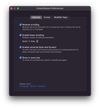
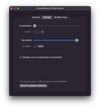
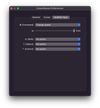


The USB Overdrive is a device driver for macOS that handles any USB or Bluetooth mouse, keyboard, trackball, joystick, gamepad or gaming device from any manufacturer and lets you configure it either globally or on a per-application, per-device basis.
 Italy
Italy EU
EU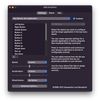
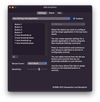


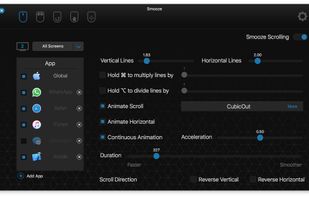
Smooze animates your scroll and adds functionality to your non-Apple mouse (scroll-wheel mouse).
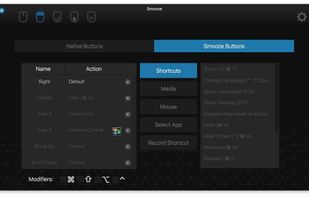
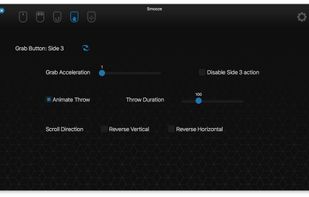
Disable scroll acceleration in macOS, Save time by attaching mouse buttons to actions, Grab Scroll, Auto Scroll, Gestures and more.
 Singapore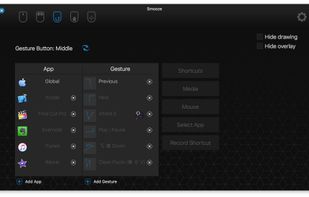


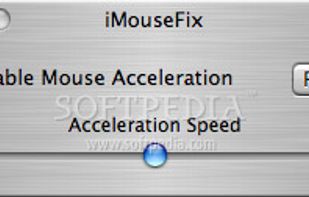
Modifies the Mac acceleration curve to better suit your style. Uses most of the code from MouseFix and wrapps it into a gui.


It’s a macOS utility app that gives you smooth mouse scrolling, cursor speed control, and powerful mouse/keyboard bindings.