



Mutate is a native Mac menu bar utility for inline text replacement and generation.
Cost / License
- Free
- Proprietary
Application type
Platforms
- Mac
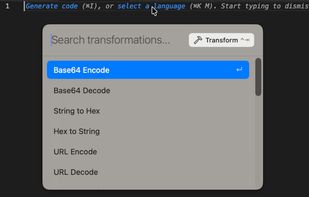


Mutate is a native Mac menu bar utility for inline text replacement and generation.

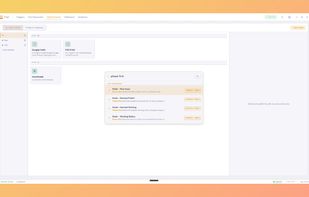
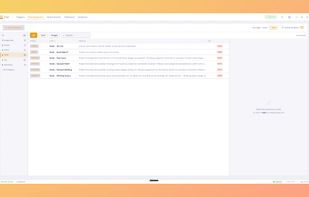
Keyfire is a visual Windows tool for hotkeys, macros, and text expansions — no scripting. Remap any key, chain actions, and scope shortcuts per app. Runs fully local, no accounts. Includes quick search, clipboard history, and offline voice commands. Lightweight and free during beta.
 United Kingdom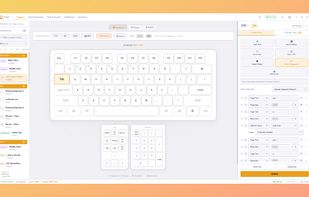

 AutoHotkey
I just want a quick way to expand a text snippet into a longer chunk of text. For example, I want to type 'sig' and have it expand into my complete email signature – no matter what browser or email client I’m using.


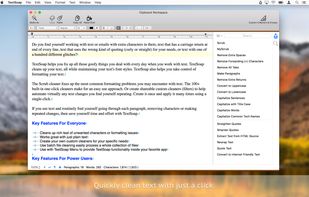
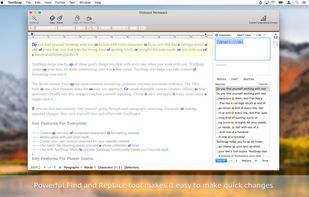
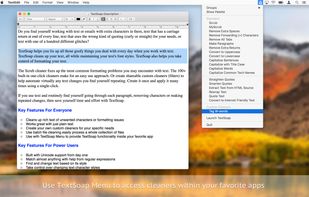
Automatically remove unwanted characters, fix messed up carriage returns, and pretty much anything else you can imagine. Save time & effort. Be more productive.
 United States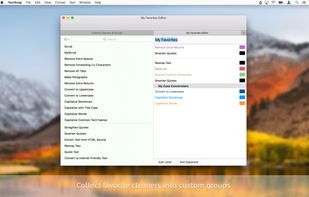


Replace, insert new content, remove existing text, change text style and formatting in 1000s of Word and text documents in bulk. Save results and convert between various document formats: docx, doc, pdf, odt, rtf, wpd, txt, xps, html, and others.
United States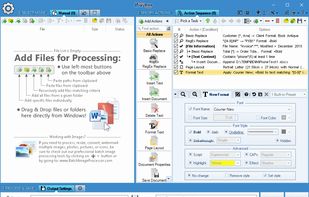
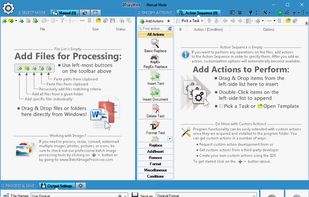
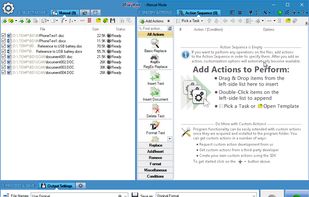
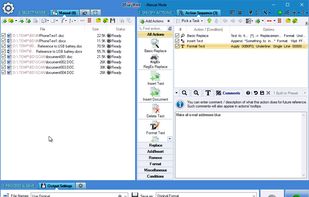


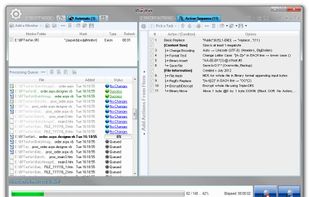
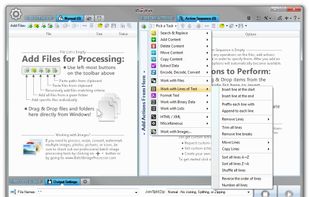
Replace, insert, delete, copy, move, format, extract, convert, encode, encrypt text and bytes in multiple files. Process 1000s files using multiple CPU cores in manual, automatic, scheduled, or console modes, or right-clicking on selected files.
United States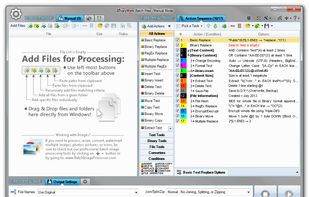
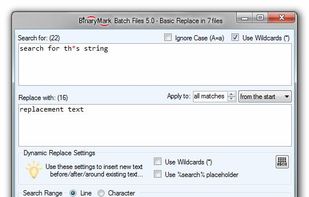


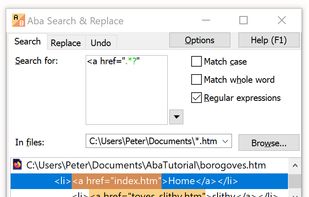
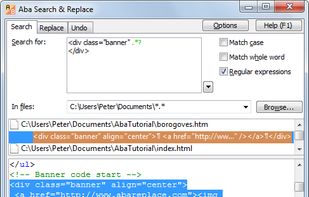
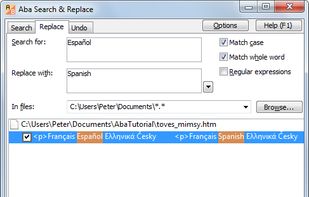
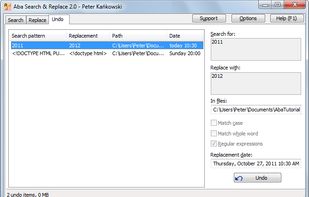
Find and replace in multiple files with regular expressions, multi-line search and replace, Unicode support, preview, and undo.


Free Productivity App for Text Manipulation & Scraping, which allows you to perform multiple actions on the same input file, in 3 easy steps.
United Kingdom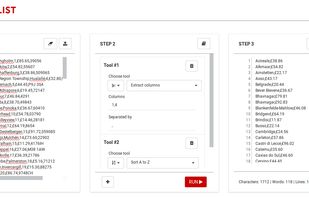


Search and replace text and raw bytes in multiple files. Features include: multi-line text entry; full support for RegEx with syntax highlighting and match substitutions; built-in hex editor to replace bytes; wildcards and case-sensitivity; Unicode.
United States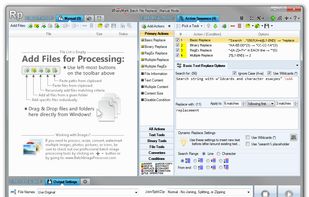



Notepad++ plugin to extract some text from current document or all files from a location with some additional settings (like case conversion).


Search & Replace Master is a freeware. It looks through multiple files for a string or pattern and can also replace it with another string or pattern.
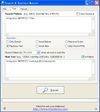
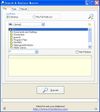

Easy alternative to Grep. Portable. Supports extended regular expression syntax.

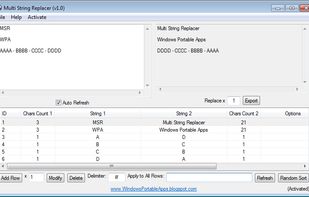
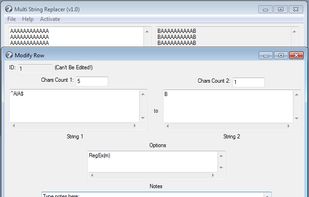
Multi String Replacer is a small and portable application that can be used to replace multiple strings at once. Its main functionality is String Swapping in which can be easily and quickly done. String swapping consists on replacing WordX with WordY and WordY with WordX.


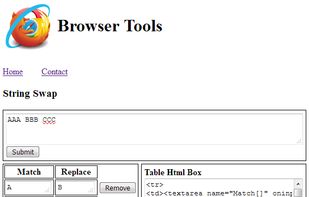
Online String Swap, is a web page that can be used to replace multiple strings at once online in almost any web browser available out there!


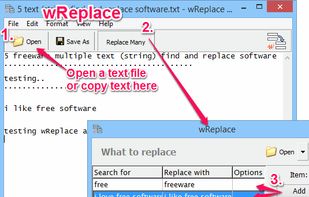
Free program, which allows you to change/replace multiple letters and phrases at a time. It is easy to create and save lists of changes/replacements, so that you can reuse them.
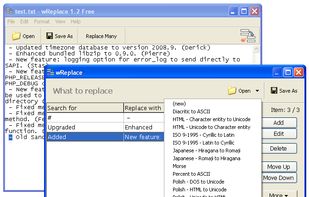


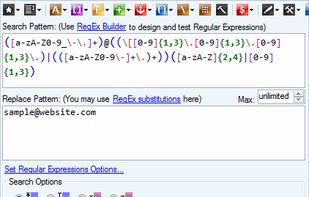
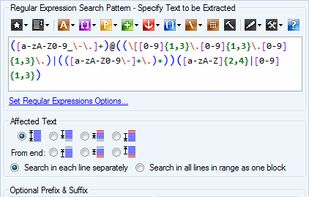
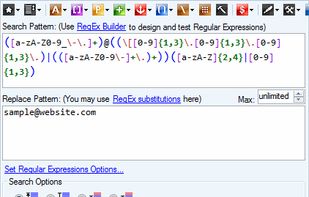
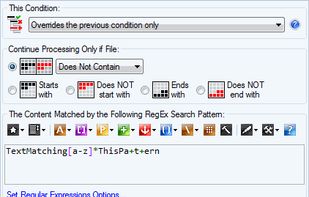
Replace, format, and extract text in multiple files using Regular Expressions. Perform GREP-like tasks including search and replace, RegEx substitutions, data extraction, and more! Built-in RegEx editors support color syntax highlighting and tips.
United States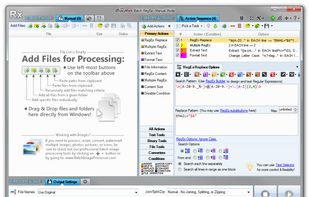


Auto-hashtags, Auto-emojis, GIFs and much, much more, all according to your Enahce rules. It's all donein a single click in Buffer, Hootsuite and all social media content creation and publishing solutions (Buffer, Hootsuite, Sproutsocial, Hubspot...).
United States




A text expander and note taking tool for Windows. Replace abbreviations with full sentences and take notes just by tapping caps lock ...
 Germany
 EU
EU


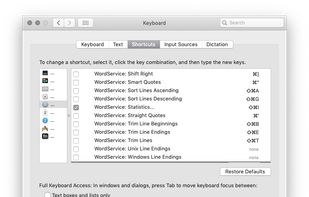
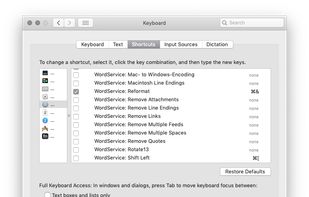
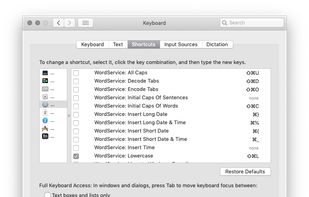
WordService provides a large number of commands in any Service-aware for working with selected text.
GermanyEU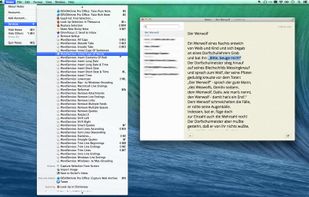


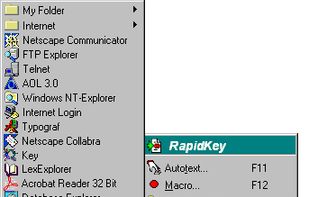
RapidKey - Autotext and Macros for Windows XP that auto fill web forms. RapidKey provides you with a new Windows functionality. This software autocompletes text phrases and autoexpands shorthands in any Windows applications.
GermanyEU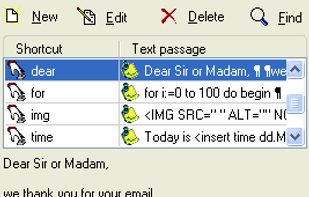
 AutoHotkeyand
textBEAST is a text manager that lets you store an unlimited number of text clips, each one up to 64,000 characters long, so that you can paste each one whenever you need it. This saves time and increases accuracy. Never type it again!

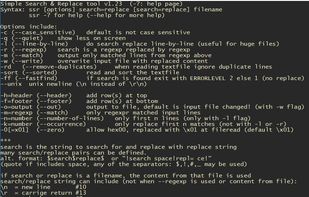
SNR is a free Windows command-line utility that performs multiple string-replacement operations on a data file in a single pass.



 Case Converter


