


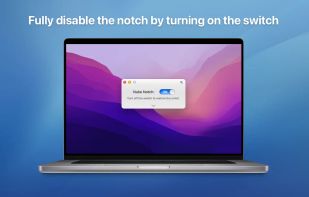
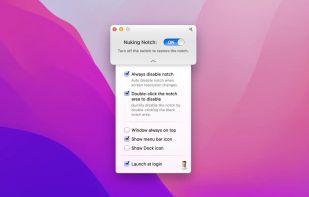
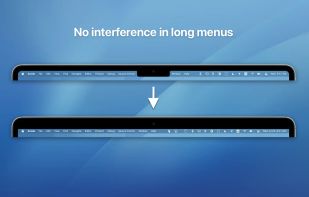
Say No to Notch is an application that can fully disable the notch* that comes with MacBook Air with M2 (2022), MacBook Pro 14? and 16? with M1 Pro and M1 Max processors (2021).
Cost / License
- Free
- Proprietary
Platforms
- Mac



+1
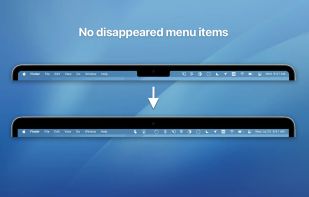


Say No to Notch is an application that can fully disable the notch* that comes with MacBook Air with M2 (2022), MacBook Pro 14? and 16? with M1 Pro and M1 Max processors (2021).
Stop The Mac App Store is an app for macOS 11 Big Sur or later that automatically handles Mac App Store URLs instead of App Store app. If you allow Safari to open a Mac App Store URL in Stop The Mac App Store, the app's page will then open in App Store.


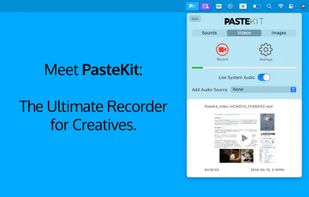
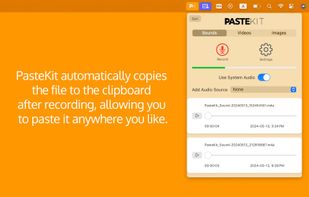
With PasteKit, just record then paste video, images, sound directly into your audio/video editing software. Works out-of-the-box, no extra setup needed.


 OBS Studioand
 ShareX
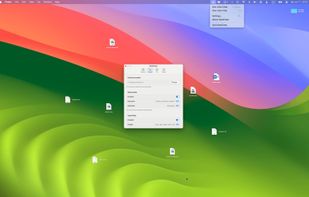
A simple one-click solution to clean your desktop files, quickly restoring a tidy workspace. DeskClear helps you stay efficient in a busy work environment by easily managing desktop clutter.
 China
China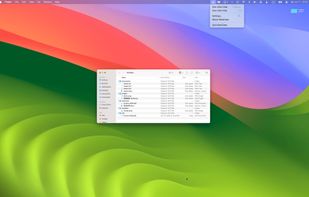
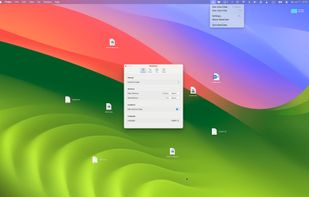

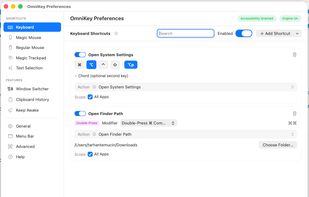
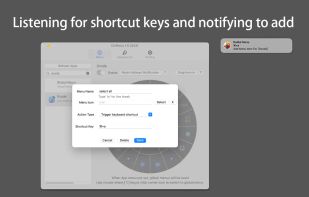
A lightweight, privacy-first macOS command center that combines global shortcuts, advanced gestures, window snapping, and clipboard history into one offline app.
 United Arab Emirates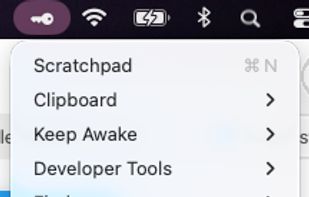


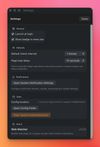
A lightweight macOS menu bar utility that monitors websites for changes and delivers native notifications.
 United States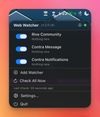


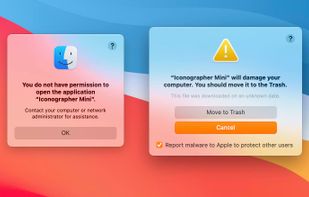
Are there files, folders or apps that cannot be opened? Files that refuse to have changes saved to them?
 United Kingdom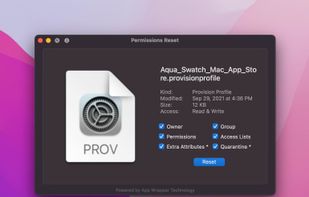

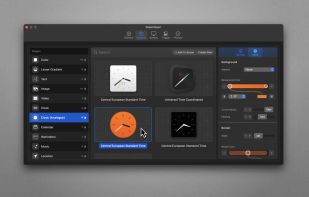
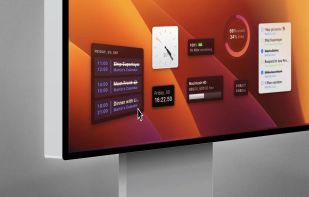
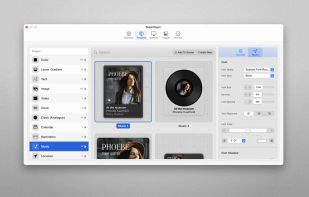
Superlayer is the easiest way to create delightful widgets for your Mac in no time. Choose from a variety of gorgeous pre-designed widgets — all highly customizable — and place them anywhere you want, directly onto your screen.
 Germany
 EU
EU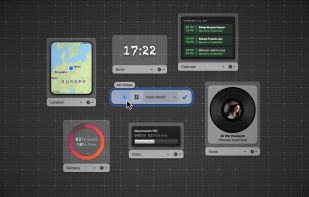

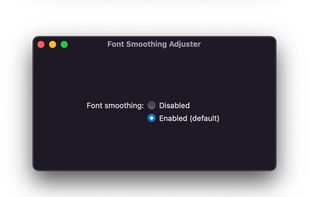
Font Smoothing Adjuster is a tiny, native macOS app that lets you adjust your font smoothing preferences in a graphical user interface. Issues and pull requests welcome!


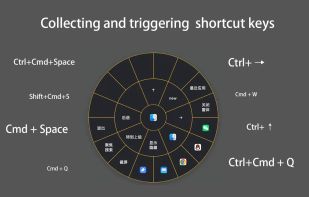
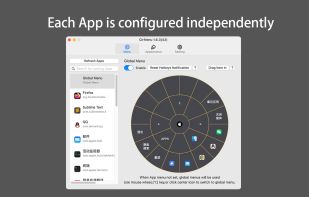
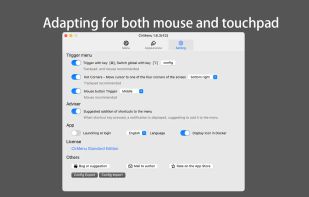
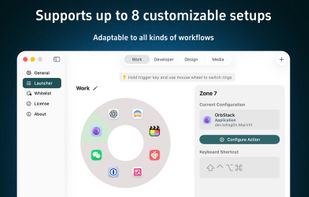
OrbitRing is a sleek and lightweight macOS launcher, featuring a unique ring design that surrounds your mouse with apps for a highly efficient and intuitive start-up experience.
China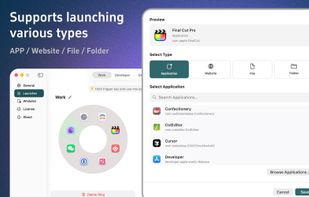
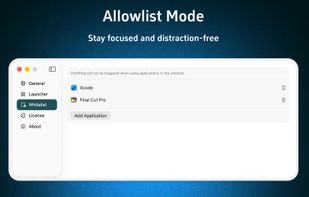
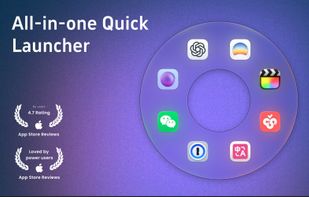

Emoji Picker for macOS is built for keyboard flow: type, filter, and insert quickly. It supports pins, custom shortcodes, emoji packs, and a dedicated Glyphs tab for arrows, math, and layout symbols. Built native in Swift to stay local and fast.
 Switzerland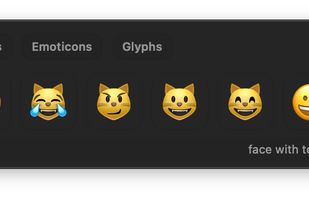
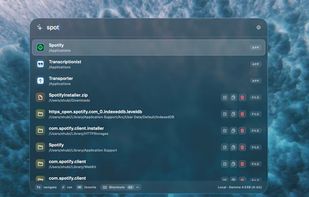
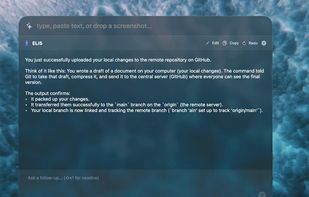
Vehla is a native macOS command center that combines app launching, file search, smart clipboard history, window management, notes, local AI, BYOK cloud AI, MCP tools, and everyday Mac utilities behind one keyboard-driven palette.
 Canada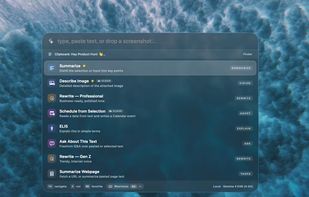

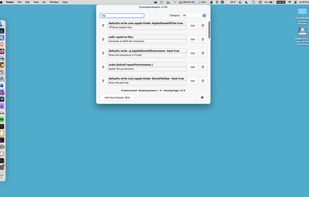
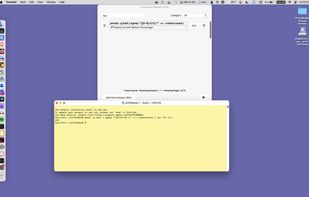
Use Command Keeper to easily organize and access your command line snippets, shell scripts, and even SQL queries. It's ideal for app developers, web developers, or just anyone who needs to spend time working with command line interfaces.
United States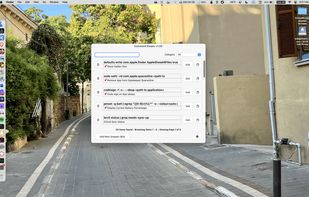

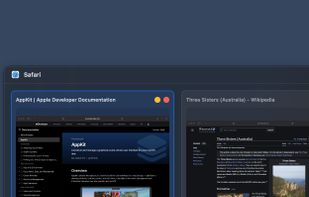
The macOS Dock is built around apps, not windows. Multiple displays and desktops make it hard to track what's open where. boringBar keeps windows organized by desktop, with instant previews, one-click desktop switching, and pinned apps within reach.
United States




 United Kingdom


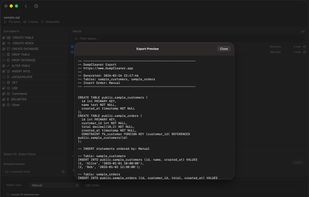
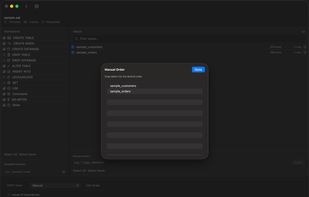
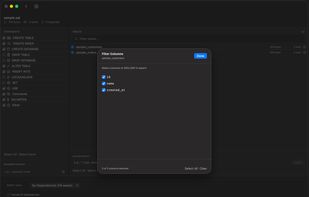
DumpCleaner is a native macOS and iPadOS app for filtering large SQL dump files. Instead of grep-ing through gigabytes of SQL, just drag in your .sql or .sql.gz file, select the tables and statement types you need, and export a clean, filtered dump.
GermanyEU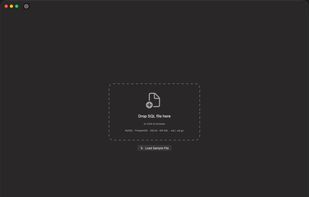

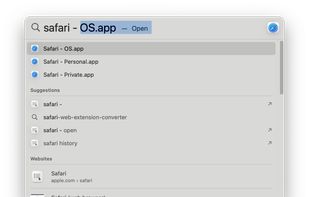
The main purpose of the ProfileLauncher is to launch Safari with a specific profile. It works with English locale only, as it heavily relies on the English names of the profiles.
United States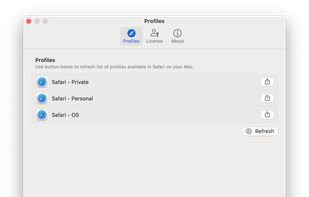

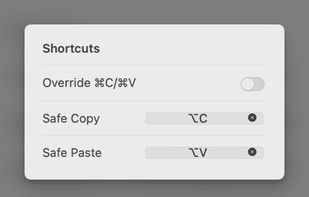
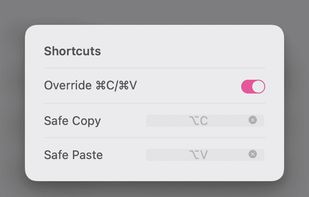
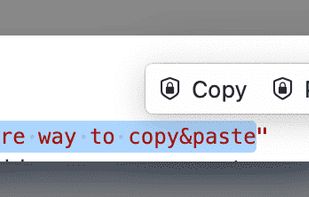
Copi is an open-source, lightweight, and secure clipboard alternative for macOS. It offers the same copy and paste functionality as the system clipboard, but its contents cannot be accessed by any third-party applications, effectively protecting your privacy data.
China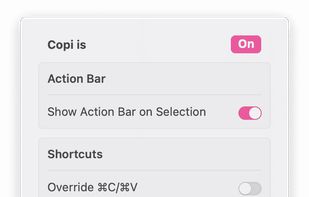

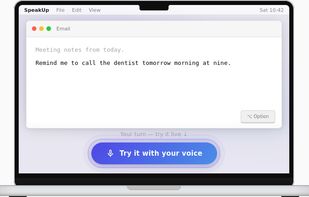
SpeakUp is a private dictation app for Mac. Hold a hotkey, speak naturally, release — your words appear wherever your cursor is, in any application.


Use CrystalClear audio to effortlessly and automatically switch to the internal Mac microphones or the external microphones you connect to achieve the best possible sound quality when you speak.


 Ukraine


 GermanyEU
 Adobe Acrobat Reader
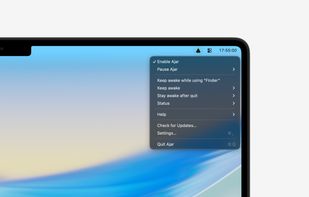
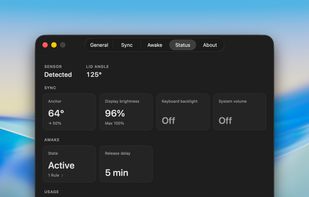
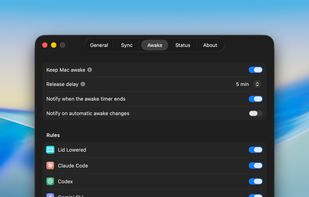
Ajar maps your MacBook's lid angle to display brightness, keyboard backlight, and system volume, and keeps the Mac awake while AI agents are running.
United States


 France


