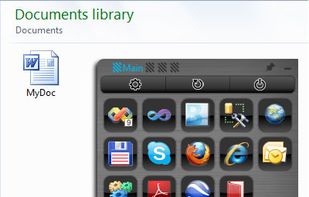
Radial menu for files, apps, folders, clipboard, and macros. Fast, lightweight, and customisable.
Cost / License
- Free
- Proprietary
Application type
Platforms
- Windows



+5
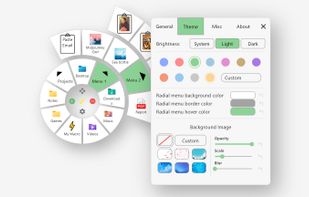


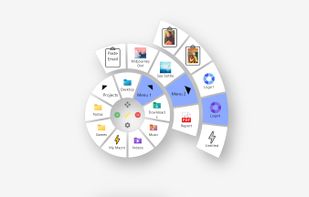
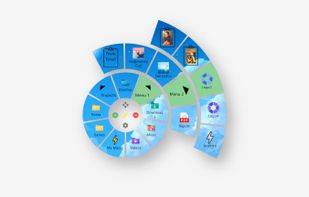
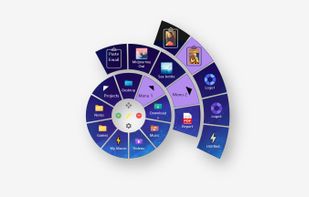
Radial menu for files, apps, folders, clipboard, and macros. Fast, lightweight, and customisable.

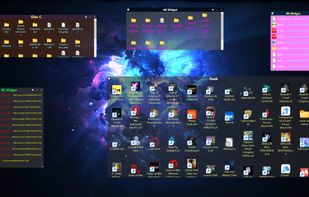
Windows application for creating widgets, which can be linked to folders (except the Recycle Bin), creating notes (WNotes), or creating shortcut containers (WLinks). From within the widgets, you can interact with files and other folders.
 Mexico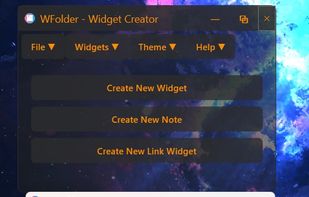



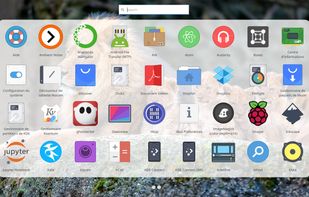
Rocket is an application launcher for KDE Plasma. It sorts all of your applications in a horizontal grid alphabetically, so you will always find what you are looking for at first glance. No more menu navigation, only scrolling.
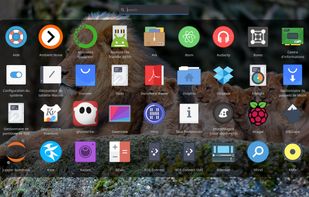
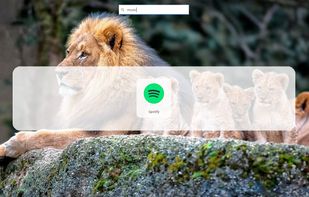
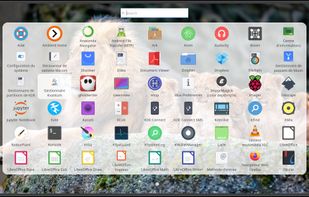

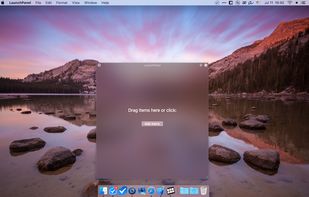
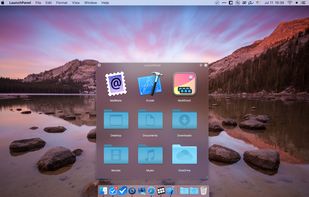
LaunchPanel is a completely FREE application that allows you to quickly launch applications, open files and folders.
 Ukraine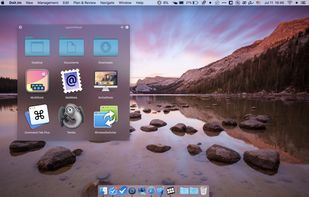

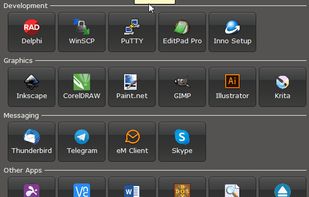
Luncher is a simple Windows application and file launcher. It allows you to setup buttons that act as shortcuts to open any application, file or folder. Luncher appears as a small panel on the top of the screen that is always easily accessible.
 Australia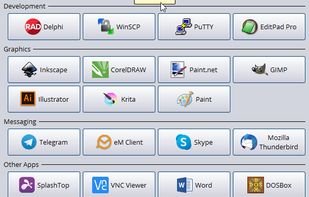


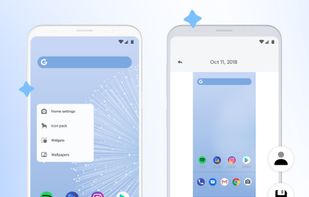
The intelligent homescreen that simplifies your phone.
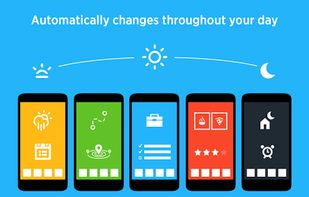
Yahoo Aviate is a launcher for your Android that will simplify how you use your phone. It removes clutter, automatically organizes your apps and knows when to show you the information you need, at the time it’s useful for yo.
 United States



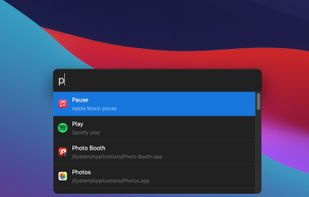
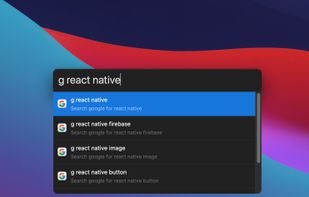
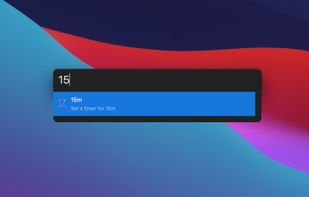
Productivity tool that allows to launch everything (e.g. switch the next song, connect Bluetooth device, set a timer, etc.) so you can stay focused on your current task.





DragThing is the original dock designed to tidy up your Macintosh desktop.
It puts all your documents, folders, and applications just a single click away. Highly flexible, it allows multiple docks, each customised to suit your exact needs.
It stores frequently-used clippings su.
 United Kingdom

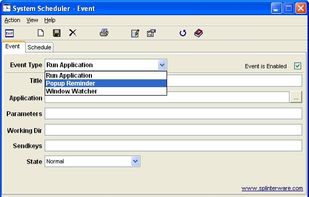
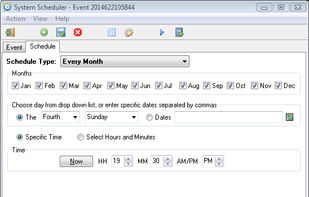
System Scheduler for Windows, Free Task Scheduling Software replace Microsoft Windows Task Scheduler
United Kingdom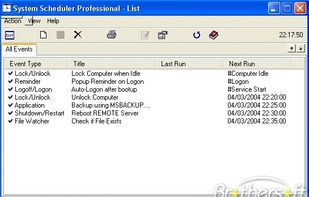


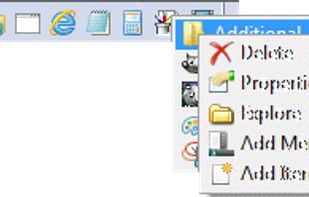
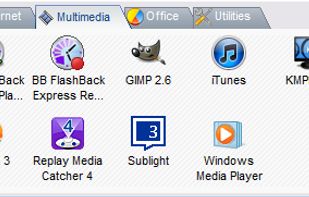
LaunchBar is a small Windows freeware program that mimics the behavior of the dockable QuickLaunch toolbar that was available in all Windows versions before Windows 7.

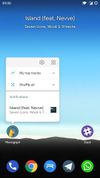
This is the launcher that presents what, in my opinion, a home screen should be. It has only features that matter yet lacks nothing essential.
 Netherlands
 EU
EU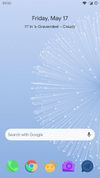
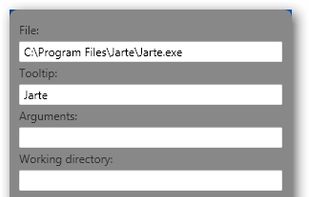
LaunchBar Commander is what is commonly referred to as an "Application Launcher"; it is typically docked to the side of your screen and lets you configure buttons and menus which will launch your favorites programs.
United States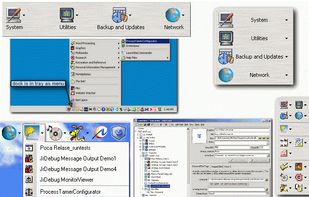

Pinpoint is the Windows equivalent of Spotlight and Alfred for macOS. It is an extensible keystroke launcher and productivity tool. Existing functionality provided via plugins include file and app search, currency conversion, stock ticker look up, Spotify control, control panel...


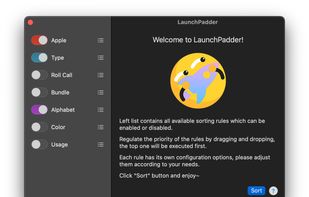
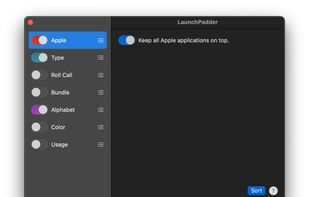
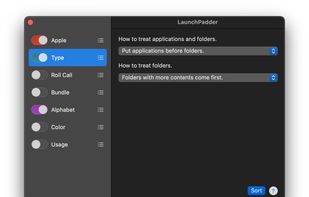
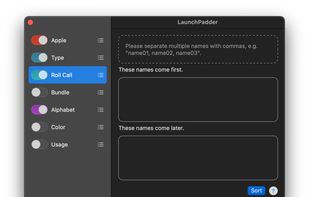
LaunchPadder is a free macOS LaunchPad tool that organizes and sorts apps and folders on LaunchPad according to certain rules.

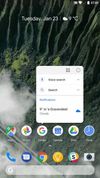
Rootless Pixel Launcher is a fork Launcher3 from AOSP with a port of the Google Pixel Launcher ’s features that doesn't require root access.
NetherlandsEU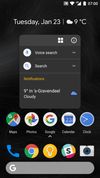





Gnome Panel is a component that is part of GnomeFlashback and provides panels and default applets for the desktop. A panel is a horizontal or vertical bar that can be added to each side of the screen. By default there is one panel on the top of the screen and one on the bottom...
United States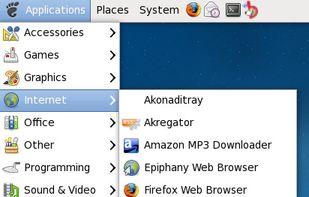


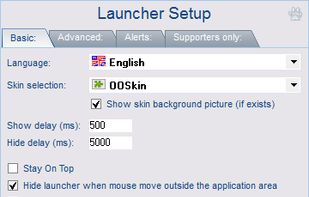
MouseExtender is a cozy utility with shortcuts to programs, folders and system functions (Control panel, Restart and Shutdown).


 United States


 StayHereand

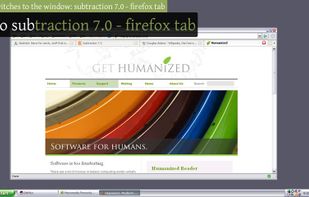
Enso is dead simple to use. You just hold down the Caps Lock key and type an Enso command, which is displayed in a translucent overlay. Once the command is typed, you simply release the Caps Lock key to activate it, and the overlay disappears.
United States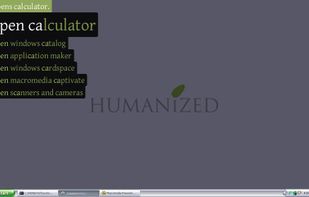


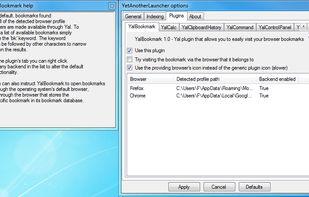
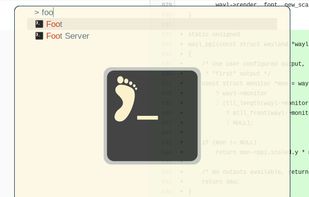
Access your files, programs, browser bookmarks, search engines and windows with a few key presses.