



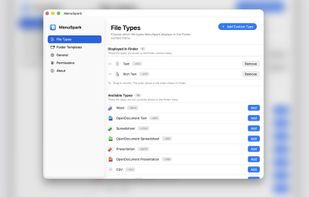
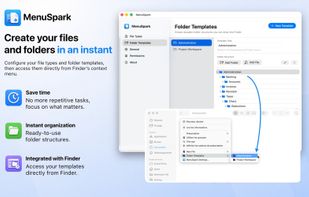
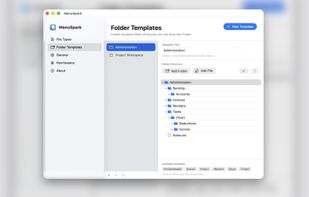
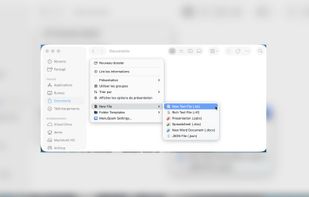
Create new files, reusable file templates, and complete folder structures directly from Finder’s context menu.
Cost / License
- Freemium
- Proprietary
Platforms
- Mac
 Switzerland



+4

Best alternatives are 
1 alternatives

Create new files, reusable file templates, and complete folder structures directly from Finder’s context menu.
Switzerland
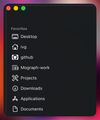
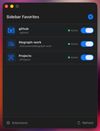
Add custom folders to macOS Finder's sidebar with custom designed and/or SF Symbol icons.
 United States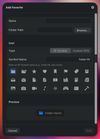
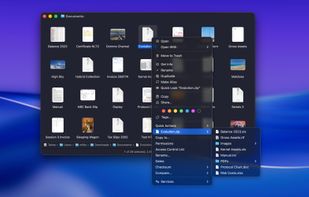
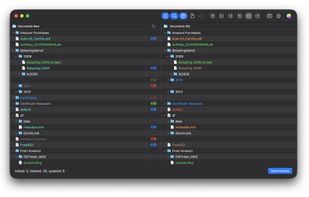
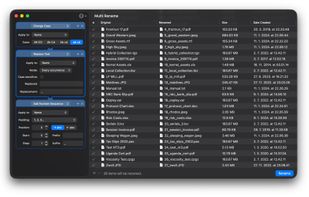
FileUtils extends macOS Finder with powerful file operations that macOS doesn't provide out of the box, accessible directly from Finder's contextual right-click menu (and/or toolbar item menu), without ever opening Terminal.


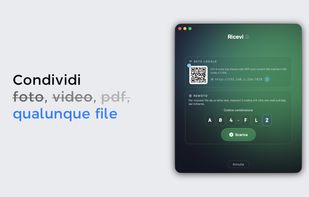
The AirDrop alternative that works everywhere — and a WeTransfer alternative with no size limits. P2P transfers between Mac, Windows, iPhone and browsers, end-to-end encrypted, offline-capable. Files are never stored on a server: no expiring links, no account, free.
 Italy
Italy EU
EU



When you select an audio file in the Mac Finder, Snapper immediately appears right beneath the current window, showing you the wave form.


