

Advanced volume mixer for Windows 10 and 11 providing per-app control, device switching, audio visualization, hotkeys, automatic updates, and modern interface.
 United States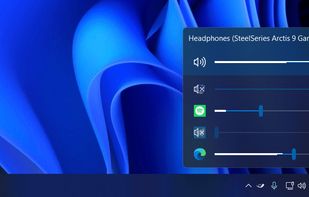
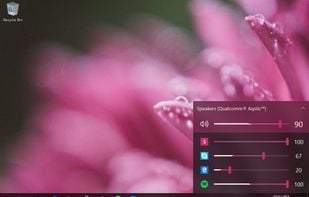
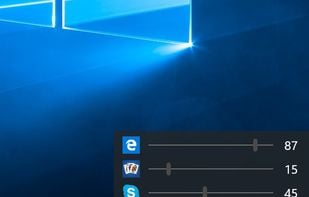


Advanced volume mixer for Windows 10 and 11 providing per-app control, device switching, audio visualization, hotkeys, automatic updates, and modern interface.
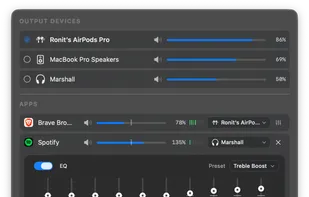
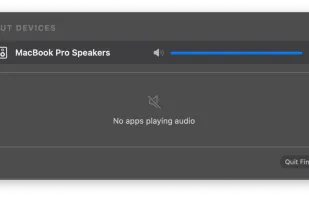
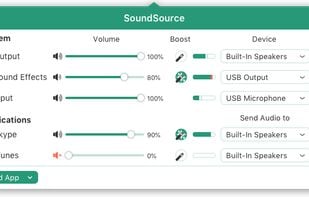
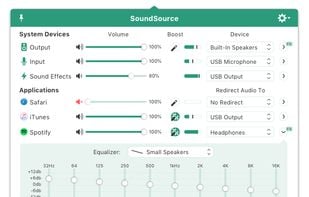
Menu bar tool for macOS enabling per-app and per-device audio control, app-to-device routing, 10-band EQ presets, real-time VU meters, volume boost, and persistent settings.
 EarTrumpetand
 Volume2
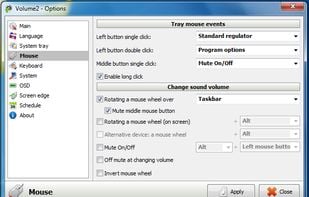
Volume2 is an advanced Windows audio mixer, a complete replacement for the standard Volume Control. This application lets you easily change the sound volume just by rotating the mouse wheel or by using keyboard hot keys or just mouse move on screen border.
 EarTrumpetand
 FineTune
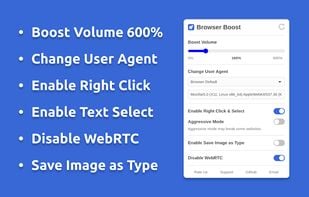
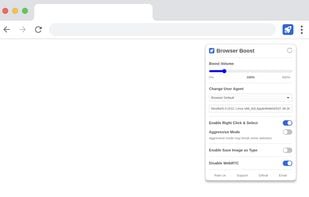
Browser extension to boost volume, change user agent, enable right click, copy & select, disable WebRTC, and save image as type (JPG, PNG & WebP).
 User-Agent Switcher and Manager
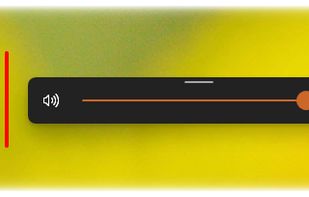
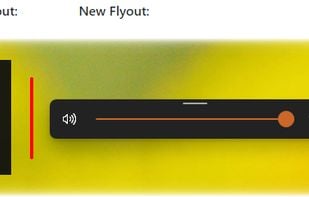
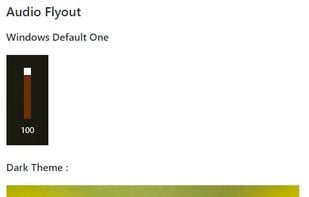
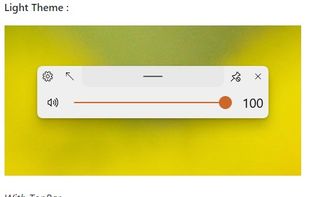
This application aims to provide a Fluent Design System based replacement for the old, built-in, Metro Design based Audio/Airplane mode/Brightness flyouts present in Windows (which haven't been updated since Windows 8 LOL) which are shown while pressing the media or volume...
 EarTrumpetand
 Cairo Shell
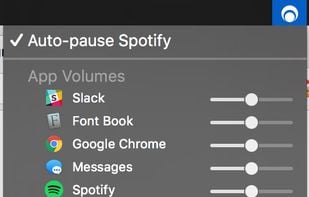
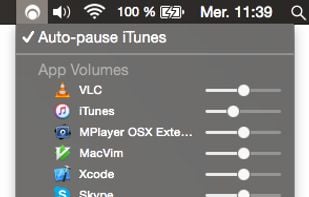
Background Music is a macOS audio utility that can automatically pause your music, set individual apps' volumes, and record system audio.
 EarTrumpetandFineTune
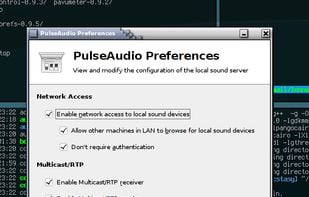
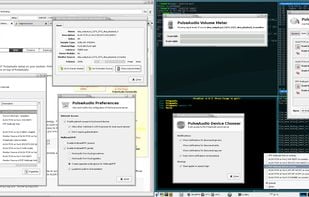
PulseAudio is a sound server system for POSIX OSes, meaning that it is a proxy for your sound applications. It is an integral part of all relevant modern Linux distributions and is used in various mobile devices, by multiple vendors.
 VB-Audio VoiceMeeter
Control audio on a per-app basis, adjusting the volume and output device for individual apps.
 FineTuneand
 Background Music
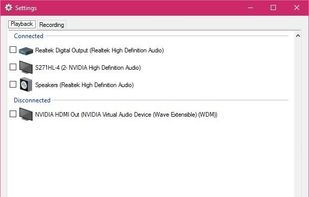
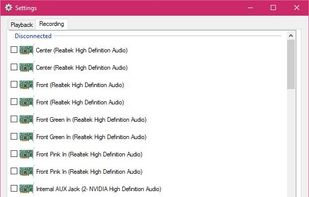
SoundSwitch makes it easier to switch playback devices (sound cards). With SoundSwitch you configure once between which Playback devices you want to toggle and then you can press Ctrl+Alt+F11 to toggle automatically!.
 Volume2and
 Audio switcher
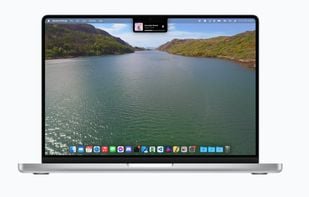
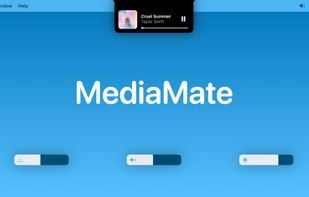
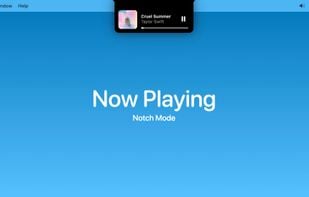
New, fresh visuals for changing your volume, brightness and now playing media throughout the Notch from your MacBook Pro.

 EarTrumpet
From authors website:
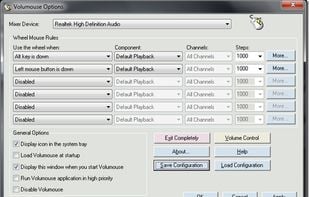
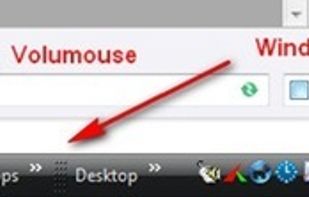
Volumouse provides you a quick and easy way to control the sound volume on your system - simply by rolling the wheel of your wheel mouse.
It allows you to define a set of rules for determining when the wheel will be used for changing the sound volume. For.
 EarTrumpet
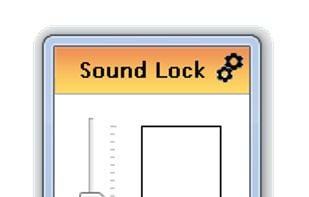
By using the »neighbour friendly« Sound Lock application, you will no longer disturb the people around you while watching your favorite movies and shows
 EarTrumpetandVolume2
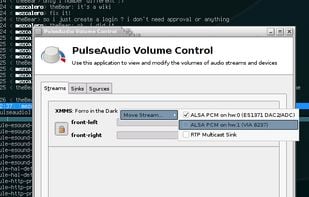
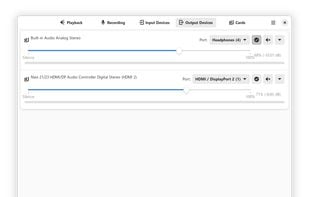
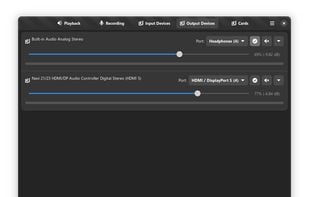
PulseAudio Volume Control (pavucontrol) is a volume control tool (“mixer”) for the PulseAudio server. In contrast to classic mixer tools, this one allows you to control both the volume of hardware devices and of each...
FineTuneand SoundSource
BetterAudio is an advanced audio management tool for macOS that puts complete control over your sound environment directly in the menu bar. Switch devices, manage volume per-app, transcribe via AI, and customize your HUD without disrupting your workflow.

 Vibe Transcribeand
 Whisper
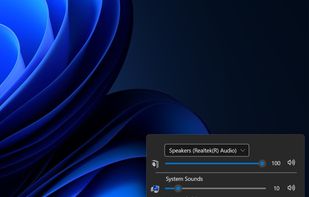
The best Windows 11 volume mixer and audio manager. Free and open source. Per-app volume control, custom themes, and media overlay.

 EarTrumpetandVolume2
 EarTrumpetandFineTune
 EarTrumpetandFineTune
CLI and curses mixer for PulseAudio. Contribute to GeorgeFilipkin/pulsemixer development by creating an account on GitHub.
FineTuneVolctl - Volume Control per application from System Tray for Linux
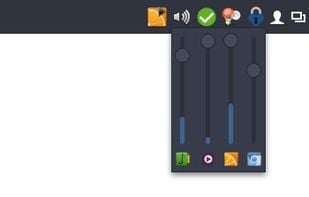
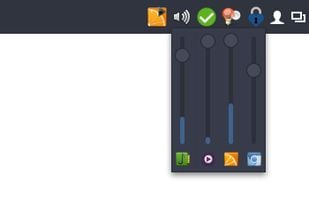
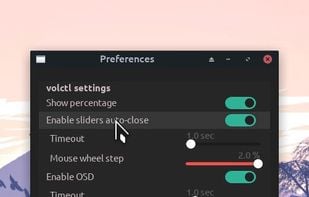
Volctl is a free and opensource app for Linux writen in python and gtk+ and that can be used to control volume per application and for enabled pulseaudio outputs from the system tray.

 EarTrumpet
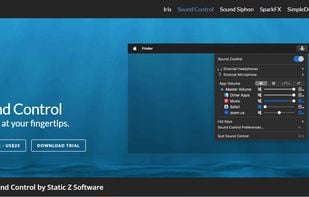
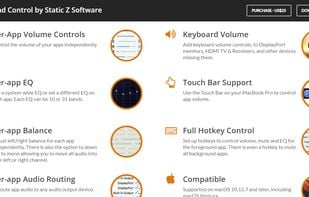
Sound Control adds per-app volume and EQ controls to your Mac apps. Route your apps to different audio devices. Add volume controls to your devices.
 EarTrumpetandFineTune
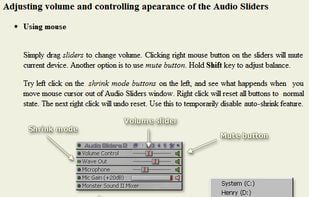
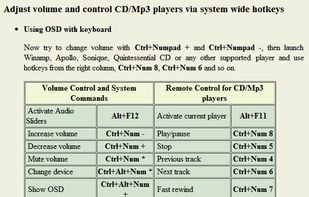
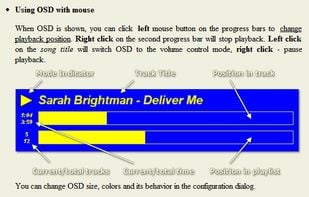
Audio Sliders is a audio control panel that is much smaller than and yet far more feature-rich than the standard Windows version. Features include... basics adjustment of volume/bass/treble levels; preset storage of different audio levels for different tasks; customizable global...
 EarTrumpetandFineTune
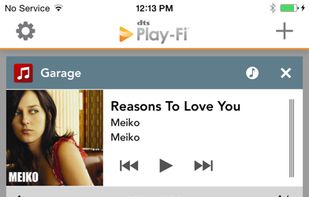
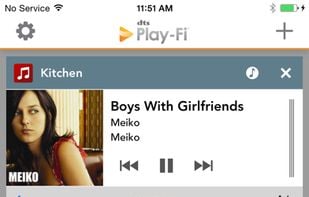
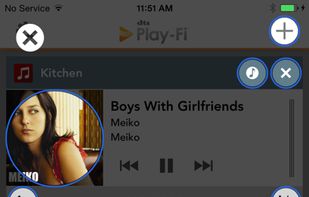
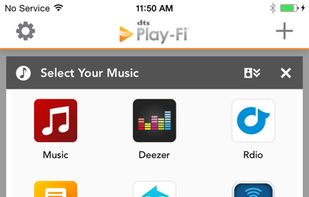
Play-Fi for Windows lets you stream from any audio source on your PC (apps, services, or the Web) including Spotify, Google Play, iTunes, XBox Live, and more! Works with Windows 7, 8, 8.1, and 10.
 Beatsyncand
 Klipsch Stream
 EarTrumpetandVolume2
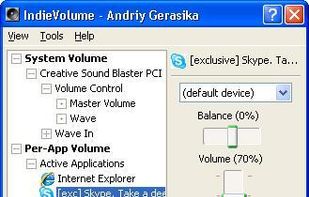
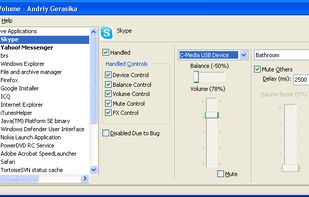
IndieVolume makes Windows programs use separate volume controls independent of other Windows programs.
 SoundBunny
The Klipsch Stream App gives you access and full control of your Klipsch Stream Wireless Multi-Room Audio system, delivering high resolution streaming audio to any room of your home where your Klipsch Stream-enabled sound bar, wireless speaker, tabletop stereo speaker system, or...



 Russia


 France
 EU
EU




 Poland
 Belgium


 Australia

 Croatia
 Ukraine
