

Cost / License
- Free
- Open Source
Application types
 United States
Platforms
- Mac
- Windows
- Linux
+5



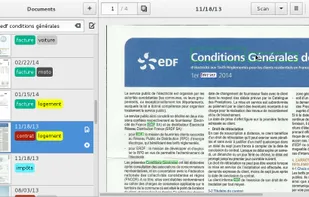
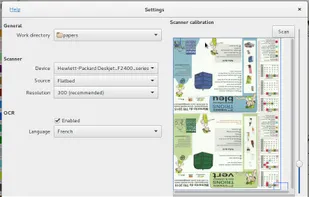

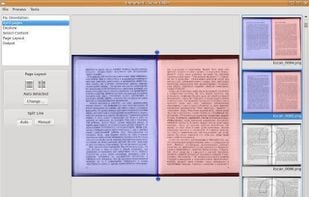
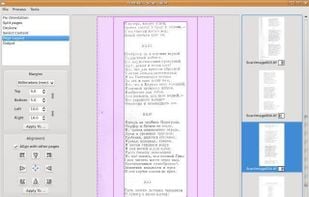
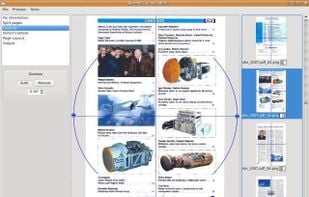
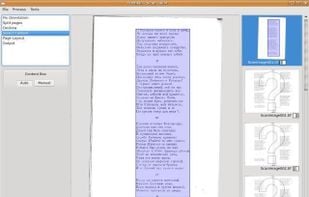
Scan Tailor is an interactive post-processing tool for scanned pages. It performs operations such as page splitting, deskewing, adding/removing borders, and others. You give it raw scans, and you get pages ready to be printed or assembled into a PDF or DJVU file.

Your portable scanner. Use your camera to get high quality scans of paper documents, receipts, notes and more. Anytime, anywhere.
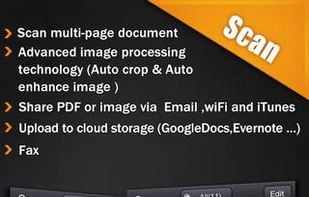

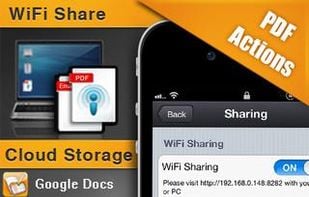
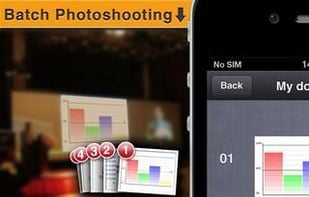
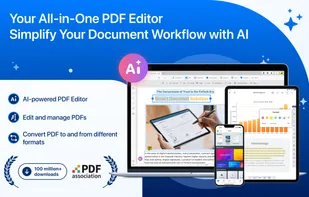
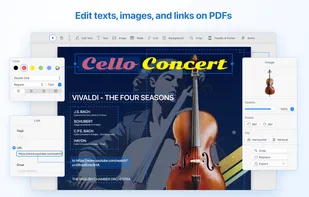
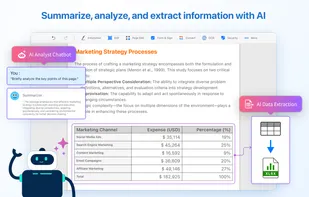
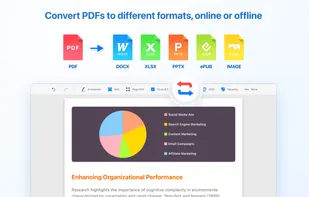
All-in-one tool for editing, OCR, annotating, signing, converting, and redacting PDFs, featuring AI-powered document analysis and cross-device workflow support.

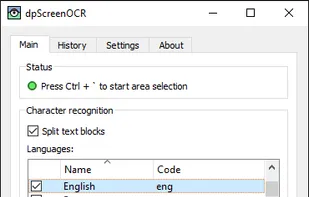
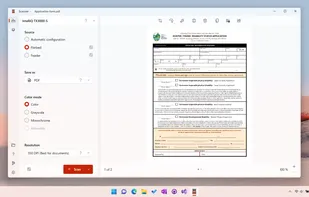
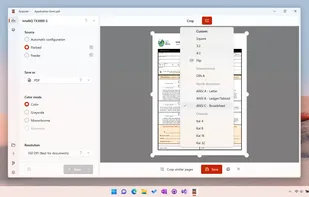
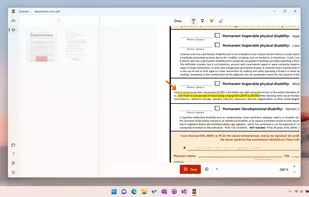

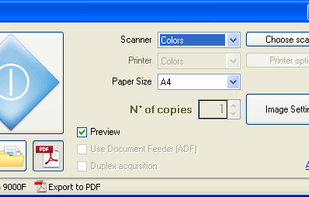
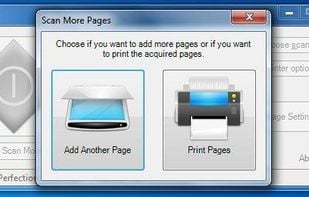
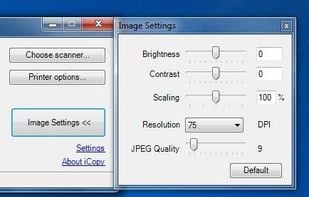
iCopy Free Photocopier is a free and open source application that lets you combine your scanner and printer into a powerful, easy to use photocopier by only pressing a button. You can use Automatic Document Feeders (ADF) too!

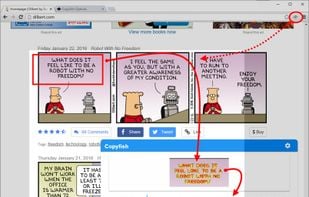
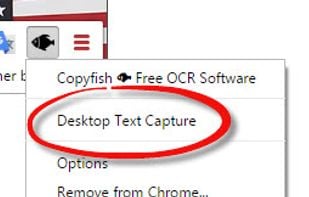
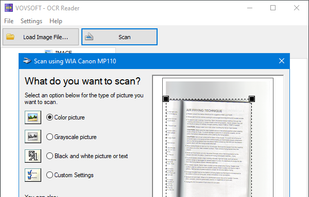
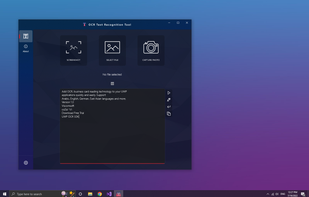
OCR Reader is an image to text converter program that allows you to extract text from PNG, JPEG, TIFF, WEBP, and BMP image files using Optical Character Recognition.

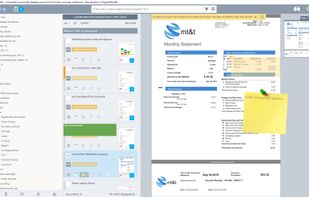
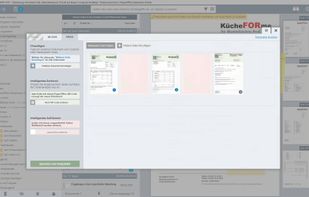
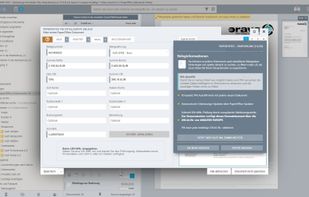
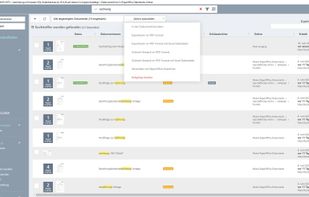
PaperOffice Document Management System is an innovative document management solution for the paperless office, good for home and small business users. Perfect text recognition, live keyword search and SQL-based revision-proof data storage.

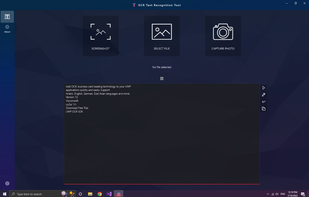
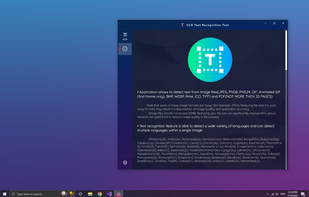
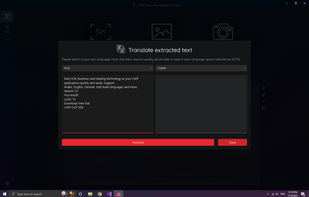
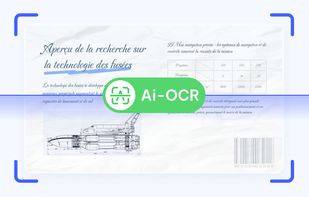
Provides accurate and fast text detection from any image file downloaded from your device or taken with a snapshot. It also supports textual detection of a PDF and text-based handwriting detection and text translation in 114 different languages.

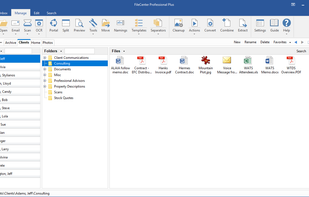
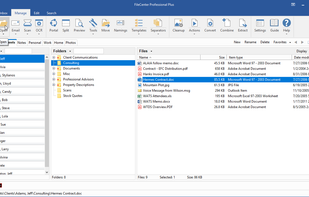
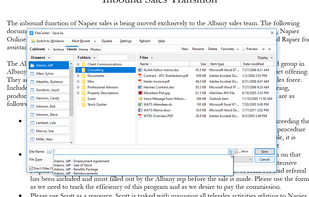
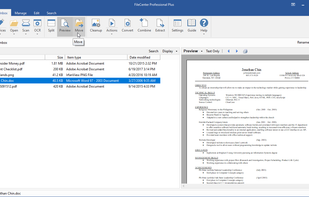
FileCenter is easy-to-install, easy-to-use paperless office software which helps home and professional users scan, archive, organize, and find computer files. FileCenter is filled with time-saving features, giving you a complete solution within a single, simple interface.

A Java/.NET GUI frontend for Tesseract OCR engine. Provides optical character recognition for Vietnamese and other languages supported by Tesseract.
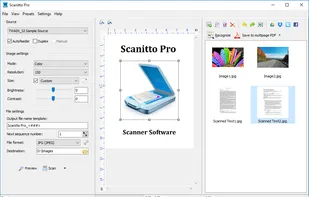
Scanitto Pro is Windows-based software application for image scanning, direct printing and copying, basic editing and text recognition (OCR).
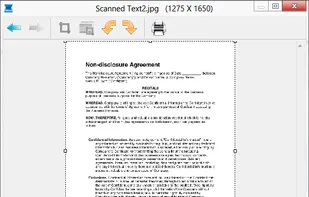
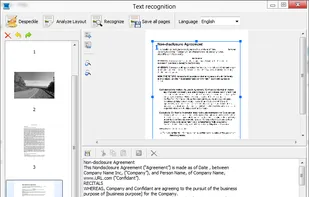

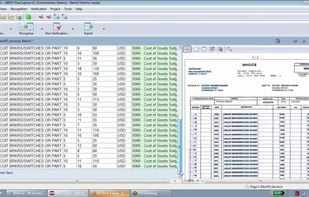
ABBYY FlexiCapture is supremely accurate, intelligent and scalable data capture and document processing software.
Manages and organizes PDF, JPEG files with thumbnail views, folder sorting, PDF editing in Word or Excel, email sharing, and cloud sync via third-party services.
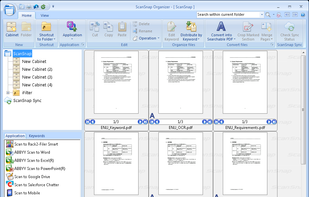

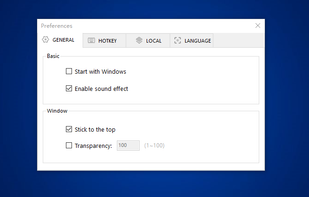
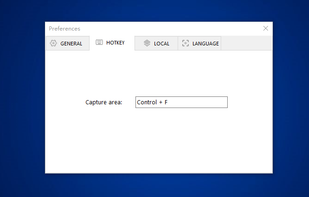
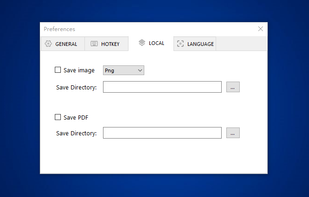
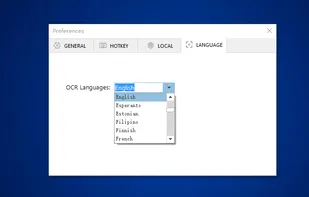
You can use Easy Screen OCR to capture a snapshot and start OCR process. this program will detect the text from the image and start OCR process immediately. You can extract the text to copy and paste in seconds.

The OnBase product suite, by Hyland Software, enables organizations to be more efficient – reducing costs, increasing cash flow, and preparing for audits, litigation and disasters.

Automatically capture and interpret paper documents, scanned images, email, and faxes using sophisticated document and character recognition software

ScanTailor Universal - a fork based on Enhanced+Featured+Master versions of ST - trufanov-nok/scantailor-universal

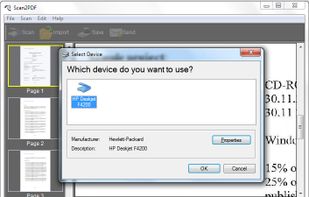
AXPDF Scan to PDF Converter scan your paper documents into PDF format quickly, accurately and directly. In addition, you can import existing images and combine all the image files into a single PDF. Create PDF from scanned files and images is as easily as clicking buttons.

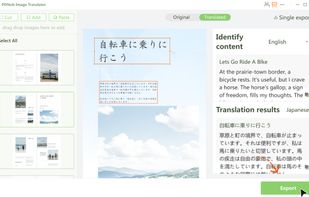
PDNob Image Translator instantly extracts and translates text from images and scans, making it easy to access information across languages.

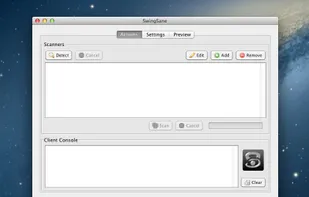
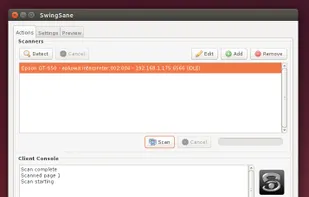
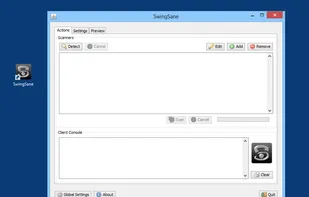
SwingSane is a powerful, cross platform, open source Java client (frontend) for Scanner Access Now Easy (SANE) servers (backends). SwingSane provides access to scanners connected to SANE servers on a network on any platform that supports Java and Swing.

A leading MFP document capture software solution providing an exceptionally simple, yet capability-rich user experience that engages and empowers all areas of your organisation.

 France
 EU
EU

 China
China
 Taiwan


 Germany
 Türkiye


 Russia

 Japan
Japan


 Canada


