
Free software for eye protection and more! It protects your eyes while you are working on the computer. Eye Saver has three main functions: blue light filter; eliminates the invisible flickering of the display backlight; reminds you to take breaks;
 United Kingdom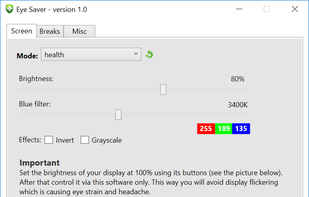
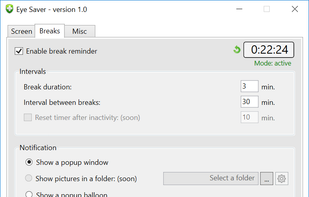


Free software for eye protection and more! It protects your eyes while you are working on the computer. Eye Saver has three main functions: blue light filter; eliminates the invisible flickering of the display backlight; reminds you to take breaks;

When it's not possible to change the screensaver settings in your Windows environment, then it's almost impossible to show things on your screen for a longer period without activating the screensaver.
NightTone makes your screen more comfortable, enjoyable and healthier by shifting the colors of your display to a warmer, eye-friendly palette. It makes you sleep and feel better.
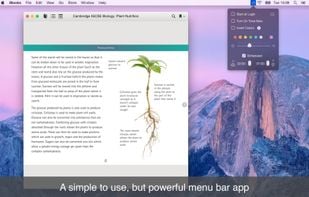
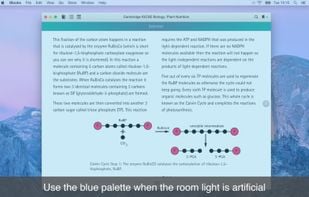
Inspired by Redshift, Blueshift adjusts the colour temperature of your monitor according to brightness outside to reduce eye strain and make it easier to fall asleep when going to bed.

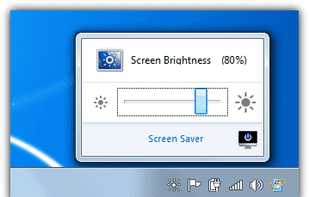
iBrightness Tray is a little bit of a swiss army knife display tool as adjusting the brightness of your screen is just one of three main functions it has. The other two are turning on your screensaver at the click of a button and also the ability to turn off the display...

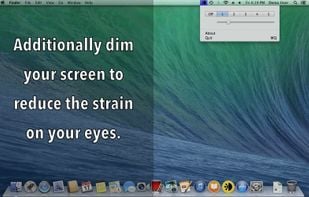
FREE and simple screen shader app. Complete multiple display support, including latest OS X. • Five presets. Easy to change too. • Multiple monitor support, even on latest macOS. • Quickly detects all monitor changes. • Fine control.
Brightness Controller easily allows windows users to set the brightness level of your LCD screen (It is very useful when your screen doesn't allow settings to be remembered without having to push many buttons on your screen!).

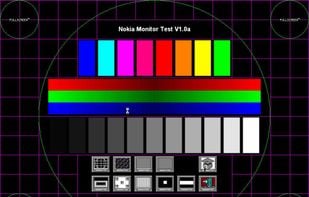
Nokia Monitor Test is a freeware utility to help test and adjust a monitor for an optimum display.

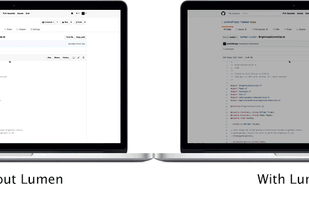
Lumen - magic auto brightness based on screen contents. You control Lumen simply by using your brightness keys - it'll automatically learn your preferences.

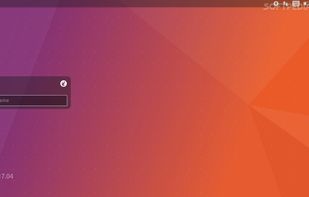
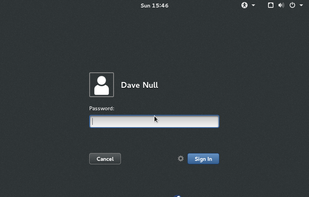
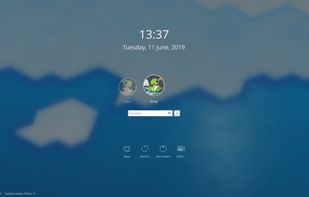
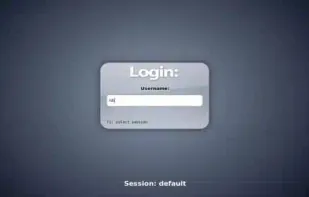
GNOME Display Manager is a display manager (a graphical login manager) for the windowing systems X11 and Wayland.
TotalXDR is a macOS menubar app that removes the brightness limit of your MacBook Pro display and keeps XDR/HDR brightness always on.
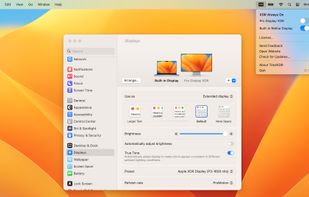

HP Adjustment Pattern Utility is a single-pattern program that is designed to help improve the picture quality of HP or Compaq Flat-Panel Monitors that are attached to computers using an analog video cable (VGA connector).

PerfectSuite Plus is a software utility that allows monitor adjustment and color tuning using the Display Data Channel Command Interface (DDC/CI) protocol. All adjustments to the display are controlled via software to eliminate the need to use the monitor on-screen display (OSD).
Windows implementation of the ddcutil Linux program for querying and changing monitor settings, such as brightness and color levels.

AceScreen is an easy way to keep the screen of your Android device on. AceScreen prevents the Android device from going to sleep based on the current needs of the user. Simple and intuitive interface. Privacy friendly. Offered in over 50 languages.

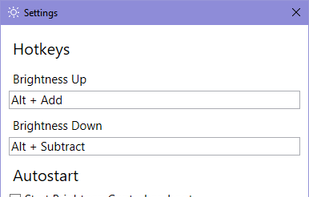
This small utility will try to make controlling your external monitor brightness and contrast easier. Also it have day and night presets, which stored in a right-click on a button.
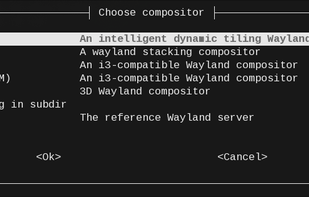
Wraps standalone Wayland compositors into a set of Systemd units on the fly. This provides robust session management including environment, XDG autostart support, bi-directional binding with login session, and clean shutdown.
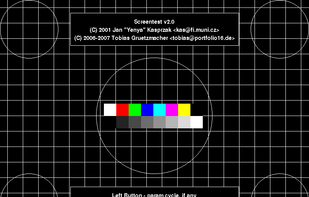
Program for testing the quality of CRT/LCD screens. It displays various patterns and allows you to estimate the quality of your CRT/LCD monitor.
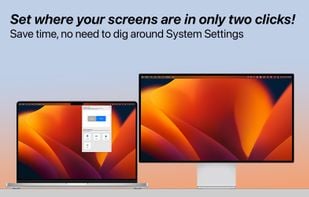
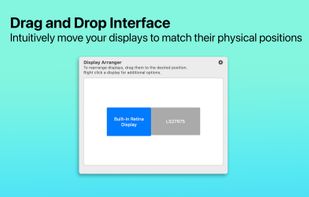
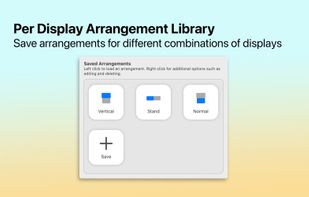
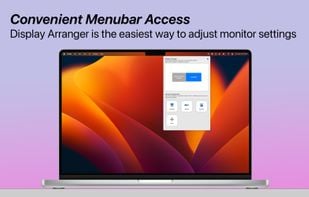
Tired of having to adjust your settings whenever you move your displays? Maybe you like to use your laptop on a stand and on your desk? This app is for you!

 United States
 Romania
 EU
EU




 Denmark