

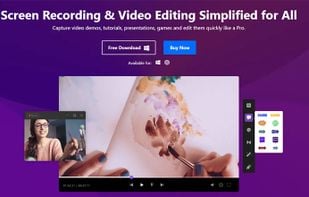
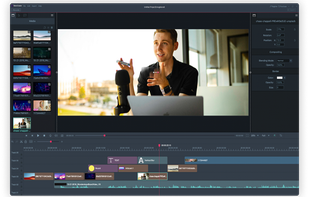
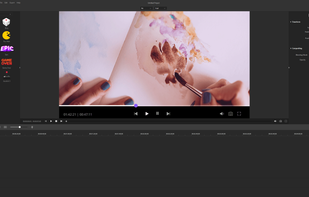
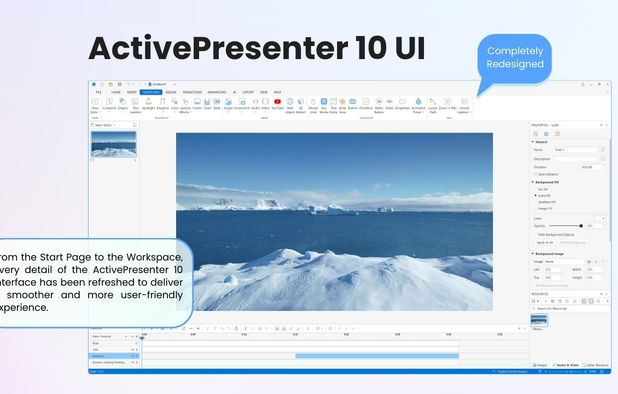
Capture screen, webcam, and audio using versatile modes. Seamless editing with AI tools, animations, and cloud sharing for professional-grade videos.
Cost / License
- Paid
- Proprietary
Application types
 China
ChinaPlatforms
- Mac
- Windows
+1
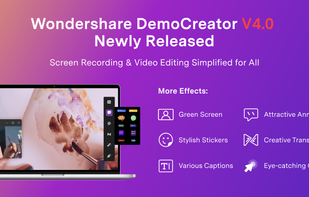


Capture screen, webcam, and audio using versatile modes. Seamless editing with AI tools, animations, and cloud sharing for professional-grade videos.

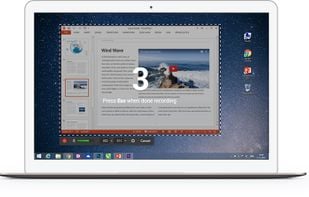
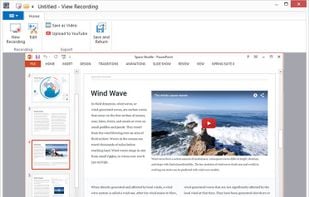
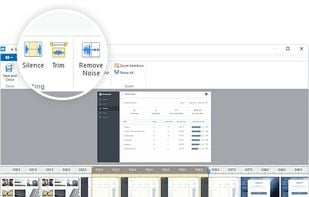
Free Cam is free screen recording software for Windows that lets you easily capture all or part of your screen, record your voice & mouse clicks, then edit your video and save it to your computer or share it instantly on YouTube.

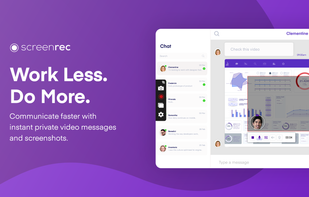
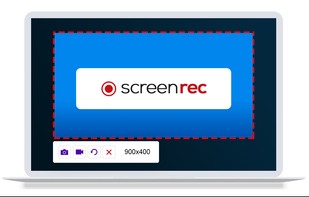
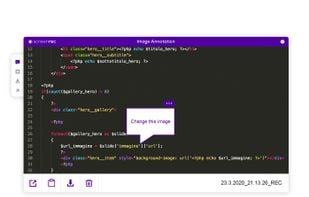
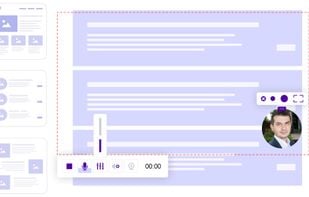
If you spend too much time on email and chat, try sending instant video messages and screenshots with ScreenRec. You'll get your point across faster and save precious hours.



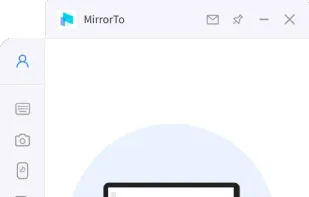
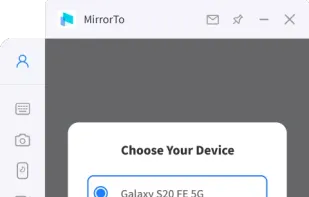
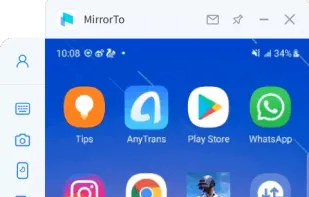
iMyFone MirrorTo is a screen mirroring app that comes up with the following features. 1) Cast your Android device screen to the Windows computer. 2) Control Android devices using your computer's keyboard and mouse. 3) 1080P HD screen recording.

Screencast Capture Lite is a tool to continuously capture the desktop screen, storing this information in video files. The application supports recording from the primary screen, from a chosen window or from a fixed region.

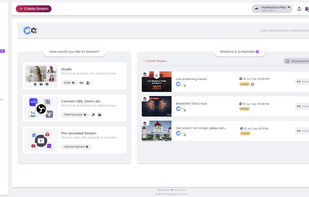
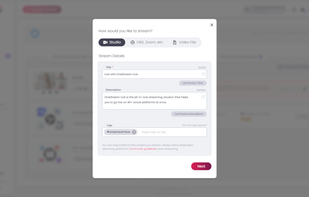
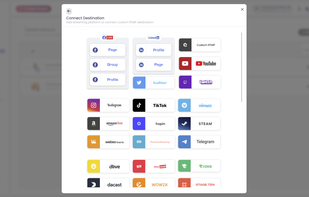
OneStream Live is a groundbreaking B2B cloud solution service that empowers consumers to live stream real-time and pre-recorded videos to over 40+ social media platforms, any custom RTMP destination, and on personal web pages.

A Chrome extension for capturing, editing and sharing screencasts. Save recordings automatically to your Google Drive or publish directly to YouTube.
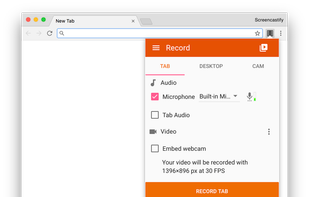
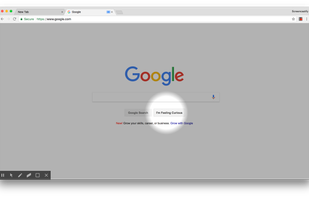
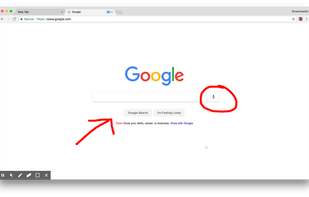
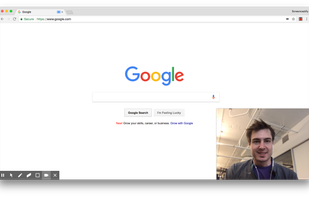

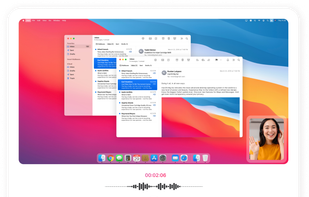
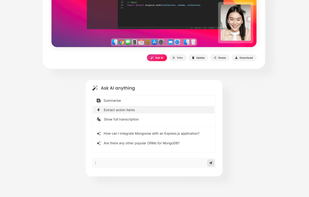
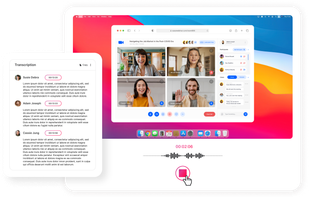
ScreenApp is a fast online screen recording and transcription tool, enhancing productivity for online meetings, webinars, and virtual training.

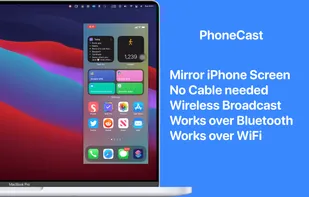
Mirror iPhone/iPad to your Mac wirelessly. No need to connect iPhone/iPad to Mac with a cable. Demo what's on your iPhone/iPad in online-meeting, play games, draw live. PhoneCast 2.0 has a new rendering engine that makes it just as good as casting with cables.

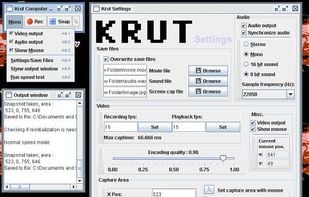
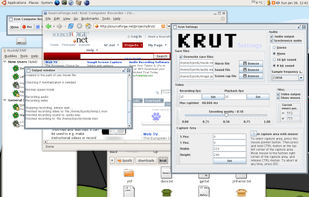
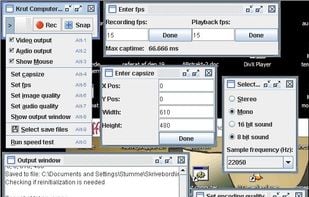
Krut is a screencast tool that is written in Java and well suited for making video tutorials (instructional videos) on most platforms. Krut records movie files, including sound, of selected parts of your screen. The files use the quicktime mov format.


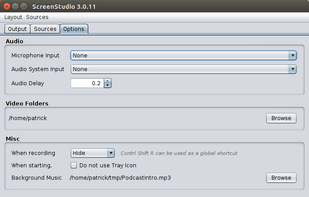
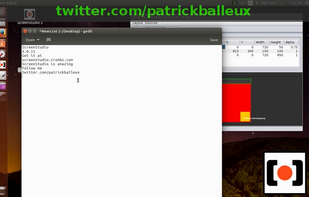
ScreenStudio is an easy screen recording that will let you create screencast or live streaming of your desktop. It does support multiple desktops, multiple webcams and text labels.

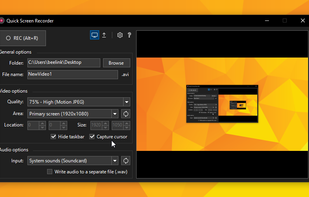
Quick Screen Recorder is a lightweight desktop screen recorder for Windows, built on top of WinForms (C#).
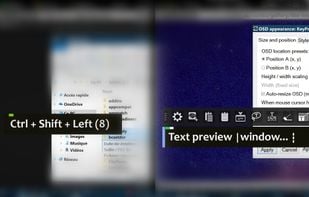
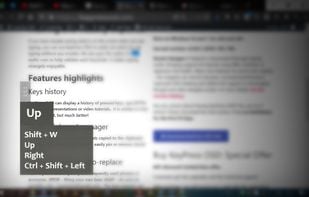
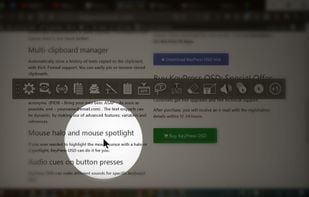
KeyPress OSD is a full-featured screencasting tool for displaying key-presses on Windows. Beyond on-screen keypress display, it features text-expansion, mouse-highlighting and a multi-clipboard manager.

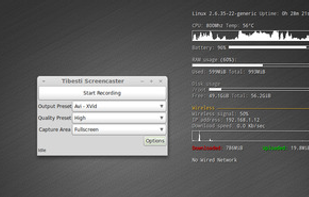
Record your desktop, speaker output and microphone at once, then output it to WebM, Ogg, or Matroska files. If you have the necessary codecs, you can even output to an AVI file or Matroska and h264. Control the size of the capture area, get a visual countdown to the start of...

Record your screen with audio directly from your browser and share the video with your team, friends, and family.

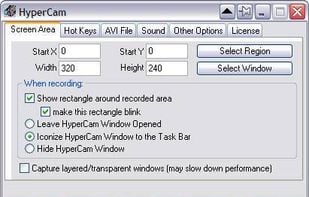
HyperCam v2 is a video capture software that records AVI movies (screencam) directly from your monitor, for software presentations, software training, demos, tutorials, and fun! HyperCam supports text annotations, sound, and screen notes (great for creating automated software...

Explain Everything is an easy-to-use design, screencasting, and interactive whiteboard tool that lets you annotate, animate, narrate, import, and export almost anything to and from almost anywhere.



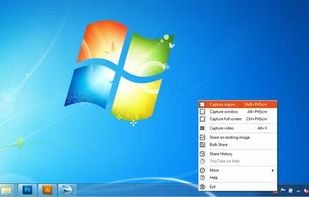
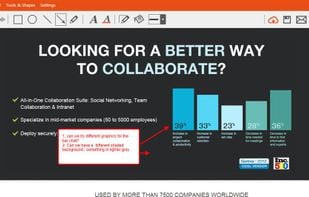
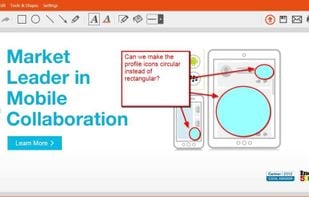
TinyTake is a free screen capture software for Microsoft Windows. With TinyTake, you can capture images and videos of your computer screen, add comments and share them with others in minutes. TinyTake is built by MangoApps and is available for free.
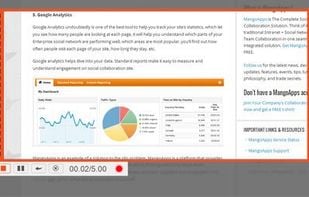

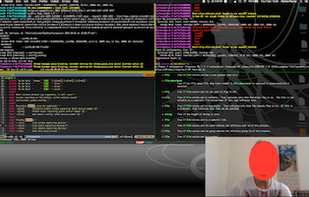
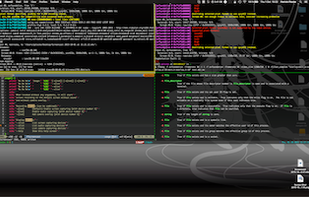
ffscreencast is an ffmpeg screencast/desktop-recording tool for the command-line with video overlay and multi monitor support.

Online storage and sharing with Screencast.com. 2 GB of storage and 2 GB of bandwidth per month for free. We won't compress, alter or take ownership of your content.

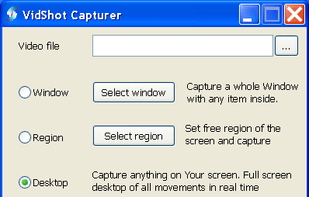
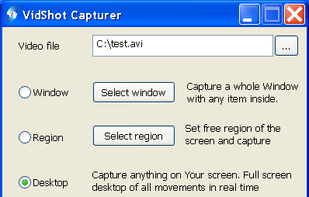
VidShot Capturer created for quick screen capturing. You can use VidShot Capturer for capturing anything you see on your PC desktop and record them to video. You can capture windows, region, the entire desktop and even cursor moving.

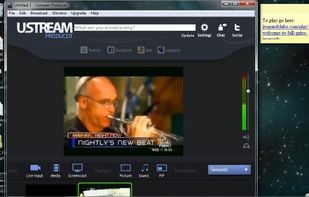
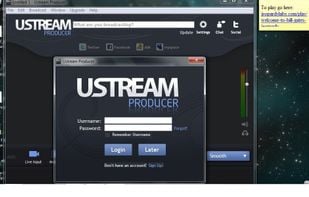
Ustream Producer is an easy and powerful way to stream to your Ustream channel. For beginning users, you can get started right away using your built in webcam and add graphics, videos and music to your broadcast.

 United States
 Bulgaria
 EU
EU


 Brazil


 United Kingdom

 Norway

 Canada


 Poland

 Germany

 Russia