

CleanTop is a powerful cleaner and booster that cleans phone memory and storage and hence frees up space and saves battery power and improves performance.
Cost / License
- Freemium
- Proprietary
Application types
Platforms
- Android
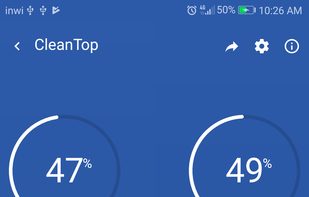
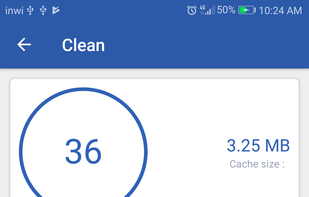
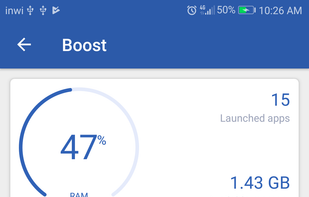


CleanTop is a powerful cleaner and booster that cleans phone memory and storage and hence frees up space and saves battery power and improves performance.

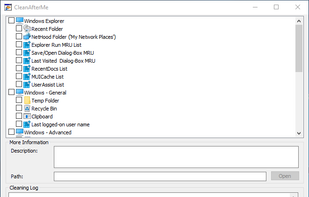
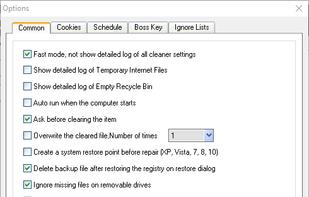
CleanAfterMe allows you to easily clean files and Registry entries that are automatically created by the Windows operating system during your regular computer work.

AI-Powered care for your PC, fully automatic speedup, organization, cleaning, decluttering and sorting. Use 4-Organizer Ultra: Spend your time on life, not on routine tasks.



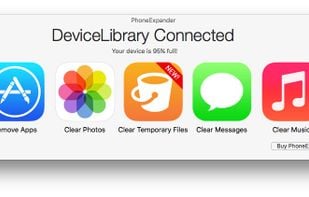
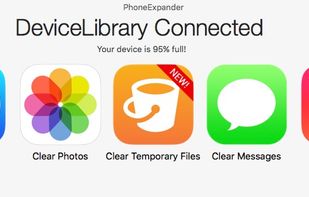
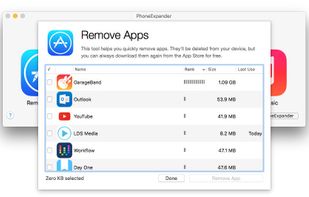
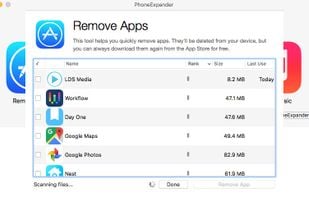
PhoneExpander can clear out the temporary files that are secretly filling up your phone. In about ten minutes, PhoneExpander can make your old phone feel like new again.

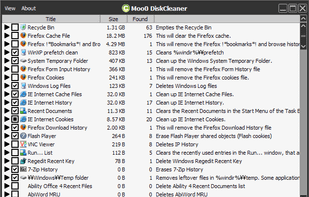
Moo0 Disk Cleaner lets you easily clean up unwanted files / data off your HDD. It is very easy to use, and you just need to check items you want to clean and press "Clean Now" button. It currently supports over 130 kinds of targets, including system temporary files, pri.

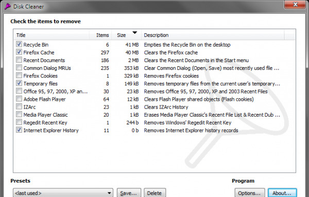
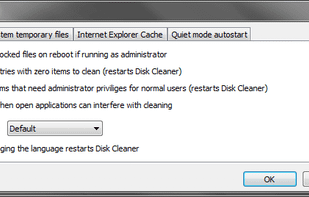
Disk Cleaner is a free open source (GPL v2) tool to quickly and easily clean your hard disk from temporary files like those in the system temporary folder, the Internet Explorer Cache and Cookies folder, and the Recycle Bin.

Speed Booster & Memory Cleaner saves you from those issues. Optimize your Android device’s CPU and battery life, clean cache and RAM memory with a single tap!





The ultimate phone cleaner app that can help you quickly free up storage by removing similar photos, similar videos, and duplicate photos, and boost your phone's performance.
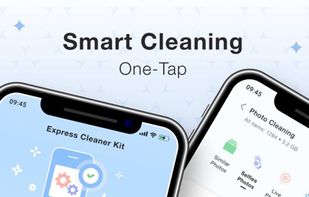



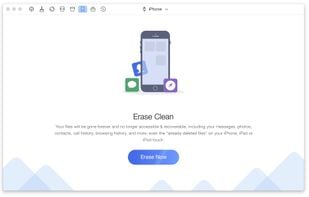
Optimizes iOS devices' performance, enhances privacy, and offers hands-free cleaning with features like Silent Clean and Erase Clean for security.

Cleaner is designed by developers, for developers. This tool simplifies the process of decluttering unnecessary files, focusing on those that are either expendable or easily restorable.
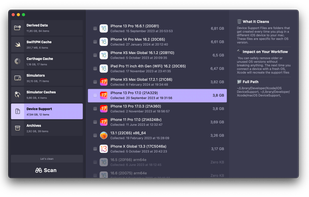
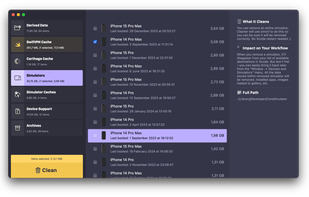
Utility tool for macOS automating system maintenance, virus scanning of downloads, cache optimization, memory tuning, bootable disk creation, and antivirus protection.
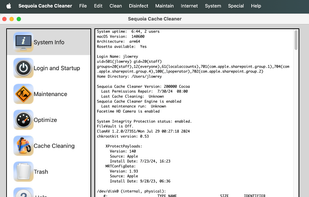
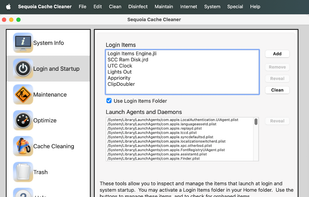
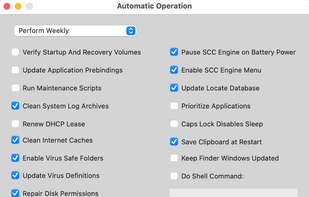
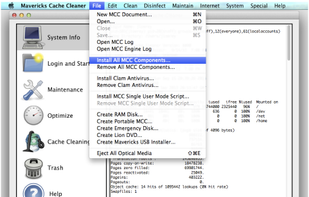
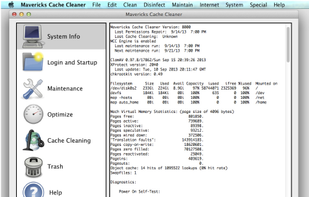
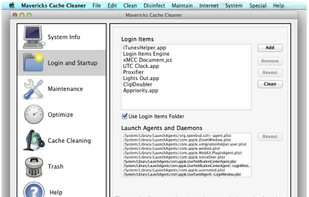
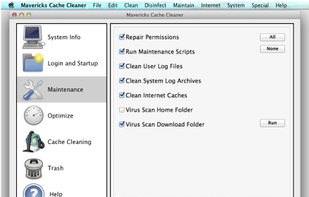
Mavericks Cache Cleaner is an award winning general purpose tool for Mac OS X. MCC makes system maintenance simple with an easy point and click interface to many OS X functions. Novice and expert users alike will appreciate the powerful toolset MCC provides.

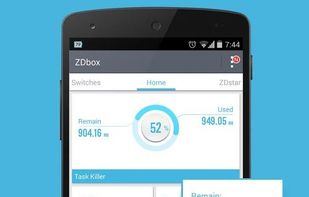
ZDbox is an all-in-one toolbox.It can save your battery and boost your android running speed!

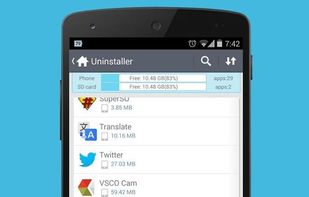
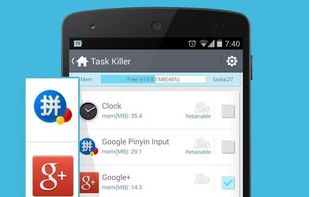

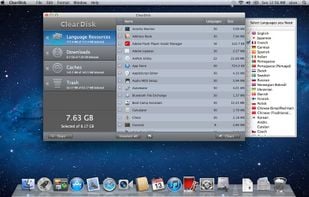
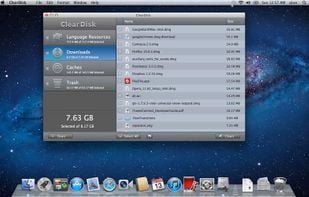
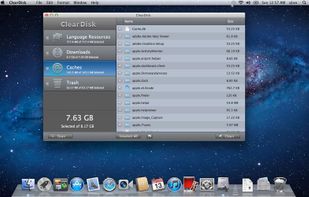
ClearDisk is a Mac OS X utility designed to clean the hard disk of unnecessary files which clog up the disk space. The goal of ClearDisk is just to find unused files on your computer and remove them. ClearDisk saves your time by cleaning your disk in a fast and intuitive manner.

Best Android app for clear cache & Speed-up your mobile phone other important functions available in this app. Top Cache & Ram cleaner mobile application and phone speed booster for android. It's powerful clear cache and clear data software
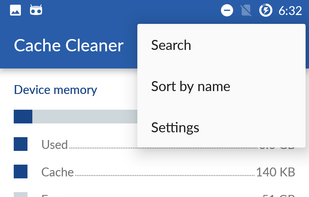
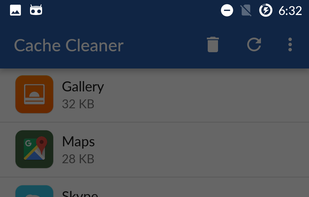

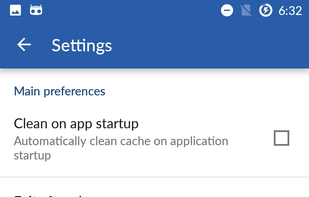

Cache Status is an easy cache status and management tool located right in your address-bar.
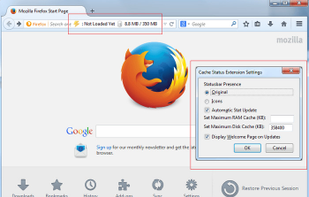
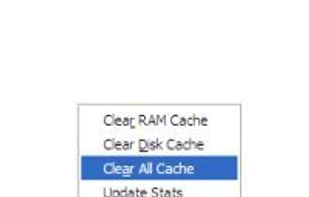

A button that when clicked will clear the browser cache, or other selected storage types such as history and download history. What gets cleared can be configured in the button's drop down menu. It is also possible to select what time period you want to clear, everything...


Made for boosting macOS performance; keeps hard drive storage fit and always running blazingly fast.
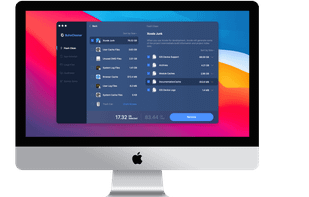
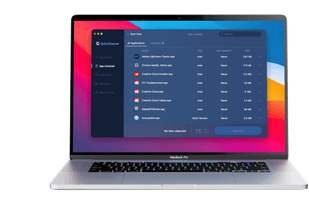
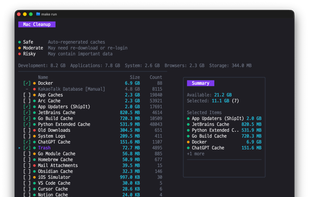
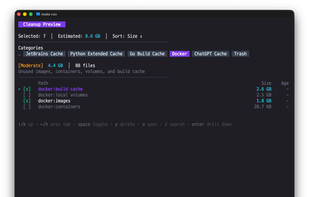
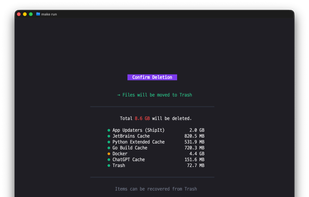
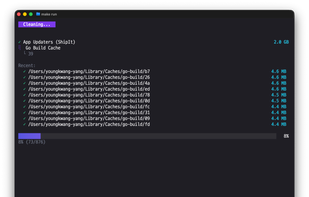
Open-source macOS cleanup tool with a review-first terminal UI — see exactly what will be removed before deleting caches, logs, and build artifacts. Designed for safety, transparency, and control.

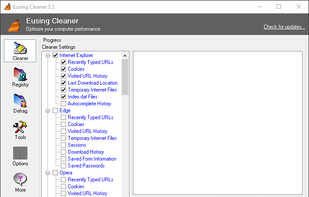
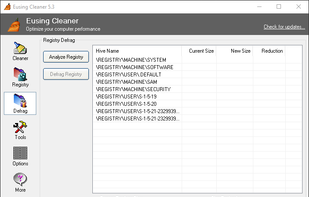
Eusing Cleaner is a free system optimization and privacy cleaner tool. It allows you to find and remove the unused files in your system, invalid registry entries, delete your internet history, provides plug-in support to clean the history for over 150 third-party applications.

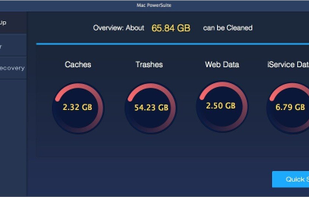
Mac PowerSuite is an easy-to-use utility that will help you keep your Mac computer clean and running smoothly. It will scan your computer automatically after you launch the program, and show you what are taking up disk space on your Mac.
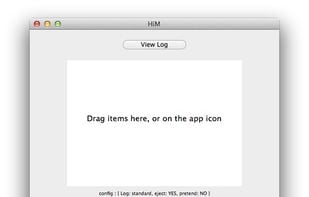
HiM (Hidden Cleaner iMproved) is a simple drag and drop utility that cleans and ejects USB devices like MP3 players, USB sticks... (and also local folders). Simply drag folders or removable devices into the main window or the application icon, and HiM will perform all the...

Disk Cleaner Free frees up the disk space on your computer! If you need more disk space on your computer to help it run effectively, you essentially need to clean unused files and fragments of data off of your hard disk.

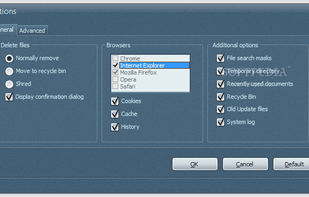

Amigabit Privacy Cleaner is designed to protect your privacy and personal information by cleaning all your tracks on computer and Internet.
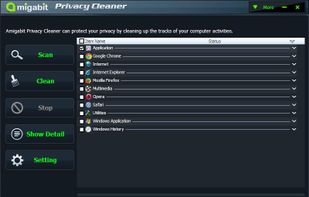
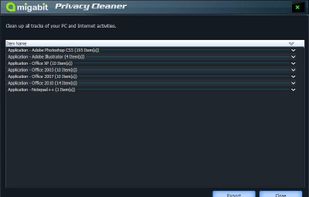
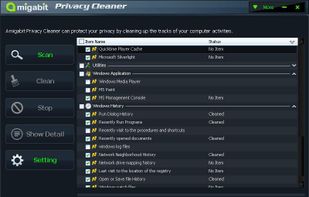
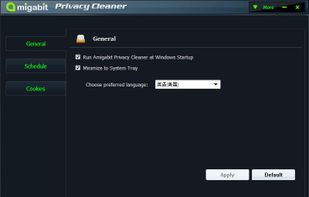

Clear Internet History Erase Internet Tracks Cover Navigation Tracks Clean Internet History

 Israel
 United States

 Japan
Japan
 Netherlands
 EU
EU


 China
China


 Ukraine


 South Korea


