Apps with 'Data Analysis' feature Page 9 of 29

All apps in Apps with 'Data Analysis' feature category. Use the filters below to narrow down your search. 
Copy a direct link to this comment to your clipboard
  1. Statwing icon
     3 likes

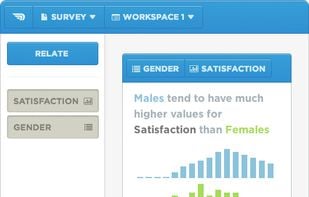
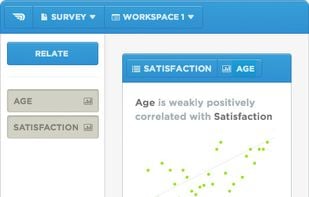
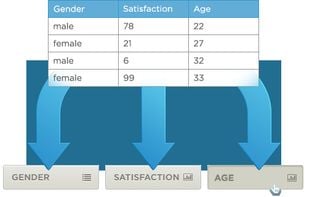
    Statwing was built by and for analysts, so you can clean data, explore relationships, and create charts in minutes instead of hours. Simply upload your spreadsheet or dataset, then select the relationships you want to explore.

    Cost / License

    • Paid
    • Proprietary

    Application type

    Platforms

    • Online
    Statwing screenshot 1
    Statwing screenshot 1
    Statwing screenshot 2
    +1
    Statwing screenshot 3
  2. EasyMorph icon
     5 likes

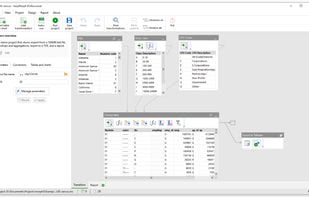
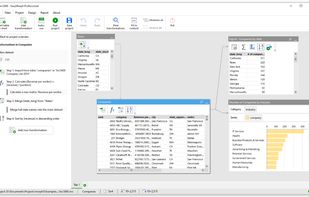
    The task of data transformation is traditionally believed to belong to IT developers while business users are typically left with Excel, or cumbersome Visual Basic and Python scripting. Although there have been attempts to create easy-to-use so-called data preparation utilities...

    Cost / License

    • Freemium
    • Proprietary

    Platforms

    • Windows
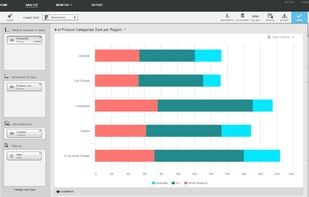
    EasyMorph screenshot 1
    EasyMorph screenshot 1
    EasyMorph screenshot 2
    +1
    EasyMorph screenshot 3
    22 alternatives
  3. Circos icon
     4 likes

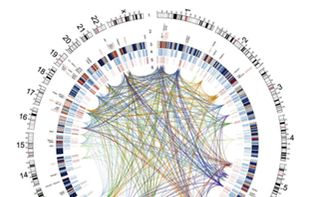
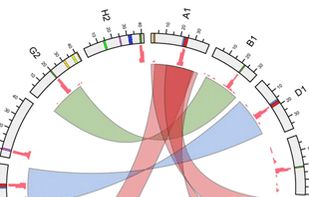
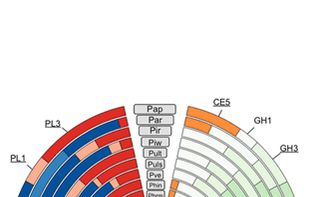
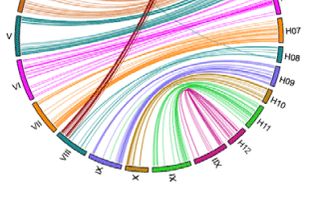
    Circos is a software package for visualizing data and information. It visualizes data in a circular layout — this makes Circos ideal for exploring relationships between objects or positions. There are other reasons why a circular layout is advantageous, not the least being the...

    Cost / License

    • Free
    • Open Source

    Application type

    Platforms

    • Mac
    • Windows
    • Linux
    Circos screenshot 1
    Circos screenshot 1
    Circos screenshot 2
    +11
    Circos screenshot 3
    44 alternatives
  4. Spotfire icon
     4 likes

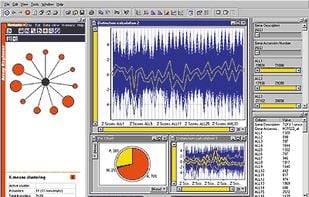
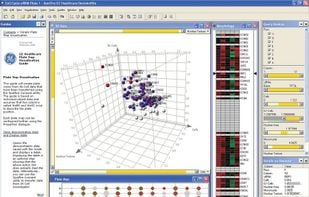
    The TIBCO Spotfire Enterprise Analytics platform offers a radically faster business intelligence experience and is far more adaptable to specific industry and business challenges than traditional alternatives.

    Cost / License

    • Paid
    • Proprietary

    Platforms

    • Windows
    Spotfire screenshot 1
    3d-scatter plot + heatmap
    39 alternatives
  5. BAG·Tower icon
     3 likes

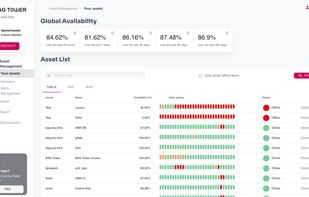
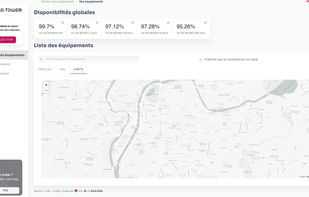
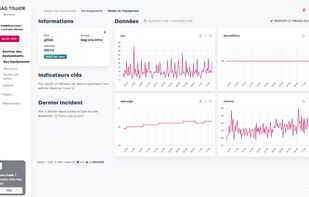
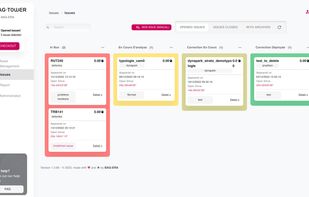
    BAG·Tower is a SaaS platform to monitor equipment, connected objects, applications, services, etc. BAG·Tower's simple interface that can be used by anyone on your team: developers, team managers, analysts or simple guests.

    Cost / License

    • Paid
    • Proprietary

    Platforms

    • Online
    Overview off all assets
    View Map of assets (equipment)
    Incident details (Data visualization)
    +5
    Incidents management
    9 alternatives
  6. Trifacta icon
     2 likes

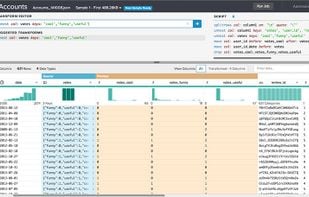
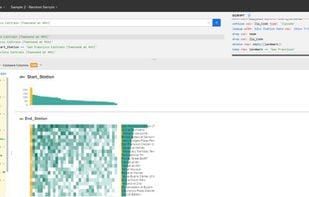
    Data Transformation Platform. It has intuitive distribution charts, auto-generated scripts, machine learning for suggestion of data cleanup and transformation.

    Cost / License

    • Paid
    • Proprietary

    Platforms

    • Online
    • OpenRefine
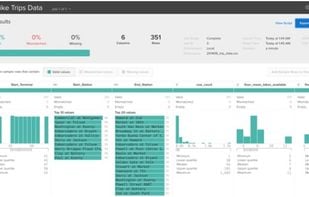
    Trifacta screenshot 1
    Trifacta screenshot 1
    Trifacta screenshot 2
    12 alternatives
  7. Chartmetric icon
     2 likes

    Insights for music professionals with data from multiple music streaming services, social media platforms, and radio stations. Analyze and track cross-platform performance, similar artists/playlists/curators, audience demographics, charts, and more.

    Cost / License

    • Freemium
    • Proprietary

    Platforms

    • Software as a Service (SaaS)
    Chartmetric screenshot 1
    Chartmetric screenshot 1
    Chartmetric screenshot 2
    +26
    Chartmetric screenshot 3
    1 alternatives
  8. Cube.js icon
     6 likes

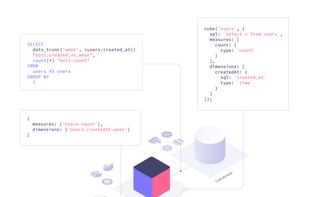
    Cube.js is an analytics layer for modern applications. It supplies building blocks to add analytics features into any application you create. Cube.js is designed to work with large-scale data sets and implements various optimization techniques.

    Cost / License

    • Free
    • Open Source

    Platforms

    • Online
    • Self-Hosted
    Cube.js screenshot 1
    15 alternatives
  9. datapine icon
     7 likes

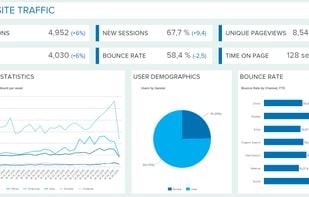
    datapine enables people to explore, visualize and share data in one central analytics platform, that offers smart data connectors, a wealth of advanced BI 4.0 features and interactive dashboards.

    Cost / License

    • Paid
    • Proprietary

    Platforms

    • Mac
    • Windows
    • Online
    • Android
    • iPhone
    • Android Tablet
    • iPad
    • Software as a Service (SaaS)
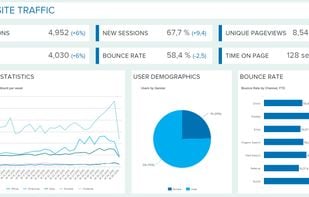
    datapine screenshot 1
    datapine screenshot 1
    datapine screenshot 2
    +1
    datapine screenshot 3
    59 alternatives
  10. Lampyre icon
     1 like

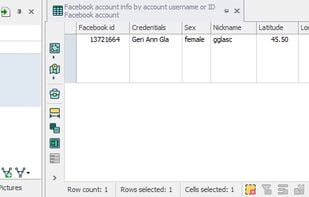
    Lampyre - an efficient data analysis and OSINT multi-tool for everyone. Obtain, visualize and analyze data in one place to see what others can't.

    Cost / License

    • Freemium
    • Proprietary

    Alerts

    • Warning

    Platforms

    • Windows
    Lampyre screenshot 1
    13 alternatives
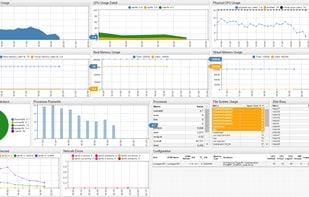
  11. ATSD is purpose-built for analyzing and reporting on massive volumes of time-series data collected at high frequency. Features include data analytics, visualization, data forecasting, reporting, alerting. All in one product built for big data.

    Cost / License

    • Free
    • Proprietary

    Platforms

    • Linux
    • Self-Hosted
    ATSD Visualization Portal Example
    26 alternatives
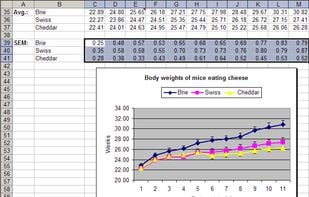
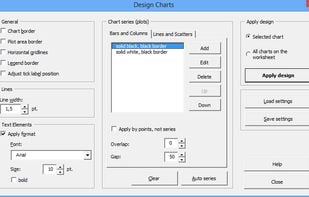
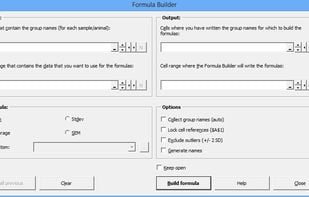
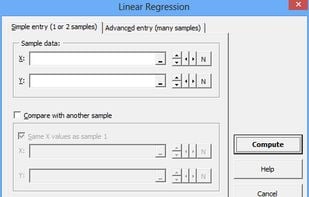
  12. Daniel’s XL Toolbox is a free, open-source add-in for the Microsoft Excel spreadsheet software that helps you to analyze and present data and increases your productivity. Its target audience are life scientists, but it has proven useful for industry as well.

    Cost / License

    • Free
    • Open Source

    Platforms

    • Windows
    • Microsoft Office Excel
    Chart after using the error bar function
    Chart design dialog
    Formula builder
    +1
    Simple linear regression dialog
    18 alternatives
  13. Alteryx icon
     3 likes

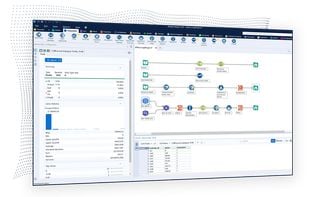
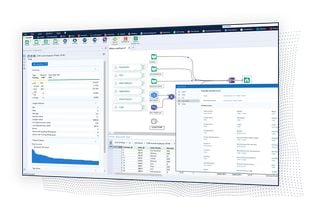
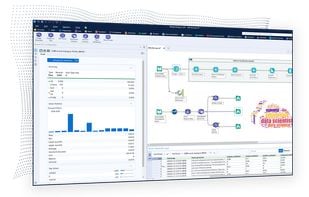
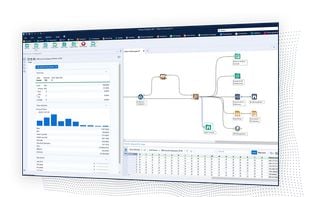
    Automates analytics from prep to science with a drag-and-drop interface, offering low- or no-code options for data profiling, enrichment, and insights.

    Cost / License

    • Paid
    • Proprietary

    Platforms

    • Windows
    • Online
    • Software as a Service (SaaS)
    Alteryx screenshot 1
    Alteryx screenshot 1
    Alteryx screenshot 2
    +2
    Alteryx screenshot 3
  14. With accountanalysis you can evaluate Twitter accounts faster. Reasearchers and journalists use it determine how automated and fitting an accounts behaviour is, when it's active, which apps it uses and what URLs it shares.

    Cost / License

    • Freemium
    • Proprietary

    Platforms

    • Online
    • Software as a Service (SaaS)
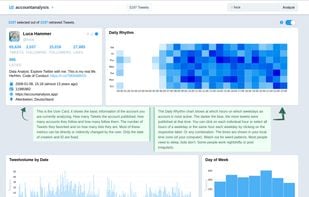
    The User Card shows the basic information of the account you are currently analyzing. How many Tweets the account published, how many accounts they follow and how many follow them. The number of Tweets they favorited and on how many lists they are. Most of these metrics can be directly or indirectly changed by the user. Only the date of creation and ID are fixed.

The Daily Rhythm chart shows at which hours on which weekdays an account is most active. The darker the blue, the more tweets were published at that time. You can click on each individual hour or select all hours of a weekday or the same hour each weekday by clicking on the respective label. Or any combination. The times are shown in your local time zone (of your computer). Watch out for weird patterns. Most people need to sleep, bots don't. Some people work nightshifts or post irregularly.
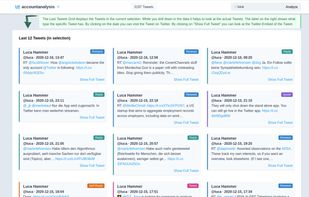
    The Last Tweets Grid displays the Tweets in the current selection. While you drill down in the data it helps to look at the actual Tweets. The label on the right shows what type the specific Tweet has. By clicking on the date you can visit the Tweet on Twitter. By clicking on "Show Full Tweet" you can look at the Twitter-Embed of the Tweet.
    The Tweetvolume by Date shows how many Tweets the account published at a specific date. You can click and drag to only look at Tweets that were published on the highlighted dates. Only few people Tweet the same number of Tweets each day. Single days with high volume can indicate that an event happened. The Hashtag-chart can help with identifying what kind of event.

The Day of Week chart shows on which weekdays an account is most active. You can click on each weekday to select Tweets that were published on that weekday. The chart shows the aggregated number of Tweets for that weekday from all Tweets that were retrieved from the account. Most people tweet either more on workdays or on weekends. Some have different schedules.
    9 alternatives
  15. Spotibo icon
     24 likes

    SEO audit tool helps to find hidden SEO issues with negative impacts on large websites, enabling filtering data in a cloud without exporting data. One account is accessible to many users on any devices.

    Cost / License

    • Freemium
    • Proprietary

    Application type

    Platforms

    • Online
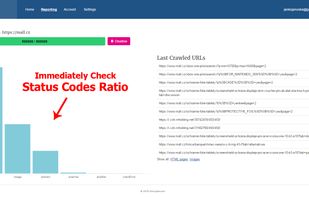
    Main board
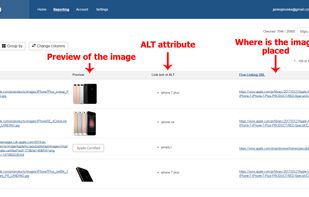
    Images analysis
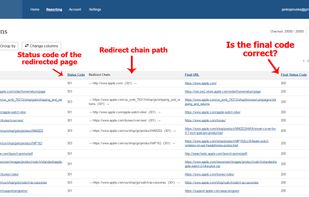
    Redirects, chain path, status codes
    +2
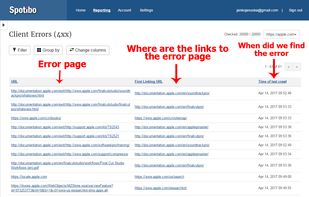
    Error pages analysis
    70 alternatives
  16. esProc SPL Community adopts self-created SPL (Structured Process Language) syntax, boasting the characteristics of low code, high performance, lightweight and versatility. Compared with SQL, SPL has more abundant data types and calculation features, which greatly enhance its...

    Cost / License

    Platforms

    • Windows
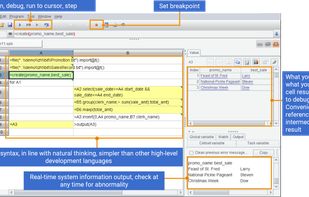
    With full-featured debugging functions: set breakpoints, execute to cursor, single step, enter, skip, jump back. What you see is what you get, it is convenient to refer to intermediate results. Complete programming ability, the amount of code is much smaller than that of Java, C#, and Python.
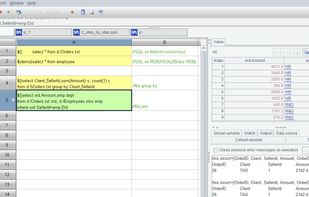
    esProc SPL supports executing SQL directly on txt/csv/xls/xlsx files, including operations such as condition filtering, fuzzy querying, group summarization, Join, from clause, with clause, Case when, COALESCE, Top-N, and limit n offset m.
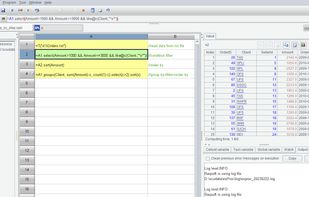
    esProc SPL supports multi-step computation, which can break down a complex computing task into several simpler calculation steps to reduce computational complexity. The results of each step can be easily observed, making it easy to debug and maintain.
    +2
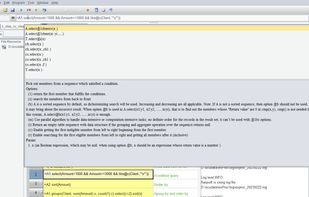
    esProc SPL provides a convenient IDE that not only offers comprehensive debugging and intuitive unit format programming, but also provides quick function help. Simply move the cursor to a function and press the Alt key to display a detailed explanation of the function.
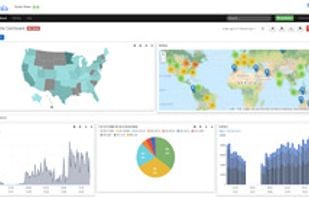
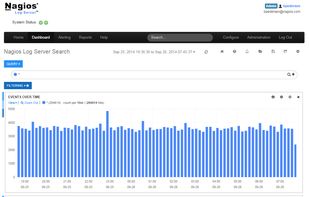
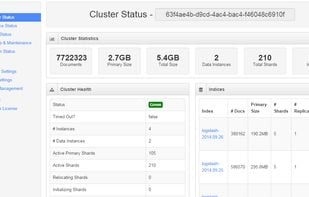
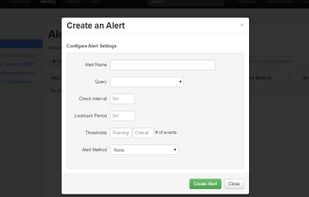
  17. Nagios Log Server is a powerful enterprise-class log monitoring and management application that allows organizations to quickly and easily view, sort, and configure logs from any source on any given network.

    Cost / License

    • Paid
    • Proprietary

    Platforms

    • Windows
    • Linux
    • Online
    • Self-Hosted
    Nagios Log Server
    Nagios Log Analysis
    Cluster status
    +4
    Alerting on Log Messages
    68 alternatives
  18.  2 likes

    GNU datamash is command-line program which performs simple calculation (e.g. count, sum, min, max, mean, stdev, string coalescing) on input files. Datamash has a rich set of statistical functions, to quickly assess information in textual input files.

    Cost / License

    • Free
    • Open Source

    Application type

    Platforms

    • Mac
    • Windows
    • Linux
    • BSD
  19. Gist icon
     3 likes

    Use Gist to create simple, beautiful data applications that enable individuals and teams to explore datasets, extract knowledge, and share insights.

    Cost / License

    Platforms

    • Online
    • Self-Hosted
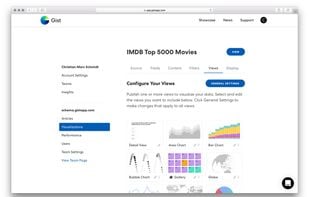
    Gist screenshot 1
    Gist screenshot 1
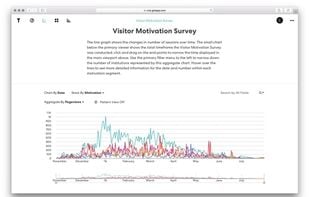
    Gist screenshot 2
    +1
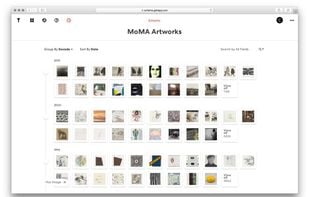
    Gist screenshot 3
    12 alternatives
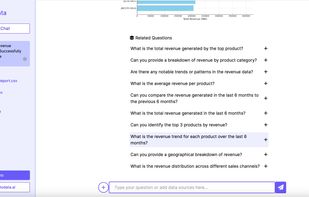
  20. TalktoData is Your 24/7 AI Data Analyst. Unlock insights effortlessly with TalktoData. No coding, no hassle—just connect your spreadsheets or SQL databases and ask your data questions. Get real-time answers and visualizations, anytime you need them.

    Cost / License

    • Freemium
    • Proprietary

    Platforms

    • Online
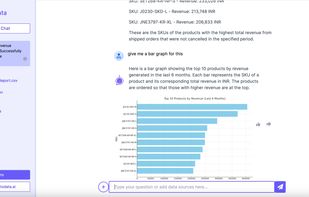
    AI Assistant analysing the data and Generating Visualisations
    AI Assistant auto suggesting next logical questions for exploratory Data Analysis
    4 alternatives
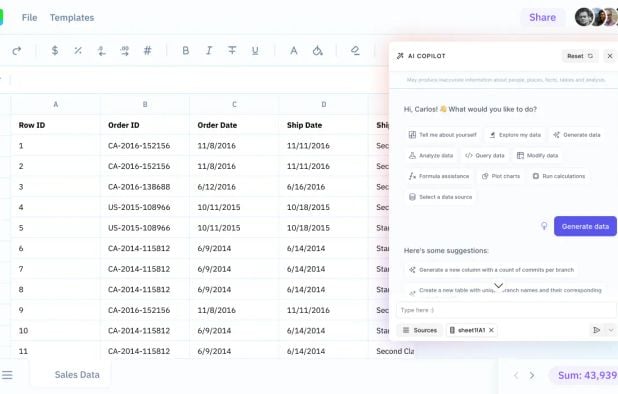
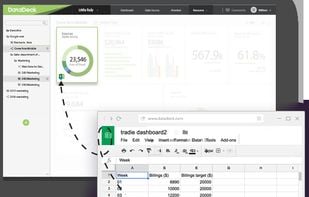
  21. Built by Datadeck, Sheets lets you visualize spreadsheets in just 2 clicks. Automate tedious monthly reports. Turn boring Excel files into eye-popping data visualizations.

    Cost / License

    • Freemium
    • Proprietary

    Platforms

    • Online
    Datadeck Sheets screenshot 1
    10 alternatives
  22. CODAP icon
     1 like

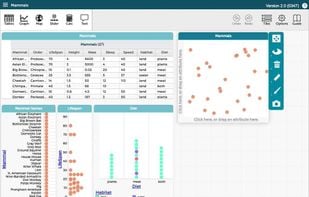
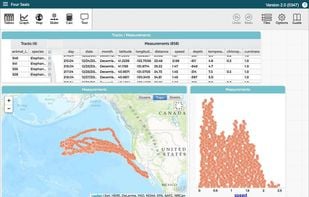
    CODAP is free educational software for data analysis. This web-based data science tool is designed as a platform for developers and as an application for students in grades 6-14.

    Cost / License

    • Free
    • Open Source (MIT)

    Application type

    Platforms

    • Online
    CODAP screenshot 1
    CODAP screenshot 1
    15 alternatives
  23. Polinode icon
     6 likes

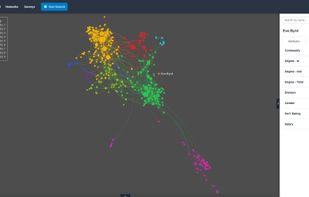
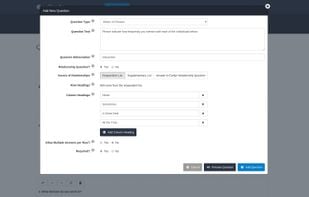
    Polinode is a tool that makes it easy to perform powerful network analysis. You can either upload your own network data or use the integrated relationship-based survey tool to collect data for you before analyzing and visualizing your networks.

    Cost / License

    • Paid
    • Proprietary

    Platforms

    • Online
    Polinode screenshot 1
    Polinode screenshot 1
    Polinode screenshot 2
    +5
    Polinode screenshot 3
    38 alternatives
  24. Displayr icon
     2 likes

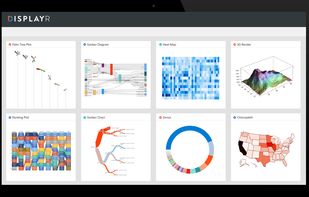
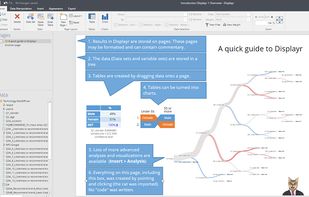
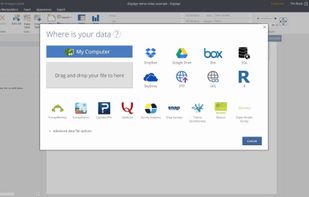
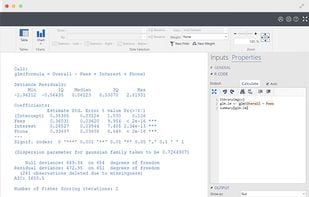
    Displayr is online data science and data analytics software. It was created so smart people could do their own data science: explore, model, visualize and report. One app for everything. Easy for novices, powerful for experts.

    Cost / License

    • Paid
    • Proprietary

    Application type

    Platforms

    • Online
    Displayr screenshot 1
    Displayr screenshot 1
    Displayr screenshot 2
    +3
    Displayr screenshot 3
    11 alternatives