Cursor Highligters

All apps in Cursor Highligters category. Use the filters below to narrow down your search. 
Copy a direct link to this comment to your clipboard
  1. Motionik icon
     10 likes

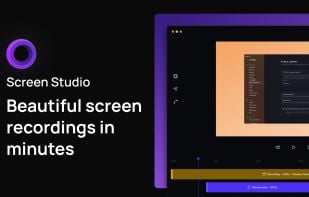
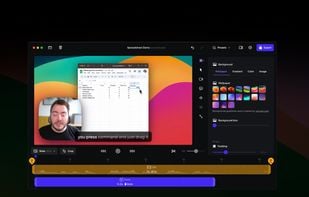
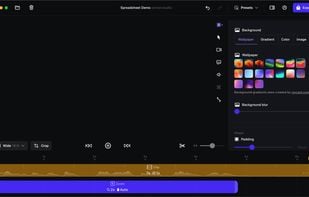
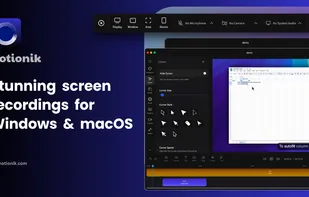
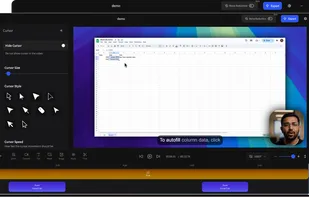
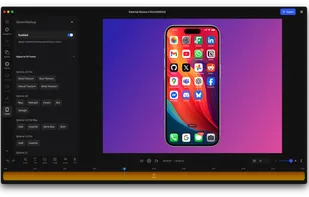
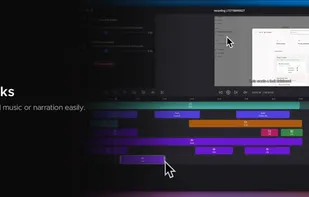
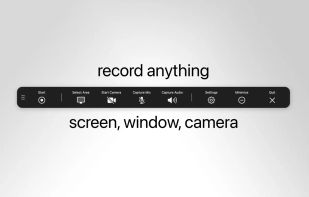
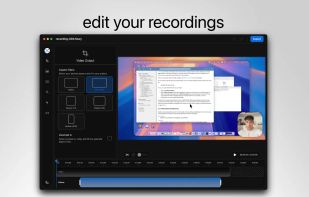
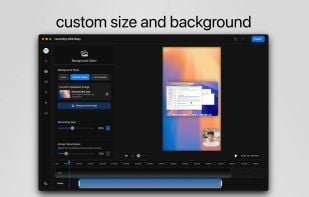
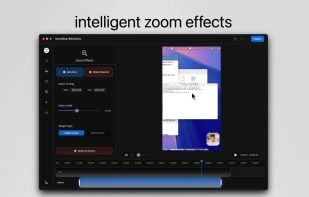
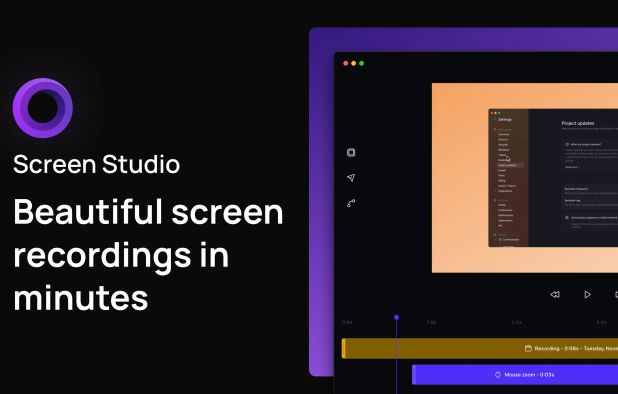
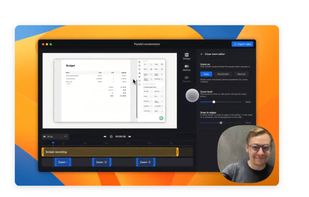
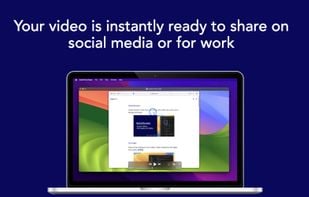
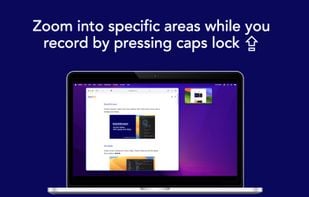
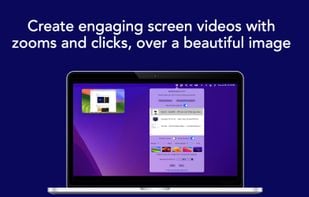
    Motionik is a cross-platform screen recorder and editor for macOS (12.3+) and Windows 10+. It combines recording, zoom, cursor effects, and lightweight editing to help you create polished product demos, tutorials, and promo videos in minutes—no complex timeline editing required.



    Cost / License

    • Freemium
    • Proprietary

    Platforms

    • Mac
    • Windows
    Motionik screenshot 1
    Editor
    Record iphone & iPad
    +11
    Motionik screenshot 3
    36 alternatives
  2. Googly Eyes icon
     6 likes

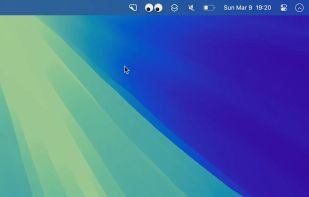
    This is just a fun toy I coded up in a few hours. If I get more rude App Store reviews, I will just stop working on the app. There is a feedback button in the app.

    Cost / License

    • Free
    • Proprietary

    Application type

    Platforms

    • Mac
    Googly Eyes screenshot 1
    18 alternatives
  3. FocuSee icon
     3 likes

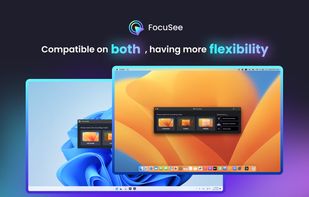
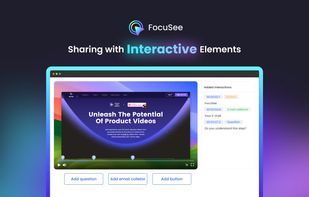
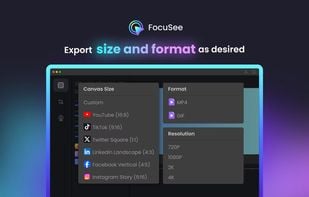
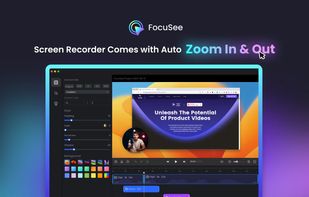
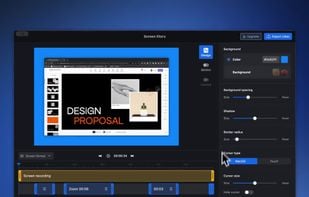
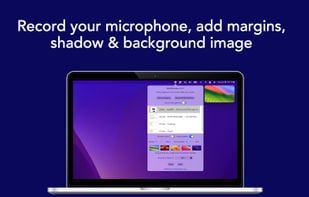
    A screen recorder comes with automated editing. Automatically track cursor movement, apply dynamic zoom and click effects, add a pleasant background, and generate a professional-looking video/gif that is ready to use.

    Cost / License

    • Paid
    • Proprietary

    Platforms

    • Mac
    • Windows
    FocuSee screenshot 1
    FocuSee screenshot 1
    FocuSee screenshot 2
    +1
    FocuSee screenshot 3
    90 alternatives
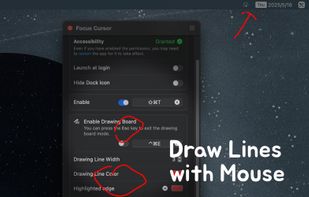
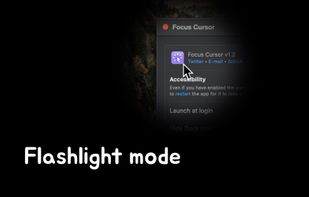
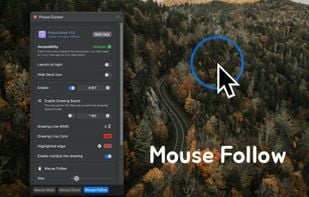
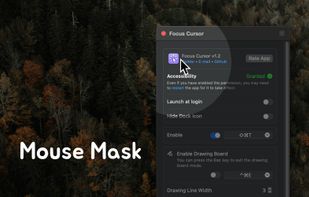
  4. This tool clearly highlights the cursor’s position, making its movement and clicks easily visible. It is particularly suitable for use in conferences, teaching, or video tutorial production, helping the audience follow your actions and ideas more easily, thereby attracting their...

    Cost / License

    • Freemium
    • Proprietary

    Application type

    Platforms

    • Mac
    FocusCursor screenshot 1
    FocusCursor screenshot 1
    FocusCursor screenshot 2
    +1
    FocusCursor screenshot 3
    16 alternatives
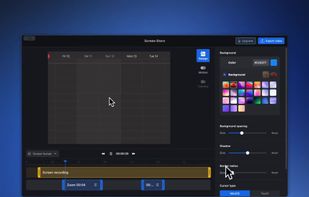
  5. Screen Story is a video creation tool for MacOS that doesn't require advanced editing skills. It includes features such as Smooth Cursor for quality animation, AutoZoom and AutoFollow for automatic zoom animations, and Motion Blur for smoother videos.

    Cost / License

    • Freemium
    • Proprietary

    Platforms

    • Mac
    Screen Story screenshot 1
    Screen Story screenshot 1
    Screen Story screenshot 2
    36 alternatives
  6. Kokomite icon
     1 like

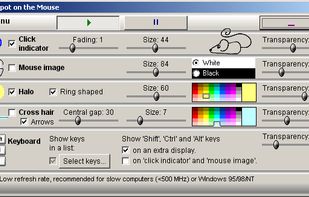
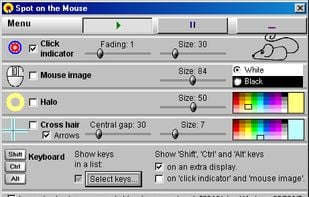
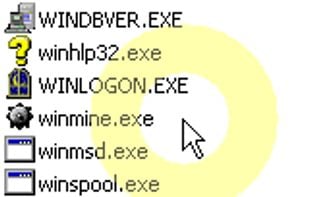
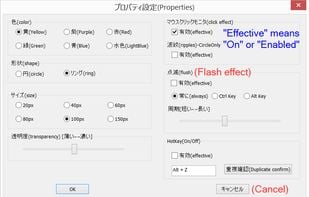
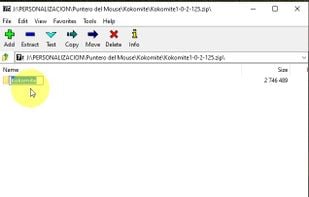
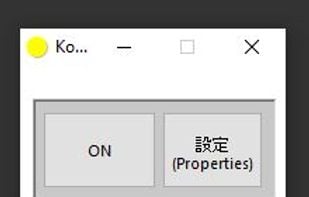
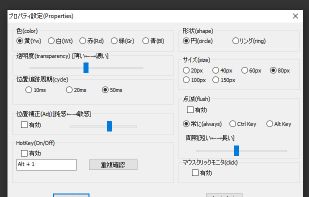
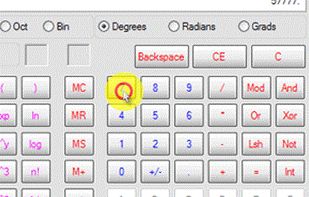
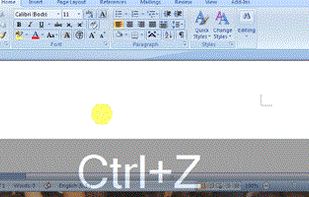
    Kokomite is a software that draws semi-transparent circles (or rings) around the mouse cursor to make the focus easier to understand in a presentation.

    Cost / License

    • Free
    • Proprietary

    Application type

    Platforms

    • Windows
    Kokomite screenshot 1
    Kokomite screenshot 1
    Kokomite screenshot 2
    +2
    Kokomite screenshot 3
    8 alternatives
  7. Keystro icon
     2 likes

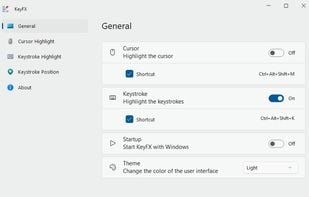
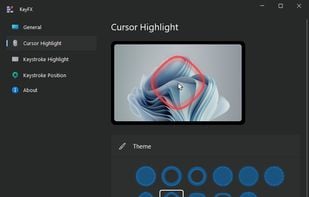
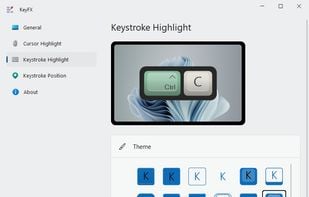
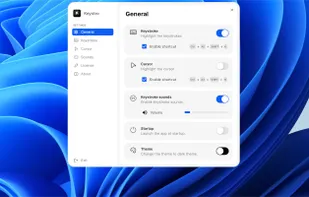
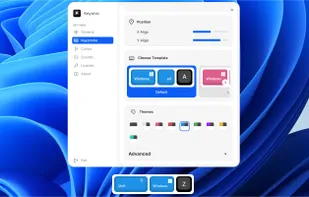
    Customizable widget displays keystrokes and highlights your cursor with adjustable styles, themes, and placement, while realistic mechanical keyboard sounds enhance recordings on Windows and macOS.

    Cost / License

    • Freemium
    • Open Source

    Application type

    Platforms

    • Mac
    • Windows
    Keystro screenshot 1
    Keystro screenshot 1
    Keystro screenshot 2
    27 alternatives
  8. Projecteur icon
     2 likes

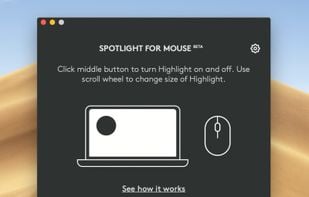
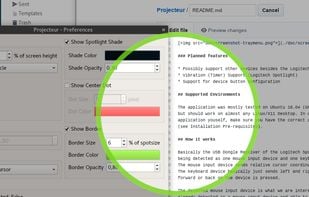
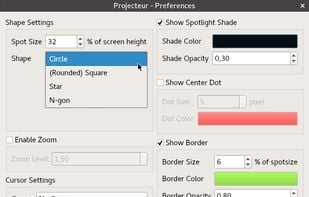
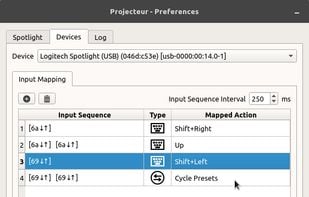
    Projecteur is a virtual laser pointer for use with inertial pointers such as the Logitech Spotlight. Projecteur can show a colored dot, a highlighted circle or a zoom effect to act as a pointer.

    Cost / License

    • Free
    • Open Source (MIT)

    Application type

    Platforms

    • Linux
    Projecteur screenshot 1
    Projecteur screenshot 1
    Projecteur screenshot 2
    7 alternatives
  9. Mouse Pro icon
     Like

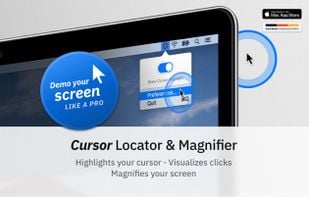
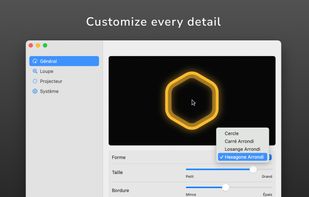
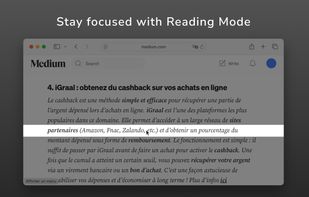
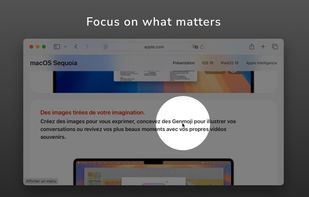
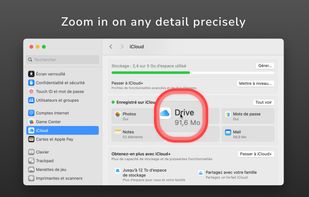
    Turn your cursor into a powerful visual communication tool, perfect for presentations, video tutorials, screen sharing, and video calls.

    Cost / License

    • Paid
    • Proprietary

    Application type

    Platforms

    • Mac
    Mouse Pro screenshot 1
    Mouse Pro screenshot 1
    Mouse Pro screenshot 2
    +2
    Mouse Pro screenshot 3
    2 alternatives
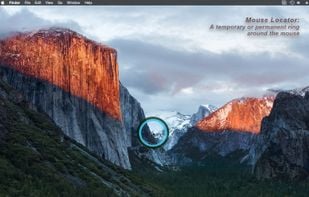
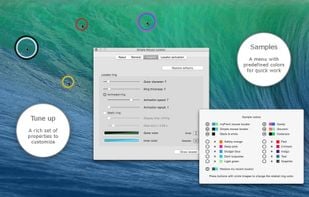
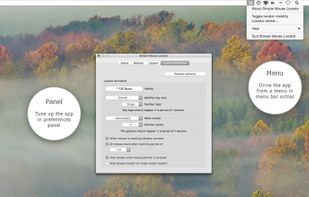
  10. Simple Mouse Locator reveals the mouse position via a momentary or permanent locator. Hook up to a hot key or gesture; the trigger will cause a customizable ring to be displayed around the current mouse position.

    Cost / License

    • Paid
    • Proprietary

    Platforms

    • Mac
    Simple Mouse Locator screenshot 1
    Simple Mouse Locator screenshot 1
    Simple Mouse Locator screenshot 2
    6 alternatives