Apps with 'PC Cleaner' feature Page 2 of 3

All apps in Apps with 'PC Cleaner' feature category. Use the filters below to narrow down your search. 
Copy a direct link to this comment to your clipboard
  1. Active Directory Cleaner tool to clean inactive users and computer accounts and show the list of all inactive user accounts that have not logged on within x number of days. It's easily manage inactive user accounts and view the real last logon/logoff time.

    Cost / License

    • Paid
    • Proprietary

    Platforms

    • Windows
    active directory cleaner
  2. Xleaner icon
     1 like

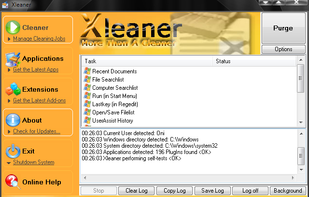
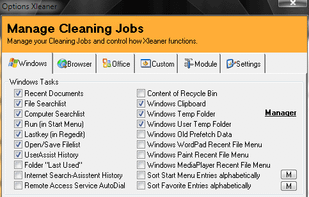
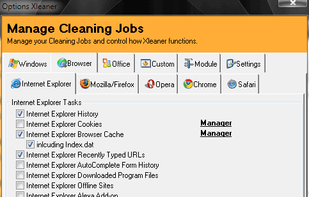
    Xleaner is a free privacy and clean-up utility that allows you to get rid of junk files with ease. With Xleaner you can eliminate all these tracks that result from browsing the web on your computer, such as internet history, cookies, cache, autocomplete memory etc.

    Cost / License

    • Free
    • Proprietary

    Application type

    Platforms

    • Windows
    Main Interface
    Cleaning Windows
    Cleaning Browsers
    68 alternatives
  3. WinCln .NET icon
     1 like

    WinCln .NET is a free privacy and system clean-up utility. It has an explorer style interface. It allows users to get rid of junk files that take space and slow down PC performance.

    Cost / License

    • Free
    • Proprietary

    Application type

    Platforms

    • Windows
    WinCln .NET screenshot 1
    20 alternatives
  4. Precious Disk icon
     2 likes

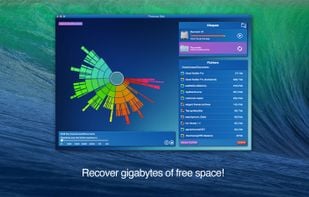
    Recover disk space by removing gigabytes of unwanted and forgotten files!

    Do you forget to remove old and heavy files? Are you often forgetting where you put your files?

    If at least one of your answers is Yes, try Precious Disk!

    Precious Disk carries out this task by scanni.

    Cost / License

    • Paid
    • Proprietary

    Platforms

    • Mac
    Recover gigabytes of free space!
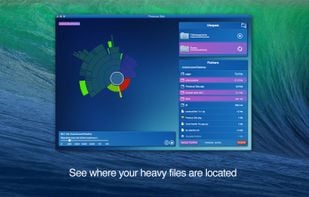
    This application helps to find quickly the unwanted files!
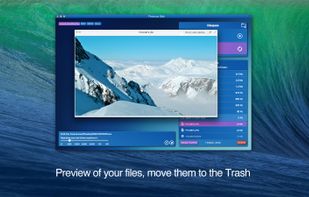
    Preview of your files, move them to the Trash!
  5. Nero TuneItUp icon
     3 likes

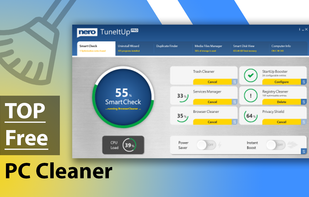
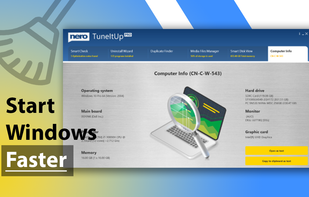
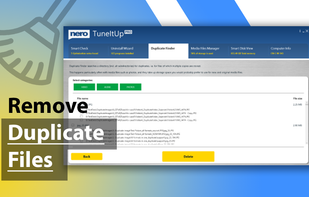
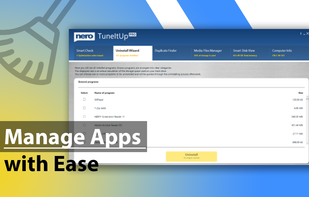
    Nero TuneItUp puts you back in complete control of your PC's performance. You decide whether to solve problems individually, or repair them all at once. The automatic monitoring feature works in the background and will notify you the moment your PC starts running slower...

    Cost / License

    • Freemium
    • Proprietary

    Application type

    Platforms

    • Windows
    • Android
    Nero TuneItUp screenshot 1
    Nero TuneItUp screenshot 1
    Nero TuneItUp screenshot 2
    +7
    Nero TuneItUp screenshot 3
    172 alternatives
  6. CleanSpark icon
     1 like

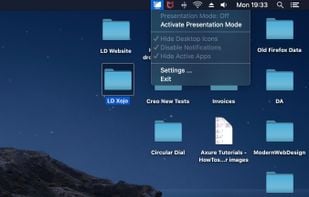
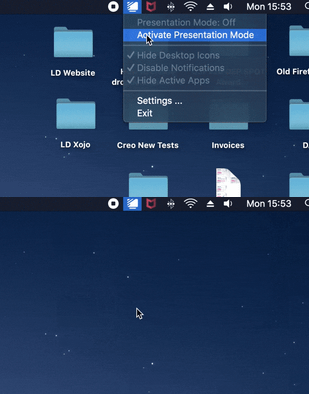
    CleanSpark is a Mac only app, that allows you to declutter your screen with one click to safely share it on your next presentation.

    Cost / License

    • Paid
    • Proprietary

    Platforms

    • Mac
    CleanSpark screenshot 1
    CleanSpark screenshot 1
    10 alternatives
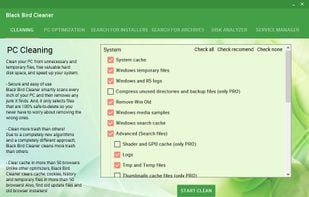
  7. Black Bird Cleaner smartly scans every inch of your PC and then removes any junk it finds. And, it only selects files that are 100% safe-to-delete so you never have to worry about removing the wrong ones.

    Cost / License

    • Freemium
    • Proprietary

    Application type

    Platforms

    • Windows
    Clean your PC from unnecessary and temporary files
which frees valuable hard disk space and speeds up your system.
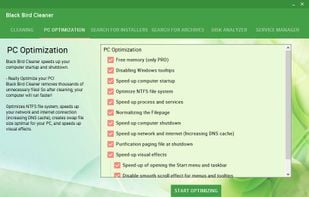
    Speeds up your computer startup and shutdown,
optimizes NTFS file system, creates swap file size optimal for your PC.
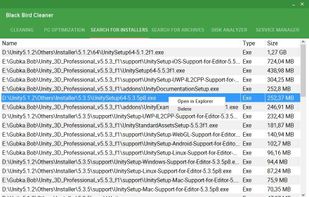
    Finds and sorts installers and archives of various types
to help remove trash.
    66 alternatives
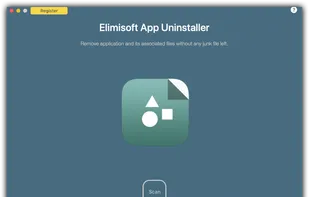
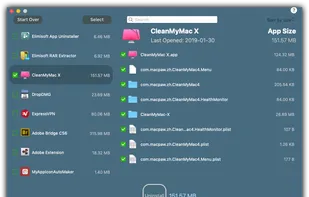
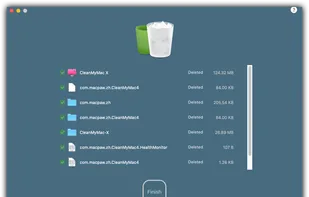
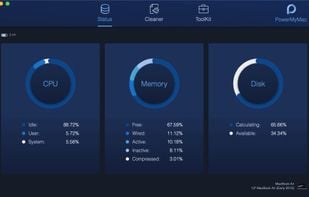
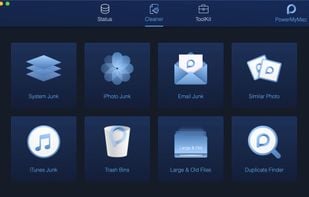
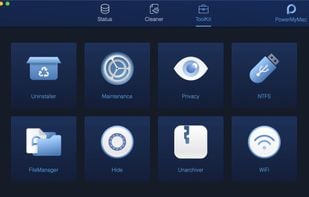
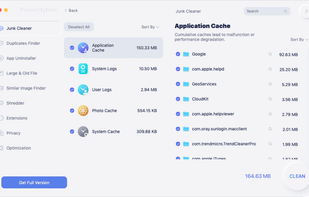
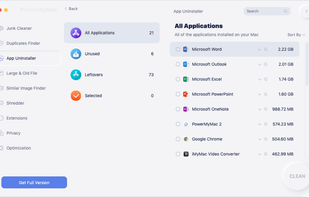
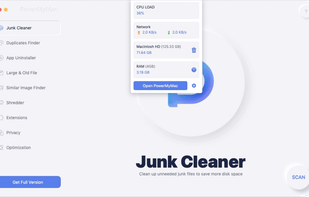
  8. PowerMyMac Fresh Your Mac A New Life. It is an All-in-One Mac app. 20+ in 1 Apps for Mac. It can be anything you want it to be: a Mac cleaner, App uninstaller, performance monitor, secret keeper, file unarchive, and WiFi sprite.

    Cost / License

    • Freemium
    • Proprietary

    Platforms

    • Mac
    PowerMyMac screenshot 1
    PowerMyMac screenshot 1
    PowerMyMac screenshot 2
    23 alternatives
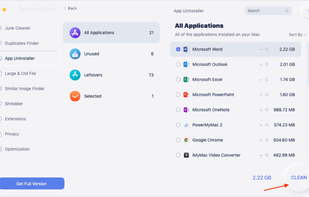
  9. iMyMac - PowerMyMac is a powerful Mac cleanup Software, providing a solution specifically for Mac users who are running out of memory. You can use it to Speed Up your Mac in One Click.

    Cost / License

    • Paid
    • Proprietary

    Application type

    Platforms

    • Mac
    iMyMac - PowerMyMac screenshot 1
    clean up Mac junk files
    uninstall apps on mac
    +8
    iMyMac - PowerMyMac screenshot 3
    24 alternatives
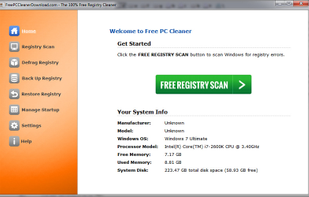
  10. FreePCCleaner is the 100% free registry cleaner especially created for Windows users. Download it, perform the system scan, and fix all the errors that slow down your PC... absolutely for free.

    Cost / License

    • Free
    • Proprietary

    Application type

    Platforms

    • Windows
    FPCC - Free Registry Scan
    109 alternatives
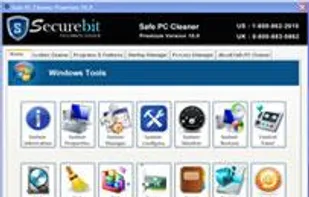
  11. Safe PC Cleaner is the best utility for cleaning and optimizing your Windows PC. It protects your online privacy, safeguard your data and make your PC faster. PC Cleaner finds and removes common junk and unwanted files from your computer or laptop in no time.

    Cost / License

    • Freemium
    • Proprietary

    Application type

    Alerts

    • Warning

    Platforms

    • Windows
    Safe PC Cleaner screenshot 1
    98 alternatives
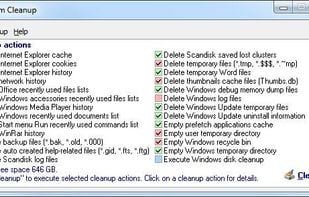
  12. Find and remove temporary, cache, history and backup files on all your local and network drives. System Cleanup will protect recent used files. Drives and folders can be manually added to an exclude list to protect files and improve disc reading speed.

    Cost / License

    • Free
    • Proprietary

    Application type

    Platforms

    • Windows
    System Cleanup screenshot 1
    156 alternatives
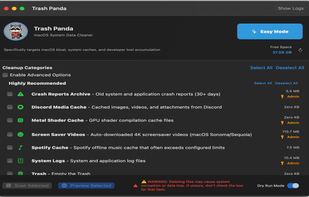
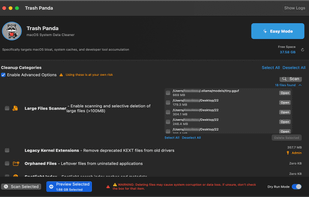
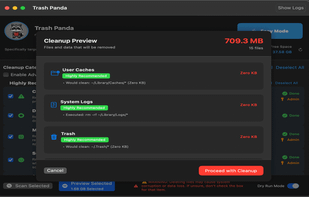
  13. An experience built Mac storage cleaner that safely recovers gigabytes of space from hidden system files, caches, and development bloat.

    Cost / License

    • Paid
    • Proprietary

    Application type

    Platforms

    • Mac
    TrashPanda screenshot 1
    TrashPanda screenshot 1
    TrashPanda screenshot 2
    51 alternatives
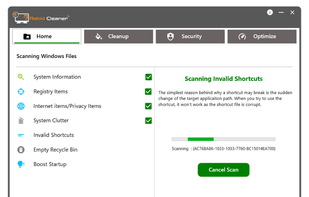
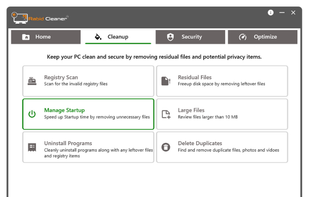
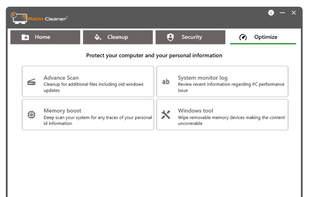
  14. Rabid Cleaner is a powerful PC Cleaner and Optimizer designed exclusively for Windows users who want peak performance without the hassle. Whether you're a gamer, professional, or everyday user, Rabid Cleaner brings the speed, stability, and smoothness back to your PC—just...

    Cost / License

    • Paid
    • Proprietary

    Platforms

    • Windows
    PC Cleaner and Optimizer 1
    PC Cleaner and Optimizer 2
    PC Cleaner and Optimizer 3
  15. SafeSoft icon
     Like

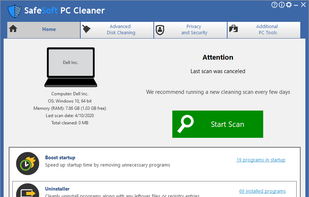
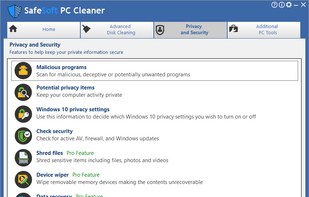
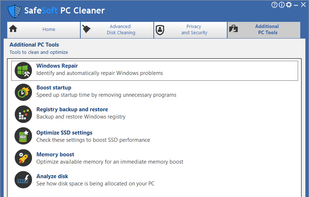
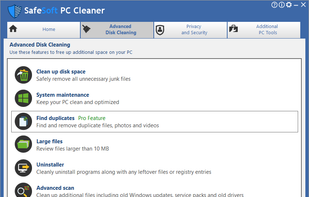
    Speed up and optimize your computer performance with Safesoft. One click Pc Speedup and driver updates for your computer with Safesoft Pc Cleaner and Safesoft Driver manager

    Cost / License

    • Freemium
    • Proprietary

    Application type

    Platforms

    • Windows
    SafeSoft screenshot 1
    SafeSoft screenshot 1
    SafeSoft screenshot 2
    +3
    SafeSoft screenshot 3
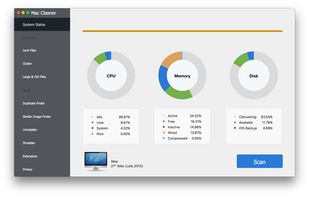
  16. Apeaksoft Mac Cleaner is the best cleaning tool to remove junk files, monitor hardware health, speeds up Mac system and more.

    Cost / License

    • Freemium
    • Proprietary

    Platforms

    • Mac
    Apeaksoft Mac Cleaner screenshot 1
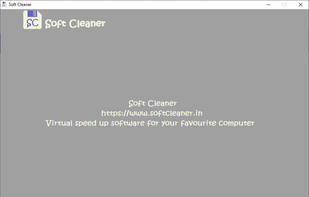
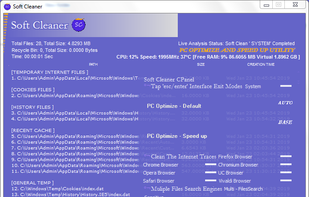
  17. Soft Cleaner is high powerful software for optimize, speed up, clean and protect your PC. It works with an Auto-Inbuilt system. Includes a self configuring memory optimizer. Set AUTO for quick action or set BASE for complete speed up, fast processing in Live Analysis and Soft...

    Cost / License

    • Free
    • Proprietary

    Application type

    Platforms

    • Windows
    Soft Cleaner screenshot 1
    Soft Cleaner 'Live Analysis' 'Soft Clean'
    1 alternatives
  18. JENI icon
     Like

    JENI speeds up and stabilizes your Mac or PC with one small easy to run program by cleaning, repairing, and resetting core system components and overwriting deleted content, with custom reports and no subscriptions and no ads.

    Cost / License

    • Paid
    • Proprietary

    Platforms

    • Mac
    • Windows
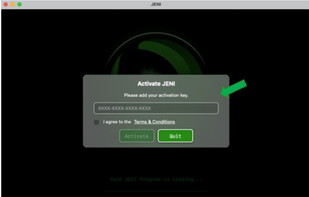
    MAC version step 1: On first launch JENI shows Activation. Copy your license key from your order page or email. Paste it into the field. Check the Terms & Conditions box. Click Activate. Your JENI for Mac unlocks and is ready to use.
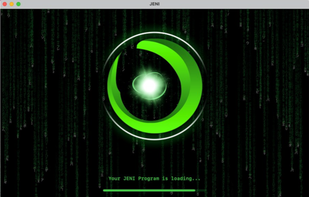
    MAC version step 2: After you enter your Mac admin password, JENI starts automated maintenance. A loading screen appears while tasks are prepared. It scans, cleans, and optimizes in the background. No action needed—just let JENI finish.
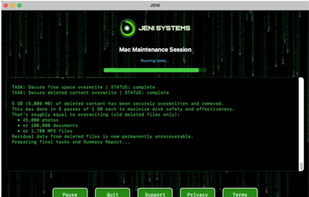
    MAC version step 3: JENI runs a full maintenance session, averaging ~5 minutes. You’ll see live updates as it securely overwrites free space and removes deleted data. Example: 5 GB permanently erased. Multiple overwrite passes maximize safety. Progress messages show the cleanup scale.
    +5
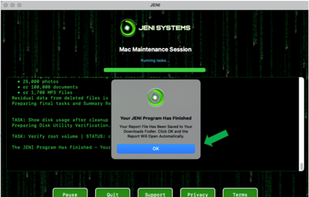
    MAC version step 4: When JENI finishes, you’ll see a confirmation. A Summary Folder—HTML report, error log, and console log—is saved to Downloads. Click OK to open it and review exactly what was cleaned, overwritten, and verified during the session.