Baobab Disk Usage Analyzer Alternatives

Baobab Disk Usage Analyzer is described as 'Graphical GNOME application that analyzes disk usage with detailed graphical representation, supporting scans of both local and remote directories' and is a very popular disk usage analyzer in the system & hardware category. There are more than 50 alternatives to Baobab Disk Usage Analyzer for a variety of platforms, including Windows, Mac, Linux, BSD and KDE Plasma apps. The best Baobab Disk Usage Analyzer alternative is WinDirStat, which is both free and Open Source. Other great apps like Baobab Disk Usage Analyzer are WizTree, TreeSize, SquirrelDisk and ncdu.

filter to find the best alternatives

Baobab Disk Usage Analyzer alternatives are mainly Disk Usage Analyzers, but if you're looking for System Cleaners or Duplicate File Finders you can filter on that. Other popular filters include Windows, Mac and Linux. You can also filter by region, for example EU-based alternatives if you prefer software developed in the European Union. These are just examples - use the filter bar below to find more specific alternatives to Baobab Disk Usage Analyzer.
Copy a direct link to this comment to your clipboard
Baobab Disk Usage Analyzer alternatives page was last updated

Alternatives list

  1.  2 likes

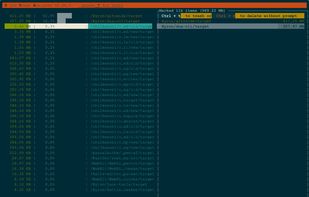
    dua (-> Disk Usage Analyzer) is a tool to conveniently learn about the usage of disk space of a given directory. It's parallel by default and will max out your SSD, providing relevant information as fast as possible.

    55 dua-cli alternatives

    Cost / License

    • Free
    • Open Source (MIT)

    Application type

    Platforms

    • Mac
    • Windows
    • Linux
    • MacPorts
    • Homebrew
     
  2. disky icon
     4 likes

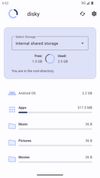
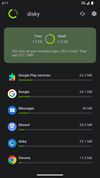
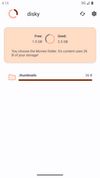
    disky can analyze your device and show your data split by directory. Apps are also included, so you get the full picture of what uses your storage.

    Cost / License

    Application type

    Platforms

    • Android
    • Android Tablet
    • F-Droid
     
  3. crossdirstat icon
     4 likes

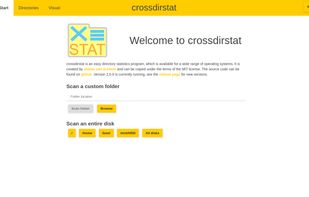
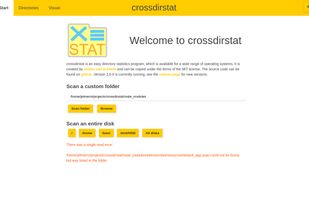
    Free open-source cross-platform file & directory statistics as found on Github

    Cost / License

    • Free
    • Open Source (MIT)

    Application type

    Platforms

    • Mac
    • Windows
    • Linux
     
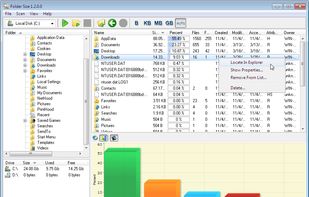
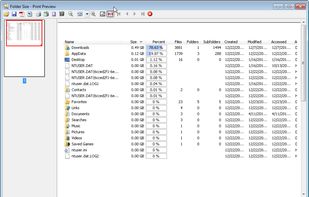
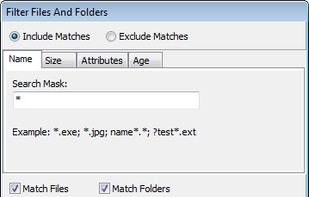
  4. Folder Size analyzes your hard drives and displays file and folder sizes so that you can easily check the distribution of your disk space. The application will display the sizes of the folders and files and also the percentage of the total disk size that they occupy in a bar...

    Cost / License

    • Free
    • Proprietary

    Application type

    Platforms

    • Windows
     
  5. DelightDisk icon
     1 like

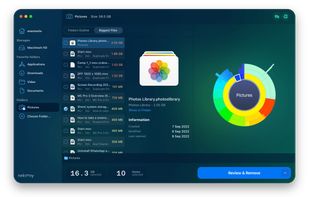
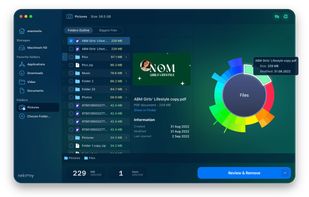
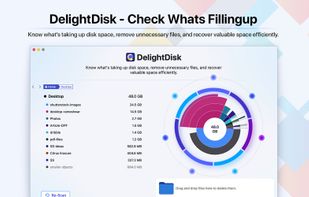
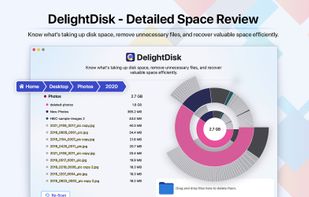
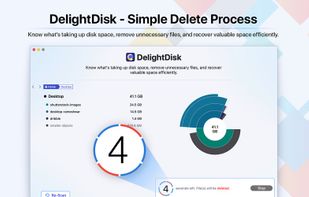
    Analyze Mac storage & claim more space.

    Cost / License

    • Freemium (Pay once)
    • Proprietary

    Application type

    Platforms

    • Mac
     
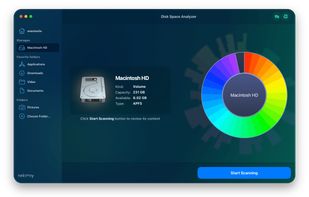
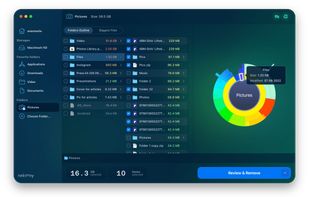
  6. Disk Space Analyzer allows you to easily find and remove the bulkiest content for your Mac or external storage. You can see your Mac disk usage, find folders that take up the most space, and manage hard drive space by moving or removing files.

    77 Disk Space Analyzer alternatives

    Cost / License

    • Pay once or Subscription
    • Proprietary

    Platforms

    • Mac
     
  7. RidNacs icon
     17 likes

    RidNacs is a very fast disk space usage analyzer for Microsoft Windows. It scans your local drives, network drives or single directories and produces a tree view with a percentage bar chart column. This gives the user a quick and easy way to identify the largest directories and...

    73 RidNacs alternatives

    Cost / License

    • Free
    • Proprietary

    Application type

    Platforms

    • Windows
     
  8. SpaceObServer icon
     7 likes

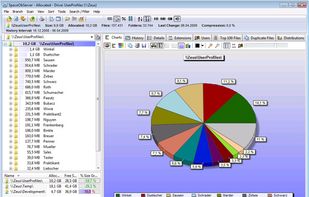
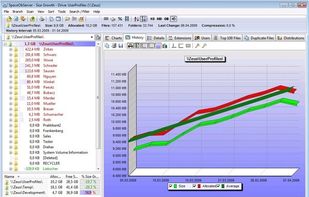
    SpaceObServer is a powerful and flexible hard disk space manager for Windows. It scans local and network drives using a background service and stores their structure, sizes and properties in an SQL database. Linux and Unix filesystems can be scanned via SSH (Secure Shell).

    68 SpaceObServer alternatives

    Cost / License

    • Paid
    • Proprietary

    Platforms

    • Windows
     
  9. Disk Space Fan icon
     10 likes

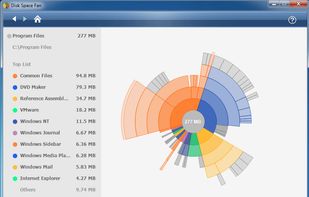
    Disk Space Fan is a powerful disk space analysis tool for Windows and it is a freeware. It helps you to free up disk space by quickly finding and deleting big, useless files. It displays disk space usage with a nice chart. You can navigate the folders easily with the chart.
    Cost / License

    • Paid
    • Proprietary

    Application type

    Platforms

    • Windows
     
  10. SequoiaView icon
     26 likes

    Create a visual representation of the amount of space each file is taking on your hard drive. It creates a "squarified treemap" that makes it easy to see where all your space is going.

    75 SequoiaView alternatives

    Cost / License

    • Free
    • Proprietary

    Application type

    Alerts

    • Discontinued

    Platforms

    • Windows
     
  11. O&O DiskStat icon
     1 like

    O&O DiskStat is a high-power tool for analyzing the used disk space on your storage volumes. With an easy-to-use interface based on the design of the Windows Explorer, you can take a closer look at the file and folder structure of your internal and external drives.

    Cost / License

    • Paid
    • Proprietary

    Application type

    Platforms

    • Windows
     
  12. GD Map icon
     21 likes

    GdMap is a tool which allows to visualize disk space. Ever wondered why your hard disk is full or what directory and files take up most of the space? With GdMap these questions can be answered quickly. To display directory structures cushion treemaps are used which visualize a...

    56 GD Map alternatives

    Cost / License

    • Free
    • Open Source

    Platforms

    • Linux
     
    |
    1
    Comments about GD Map as an Alternative to Baobab Disk Usage Analyzer
    scrat
    Positive
    0

    GD Map is the fastest -- it scans through gigabytes in seconds.

    Baobab Disk Usage Analyzer Icon
    GD Map icon
    • GD Map is Free and Open SourceBaobab Disk Usage Analyzer is also Free and Open Source
You are at page 3 of Baobab Disk Usage Analyzer alternatives