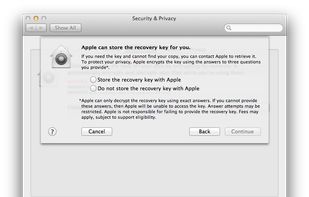
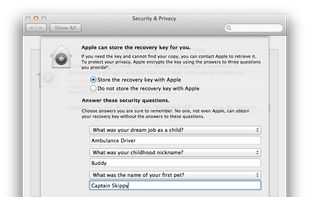
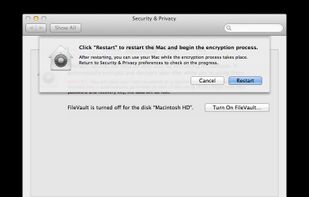
FileVault full-disk encryption uses XTS-AES-128 encryption with a 256-bit key to help prevent unauthorized access to the information on your startup disk.
Cost / License
- Free
- Proprietary
Application type
Platforms
- Mac
 United States




+1


Castlefile is described as 'CastleFile is an innovative file encryption tool that uses chess moves as unique keys for secure, client-side file encryption. It uses the SHA-256 hashing algorithm and AES encryption to ensure top-notch data protection, combining chess with cryptography' and is a file encryption software in the security & privacy category. There are more than 25 alternatives to Castlefile, not only websites but also apps for a variety of platforms, including Windows, Mac, Linux, Android and iPhone apps. The best Castlefile alternative is VeraCrypt, which is both free and Open Source. Other great sites and apps similar to Castlefile are Cryptomator, TrueCrypt, Picocrypt and DroidFS.
FileVault full-disk encryption uses XTS-AES-128 encryption with a 256-bit key to help prevent unauthorized access to the information on your startup disk.
United States
SecurStick is a free portable application that lets you carry encrypted files on your USB drive. You can use the drive on any computer to access and modify those files WITHOUT needing any administrator privileges.
 Germany
 EU
EU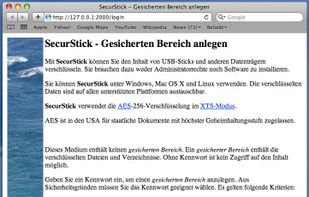


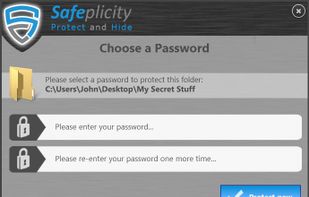
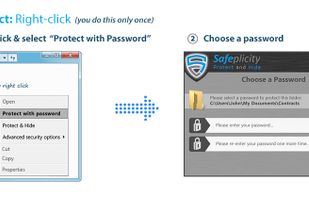
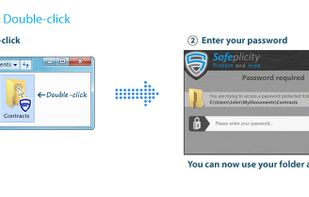
The easy way to password-protect and encrypt your sensitive files in just a few clicks. You can even make folders completely disappear so that no one knows they exist! Works for computers, laptops, USB sticks, external hard drives, etc.
 United Kingdom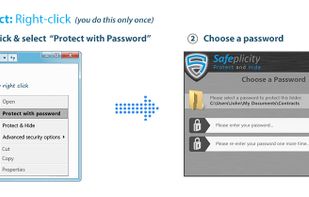


Digital Safe and Password management to protect your data and privacy.
GermanyEU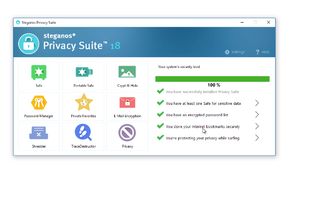
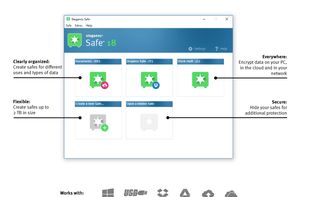
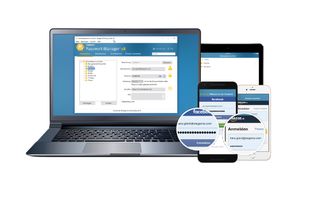
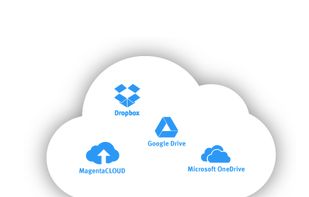


Encrypts and protects your files on your machine, before they hit your disk and the cloud: Collaborate with others, end to end encrypted.
United States


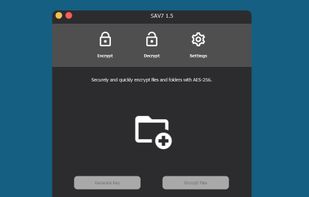
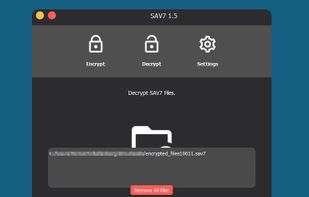
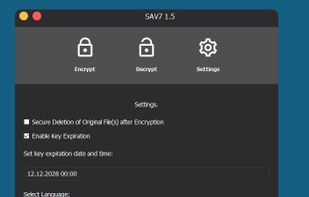
SAV7 encrypts files of any type with AES-256 and generates a secure key to restore the files. Encrypted files can only be restored with the key file. This ensures that it is impossible to decrypt the files without the key file.


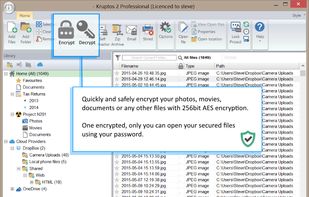
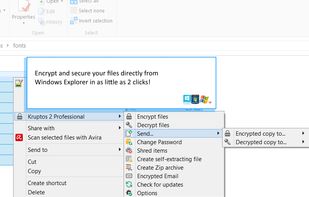
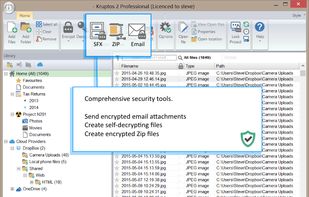
Lock and encrypt your photos, movies, files and folders using 256-bit file encryption.
United Kingdom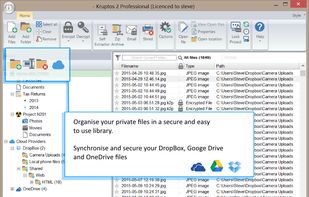


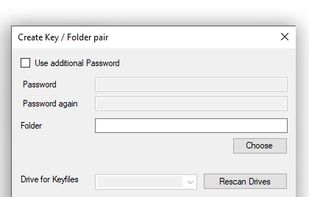
Exocet creates a Folder on your System. This Folder appears or hides when you use a special for this case formatted USB Storage Key. The Data is encrypted on the System and save with cascading AES encryption.
 FranceEU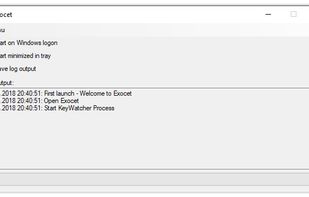


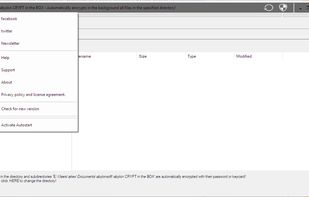
The software abylon CRYPT in the BOX is an easy to use safe for your files. The software offers two ways to encrypt data. The easiest way is to simply copy files into the specified CRYPT directory.
GermanyEU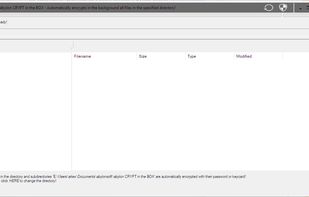


Encrypt your files and folders on Windows — completely offline, no cloud, no account. Share safely with trusted contacts, or send to anyone as a self-extracting file, even if they don't have the app.