Gromit-MPX is an on-screen annotation tool that works with any Unix desktop environment under X11 as well as Wayland.
Cost / License
- Free
- Open Source
Platforms
- Linux
- Ubuntu
 Germany
 EU
EU
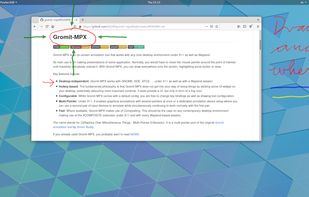

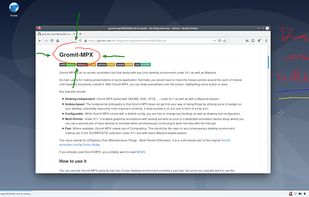

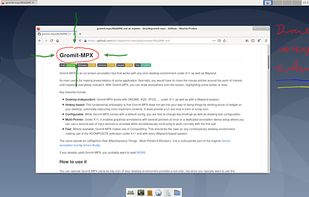


Crealesson is described as 'Multiboard Draw On Screen, Marker, Mouse & Keyboard On Screen Display. All inclusive Kit for video tutors, Youtubers, Digital Video Teachers, Educators serving for Kindergartens, Universities' and is an app in the os & utilities category. There are more than 10 alternatives to Crealesson for a variety of platforms, including Windows, Mac, Linux, Python and PortableApps.com apps. The best Crealesson alternative is SHARA, which is free. Other great apps like Crealesson are EpicPencil, RePen, ZoomIt and gInk.
Gromit-MPX is an on-screen annotation tool that works with any Unix desktop environment under X11 as well as Wayland.
GermanyEU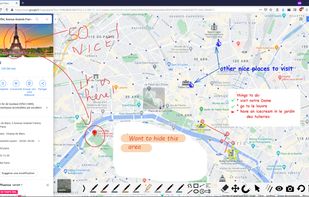

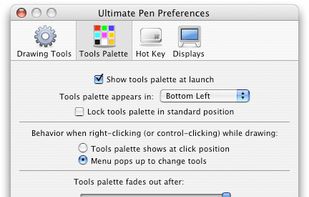
Ultimate Pen is a software only solution which creates a full screen, transparent window, allowing you to draw on top of most applications. Think of Ultimate Pen as an incredibly easy way to doodle on your computer screen.
 United States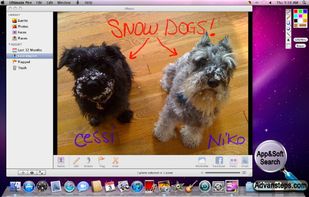


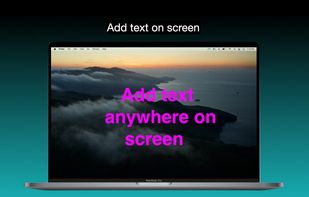
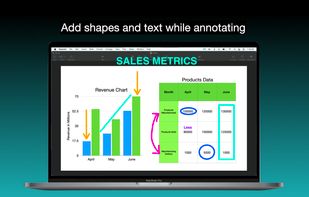
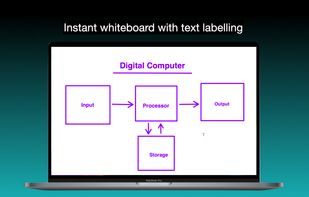
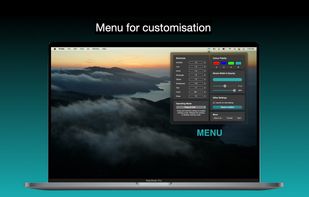
It is a an application which helps the user to annotate anywhere on the mac's screen. It can be used while presentation, video tutorials, screen recordings to draw the audience attention.

MouseKit turns your mouse cursor into a presentation, on-screen drawing, and cursor-tracking tool — all in one, for Windows.
 Serbia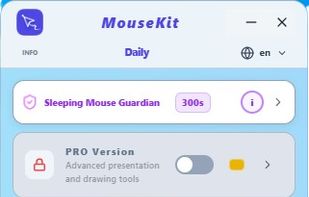
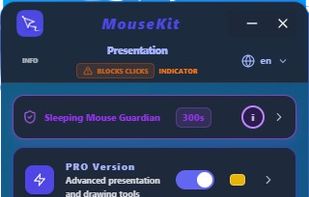
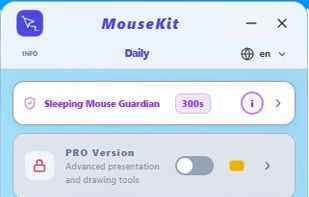
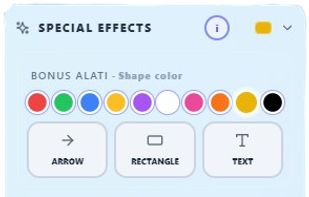


Turn every screen share into a polished presentation. Cursaura adds beautiful cursor highlights, click effects, zoom, annotations, keystroke display, and focus tools directly on your screen — perfect for demos, tutorials, livestreams, online courses, and remote meetings.
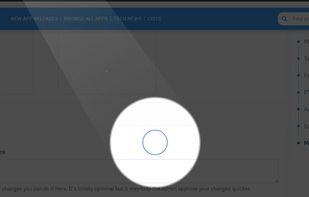
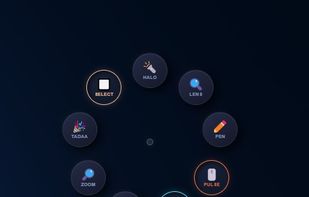

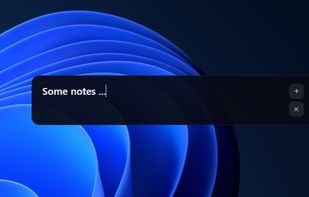


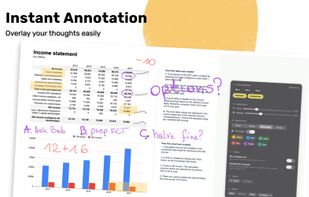
Draw Over It gives presenters, trainers, and any professional an always-ready overlay for live markups. Open it with a hotkey, sketch directly on top of any app, and jump back to work without leaving a trace.
 PolandEU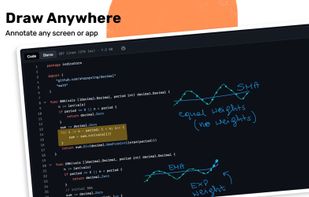
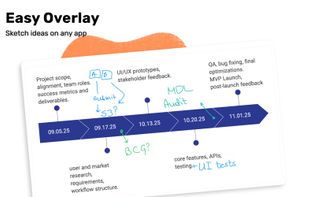
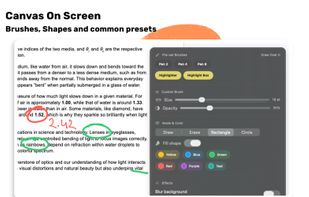


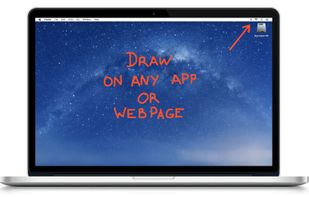
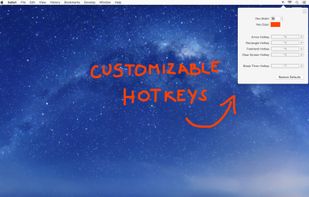
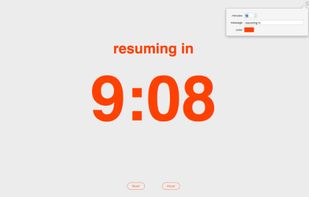
DemoPro is a simple and unobtrusive screen annotation tool for the Mac ideal for live demonstrations. Just press a customizable hotkey to draw on the screen. Release it to continue your demonstration. DemoPro also includes a countdown timer.



Lightweight screen annotation tool for Windows. Draw on your screen over any application with fading ink, spotlight mode, laser pointer, and shapes. Perfect for presentations, teaching, and streaming.