


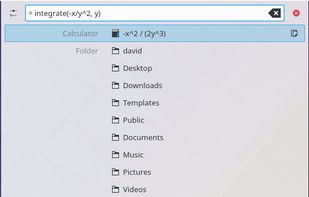
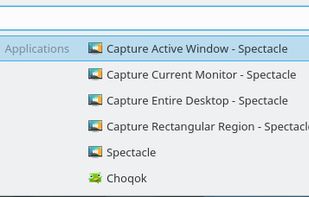
Krunner is a multi-function command line menu for the KDE Plasma Desktop.
Cost / License
- Free
- Open Source (LGPL-2.1)
Application typeApplication types
Platforms
- Linux
- BSD
- KDE Plasma
 Germany
 EU
EU



+1


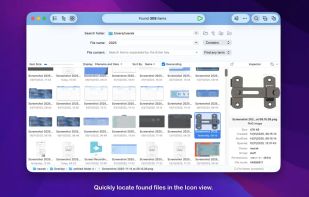
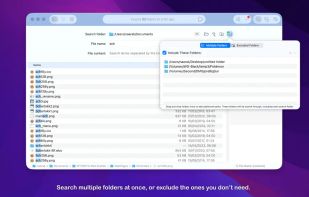
File Find is described as 'A macOS file search utility that helps you find files easier' and is a File Search utility in the file management category. There are more than 50 alternatives to File Find for a variety of platforms, including Mac, Windows, Linux, iPhone and iPad apps. The best File Find alternative is Everything, which is free. Other great apps like File Find are Flow Launcher, Raycast, Alfred and Station.
Krunner is a multi-function command line menu for the KDE Plasma Desktop.
GermanyEU
If you ever liked tools like Raycast and Alfred, but wanted to own them and tweak them yourself, then SOL is the tool for you. All the affordances of complex tools now made open source.
GermanyEU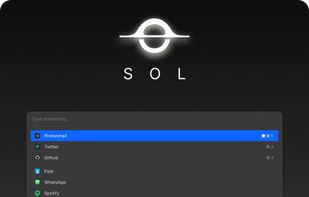


EasyFind is an alternative to (or supplement of) Spotlight to find files, folders, or contents in any file without indexing.
GermanyEU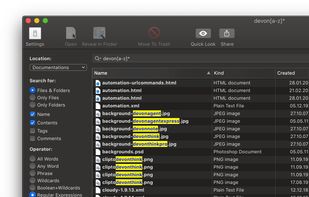


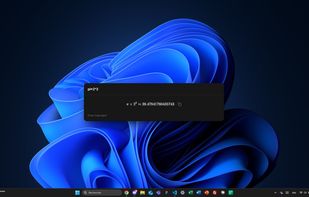
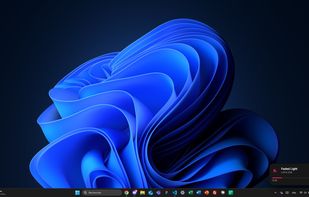
Mage, originally a Raycast clone, is a lightweight and fast app launcher for Windows, built with Electron, Vite, and Vue 3. It features custom applications, live activities, a modern UI and a batteries-included SDK for developers.



XMenu adds one or more global menus to the right side of the menu bar. They give you access to your preferred applications, folders, documents, files, and snippets. Launch any application, or insert text snippets or URLs into your email messages or Pages documents with a single...
GermanyEU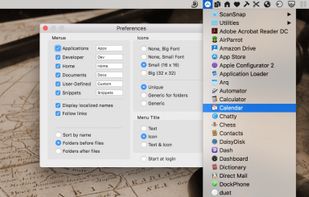


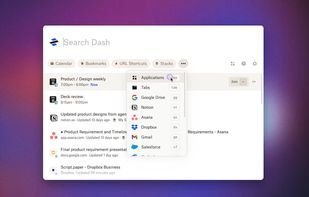
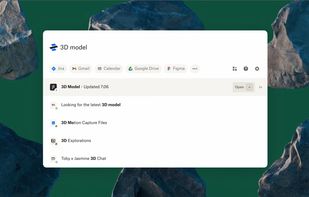
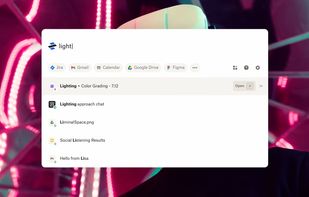
Meet Dash, your personal universal search tool. Search all your apps. All your tabs. All in one place.
 United States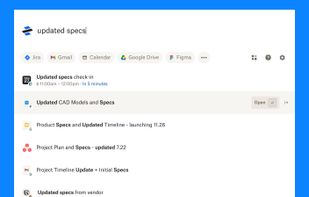


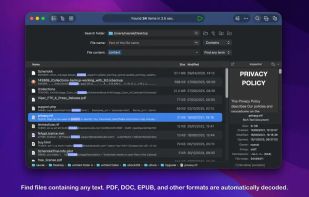
Performs high-speed file searches using a proprietary engine across built-in, portable, and network drives, including hidden and non-indexed files, supports detailed result filtering, provides file comparison, hex editing, autosave, advanced sorting, and multitasking.
 Thailand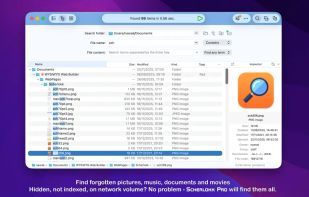


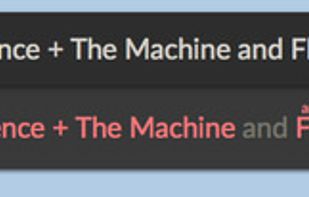
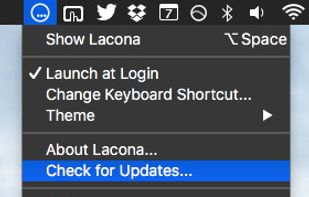
Lacona is a docker app for Mac OSX that accepts natural language commands. Call up Lacona with a keyboard shortcut and type whatever you want to do. It gives intelligent suggestions as you type and then follows your orders.
United States


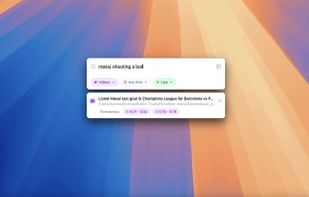
Fenn is a powerful, AI-driven desktop search engine for macOS that makes your files instantly searchable—including videos, audio, PDFs, Word documents, Excel sheets, and images. Just type or upload an image to find exactly where any object, person, or concept appears.


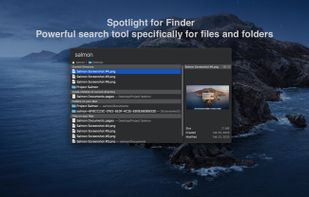
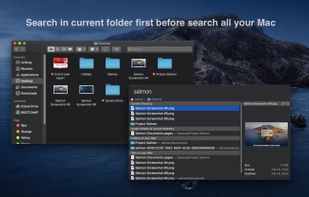
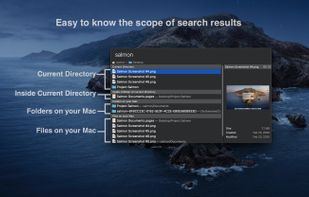
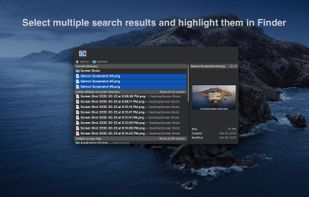
Salmon - Spotlight for Finder. Powerful search tool for files and folders with support for multiple selection. Powerful @modifiers to filter and sort.


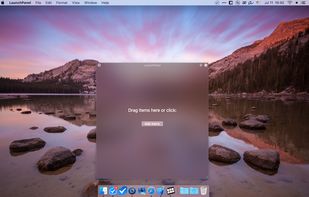
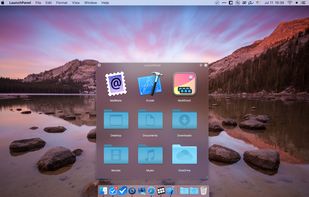
LaunchPanel is a completely FREE application that allows you to quickly launch applications, open files and folders.
 Ukraine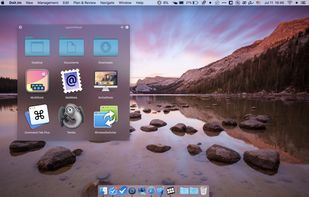


 China
China


