EasyCapture Pro is a screenshot utility designed for Windows users who need a quick and simple way to take screenshots and save images locally.
Cost / License
- Free
- Proprietary
Application type
Platforms
- Windows
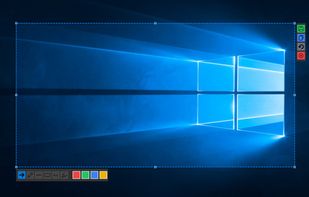

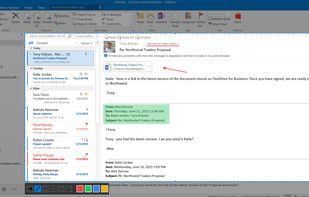

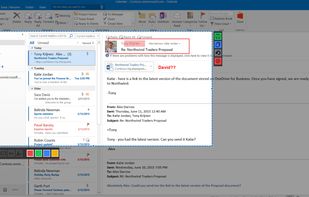


Flameshot is described as 'Open-source screenshot tool with cross-platform support, customizable interface, built-in editing, CLI access, and direct Imgur uploads' and is a very popular screenshot capture tool in the photos & graphics category. There are more than 100 alternatives to Flameshot for a variety of platforms, including Windows, Mac, Linux, Google Chrome and Web-based apps. The best Flameshot alternative is ShareX, which is both free and Open Source. Other great apps like Flameshot are Greenshot, Ksnip, PicPick and Gradia.
EasyCapture Pro is a screenshot utility designed for Windows users who need a quick and simple way to take screenshots and save images locally.

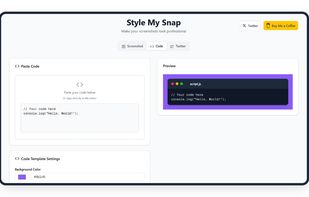
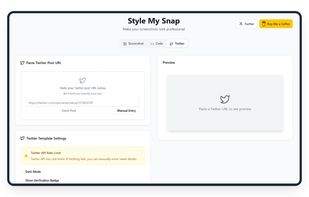
Style My Snap is a free online tool that helps you create professional-looking screenshots, code snippets, and Twitter posts. Perfect for developers, designers, and content creators who want to make their images stand out on social media and documentation.
 India
India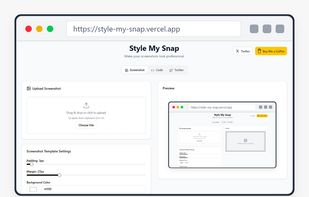


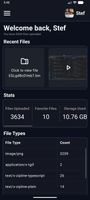
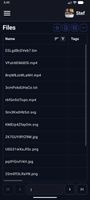
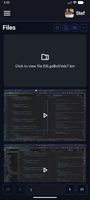
Zipline Android Client Application for a Diced/Zipline v4 ShareX Server to Upload, Download and Manage Files and Short URLs.


AI-powered screenshot utility for region, window, and full-screen capture, featuring background removal, optical character recognition, image enhancement, annotation, watermark, and signature tools. Supports creatives, professionals, and content sharing workflows.
 China
China

 Japan
Japan
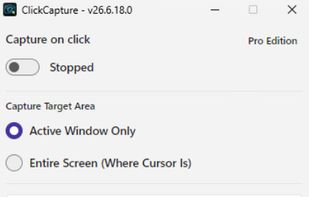
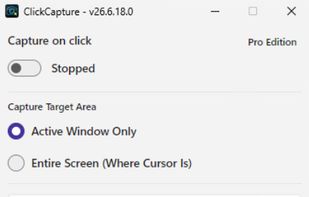


 South Korea


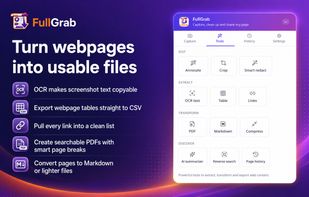
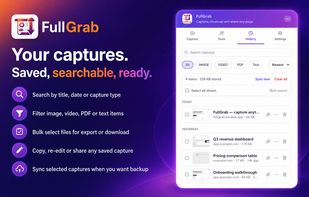
Capture visible areas, full pages, regions, elements and screen recordings, then remove clutter, annotate or redact details. Extract OCR text, tables, links or Markdown; create searchable PDFs, share results or send them to AI while keeping captures local by default.
 United States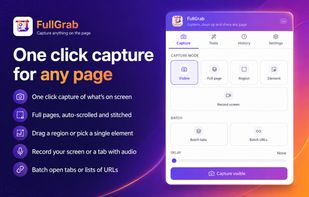
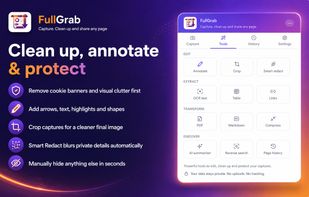


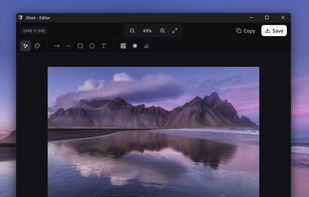
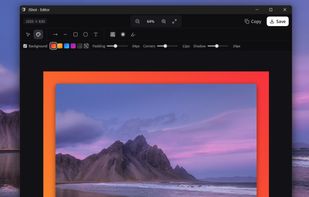
JShot turns your screen captures into finished images in seconds. No clutter, no friction — just the perfect flow.
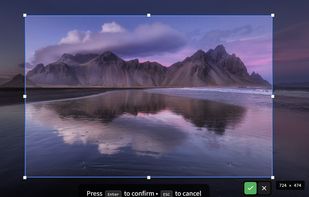
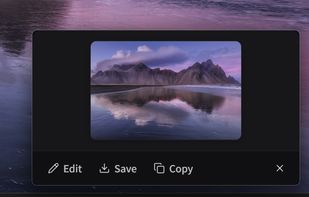


Socorin is a free, open-source desktop app for taking screenshots, annotating images and recording your screen. It runs in the menu bar or system tray and supports configurable keyboard shortcuts.
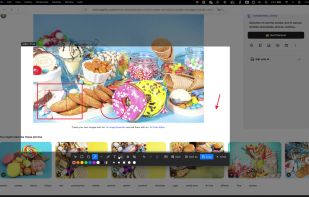

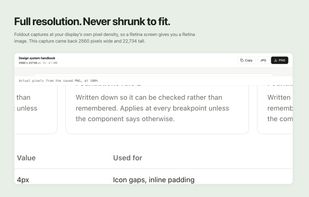
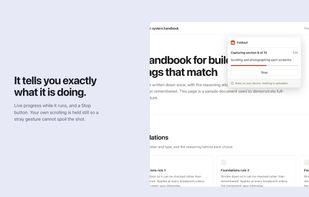
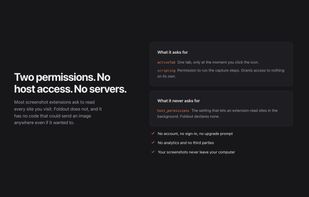
Foldout captures an entire web page as a single image, including everything below the fold. Click the button and it scrolls the page, captures each section, and stitches them together in the browser.
 Canada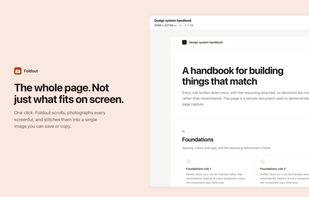
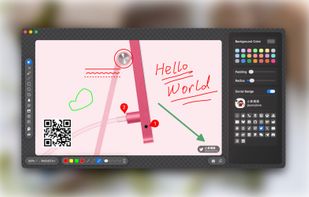
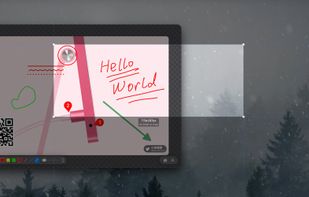
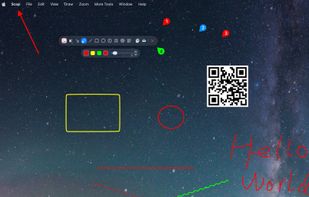
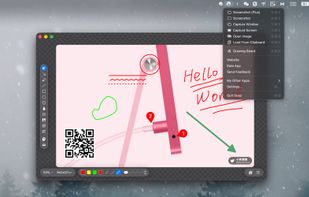
Enables macOS users to capture screenshots, annotate images, draw on a blank canvas, overlay image layers, use blur, mosaic, spotlight, QR code, watermark tools, add social badges, manage high-resolution export, and quickly share visuals via clipboard or file.
China