



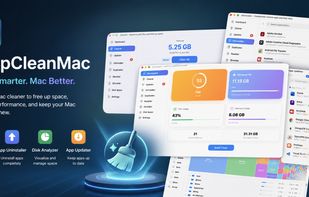
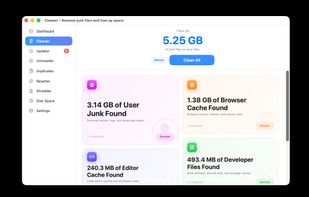
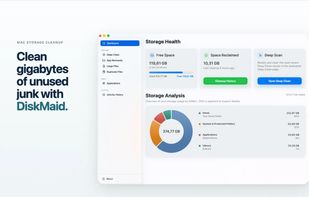
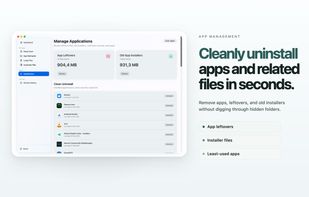
A powerful native macOS cleaner to remove junk files, manage storage, uninstall apps completely, and keep your Mac running fast and optimized.
Cost / License
- Paid
- Proprietary
Application type
Platforms
- Mac




+7
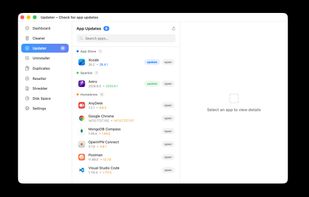


Mole is described as 'Native Mac cleanup toolkit: free open-source CLI plus a $19 Mac app for cleaning, uninstalls, disk maps, and live status, always preview before delete' and is a disk usage analyzer in the os & utilities category. There are more than 50 alternatives to Mole for a variety of platforms, including Mac, Windows, Linux, iPhone and Android apps. The best Mole alternative is BleachBit, which is both free and Open Source. Other great apps like Mole are CCleaner, Baobab Disk Usage Analyzer, Glary Utilities and Kudu Cleaner.
A powerful native macOS cleaner to remove junk files, manage storage, uninstall apps completely, and keep your Mac running fast and optimized.

Made for boosting macOS performance; keeps hard drive storage fit and always running blazingly fast.
 China
China


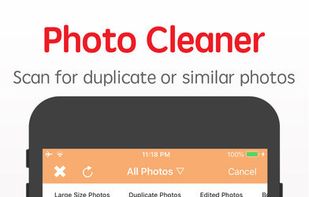
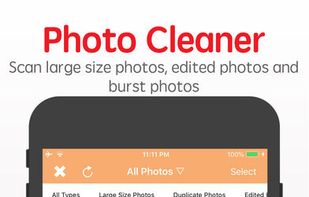
Clean Doctor is a cleaner app to help you better manage your iPhone/iPad while saving storage, including clear duplicate photos, clear large size videos, duplicate contacts scanner, etc.



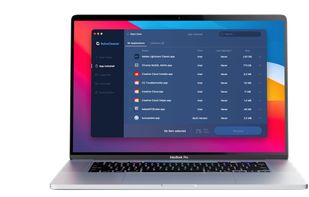
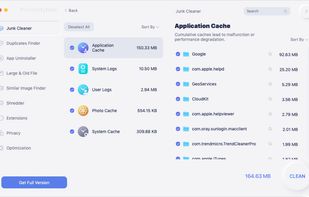
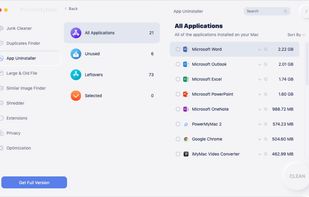
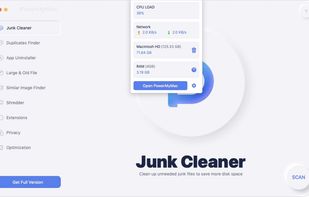
PowerMyMac Fresh Your Mac A New Life. It is an All-in-One Mac app. 20+ in 1 Apps for Mac. It can be anything you want it to be: a Mac cleaner, App uninstaller, performance monitor, secret keeper, file unarchive, and WiFi sprite.
 Philippines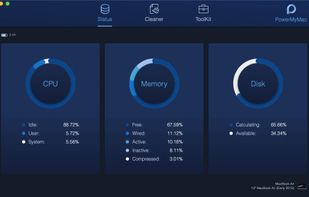
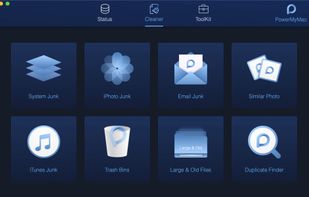
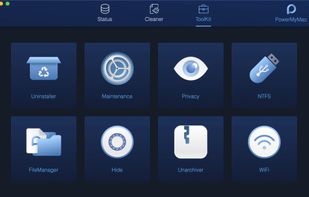


iMyMac - PowerMyMac is a powerful Mac cleanup Software, providing a solution specifically for Mac users who are running out of memory. You can use it to Speed Up your Mac in One Click.
China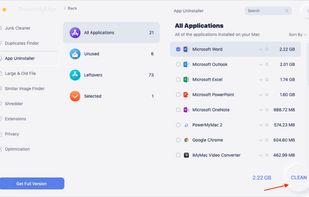

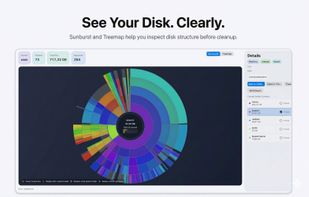
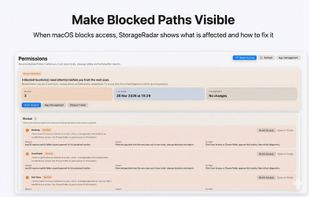
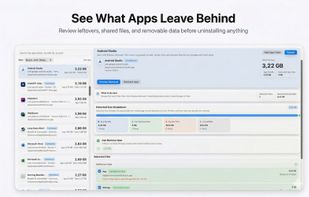
StorageRadar maps your disk, shows blocked paths instead of hiding them, lets you dry-run cleanup, and compares what changed over time. Scan data stays local, while analytics and diagnostics remain separately controllable in settings.
 Thailand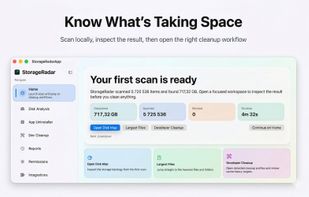

The open-source Mac cleaner, optimizer, and malware scanner. A free alternative to CleanMyMac — built with Swift 6 and SwiftUI.
 Russia


Clean Sweep is the ultimate app designed to simplify and optimize your digital life. With its powerful features and user-friendly interface, Clean Sweep empowers you to effortlessly tackle common digital clutter challenges:
 Vietnam




A native macOS storage manager that helps you reclaim disk space by identifying and removing unnecessary files. Features smart scanning and privacy-first local processing.


Applies 227 explained, risk-rated, one-click-reversible Windows tweaks, then verifies the gains with a real before/after FPS test.
 United Kingdom



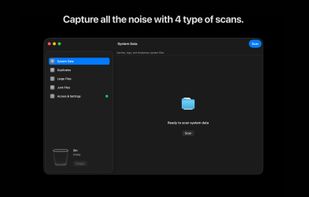
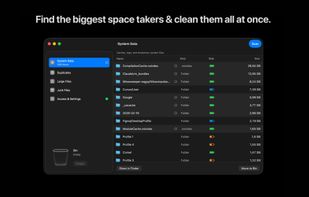
Take back your Mac's storage in minutes. DataSweeper finds system data, large & duplicate files, and space-wasting clutter, then safely moves them to your macOS Trash where you can review before permanent deletion. No subscriptions. No accounts. No data leaves your Mac.
 Sweden
 EU
EU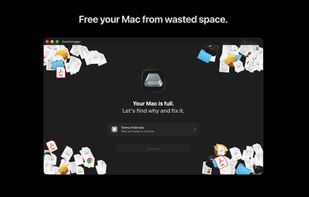


 Israel


