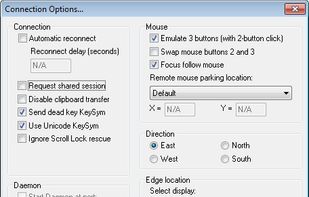
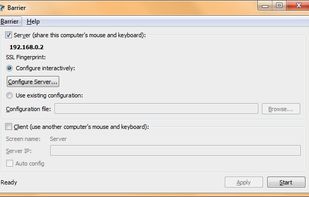
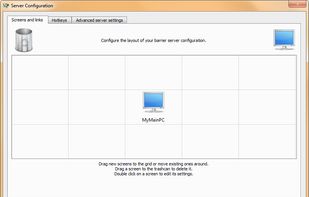
Barrier is a cross-platform software utility for sharing your mouse and keyboard between multiple computers on your desk. It was forked from Synergy version 1.9's codebase.
Platforms
- Mac
- Windows
- Linux
- FreeBSD
- OpenBSD
 United States



+1


The best free alternative to Mouse without Borders is Barrier, which is also Open Source. If that doesn't suit you, our users have ranked more than 10 alternatives to Mouse without Borders and 17 is free so hopefully you can find a suitable replacement. Other interesting free alternatives to Mouse without Borders are Input Leap, ShareMouse, Input Director and Deskflow.
Barrier is a cross-platform software utility for sharing your mouse and keyboard between multiple computers on your desk. It was forked from Synergy version 1.9's codebase.
United States
Input Leap is software that mimics the functionality of a KVM switch, which historically would allow you to use a single keyboard and mouse to control multiple computers by physically turning a dial on the box to switch the machine you're controlling at any given moment.
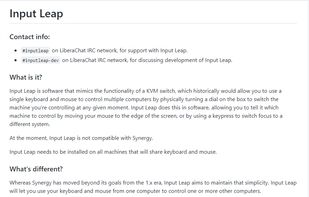
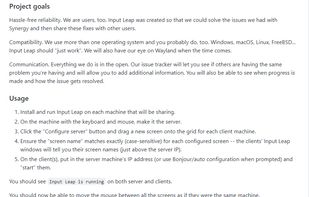


Seamlessly control multiple computers using one mouse and keyboard, switch between systems by moving the pointer, transmit input securely over LAN, share clipboard, support drag-and-drop files, and work across Windows or macOS with no hardware required.
 Germany
 EU
EU


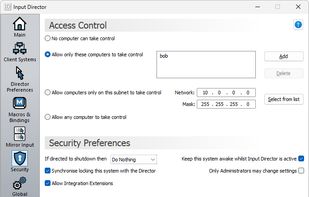
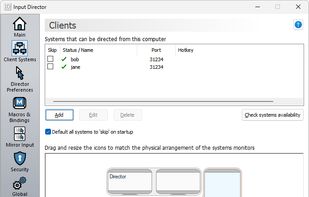
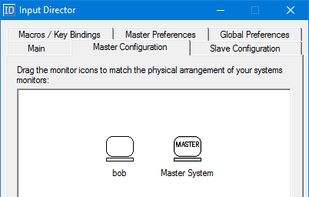
Input Director is a Windows application that lets you control multiple Windows systems using the keyboard/mouse attached to one computer. It is designed for folks who have two (or more) computers set up at home and find themselves regularly sliding from one system to the other.
 Australia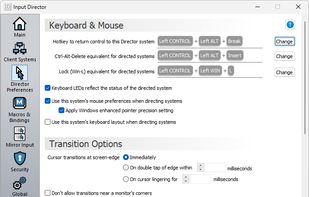


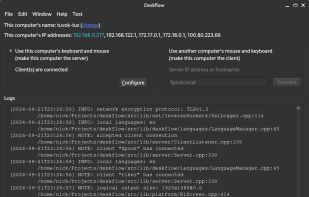
Deskflow is a free and open-source keyboard and mouse sharing app. Use the keyboard, mouse, or trackpad of one computer to control nearby computers, and work seamlessly between them. It's like a software KVM (but without the video). TLS encryption is enabled by default.


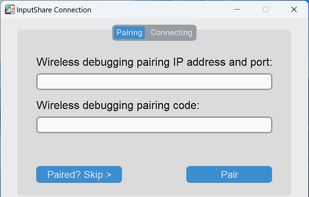
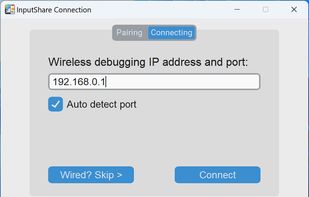
InputShare enables you to share the keyboard and mouse of your computer with an Android device via ADB in wired / wireless way.
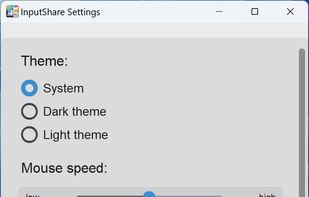
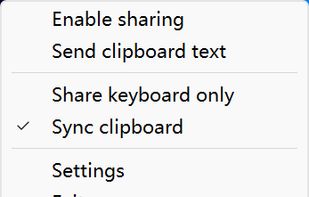


Cross-platform utility tool for seamless mouse, keyboard and clipboard sharing and usage in multi-display, single and multi-device setups.
 United Kingdom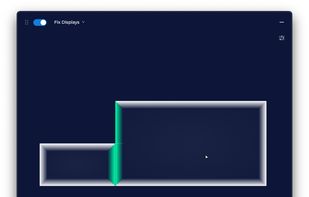
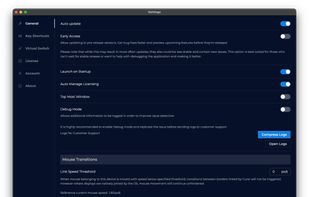


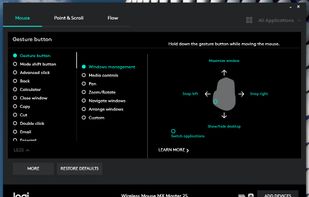
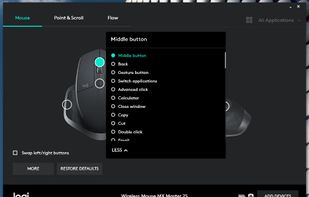
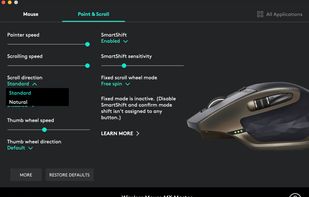
Customisation of Logitech mouse or keyboard settings, device information, additional functionality such as sharing input devices over multiple computers.
 Switzerland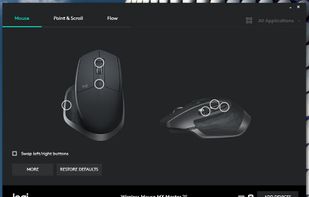


The Apple Universal Control allow you to control multiple Apple devices, such as an iMac, MacBook, and iPad, all with the same keyboard and mouse.

Turn your Mac, Windows, and Linux computers into one seamless workspace with shared keyboard, mouse, clipboard, file transfer, and virtual displays.
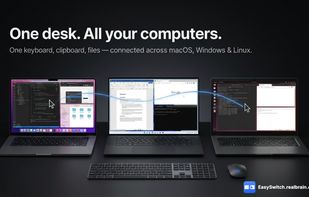
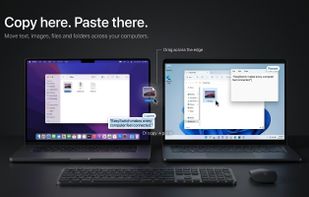
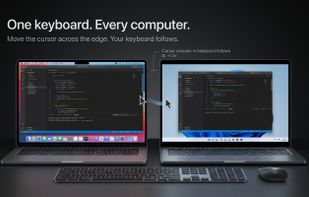
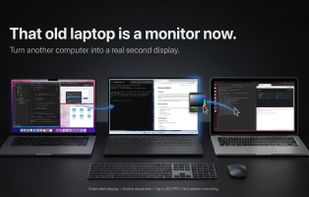

This program will let you use two screens on two different computers as if they were connected to the same computer.
United States