Cost / License
- Freemium
- Proprietary
Application type
Platforms
- Online
- Android
- iPhone
- Android Tablet
- iPad
- Google Chrome
 United States





+1



OneNote Web Clipper is described as 'You're busy. OneNote Web Clipper lets you quickly clip all or part of a web page to OneNote, and save it for later. Clip images, pdfs, videos, or a visual bookmark of a page. Best of all, you can access them from any computer, tablet, or phone - even when you're offline' and is a screenshot capture tool in the photos & graphics category. There are more than 100 alternatives to OneNote Web Clipper for a variety of platforms, including Windows, Web-based, Google Chrome, Mac and Mozilla Firefox apps. The best OneNote Web Clipper alternative is Raindrop.io, which is free. Other great apps like OneNote Web Clipper are TagSpaces, Obsidian Web Clipper, Instapaper and PicPick.
United States
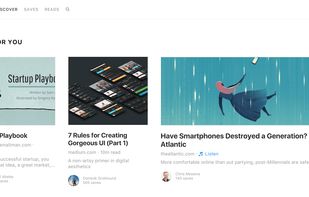
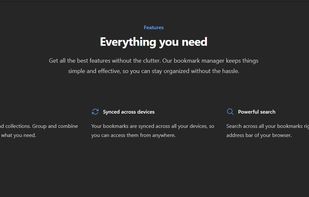
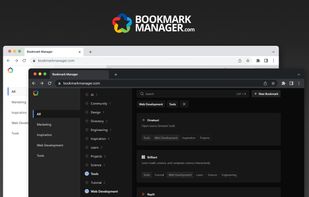
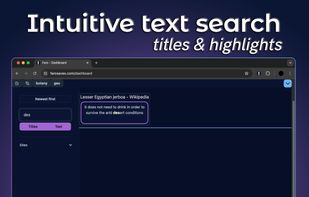
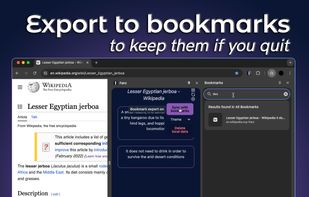
A personal bookmark manager that leverages the full potential of tags to organize and rediscover bookmarks.



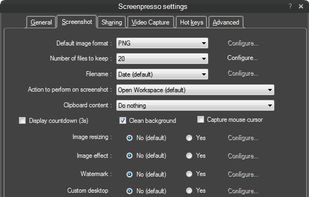
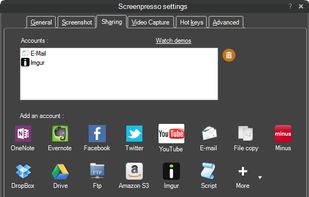
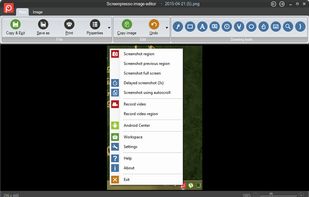
Comprehensive screenshot and screencast tool offering full-screen, window, or region captures with a built-in editor. Supports cropping, resizing, labels, and effects, with integration for popular services. Free version includes some branding and is limited to 15s screen casts.
 France
 EU
EU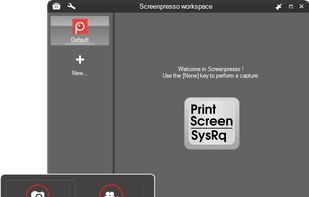


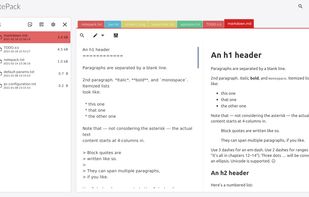
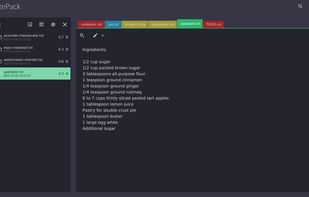
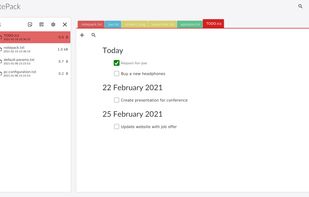
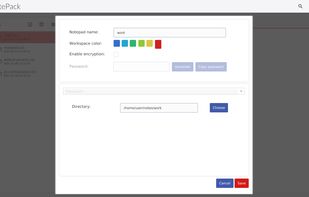
Privacy oriented, without vendor lock in note organizer, todo list desktop application. Work offline with text, markdown and pdf files.


MyInfo is a personal information manager for Windows. It will help you capture, organize, edit and share ideas, documents, tasks, and web pages.
 BulgariaEU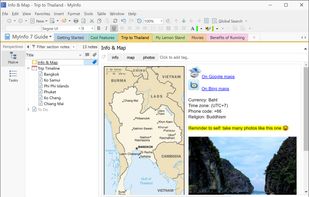


Discover Couch: Your Read-It-Later Companion for Pocket and/or iCloud Elevate your reading experience with Couch.
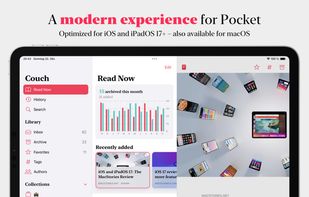

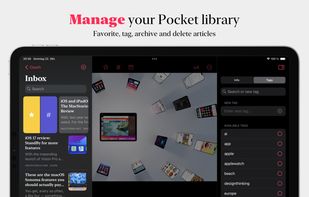



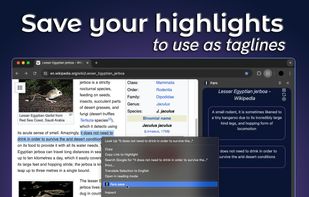
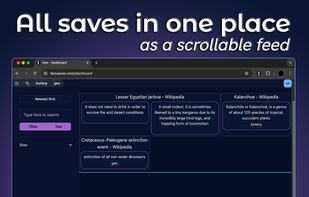


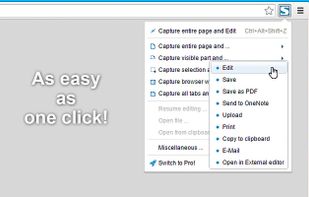
Capture full web page screenshots in Firefox, Chrome, Opera, Pale Moon or Internet Explorer Quick screenshots and annotations!
 Russia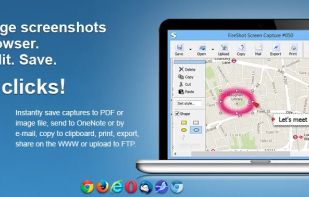


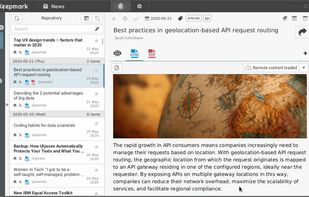
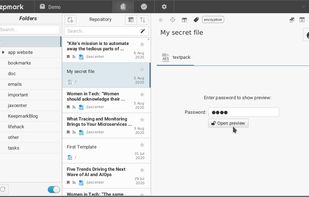
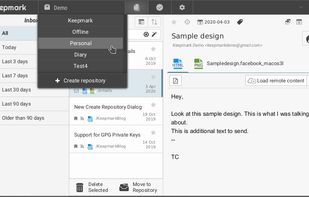
Keepmark is a desktop, privacy first documents organizer. You can organize with it your files, email, bookmarks, tasks, news, and other resources. Its available for Windows, Linux and Mac.
 PolandEU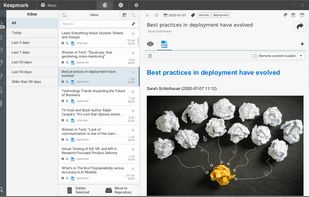


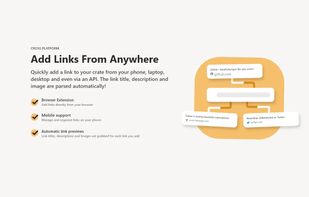
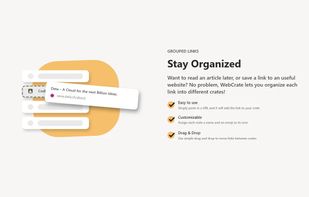
Group, organize and share links from around the web with WebCrate. It's more than just a bookmarking tool.
 GermanyEU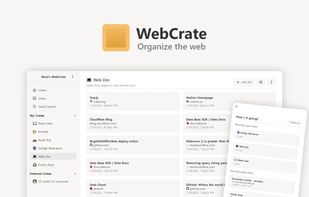



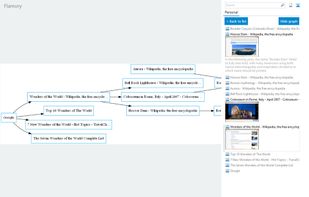
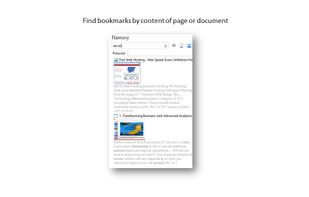
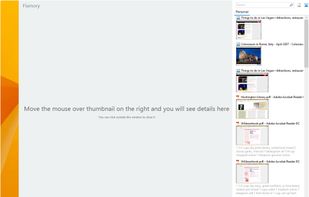
Flamory remembers things, so you don't have to. Make snapshots of web pages, files and desktop apps. You can find snapshots later using full-text search and thumbnails. Paste them anywhere as links or screenshots.
United States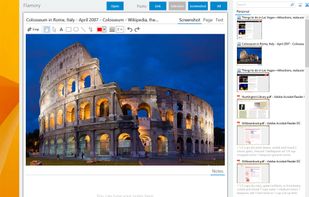


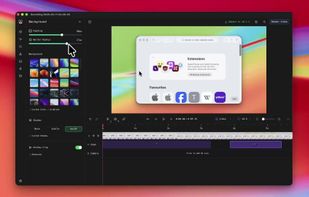
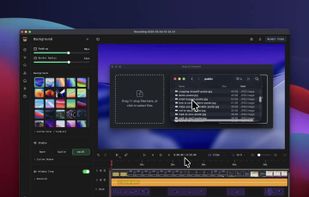
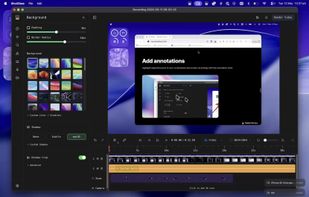
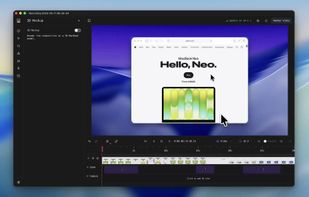
Screenshot and screen recorder app for macOS. One app instead of four. Capture multiple windows, annotate, zoom, add transitions, and drop your recording onto a 3D MacBook with a simulated lens. Everything stays local.
 Australia