
Receive notifications whenever a new program connects to the network, or when it's modified
Cost / License
- Free
- Open Source (GPL-3.0)
Application typeApplication types
Platforms
- Linux


P


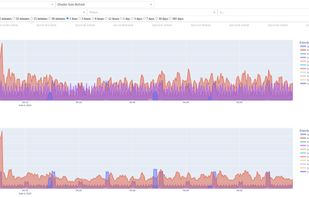
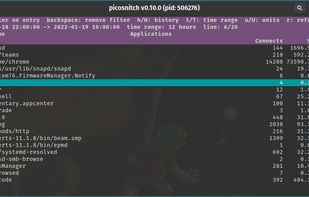
OpenSnitch is described as 'Firewall for Linux providing interactive outbound filtering, blocking ads and malware domains, configurable via GUI, with centralized node management' and is a Firewall in the security & privacy category. There are more than 25 alternatives to OpenSnitch for a variety of platforms, including Linux, Mac, Windows, Android and iPhone apps. The best OpenSnitch alternative is Portmaster, which is both free and Open Source. Other great apps like OpenSnitch are simplewall, Pi-hole, GlassWire and Little Snitch.
Receive notifications whenever a new program connects to the network, or when it's modified

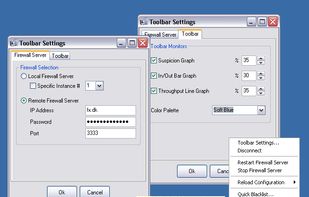
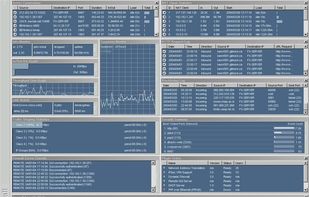
With InJoy Firewall™ 4.0 you can say good-bye to old-generation Firewall solutions that were difficult to implement, manage and measure — InJoy Firewall™ is different...
 United States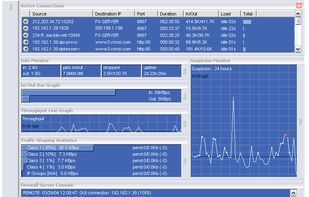


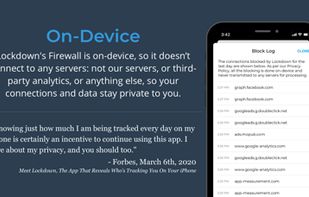
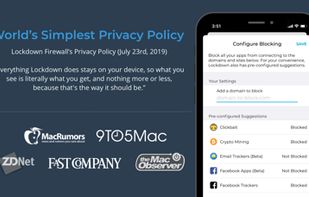
Lockdown Privacy is an Open Source and free firewall for your iOS device. We built the product to help protect users from app developers and analytics companies that are monetizing user data without consent or transparency.
United States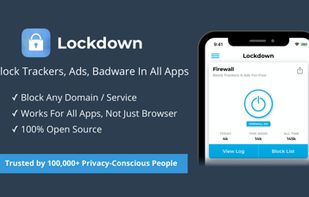


Radio Silence lets you block individual apps from accessing the internet. It never throws pop-ups on the screen, and is completely invisible.
 Finland
 EU
EU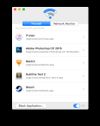



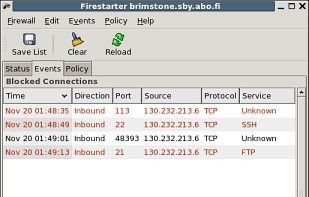
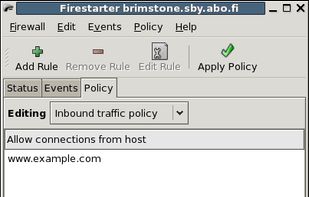
Firestarter is an Open Source visual firewall program. The software aims to combine ease of use with powerful features, therefore serving both Linux desktop users and system administrators.
FinlandEU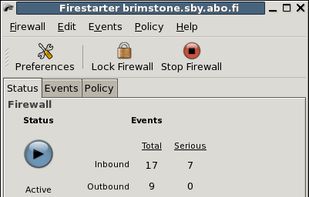


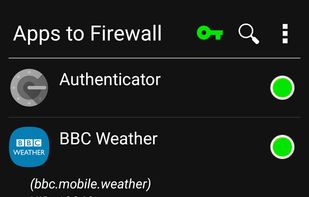
Karma Firewall app lets you take control back of your phone and block internet traffic to and from specific apps. This is a simple yet powerful firewall with an easy to use intuitive GUI which allows you to protect your sensitive data.

NetHogs is a small 'net top' tool. Instead of breaking the traffic down per protocol or per subnet, like most tools do, it groups bandwidth by process.
 NetherlandsEU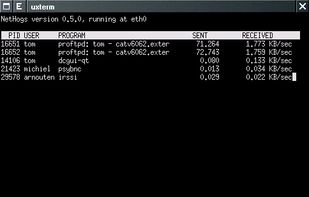

Outbound firewall for apps, blocking apps from accessing internet. Useful for reducing data usage when tethering to mobile data, or on a slower wifi connection.
 Switzerland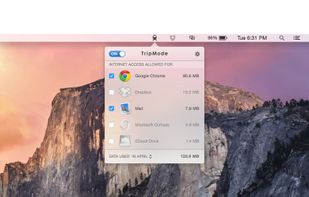


 Germany


