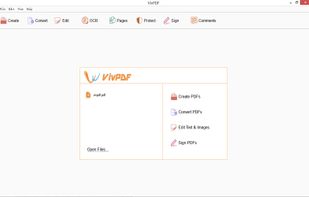
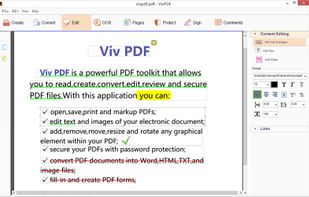
It's virtually the fastest solution for users to edit PDF documents in any circumstances, all you need to do is several clicks!.
Cost / License
- Paid
- Proprietary
Application type
Platforms
- Windows



+2


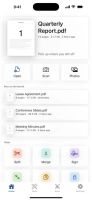
PaperKnife is described as 'Privacy-first PDF utility (Zero-Server Architecture). Merge, split, compress, and edit PDFs 100% locally on your device. No uploads, no servers, no tracking' and is a PDF Editor in the office & productivity category. There are more than 50 alternatives to PaperKnife for a variety of platforms, including Windows, Mac, Web-based, Android and iPhone apps. The best PaperKnife alternative is PDF Arranger, which is both free and Open Source. Other great apps like PaperKnife are PDF-XChange Editor, PDF24 Creator, PDFsam Basic and Adobe Acrobat DC.
It's virtually the fastest solution for users to edit PDF documents in any circumstances, all you need to do is several clicks!.

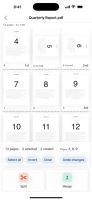
PDF manipulation tool: view, merge and combine pdf. Also delete and rearrange pages with a visual interface.
 Denmark
 EU
EU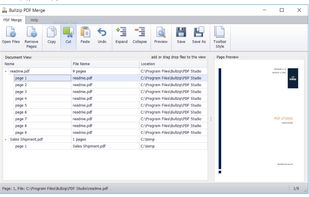
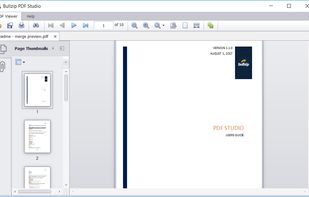


VeryPDF PDF Editor is an easy-to-use application designed for users familiar with Microsoft Office and similar applications. VeryPDF PDF Editor provides tools to enable you freely write your own comments to the PDF document and share the comments with others.
 China
China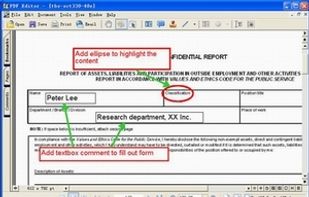



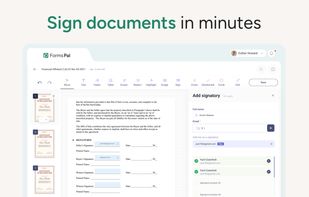
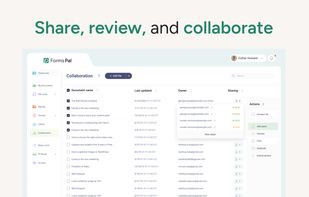
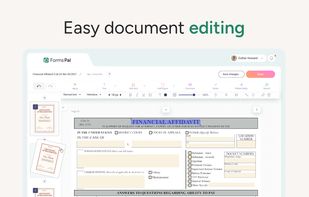
FormsPal is an online PDF platform for creating, editing, converting, signing, and managing PDFs and forms. It combines fillable templates, PDF tools, e-signatures, and collaboration features in one organized workspace.
 United States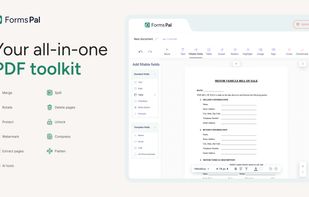

A hardcore, privacy-first Android PDF editor built around two non-negotiable principles: absolute local processing and engine-level accuracy.




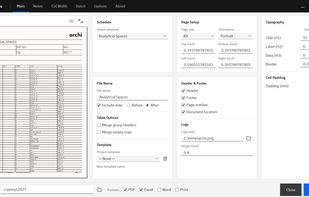
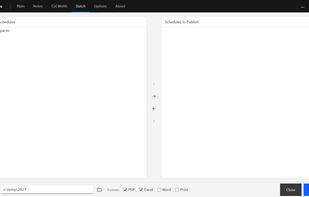
Turn Revit schedules into polished, publication-ready documents instantly — batch-publish to PDF, Excel, Word and print with branding, smart pagination and auto-fit formatting, no manual layout.


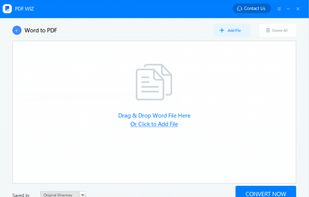
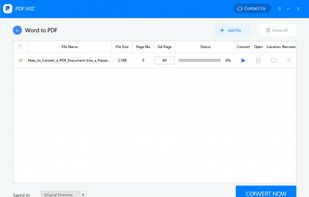
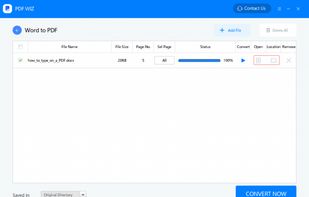
PDF WIZ is an offline PDF converter that converts PDF to Word/PPT/Excel, images, merge, split or compress PDF or remove PDF password, and more.
China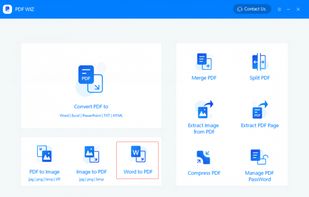

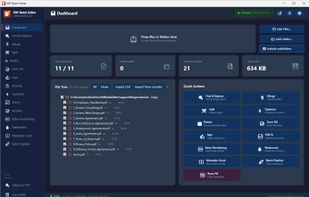
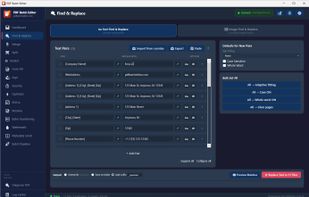
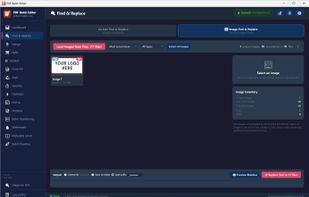
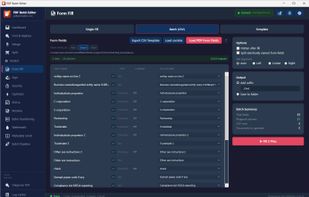
Batch-process hundreds of PDFs at once — find & replace text, Bates numbering, form fill, watermark, and redact — entirely on your own computer with no cloud uploads.

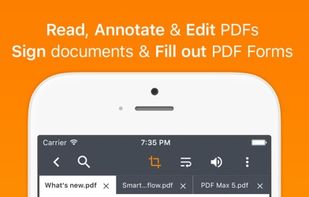
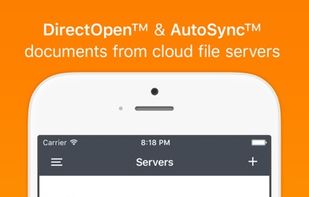
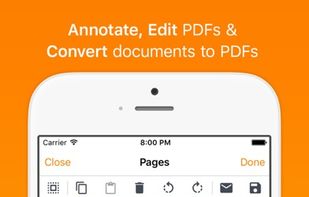
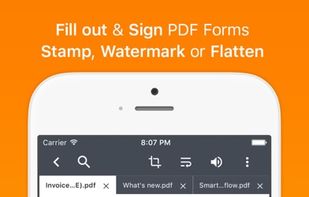
PDF Max is a desktop class PDF app for reading, annotating or signing PDF documents on your iPhone/iPad. Mark up documents with highlights and handwriting, insert texts and stamps, fill out, sign PDFs and even manipulate PDF pages.


Display PDF documents and allow your users to review and edit PDF documents with jPDFEditor.
United States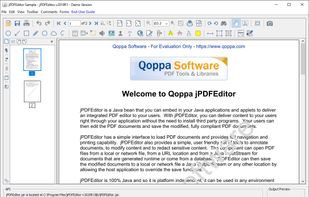


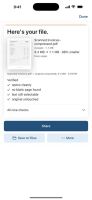
Split, merge, compress, watermark, Bates-number, password-protect, sign and scan PDFs. One app, bought once. Nothing uploaded. Every PDF it writes is verified.