


Cost / License
- Free
- Open Source (AGPL-3.0)
Application type
Platforms
- Mac
 China
China



+3


ScreenRec is described as 'Free screen recorder for Windows, Linux, and Mac with webcam, microphone, and system audio capture. Record without a watermark or time limit, store videos in free cloud storage, and share instantly with private links' and is a popular screenshot capture tool in the photos & graphics category. There are more than 100 alternatives to ScreenRec for a variety of platforms, including Windows, Mac, Linux, Web-based and Google Chrome apps. The best ScreenRec alternative is OBS Studio, which is both free and Open Source. Other great apps like ScreenRec are ShareX, Flameshot, OpenScreen and Recordly.
China
Get to know Game Bar on Windows Open Game Bar to take control of all your favorite gaming activities while playing on your Windows 10/11 device.


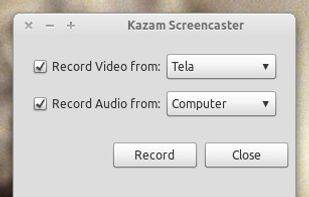
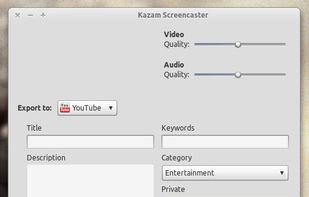
Kazam is a simple screen recording program that will capture the content of your screen and record a video file that can be played by any video player that supports VP8/WebM video format.



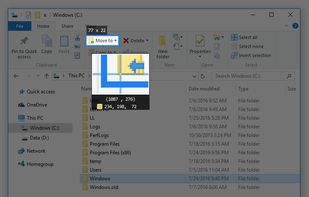
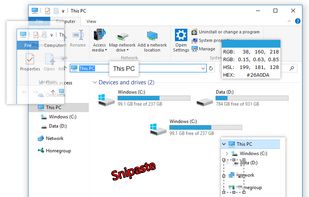
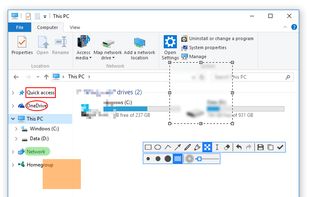
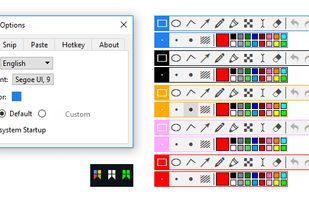
Snipaste is a simple but powerful snipping tool, and also allows you to pin the screenshot back onto the screen. Snip. Then paste. Free. Customizable. Portable.


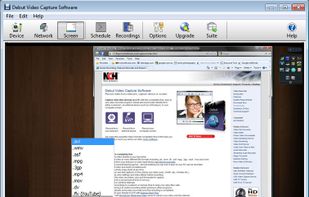
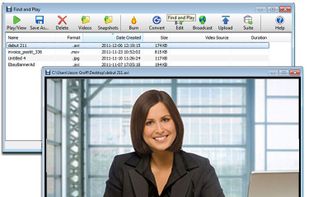
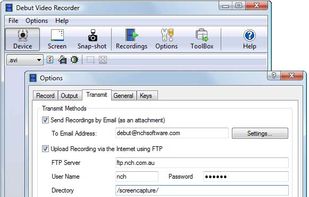
Debut is a screen capture and video recording software that records videos from your screen, webcam or other video devices.
 Australia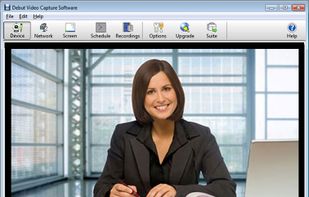


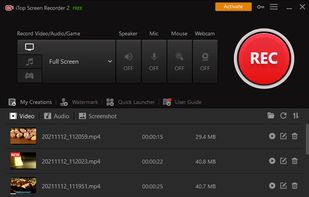
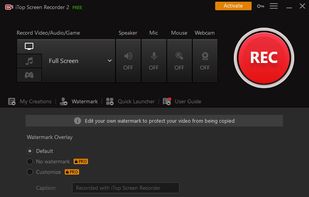
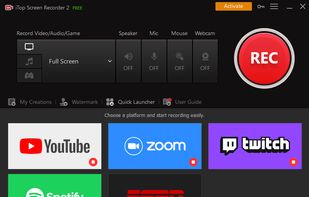
iTop Screen Recorder is a free screen recording software with a built-in video editor. It captures important events and allows the refinement of the recorded video. The software can record video conferences, webinars, lectures, presentations, gaming sessions, and 4K films.
 Hong Kong SAR China


Designed for content creators, Elgato Game Capture is a professional videogame recording and live-streaming software for Windows.
 Germany
 EU
EU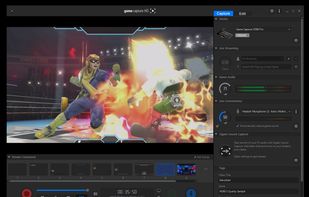


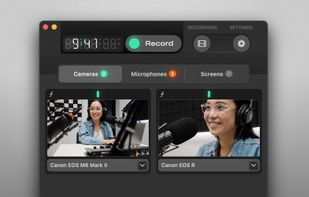
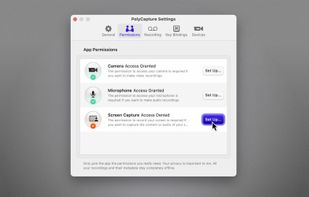
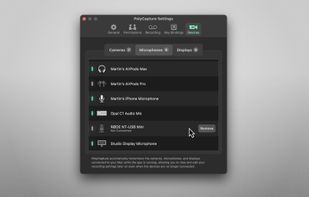
PolyCapture allows you to record cameras, microphones, screens, and apps — individually or multiple at once.
GermanyEU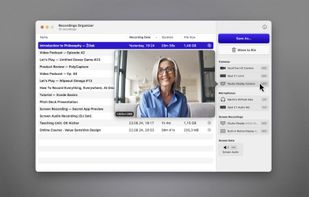


Wink is a Tutorial and Presentation creation software, primarily aimed at creating tutorials on how to use software (like a tutor for MS-Word/Excel etc). Using Wink you can capture screenshots, add explanations boxes, buttons, titles etc and generate a highly effective tutorial...
 India
India


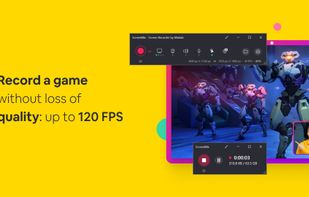
ScreenMix - Screen Recorder provides an easy, uncomplicated way of recording your desktop's screen and webcam sessions. Excellent for games and video stream recording, product demos, tutorials, webcam chats, and more!.
 Ukraine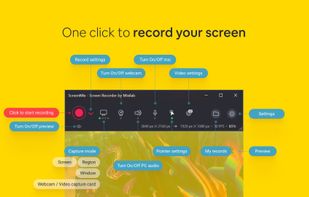

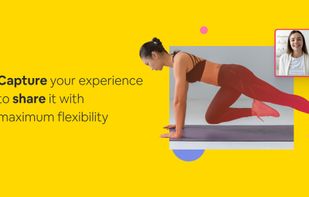


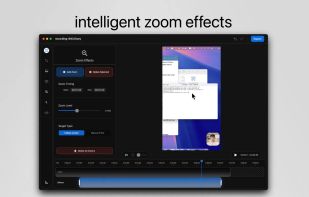
macOS tool for detailed screen recording, timeline-based video editing, customizable cursor animations, camera and audio capture, background editing, and easy sharing. Suitable for tutorials, presentations, or social media creation with a user-friendly workflow.
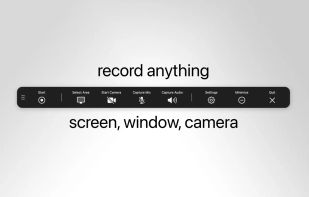
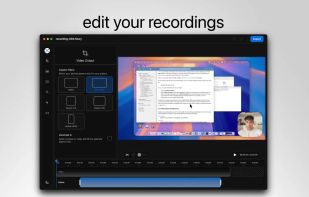
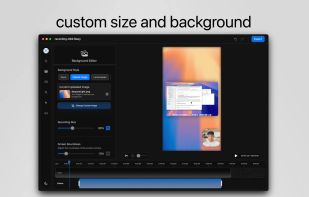


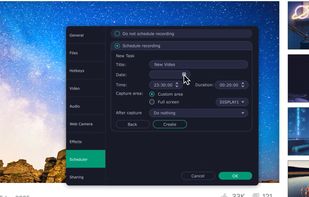
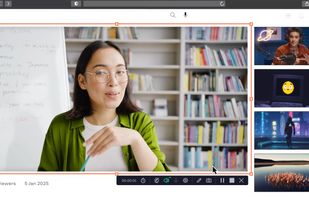
Record full screen or customized areas with webcam options. Annotate in real time, highlight cursor actions, and record both system and voiceover audio. Ideal for creating instructional videos, webinars, and presentations. Free for personal use, compatible with PCs.
 CyprusEU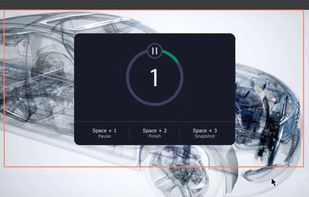


 United States


