





TransMov
Like
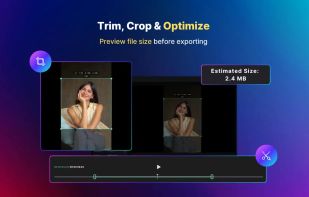
A powerful macOS utility to convert videos into high-quality APNG, GIF, and WebP. Featuring AI-powered background removal and frame-by-frame editing, all processing runs 100% locally on your Mac.

Cost / License
- Freemium (Pay once or Subscription)
- Proprietary
Platforms
- Mac


Features
TransMov News & Activities
Highlights All activities
Recent activities
 jiangyifeng added TransMov as alternative to Background Remover Video
 louischen737 added TransMov as alternative to CapCut and Adobe Premiere Pro
 louischen737 added TransMov as alternative to Adobe After Effects and DaVinci Resolve
 louischen737 added TransMov as alternative to AI Video Background Remover
 louischen737 added TransMov as alternative to Video Background Remover
- louischen737 added TransMov
- POX updated TransMov


TransMov information
Developed by
 Cong Chen
 Licensing
Proprietary and Freemium product.Pricing
One time purchase that costs $13, and / or subscription ranging between $2 and $3 per month + free version with limited functionality.Alternatives
10 alternatives listedBadge
Get an embeddable badge for TransMovSupported Languages


No comments or reviews, maybe you want to be first?
