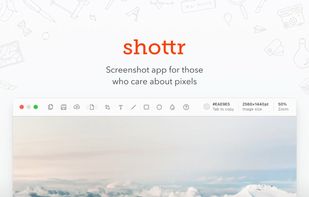
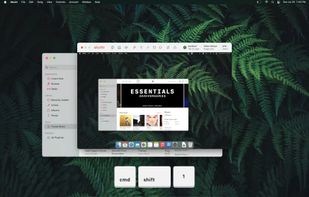
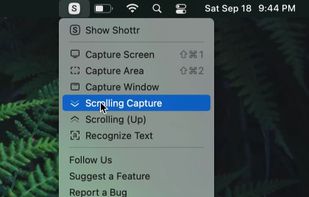
Shottr is a compact screenshot app designed for pixel precision and optimized for macOS Silicon devices.
Cost / License
- Freemium
- Proprietary
Application type
Platforms
- Mac
 United States




useCadence is described as 'Cadence is a screen recording platform with AI voice and accent transformation for professionals who want polished videos without re-recording or expensive gear. Record normally, then the AI rebuilds your audio with a cleaner global sound, preserving your natural pace, emotion' and is a Screen Recorder in the audio & music category. There are more than 50 alternatives to useCadence, not only websites but also apps for a variety of platforms, including Mac, Windows, Linux and Google Chrome apps. The best useCadence alternative is OBS Studio, which is both free and Open Source. Other great sites and apps similar to useCadence are OpenScreen, Recordly, SimpleScreenRecorder and ScreenArc.
Shottr is a compact screenshot app designed for pixel precision and optimized for macOS Silicon devices.
United States
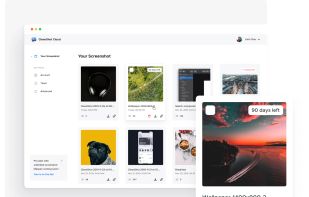
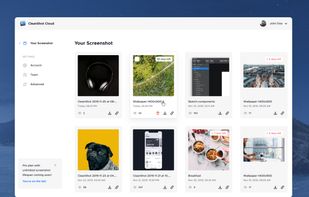
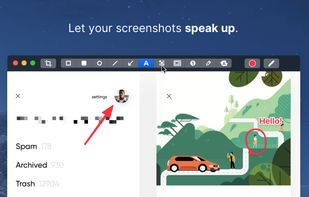
Capture and record screens on Mac with CleanShot X, featuring seamless recording, custom keyboard shortcuts, customizable wallpapers, Quick Access Overlay, and Desktop icon toggle for a tidy user interface.
 Sweden
 EU
EU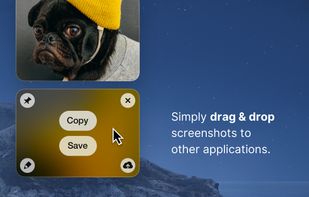


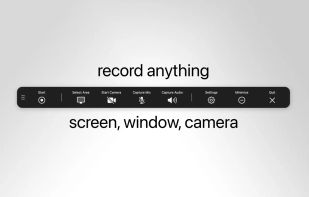
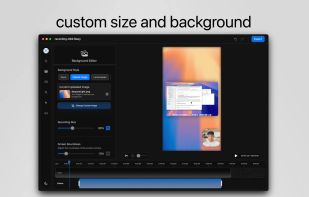
Record macOS screens with smoothed mouse movement, zoomed click highlights, cinematic motion blur, and customizable backgrounds while integrating webcam, microphone, system sound, and easy video editing. Output in HD for instructional and promotional videos.
 PolandEU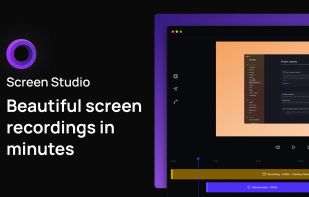
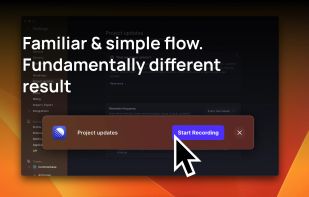
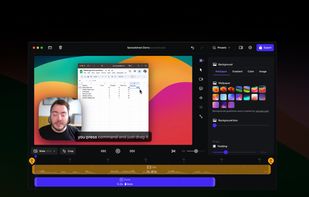
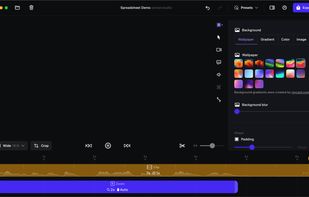


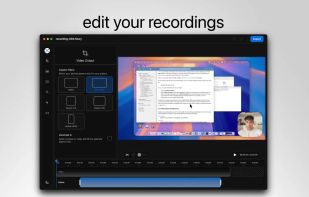
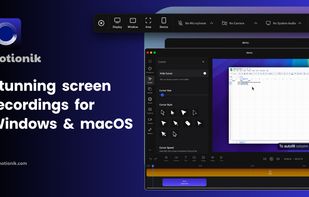
Motionik is a cross-platform screen recorder and editor for macOS (12.3+) and Windows 10+. It combines recording, zoom, cursor effects, and lightweight editing to help you create polished product demos, tutorials, and promo videos in minutes—no complex timeline editing required.
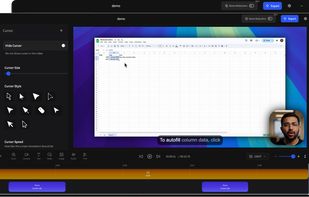
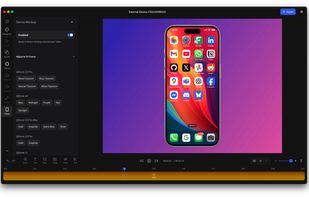


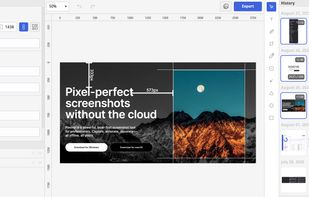
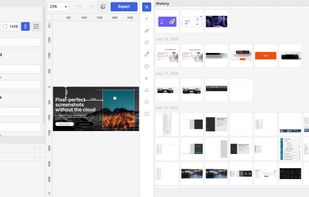
Privacy-focused screenshot utility with local-only storage, capture and post-editing, precision tools like rulers and color picker, grouping, collage and card creation, full history, an intuitive interface, and no cloud or login required for secure offline workflows.
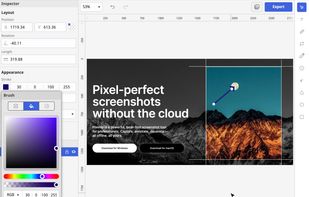
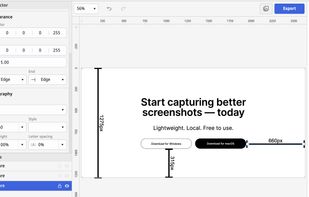


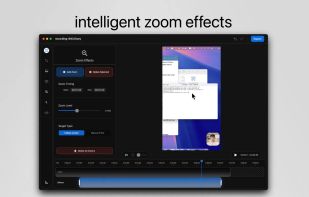
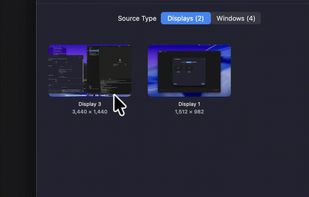
Open-source macOS screen recording app with auto-zoom, cursor effects, and timeline editing — Screen Studio alternative.
 South Korea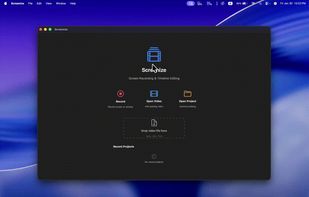


LICEcap can capture an area of your desktop and save it directly to .GIF (for viewing in web browsers, etc) or .LCF (see below). LICEcap is an intuitive but flexible application (for Windows and now OSX), that is designed to be lightweight and function with high performance.
United States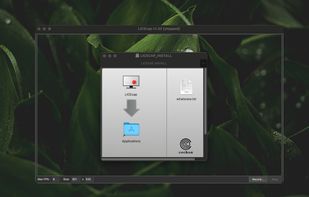


Screen recorder featuring fluid mouse motion, intelligent zoom, motion blur, customizable backgrounds, dynamic title animations, and mesmerizing scene transitions. Instantly share, embed, or edit videos for demos, tutorials, and presentations.
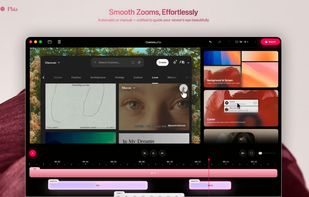
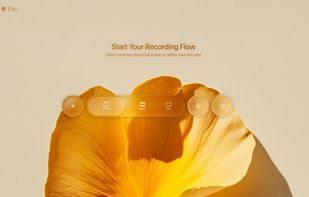
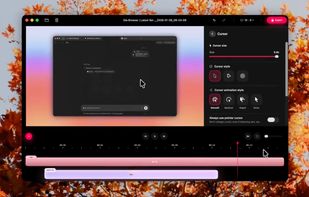


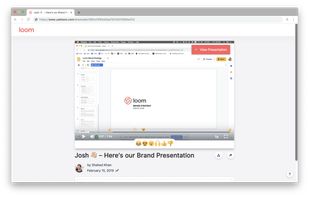
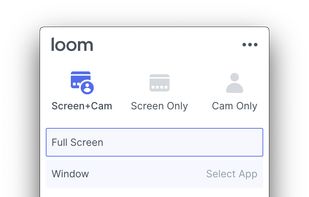
Easy and free screen recorder for Mac, Windows, and Chromebooks. Record your camera and screen with audio directly from your Chrome browser and share the video with your team, friends, and family.
United States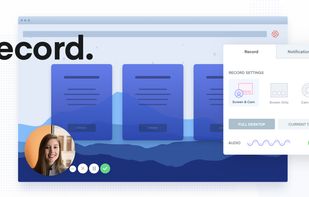


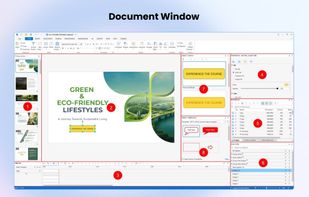
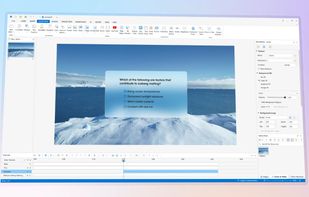
Authoring solution enabling interactive eLearning course creation, flexible project layouts, advanced screen recording, video editing tools with annotation, timeline-based adjustments, and export to video, image, HTML5, SCORM, xAPI, office, or PDF formats.
 Vietnam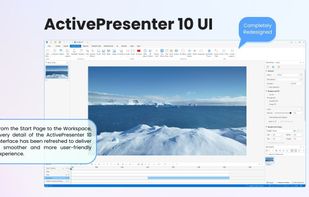


 China
China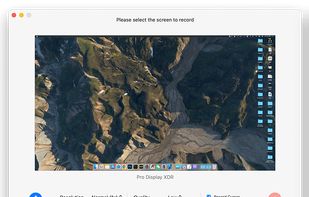
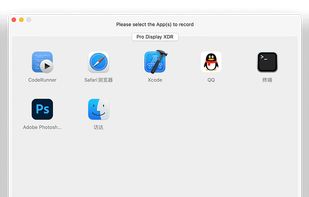
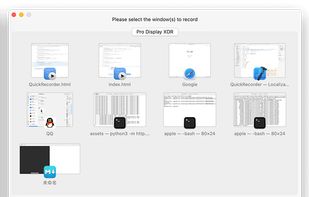


macOS tool for detailed screen recording, timeline-based video editing, customizable cursor animations, camera and audio capture, background editing, and easy sharing. Suitable for tutorials, presentations, or social media creation with a user-friendly workflow.