
Cost / License
- Free
- Open Source (MIT)
Platforms
- Self-Hosted
- Docker
- Jellyfin
- Emby
- Plex
Best alternatives are 
1 alternatives


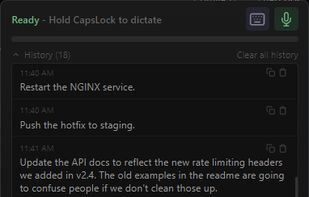
Local, GPU-accelerated dictation for Windows. Hold CapsLock (finally a use for that key), speak, text appears at your cursor. Fully offline — no cloud, no subscription.
 United States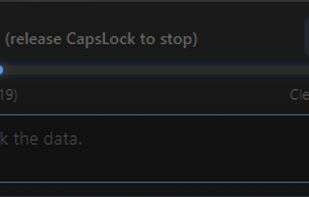

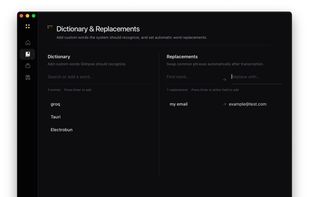
Voice dictation that stays on your device. Open-source, local-first, and built for people who actually care about privacy.
United States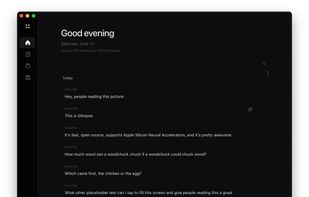
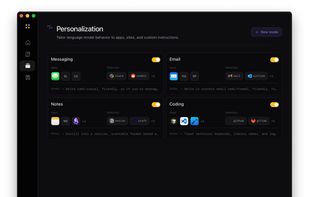
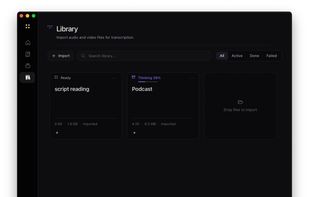
 Handy STTand
 Vibe Transcribe
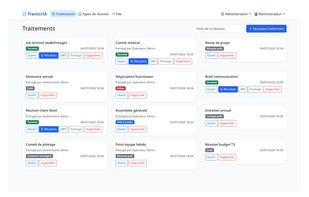
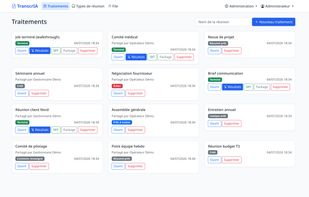
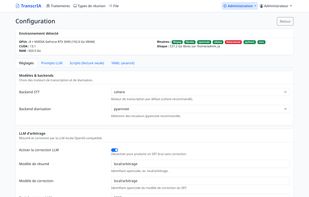
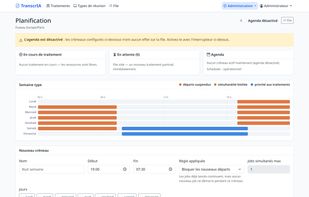
Self-hosted meeting transcription portal — speech-to-text, speaker diarization, LLM-corrected transcripts, structured summaries and Word minutes, on your own GPUs. Flask + PostgreSQL, GDPR audit trail, distributed GPU topologies, docker.

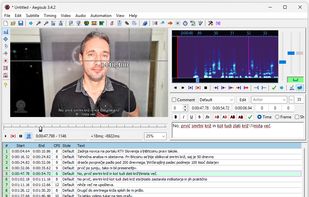
Fully local, easy-to-use AI transcription tool based on OpenAI Whisper. Transcribe audio & video offline with high accuracy and without uploading or sharing your media data.
 Slovenia
 EU
EU

 Vibe Transcribeand

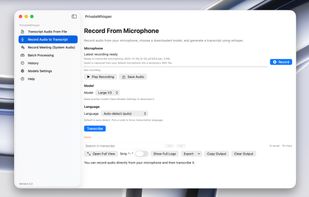
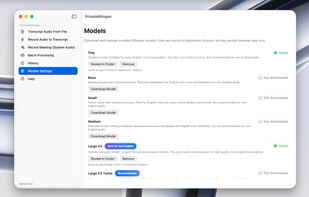
A fast, simple transcription app that runs fully offline on your Mac. No cloud, no uploads, no servers. Your audio stays on your device.
 CzechiaEU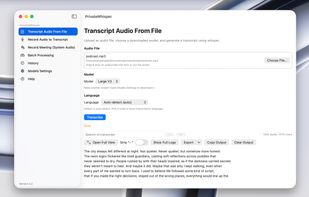


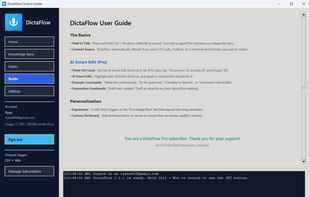
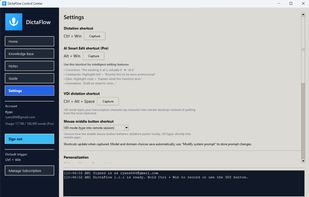
DictaFlow is a local-first AI dictation utility designed for professionals (Doctors, Lawyers, Developers) working in secured environments like Citrix, VMware Horizon, and Remote Desktop (RDP).
 Canada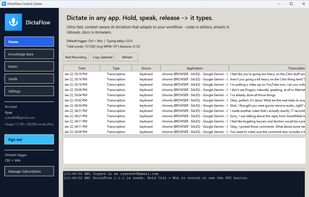


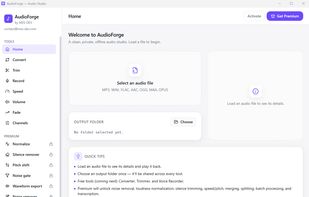
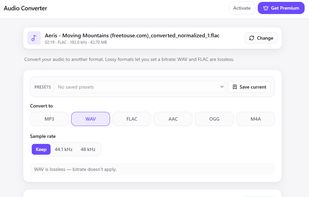
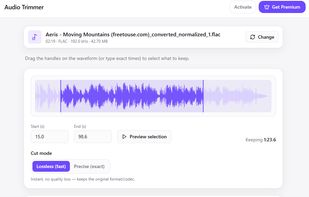
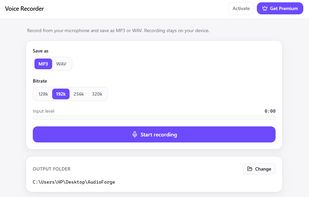
Convert, trim, normalize, remove noise and transcribe audio in one clean offline desktop studio. Local AI, full privacy, no subscription — your audio never leaves your machine.

Phravia turns your speech into perfectly formatted text, anywhere on your device. Just tap, speak, and the text appears wherever your cursor is — WhatsApp, email, notes, or any app.
 India
India
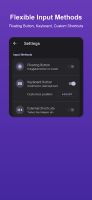

WhisPaste is a free, open-source alternative to paid dictation software like Dragon NaturallySpeaking. It uses OpenAI's Whisper model, running locally by default (no cloud required, no subscription), and pastes the transcript directly at your cursor in any app on Windows...
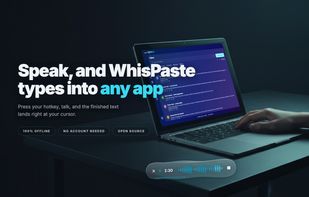
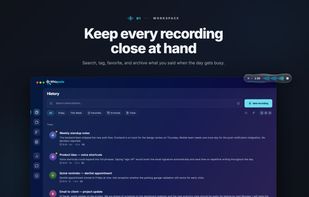

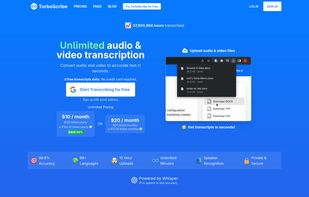
An AI transcription service that provides unlimited audio and video transcription. It converts audio and video files to text in 98+ languages with extremely high accuracy using Whisper AI technology.



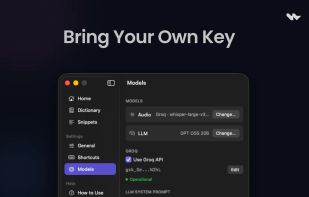
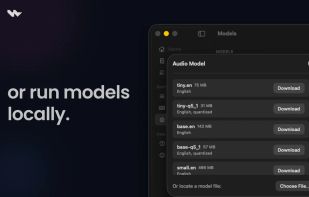
Wave is a lightweight, native macOS dictation app focused on fast voice-to-text workflows with minimal UI overhead. Press a shortcut, speak, and your words are instantly pasted at the cursor. Supports on-device transcription via Whisper and cloud transcription via Groq, plus an...
India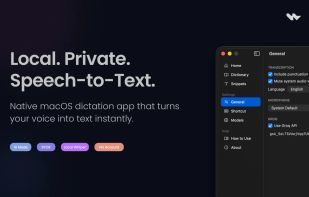
 Handy STTandVibe Transcribe
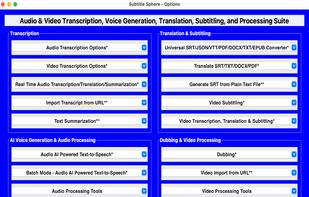
Subtitle Sphere is a comprehensive desktop application and multimedia processing powerhouse that revolutionizes video and audio transcription, translation, AI-generated voice synthesis, and subtitling.



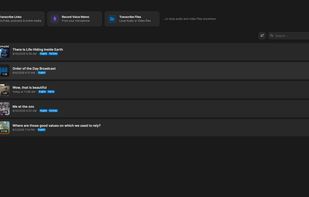
TrueScribe is a desktop transcription studio for Windows and Linux. It transcribes audio and video locally with Whisper, identifies speakers with diarization, and keeps a searchable local history. Its timestamped editor combines transcript correction with synchronized waveform...
 GermanyEU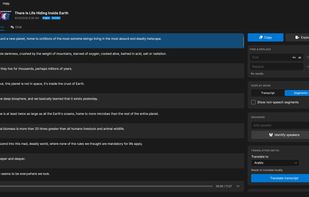
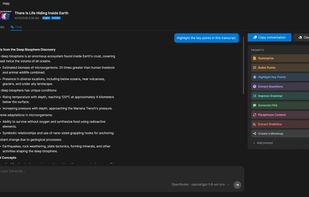


On-device voice dictation for Mac. Hold a hotkey, speak, release, and Whisper-transcribed text appears at your cursor. No cloud, no account, no subscription.
United States
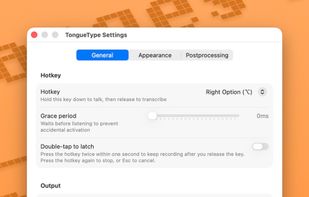
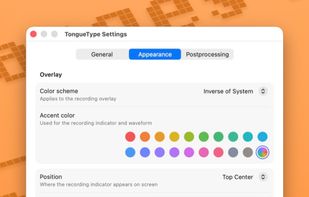
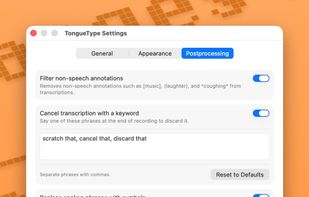 Vibe Transcribe
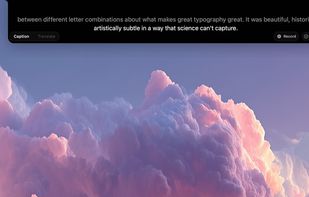
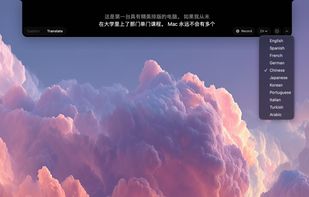
NotchLive is a macOS menu bar app that displays real-time AI-powered captions and translations directly in your MacBook's notch. It uses on-device Whisper AI (via CoreML) for speech recognition and Apple Translation for real-time translation — nothing ever leaves your Mac.
 Handy STTandVibe Transcribe
LocalWhisper turns the Space key into a global push-to-talk microphone. Hold it anywhere on your computer, speak, and release — your transcribed text is pasted at the cursor. In any app: browser, IDE, chat, email, Word, you name it.
GermanyEU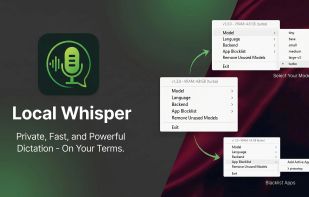

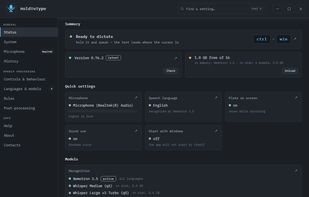
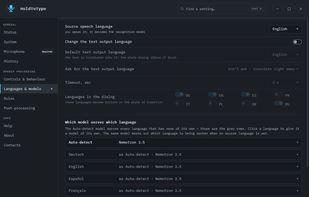
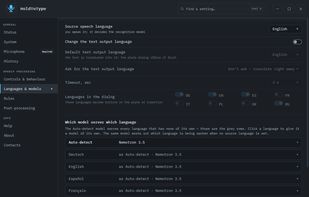
HoldToType turns speech into text at the cursor in any Windows program: hold two keys, speak, let go, and the words land where you were typing. Recognition runs on your own computer with open models, and you are not tied to Whisper: Nemotron 3.
 Ukraine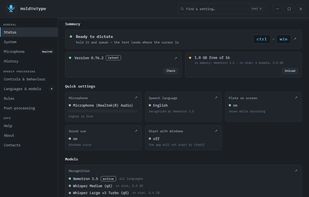
 Handy STTandVibe Transcribe
Hold-to-talk speech-to-text for macOS. 100% local, powered by WhisperKit and local LLM cleanup. Hold Control to record, release to transcribe and paste.
Handy STTandVibe Transcribe
Free offline voice-to-text app for macOS. Press a hotkey, speak, and text appears at your cursor. Powered by Whisper, runs locally with Metal GPU acceleration.
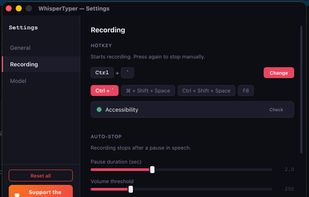
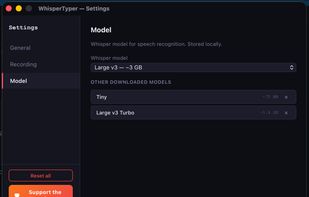
 Voxtraland

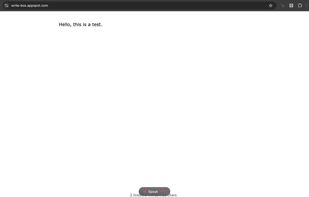
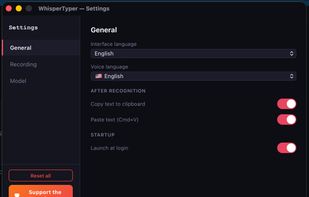
Whisper Dictator is a free desktop dictation application that runs entirely on your computer. Powered by OpenAI's Whisper AI model, it converts speech to text with high accuracy in over 90 languages — without sending any data to the cloud.
 Brazil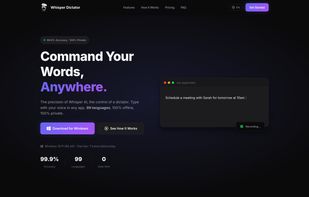


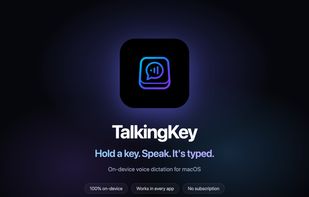
Hold one key, speak, and your words are typed into any app. Fully local, private, push-to-talk dictation for macOS powered by whisper.cpp.
 Vibe Transcribe
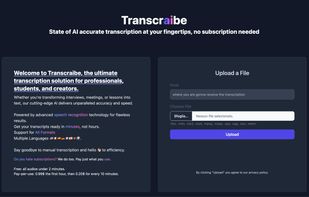
Transcraibe, the ultimate transcription solution for professionals, students, and creators.







 Pakistan


