

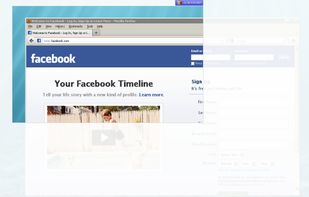
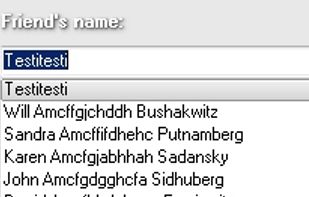
Post your screenshots directly on your own or your friends wall. The Facebook Screenshot Uploader is free and easy to use.
Cost / License
- Free
- Proprietary
Application type
 Germany
 EU
EUAlerts
- Discontinued
Platforms
- Windows
+4
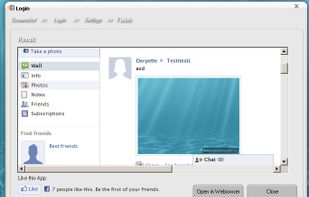


Post your screenshots directly on your own or your friends wall. The Facebook Screenshot Uploader is free and easy to use.

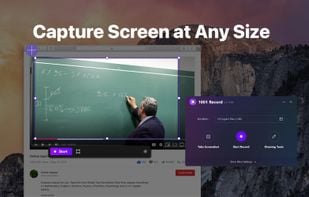
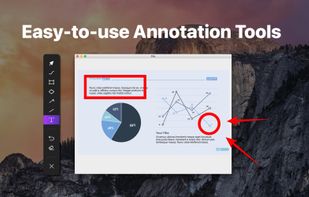
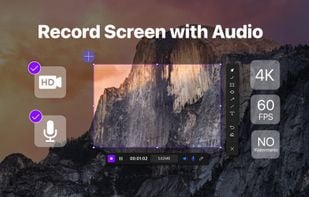
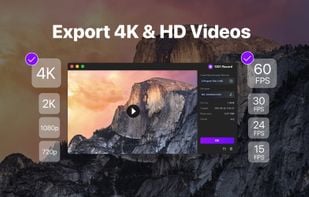
1001 Record, the simple and reliable Mac screen recorder that allows you to easily capture and save screen videos.

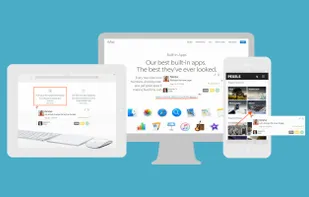
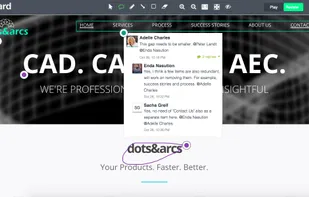
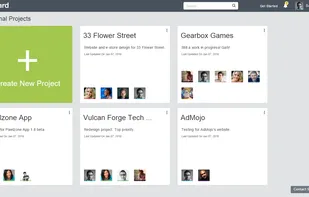
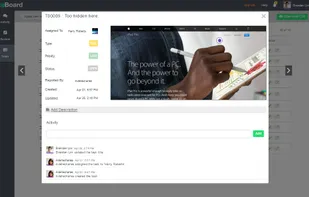
Annotate web pages and e-learning courses with real-time bug tracking and visual feedback, fostering collaboration and task management in development teams.

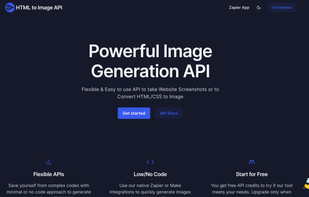
HTML to Image API provides powerful image generation APIs that allow you to generate images from HTML/CSS Code. You can also use the tool to capture website screenshots using API. Additionally, HTML to Image API also provides native integrations with No Code tools such as...

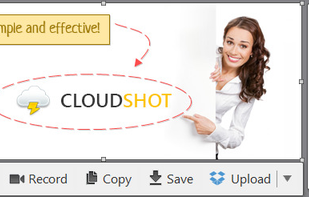
Make a screenshot, add your notes on top and share it instantly. Need to show some action? Record what you do, and share a GIF in a few seconds.

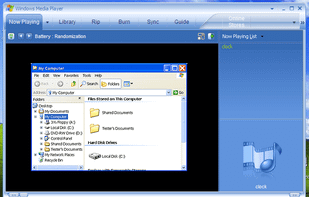
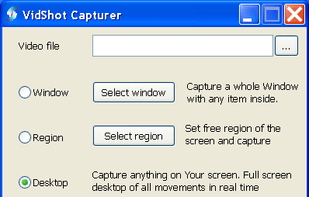
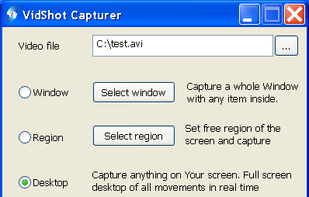
VidShot Capturer created for quick screen capturing. You can use VidShot Capturer for capturing anything you see on your PC desktop and record them to video. You can capture windows, region, the entire desktop and even cursor moving.

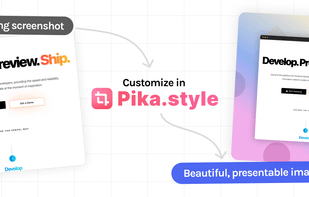
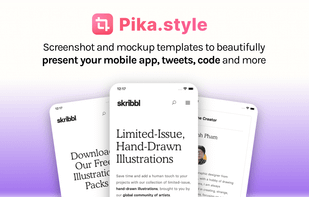
Create customized screenshots, browser and device mockups, code snippets, and social media images using templates, presets, browser extension, or API integration.

CutyCapt is a small cross-platform command-line utility to capture WebKit's rendering of a web page into a variety of vector and bitmap formats, including SVG, PDF, PS, PNG, JPEG, TIFF, GIF, and BMP.




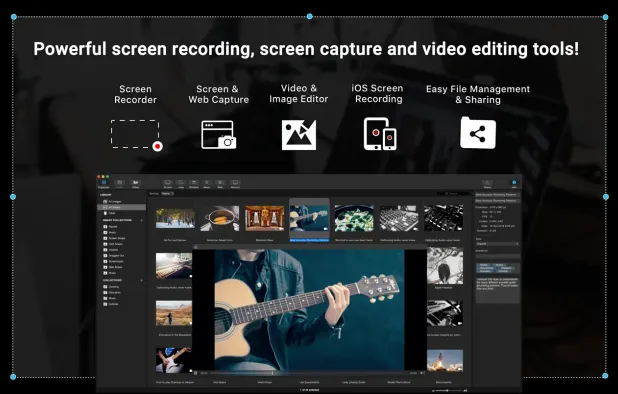
Screen and web capture, HD recording at 60 FPS, video and image editing, iOS device recording, voiceover support, file management, and sharing tools for Mac.
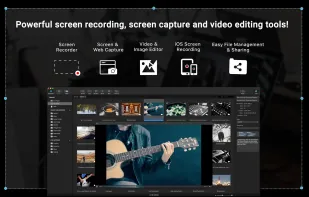
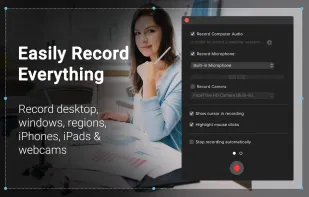
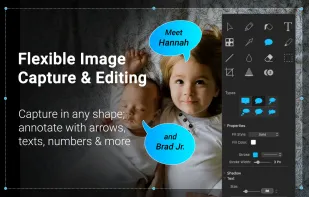
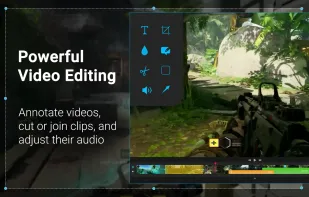

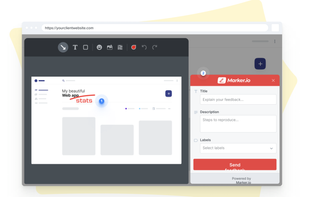
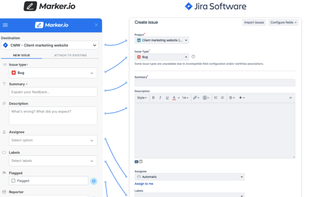
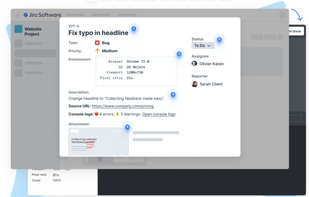
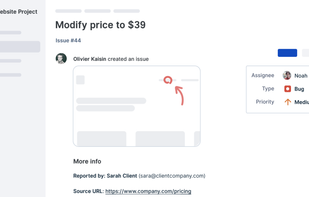
Create & annotate visual bug report tickets in your project management tool in seconds. Marker.io adds technical metadata & console logs for you, so developers can recreate & resolve faster. Developer-ready issues, even from non-technical reporters.


A supremely flexible and reliable HTTP API that supports professionals and enterprise alike in the programmatic generation of screenshots and PDF documents.

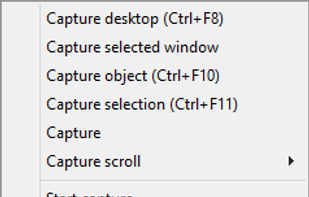
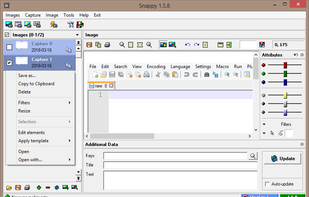
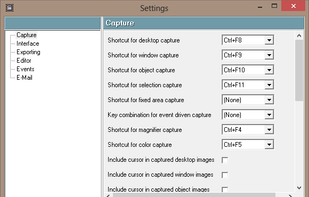
Snappy is a desktop-capture software for Microsoft Windows that allows to capture the screen of your monitor. Compared to other similar applications, Snappy could be less complete, but my purpose is to keep it as immediate as I can. Try it, and let me know if I'm wrong...

WebKut is an AIR application that allows you to capture web pages, or parts of them in a very simple way. It provides you 3 capture options: the entire page, the current view, or only a selection.

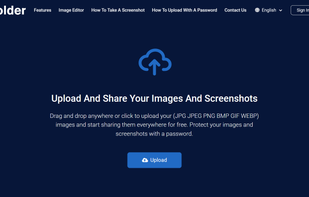
Uploading images and screenshots from home page or from your dashboard. Offers a 50 MB upload limit for guests and a 100 MB upload limit for registered users. Offers 11 GB of free storage space for registered users.

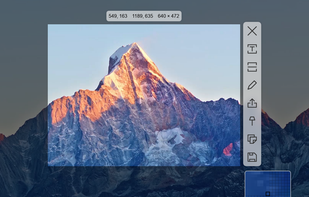
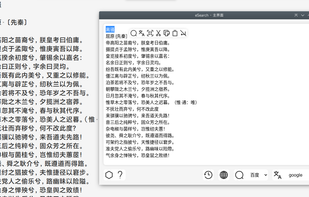
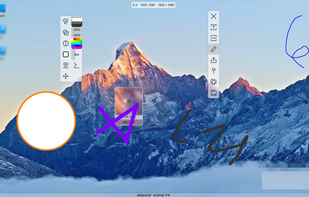
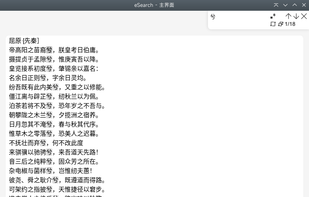
Supports screenshots for simple annotation or to paste images on the screen. Images can be recognised by OCR for searching or translation. Images can be searched. The screen can be recorded for simple editing.


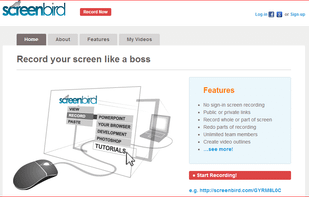
Screenbird is a browser based, no-sign in screen recorder. It's cross platform, and built for collaboration. From there you can push videos to Youtube, or create an outline for it, download a copy for backup.

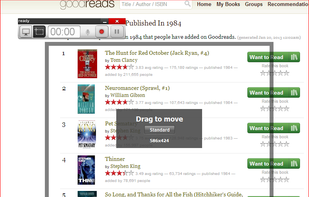
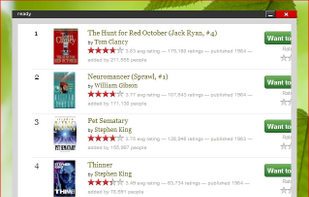

With Free Snipping Tool, not just you create snips, you can save your snips on major backup services like Imgur, Google Drive and Dropbox. Not just this you can also upload them via FTP or simple WebRequest.
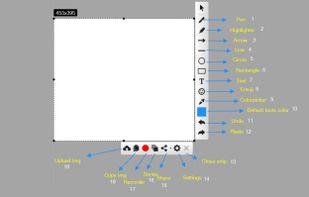
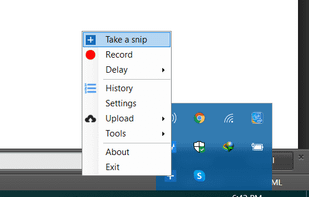
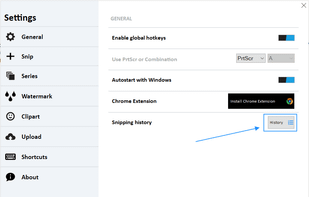
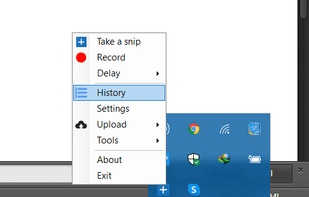

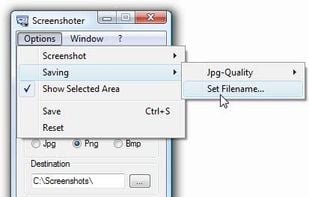
Every annoying feature is consistently excluded. Make a screenshot with a click on the button or by pushing the "Print Screen" key and it will be directly saved as an image - thats it!
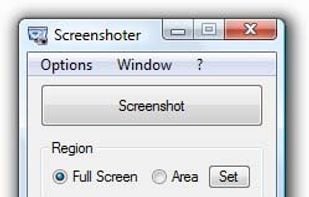
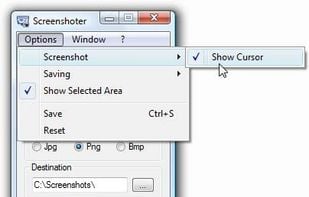

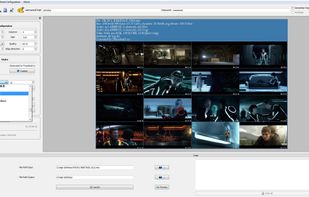
Thumbnail me is a free and open source thumbnails generator built on the movie thumbnailer binary.

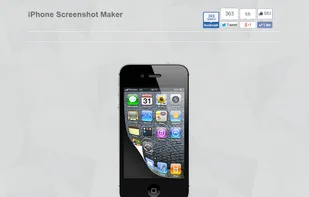
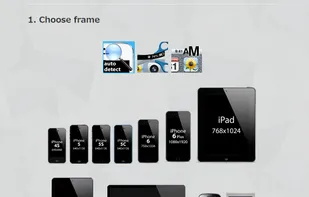

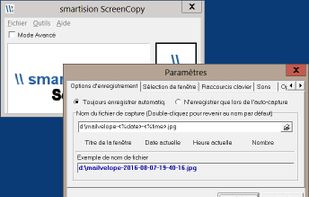
With Smartision ScreenCopy, you can do screenshots all or a part of the screen on Windows in PNG or JPEG formats with a keyboard shortcut.

How often were you in the situation when you needed to save some data but wasnt able to do it because words or figures were protected by some script of just cannot be copied? Well, heres the tool that will help you to avoid all these problems and settle them once and for all.



 India
India
 Singapore


 Russia
 United States


 Belgium


 United Kingdom


 France

