

The app is 100% FREE, with NO ads and NO data collection. Donations are possible to support the project.
 Italy
Italy EU
EU
+3


The app is 100% FREE, with NO ads and NO data collection. Donations are possible to support the project.

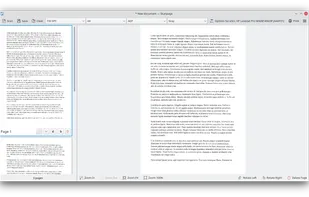
Skanpage is a simple scanning application designed for multi-page scanning and saving of documents and images.

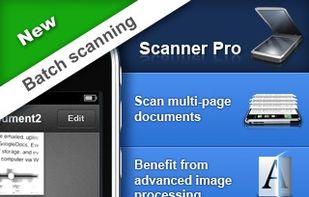
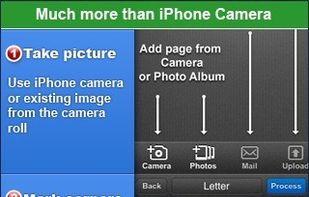
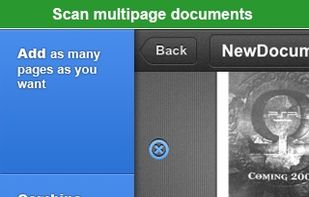
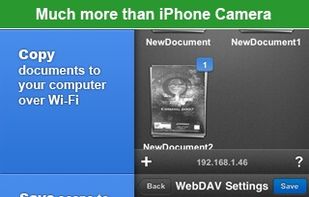
Scanner Pro turns your iPhone into portable scanner in your pocket. It lets you scan multipage documents, email them and even upload to Dropbox, MobileMe iDisk or any other WebDAV enabled server.
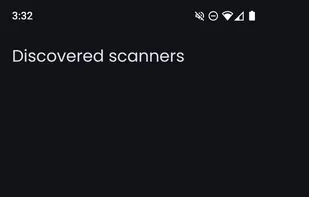
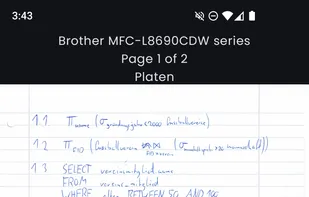
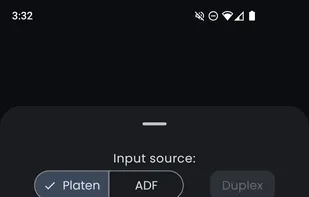
FOSS Android app for using network-enabled scanners supporting the eSCL protocol (AirScan).

Amazon Textract is a machine learning service that automatically extracts text, handwriting and data from scanned documents that goes beyond simple optical character recognition (OCR) to identify, understand, and extract data from forms and tables.

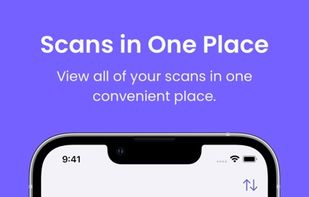
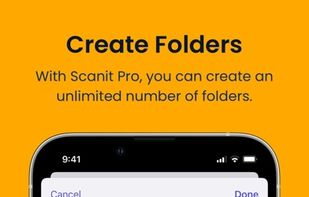
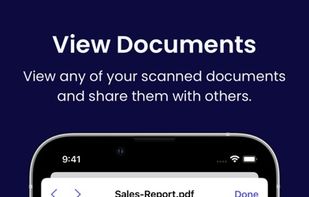
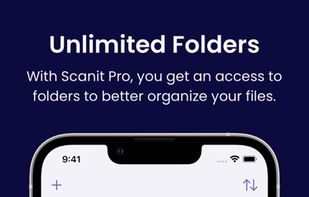
Meet Scanit, a simple yet powerful scanner app that lets you quickly scan any kind of documents and convert them into PDF’s.

Main point of this app is to scan or select existing PDF documents simply using intent or chooser. Other apps require payment to access their api/sdk or simply don't have a possible way to do it. So they rely on switching between an app ,file chooser and a scanner.

With fileee you can scan, organize and access your documents anywhere, anytime. fileee analyzes your documents, automatically recognizes important content and sorts your documents accordingly. Thanks to fileee, you always have your documents at hand and can find what you need in...
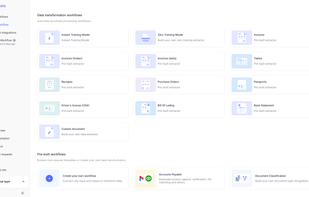
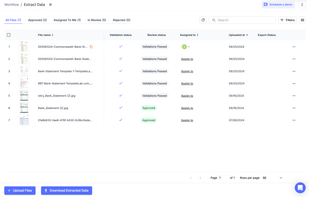
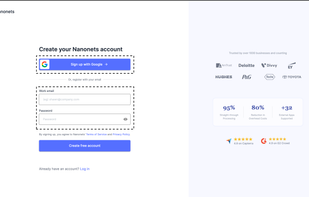
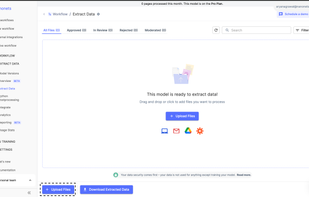
Nanonets is an LLM based OCR solution that that automates document processing and data extraction workflows. With models that do not rely on pre-defined document templates, Nanonets helps companies automate document-heavy business processes like accounts payable, order...
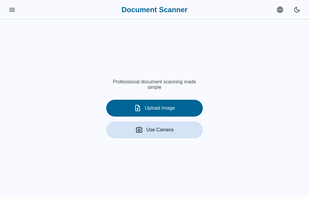
Scan documents on your device just like regular scanner with our document photo scanner. Scan, edit, and export documents as PDF, JPG, or PNG directly in your browser.
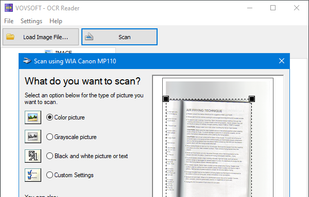
OCR Reader is an image to text converter program that allows you to extract text from PNG, JPEG, TIFF, WEBP, and BMP image files using Optical Character Recognition.
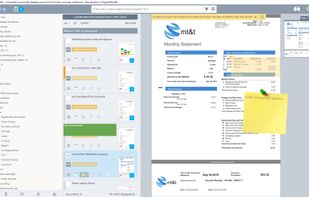
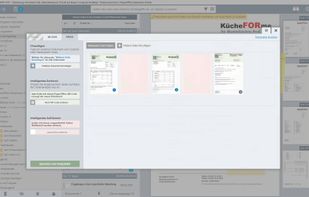
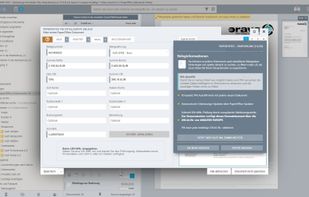
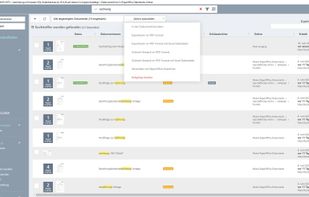
PaperOffice Document Management System is an innovative document management solution for the paperless office, good for home and small business users. Perfect text recognition, live keyword search and SQL-based revision-proof data storage.
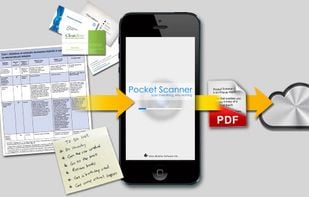
Pocket Scanner Ultimate is the stand-alone version of Kdan’s Pocket Scanner series. Search “Pocket Scanner Cloud” in the App Store and try out the app & cloud services for free!

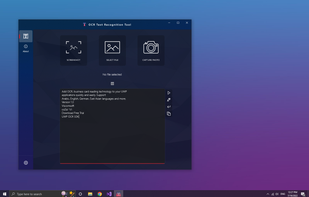
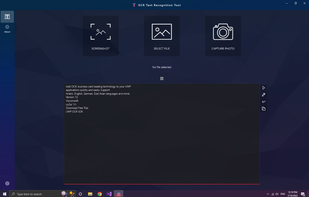
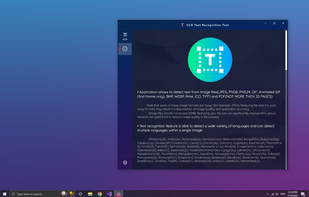
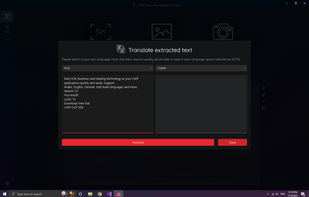
Provides accurate and fast text detection from any image file downloaded from your device or taken with a snapshot. It also supports textual detection of a PDF and text-based handwriting detection and text translation in 114 different languages.
U Scanner is a simple all-in-one scanning app that allows you to capture and enhance content on the go, Digitize, save and share meeting slides, whiteboard annotations, receipts, and even napkin scribbles, with a single click.

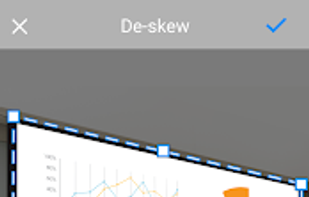
Clean Scan is an open source (Apache license) mobile document scanner that lets you easily digitize your paper documents into PDFs.
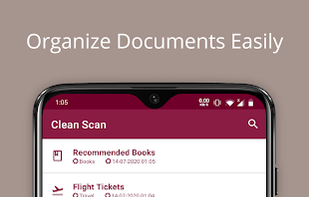
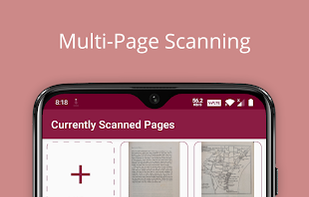

The app that allows scanning and organizing documents. Including export in PDF and sharing with others. Completely free.

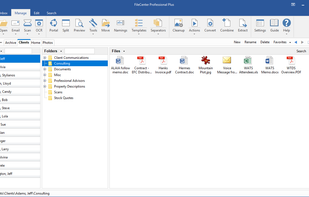
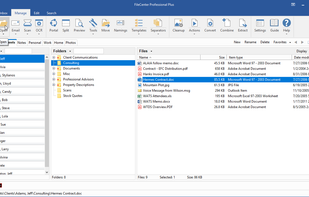
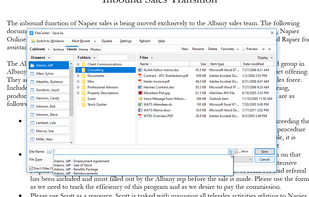
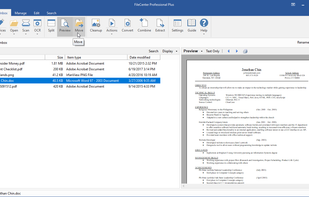
FileCenter is easy-to-install, easy-to-use paperless office software which helps home and professional users scan, archive, organize, and find computer files. FileCenter is filled with time-saving features, giving you a complete solution within a single, simple interface.

vFlat scans your books quickly and beautifully, flattening the curved pages with the help of deep learning.

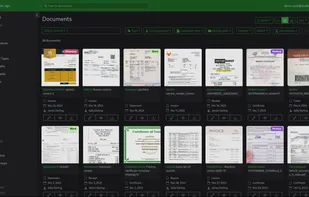
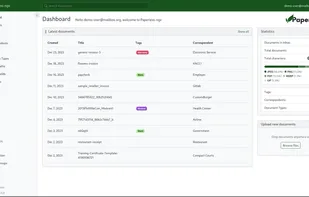
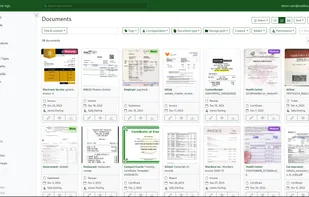
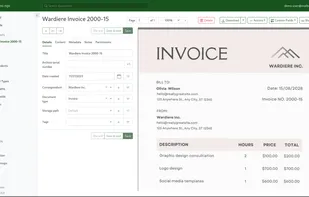
Paperless-home is a hosting provider for paperless-ngx, your digital document archive that automatically organizes all your documents based on their content.

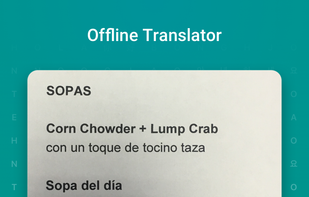
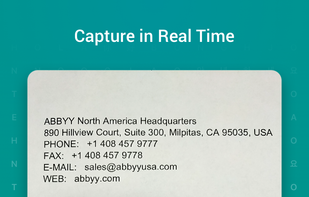
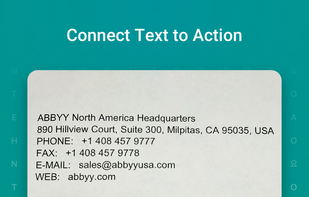
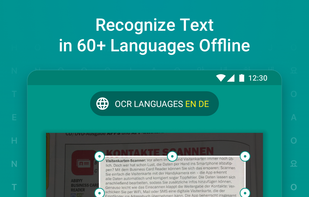
ABBYY TextGrabber easily and quickly digitizes fragments of printed text and turns the recognized result into action: call, email, follow links, find on maps, translate into 100+ languages, edit, voice over and share in any convenient way.



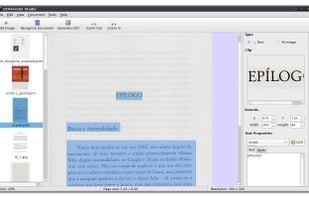
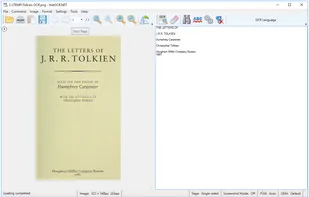
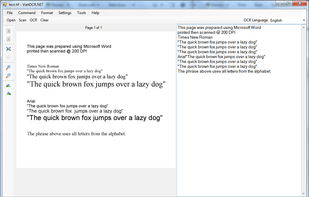
A Java/.NET GUI frontend for Tesseract OCR engine. Provides optical character recognition for Vietnamese and other languages supported by Tesseract.


 Germany
 Ukraine

 Portugal
 United States


 Türkiye

 Taiwan


 South Korea

 Russia

