

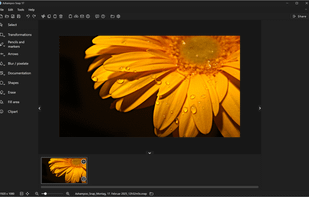
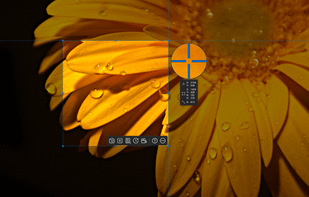
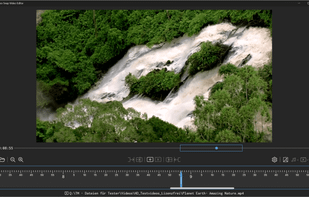
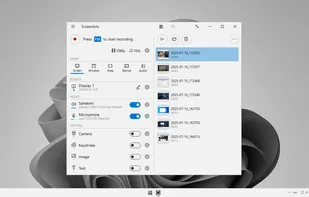
Capture, edit, and share screenshots or videos effortlessly with a robust feature set including OCR, multi-display support, and advanced editing tools.
Cost / License
- Freemium
- Proprietary
Application types
 Germany
 EU
EUPlatforms
- Windows
+3
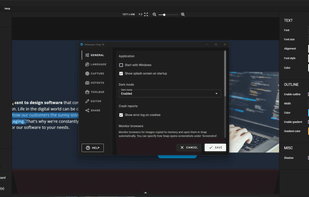


Capture, edit, and share screenshots or videos effortlessly with a robust feature set including OCR, multi-display support, and advanced editing tools.
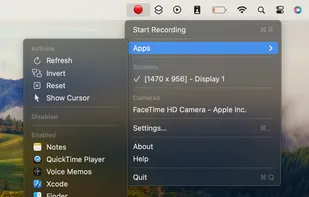
An open-source menu bar application for creating screen and camera time lapses without excessive file sizes.
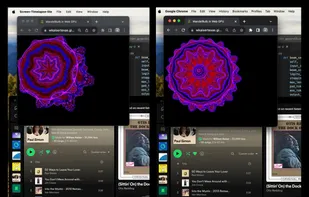

Ultimate screen recorder software for game recording, video tutorials, product demos, YouTube videos and more. Screenbits allows you to capture screen content, system sound, microphone and camera into HD/4K quality video files.
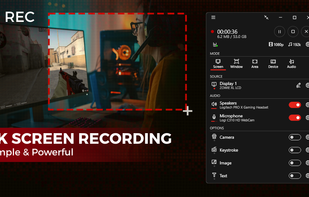

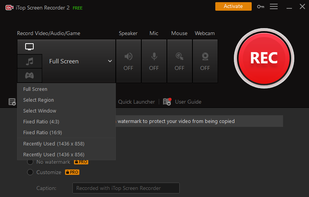
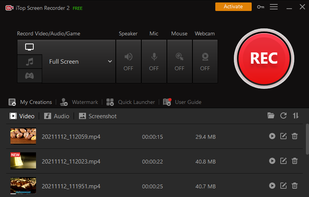
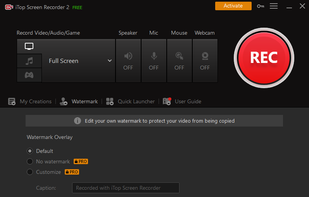
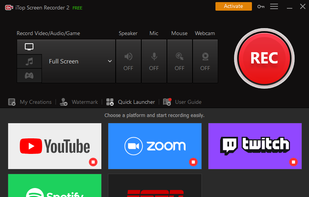
iTop Screen Recorder is a free screen recording software with a built-in video editor. It captures important events and allows the refinement of the recorded video. The software can record video conferences, webinars, lectures, presentations, gaming sessions, and 4K films.
ScreenMix - Screen Recorder provides an easy, uncomplicated way of recording your desktop's screen and webcam sessions. Excellent for games and video stream recording, product demos, tutorials, webcam chats, and more!.
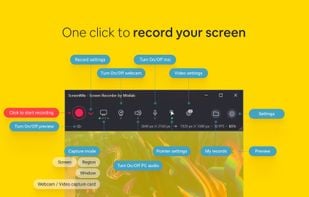
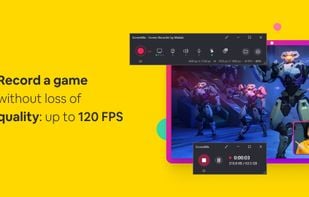
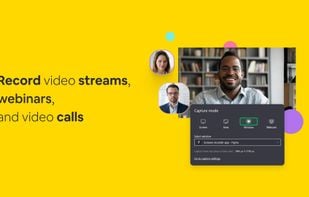
AI-powered tool for screen recording, editing, and exporting in MP4/GIF with features like zoom effects, voice enhancement, and auto captions.
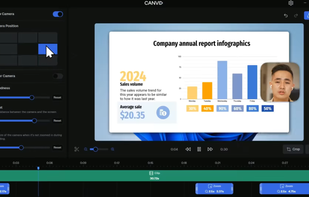
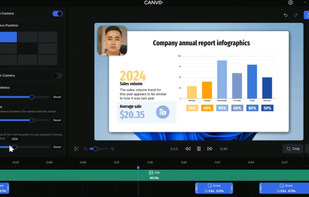
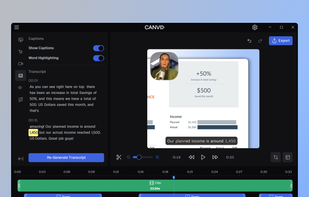
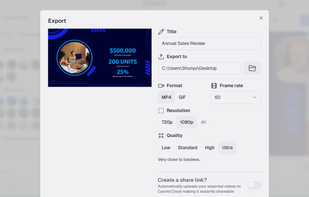

Cost-free software for recording screen activities, audio, and webcam on Windows and Mac. Supports 4K, provides noise reduction, customizable settings.
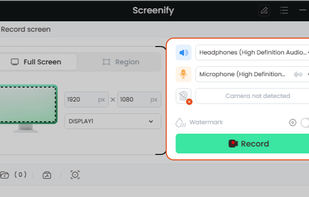
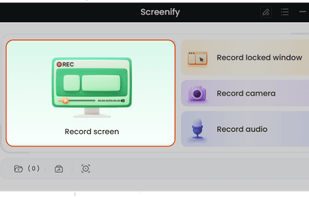
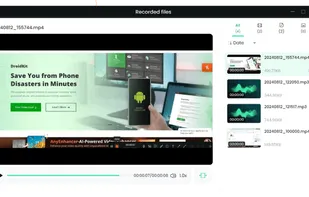
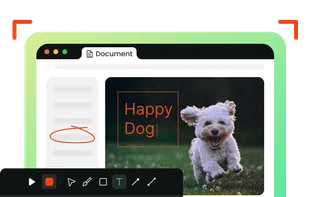

Multiboard Draw On Screen, Marker, Mouse & Keyboard On Screen Display. All inclusive Kit for video tutors, Youtubers, Digital Video Teachers, Educators serving for Kindergartens, Universities.
A must be app for digital teachers.
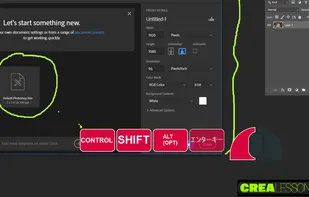
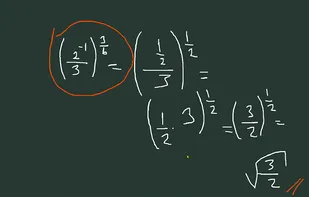
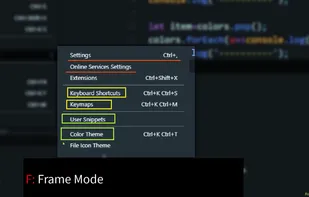
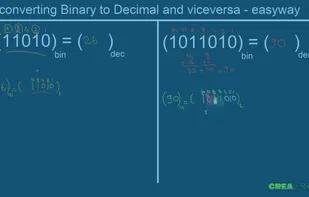

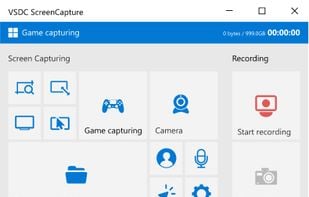
VSDC Free Screen Recorder is an easy-to-use lightweight screen recorder software that lets you capture your PC screen and save it in the MP4 format. It lets you capture the entire desktop screen, a selected area or even a videogame window of any resolution.
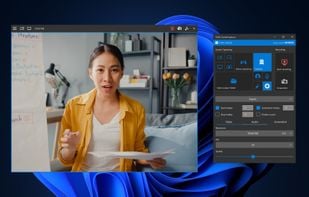
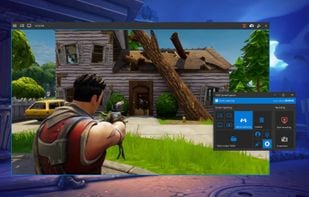
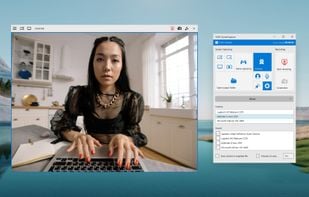

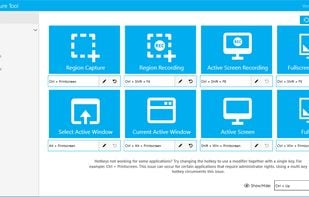
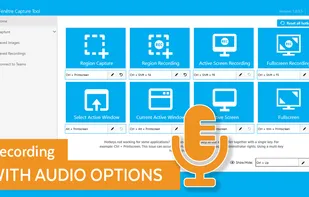
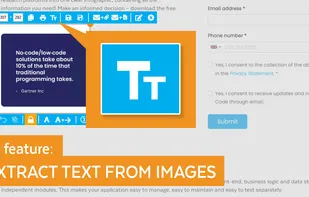
The Fenêtre Capture Tool for making professional screenshots and screen recordings. With advanced functions and abilities that other free capture tools don't offer.
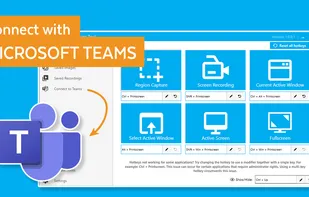

Captures screen and audio, supports webcam, custom watermarks, various formats, scheduling, draw panel, screenshot upload, zoom, and 45+ languages.
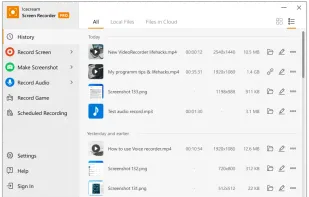
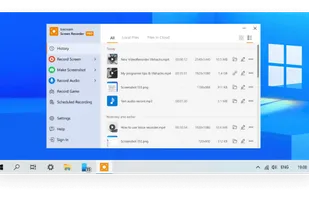

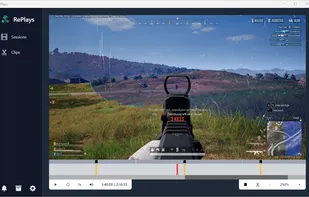
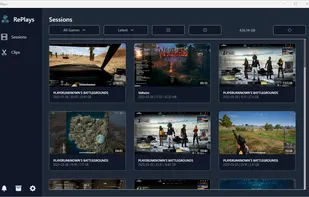
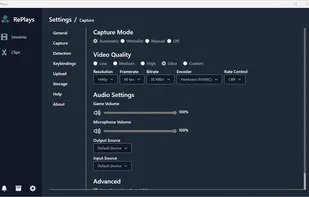

Capture screen, webcam, and audio using versatile modes. Seamless editing with AI tools, animations, and cloud sharing for professional-grade videos.
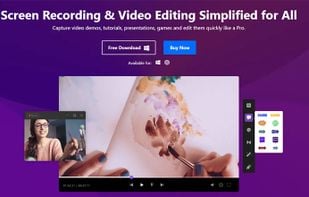
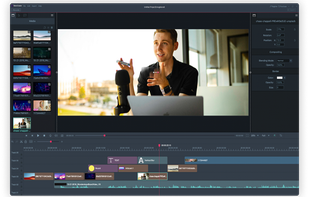
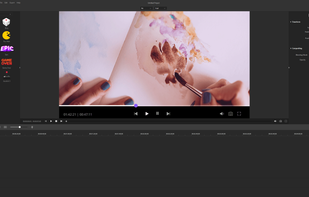
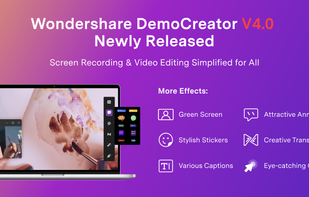
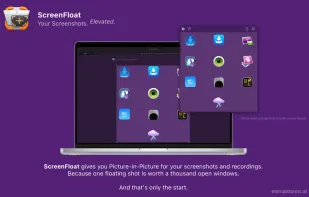
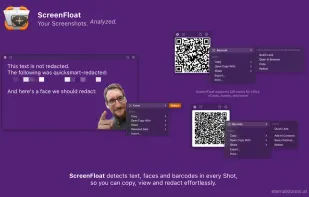
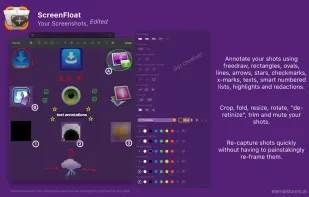
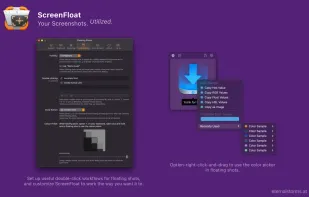
Maximize productivity on Mac with intuitive screen captures, Picture in Picture, and versatile annotation capabilities.

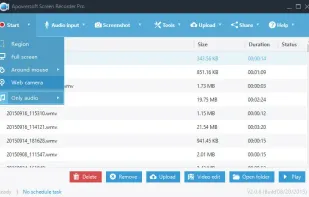
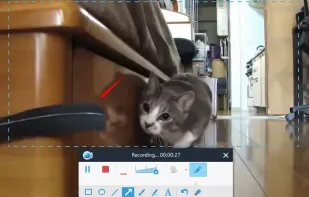
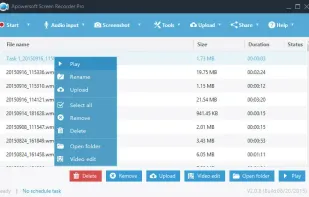
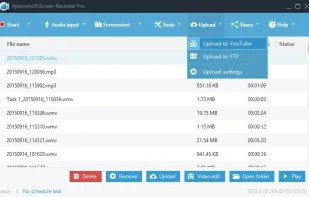
Apowersoft Screen Recorder captures screen and audio activity, saving it as WMV video files. It includes a converter for transforming WMV files into formats like AVI, MP4, FLV, SWF, and more. The software records PC screen activity with audio, webcam videos, external device...

Free Cam is free screen recording software for Windows that lets you easily capture all or part of your screen, record your voice & mouse clicks, then edit your video and save it to your computer or share it instantly on YouTube.
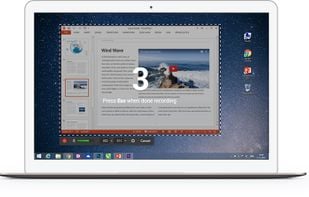
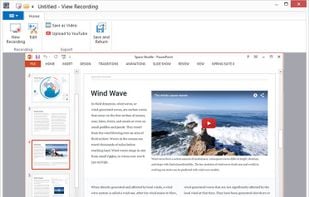
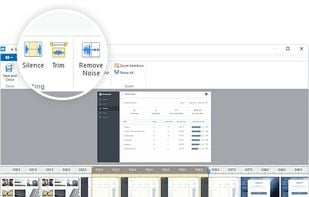

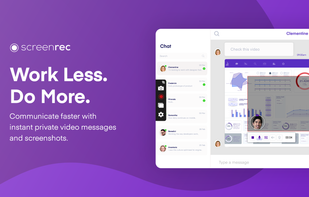
If you spend too much time on email and chat, try sending instant video messages and screenshots with ScreenRec. You'll get your point across faster and save precious hours.
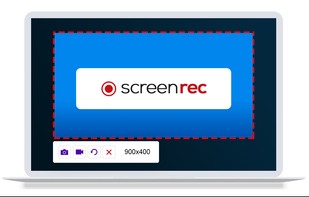
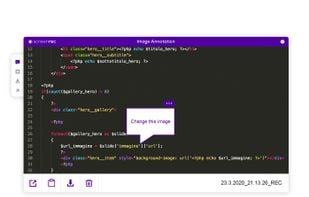
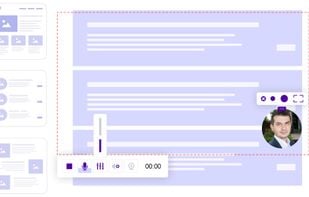
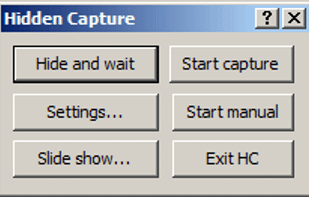
Grab screenshots in a stealth mode, and start the capturing process at a user-defined time with the help of this simple to use and efficient software tool.

Versatile tool for screen recording and live streaming, enhancing streams with templates and stickers, supporting over 30 platforms and offering customizable recording.
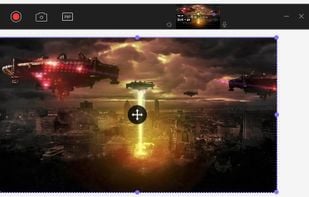
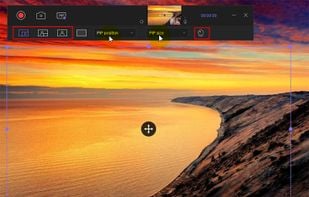




Mirror your Android screen to PC, access notifications and messaging apps, play games with a mouse, transfer files, and record screens seamlessly.

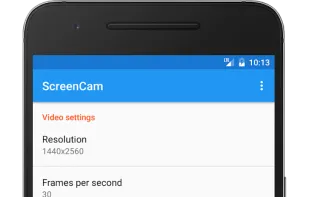
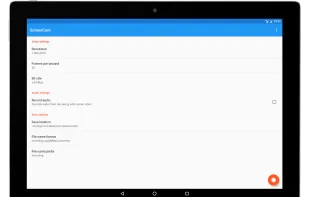
ScreenCam is a free and open-source Android app to record screen using native API and without root. It can record sound from the speaker and is configurable, letting you change the recording format and location of save files among other options.

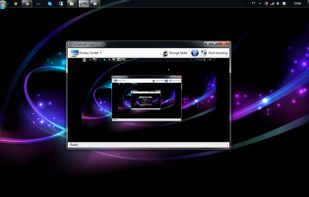
Screencast Capture Lite is a tool to continuously capture the desktop screen, storing this information in video files. The application supports recording from the primary screen, from a chosen window or from a fixed region.

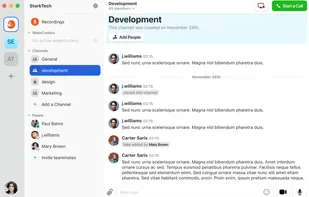
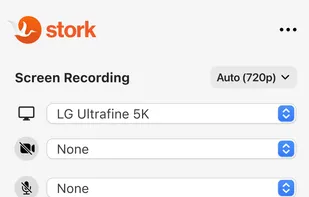
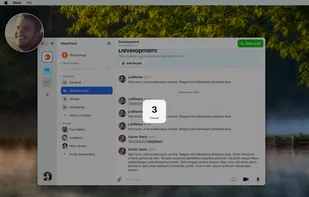
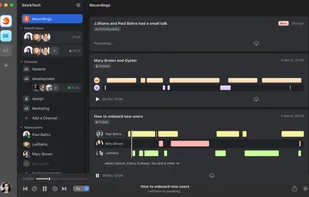
Your team's workspace that records & transcribes meetings automatically. Stork is a voice and video messenger with a powerful screen recording for asynchronous presentations. Fewer meetings & no missed meetings. PLAY IT BACK IN STORK.

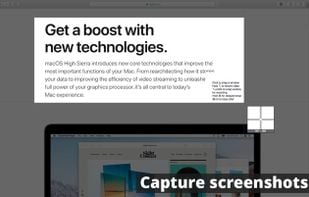
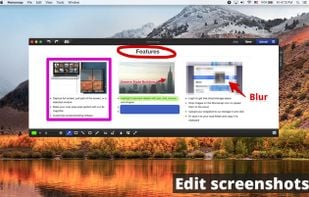
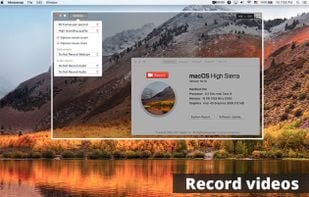
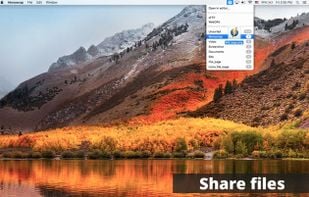
Monosnap allows you to save screenshots easily, conveniently, and quickly, sharing them with friends and colleagues at once.


 Hong Kong SAR China
 Ukraine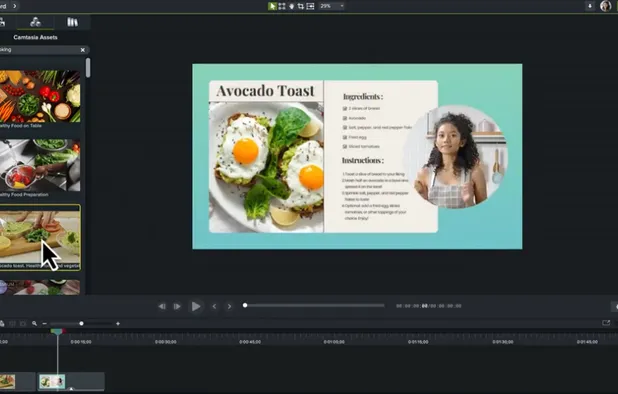


 United States
 China
China


 Cyprus


 Austria


 Bulgaria


 Brazil
